• ₩57,837
  • VAT-Inclusive Price
Ships from Hong Kong.
Most customers receive within 9-16 days.
Sold by Leionhernut

Shipped by Leionhernut

Shop it at NeweggBusiness.

Meet Your Seller

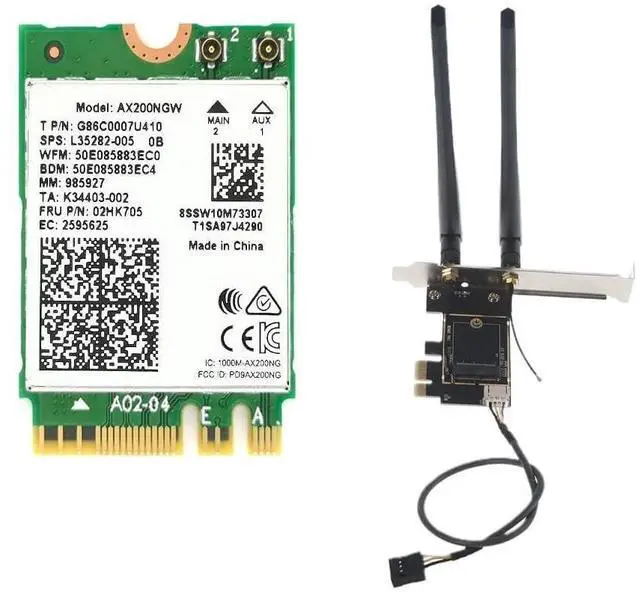
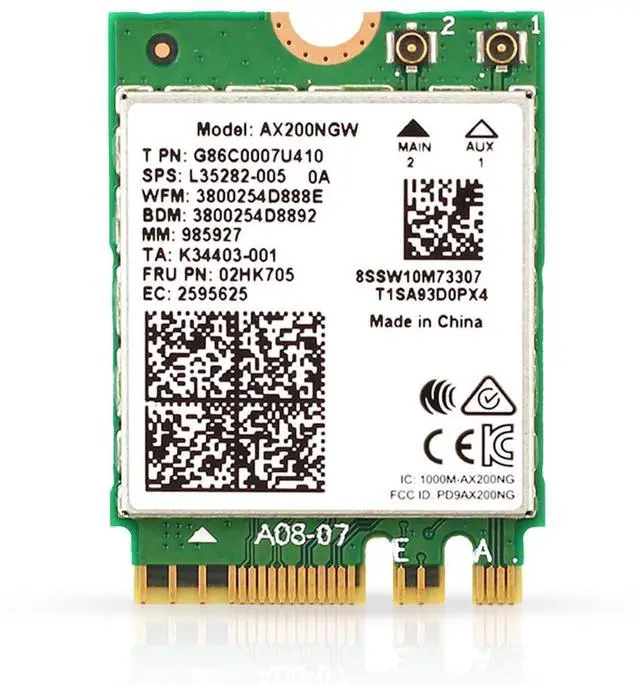
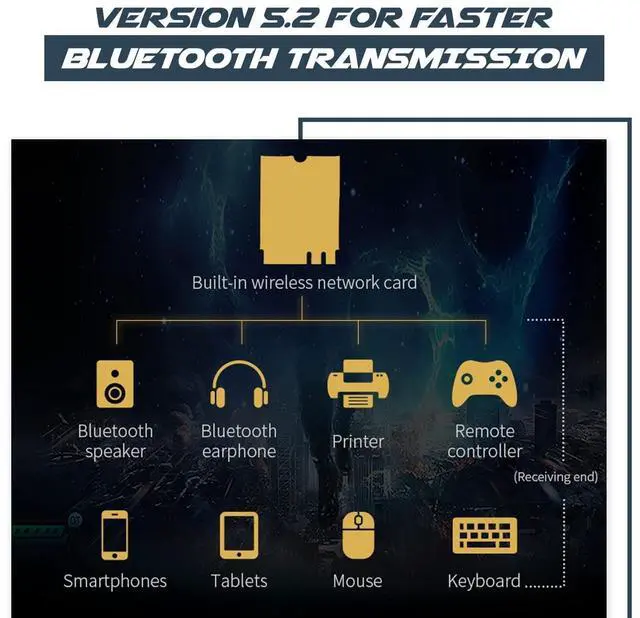
AX200 Desktop Wi-Fi Kit | 2.4 Gbps | Bluetooth 5.2 Support | PCIe x4 | Wi-Fi 6 Wireless-AX No vPro AX200NGW

  • Improved security with WPA3 and simplified passwords for improved protection against wireless hacking
  • Wi-Fi 6 is nearly 3X faster than standard AC 2x2 with 80 MHz channels, delivering 75% lower latency for more responsive gaming and seamless video conferencing
  • Compatible with most Intel & AMD desktop systems running Linux or Windows 10/11 64-bit. PC must have available PCIe x1 / x 4 / x8 / x16
  • Kit includes 1x AX200 wireless adapter and 1x Desktop Kit with Bluetooth cable. PC must have open USB header on motherboard for Bluetooth to function
+
+
Overview
Specs
Reviews

Features and Benefits:


Wi-Fi 6 is nearly 3X faster than standard AC 2x2 with 80 MHz channels, delivering 75% lower latency for more responsive gaming and seamless video conferencing Improved security with WPA3 and simplified passwords for improved protection against wireless hacking.


Kit Includes:


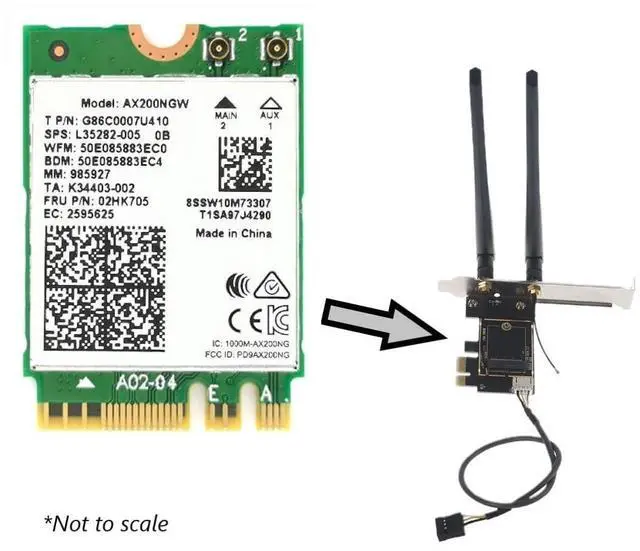
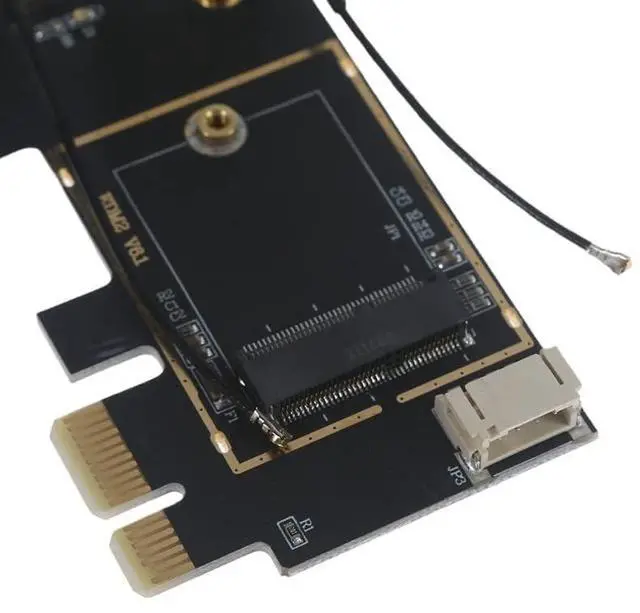
- 1x Laptop to Desktop (PCIe x1) Wi-Fi Card Converter for M.2 PCIe Network Cards with Bluetooth Support which includes:


- 1x Set of antennas and connecting wires


- 1x Set of standard desktop mounting bracket


- 1x Bluetooth cable (requires open USB pin set (header) on motherboard)


- 1x AX200 Wireless Adapter


Compatibility:


- Compatible with most systems running Linux or Windows 10/11 (64-bit)


- Motherboard must have available internal USB Pin connector (header) for Bluetooth cable


- PC must have available PCIe x1, x4, x8, or x16 [No support for M.2 CNVio / CNVio2]


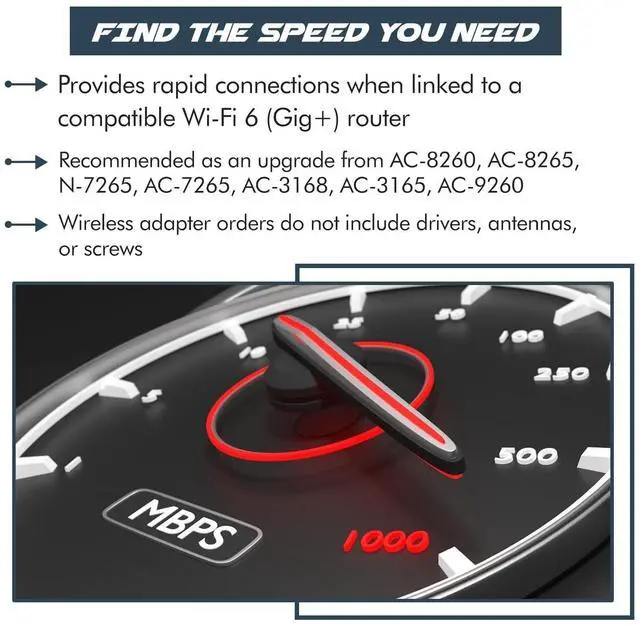
- Ideal replacement / upgrade for models: AC-9260, AC-8260, AC-8265, N-7265, AC-7265, AC-3168, AC-3165


Installation:


  1. Gently insert your Wi-Fi card into the provided Adapter

  2. Gently attach the provided antenna connectors to your network card---be gentle! The connectors generally pop right on

  3. Install into an available PCIe slot

  4. Screw the provided antennas to the exterior of the desktop convertor

  5. ***Test your new Wi-Fi Card*** (You may need to download the drivers for your specific Wi-Fi card)

  6. Then, reattach your systems back cover and enjoy your upgraded Wi-Fi!

Warranty & Returns

Warranty, Returns, And Additional Information

Return Policies*

  • Return for refund within: 30 days
  • Return for replacement within: non-replaceable
  • This item is covered by Leionhernut Return Policy
  • *Subject to applicable law
  • Warranty Notice:

    This product does not include manufacturer warranty when purchased or used outside of its designated sales region. By purchasing internationally, you acknowledge that warranty support from the manufacturer will not be available.

Manufacturer Contact Info

LOADING...