- Free 30-day Returns
- ₩88,401 Shipping
₩11,471,126
VAT-Inclusive Price
Ships from United States.
Sold by Newegg
Shipped by Newegg
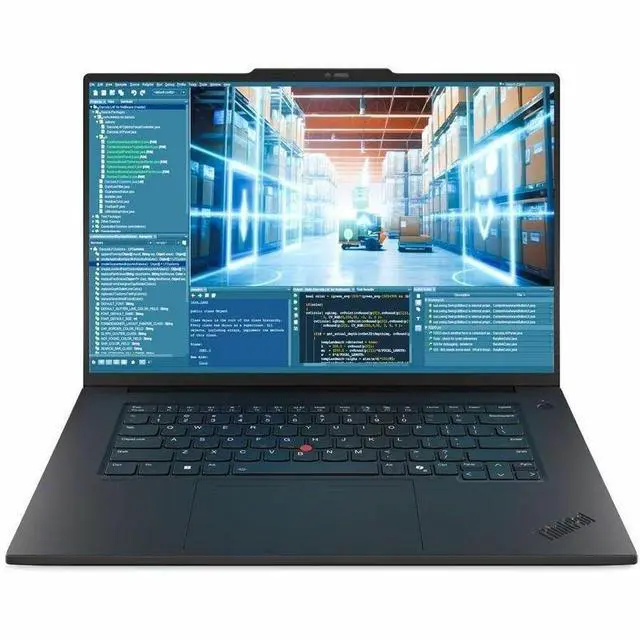
Lenovo ThinkPad T1g Gen 8 21TD000WUS 16" Notebook - Intel Core Ultra 9 285H - 64 GB - 2 TB SSD - Windows 11 Pro - NVIDIA GeForce RTX 5070 8GB - Wi-Fi 7 - BT 5.4
- Intel Core Ultra 9 285H vPro
- 64 GB Memory / 2 TB SSD
- NVIDIA GeForce RTX 5070
- WQUXGA
- Windows 11 Pro
+
+
Overview
Specs
Reviews
THINKPAD T1G GEN 8 CORE ULTRA 9 285H 4.5G 64GB 2TB SSD 16IN W11P
Warranty & Returns
Warranty, Returns, And Additional Information
Return Policies*
- Return for refund within: 30 days
- Returns are subject to restocking fees and return shipping fees. Please click here to learn more about restocking fees and return shipping fees.
- This item is covered by Newegg.com's International Order Return Policy.
- Read full return policy for details.
- *Subject to applicable law
Warranty Notice:
This product does not include manufacturer warranty when purchased or used outside of its designated sales region. By purchasing internationally, you acknowledge that warranty support from the manufacturer will not be available.
Manufacturer Contact Info
LOADING...
The Lenovo ThinkPad T1g Gen 8 is a 16-inch Windows 11 Pro notebook with an Intel Core Ultra 9 285H vPro processor, 64 GB memory, 2 TB SSD, and GeForce RTX 5070 graphics. It suits professionals and creators who need a powerful, high-spec laptop for demanding work and graphics-intensive tasks.
Recommended For
- Engineers and technical professionals who need a 16-inch Windows laptop for development, data-heavy work, or GPU-accelerated applications, and value a ThinkPad keyboard and business-focused connectivity alongside dedicated graphics.
- Content creators who edit video, work with large image files, or do moderate 3D modeling on the go and want a high-resolution, color-capable display, 64 GB of memory, and a discrete GPU in one laptop.
- Prosumer users who want one machine for demanding work and after-hours gaming, but prefer a durable, work-oriented design and keyboard over a gaming-laptop look.
- Professionals who move between office, home, and client sites but still want a large, bright 16-inch screen and discrete graphics; it is more suited to occasional travel than to carrying as a light everyday laptop.
Real-World Use Scenarios
- When a photographer or video creator is editing large projects between meetings or work locations, the T1g can handle CPU- and GPU-assisted creative work while its high-resolution 16-inch display provides room to review detail. For demanding effects or long renders, expect less graphics headroom than from larger, higher-wattage RTX 5070 laptops.
- For developers switching among an IDE, browser tabs, local services, and large project files, this configuration is suited to keeping a busy work session responsive; its 64 GB memory and 2 TB SSD also leave room for substantial projects and tools. It is a portable work laptop, rather than a substitute for a high-end desktop on the most sustained compute workloads.
- When an engineer or designer needs to inspect 3D models, work with CAD, or create visualizations away from a desk, the discrete GPU makes graphics work practical on a relatively portable 16-inch laptop. The reviewed RTX 5070 configuration is a lower-power implementation, so especially demanding scenes and renders may take longer than on a thicker workstation-class laptop.
- For evening gaming after a workday, the T1g can run modern games smoothly, with tested results supporting QHD play in many titles. On demanding games, lowering detail or resolution can be preferable to targeting the laptop’s full native display resolution; this is not a maximum-performance gaming laptop.
- For a professional who wants one laptop for everyday office work and occasional graphics-heavy tasks, the T1g combines ThinkPad-focused work features with discrete graphics in a portable 16-inch design. It fits mixed work-and-play use better than users who prioritize either the lightest possible laptop or the fastest sustained GPU performance.
Spec Summary
| Attribute | Value |
|---|---|
| Best For | Mobile professional workloads and graphics-intensive tasks, with a high-memory configuration, dedicated NVIDIA graphics, and 2 TB of storage |
| Processor And Performance | Intel Core Ultra 9 285H vPro processor with turbo frequency up to 4.50 GHz |
| GPU And VRAM | NVIDIA GeForce RTX 5070 graphics with 8 GB of video memory |
| Display Spec | 16-inch WQUXGA display; non-touchscreen |
| Memory Configuration | 64 GB of memory |
| Storage | 2 TB SSD |
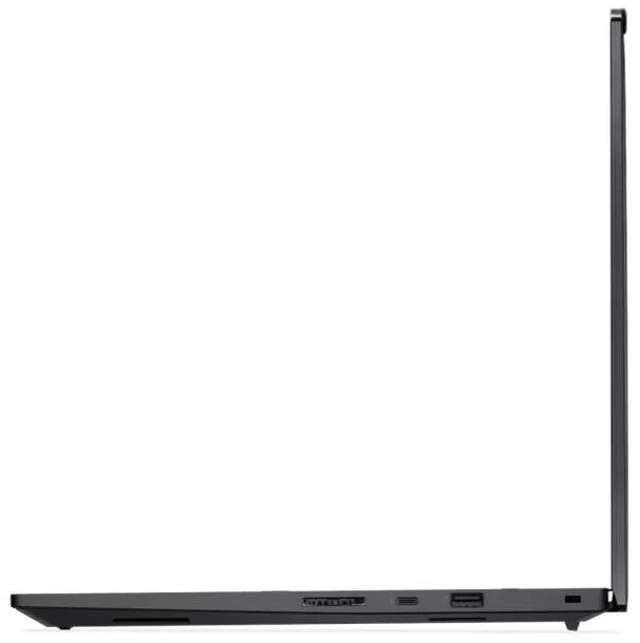
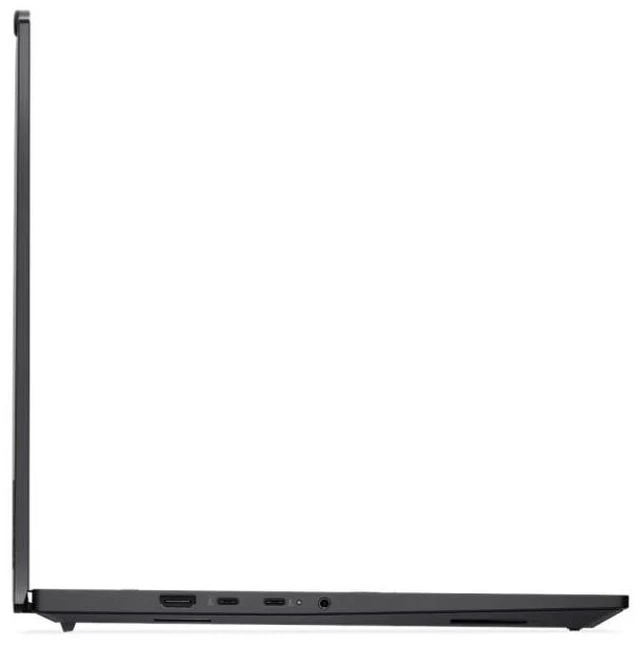
| Wired And Wireless Networking | Intel BE201 vPro wireless adapter and Bluetooth 5.4; no Ethernet |
| Webcam And Privacy | 5 MP RGB and IR webcam |
| Keyboard And Control | Backlit keyboard |
| Battery And Power | 4-cell 90 Wh Li-ion battery with a 140 W AC adapter |
| Operating System And AI Features | Windows 11 Pro; AI-powered features are listed without further detail |
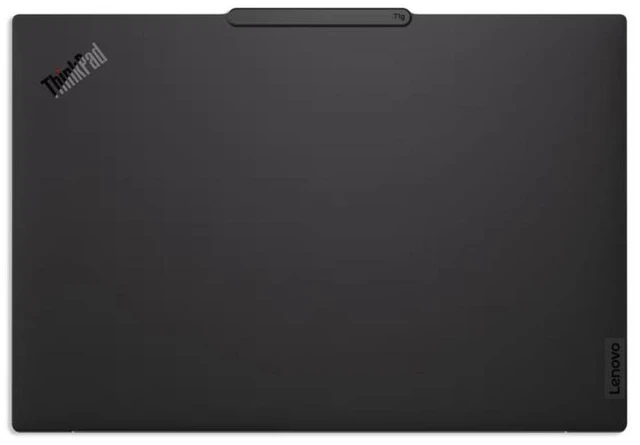
| Design | Black |
| Model Identifiers | Lenovo ThinkPad T1g Gen 8, ThinkPad T1g series; part number 21TD000WUS |
Reference Q&A
Q: Should I get this ThinkPad T1g Gen 8 or the 32GB/1TB T1g Gen 8?
A: Choose the 21TD000WUS when you want 64GB of memory and a 2TB SSD for larger creative projects, heavier multitasking, and more local storage. The 32GB/1TB configuration keeps the same Core Ultra 7 265H and RTX 5070 graphics with less memory and storage.
Q: How does the RTX 5070 ThinkPad T1g Gen 8 compare with an RTX 5060 configuration?
A: Choose this RTX 5070 configuration when graphics performance is a priority for GPU-accelerated creative work, rendering, or AI tasks. Lenovo also offers the T1g Gen 8 with an RTX 5060, so the RTX 5070 model is the higher-GPU option within the same product line.
Q: ThinkPad T1g Gen 8 or ThinkPad P1 Gen 8 for professional graphics work?
A: Choose the T1g Gen 8 for its GeForce RTX 5070 and 64GB memory in this configuration, aimed at creator, development, and graphics-intensive work. Choose a P1 Gen 8 configuration when its NVIDIA RTX PRO graphics options better match a workstation-focused workflow.
Q: ThinkPad T1g Gen 8 or ThinkPad X1 Carbon Gen 13 for frequent travel?
A: Choose the X1 Carbon Gen 13 when low carry weight and a 14-inch laptop are the priority; Lenovo lists its starting weight at 986g. Choose the T1g Gen 8 for a 16-inch WQUXGA display, RTX 5070 graphics, and 64GB memory for graphics-intensive work.