


 All Categories

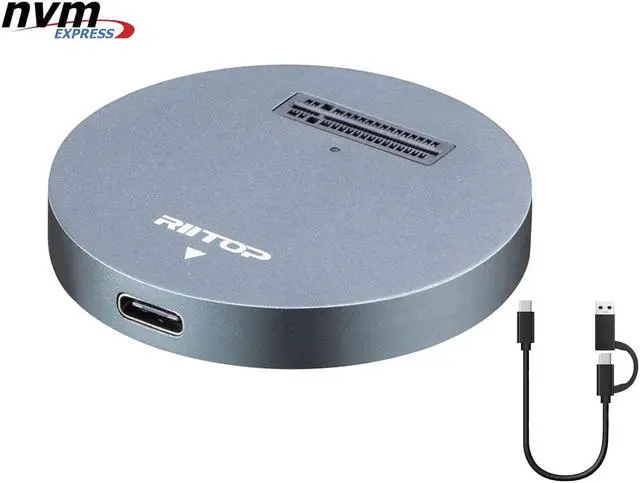
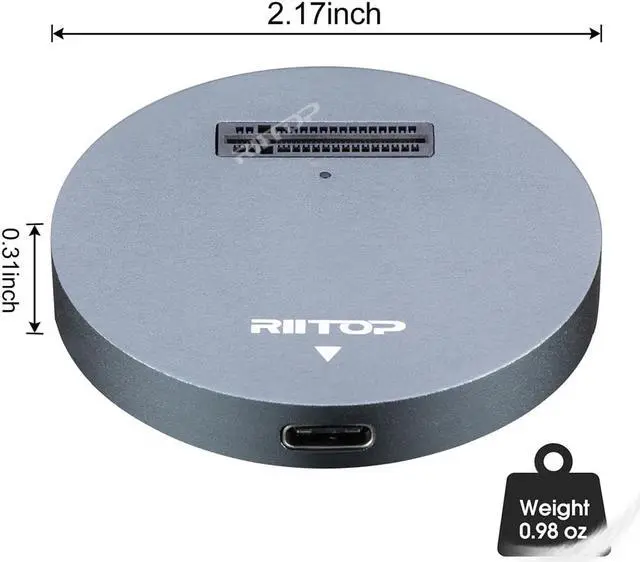


M.2 NVME to USB C Docking Adapter
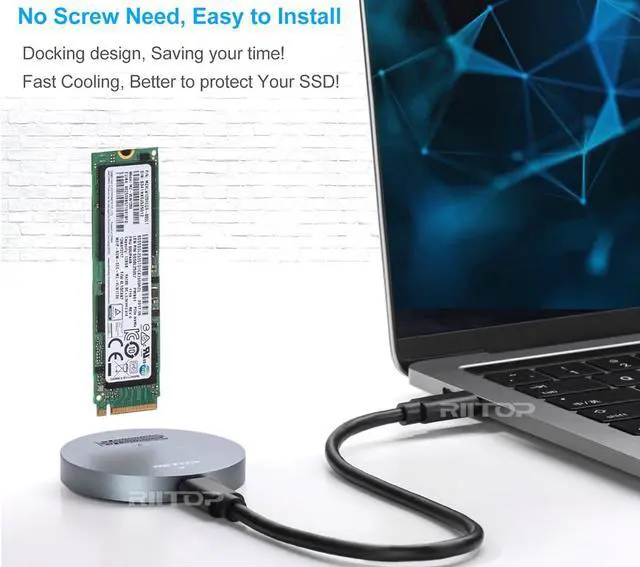
This RIITOP NVMe to USB Adapter is Designed for those who own Multiple NVMe M.2 SSDs that need to be frequently pluging and unpluging. No mounting screws need, simply insert the NVMe M.2 device and connect USB-C cable, you can start using it as external SSD immediately.
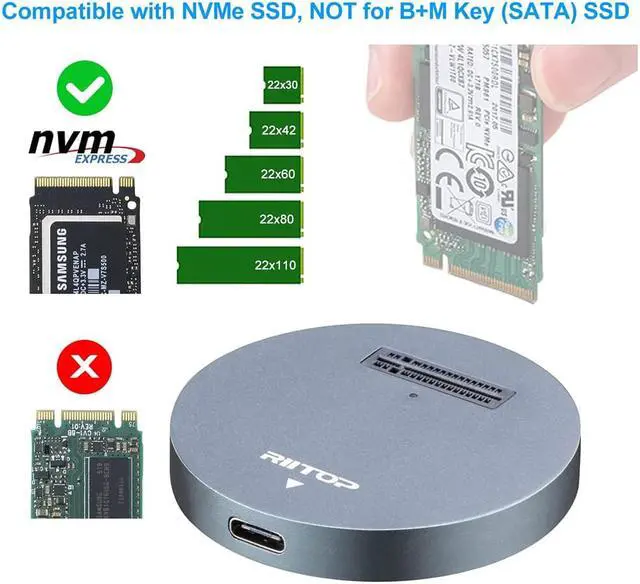
Compatible with M.2 NVMe SSD only (M Key).

Compatible with M.2 NVMe (M Key) SSD ONLY:
Compatible with Samsung SM951- NVMe, PM951-NVMe, 950 Pro NVMe SSD, SM961, PM961, 960 EVO, 960 Pro, 970 EVO, 970 Pro. INTEL 600P. Liteon T10. And other PCIE M.2 NVMe SSD.
NOT Support AHCI SSD, or any B/B+M Key SATA Based SSD.

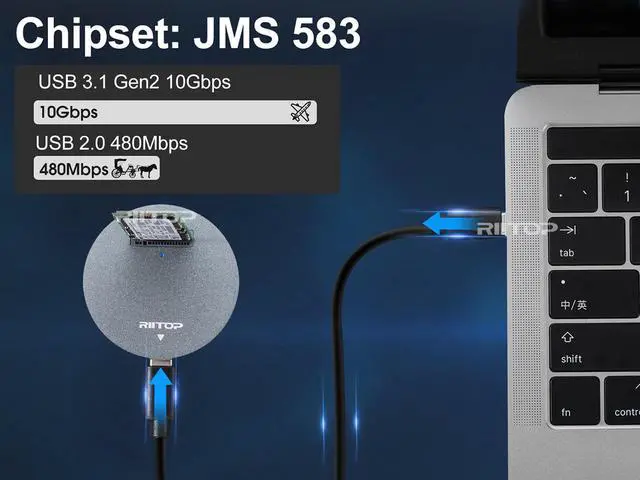
JMS 583 Chipset, 10Gbps
The JMS583 is a USB 3.1 Gen 2 to PCIe Gen3 x 2 bridge controller between USB host and PCIe storage device.
The USB 3.1 Gen 2 interface offers data transfer speed up to 10Gbps, doubling the USB 3.1 Gen 1 data rate.
Meanwhile, the downstream port of the JMS583 is compatible with storage device with PCIe interface, such as SSD.
The PCIe port is compliant with PCIe Gen3 x 2 specifications.
Support Windows XP / 7 / 8 / 10 and Mac OS. No driver required.

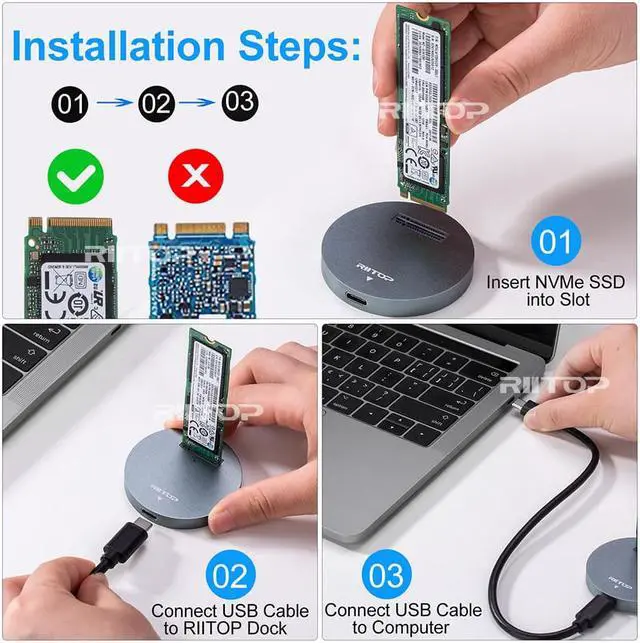
Installation Steps
1. Insert NVMe SSD into Slot 2. Connect USB Cable to Dock 3. Connect USB Cable to Computer
Please note: it can NOT be identified if insert SSD after USB Cable connected to Computer.

Package Including
1x M2 NVMe to USB Dock.
1x USB C to USB C Cable 1ft (with USB C-A Connector).