• ₩134,714
  • VAT-Inclusive Price
  • ₩9,999 Shipping
Ships from Taiwan.
Most customers receive within 4-7 days.
Shop it at NeweggBusiness.

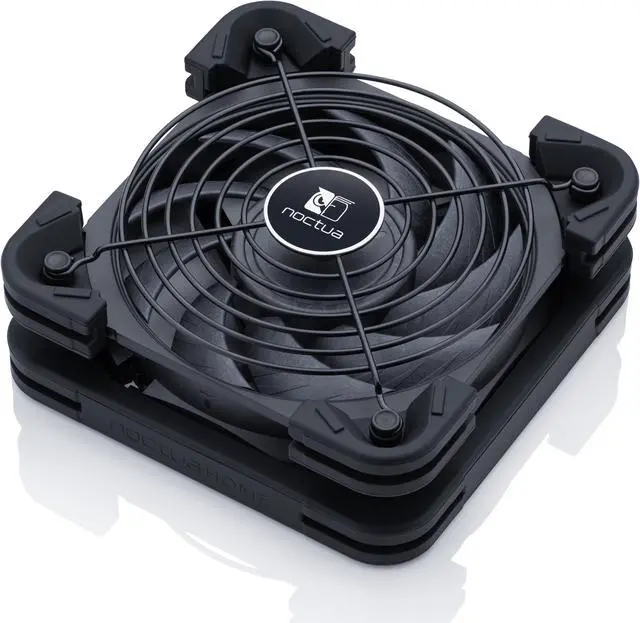
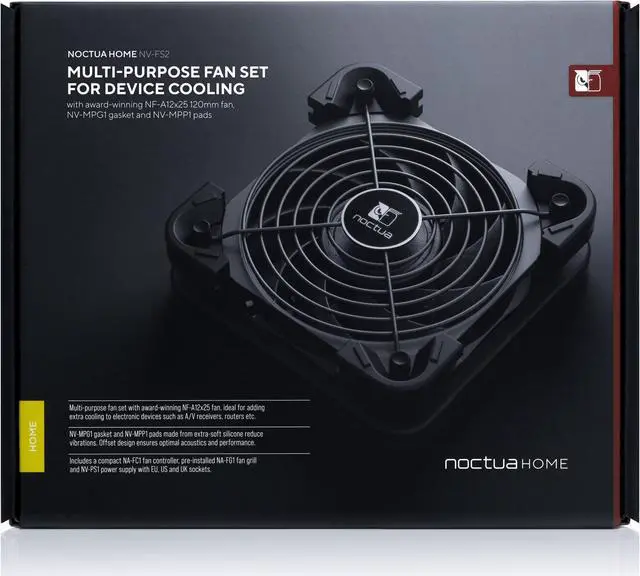
Noctua NV-FS2, Multi-Purpose Fan Set for Device Cooling with Award-Winning NF-A12x25 120mm Fan, Anti-Vibration Gasket and Pads, Fan Grill and NA-FC1 Speed Controller (Black)

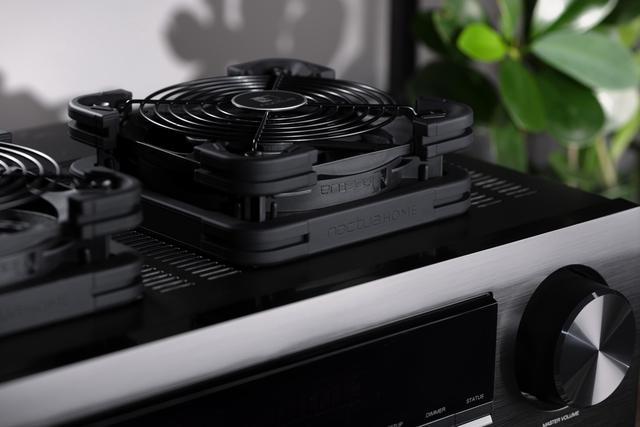
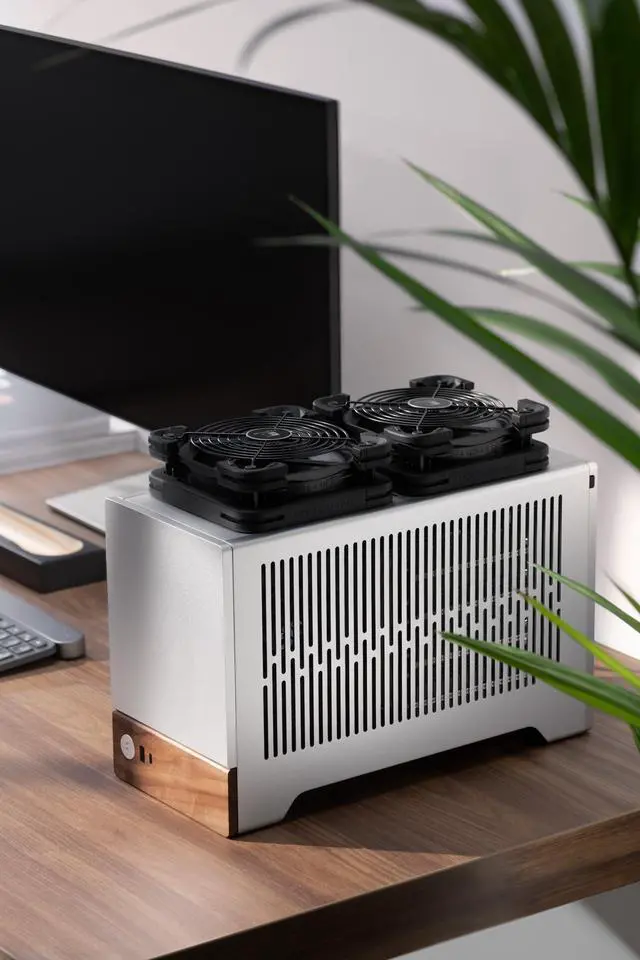
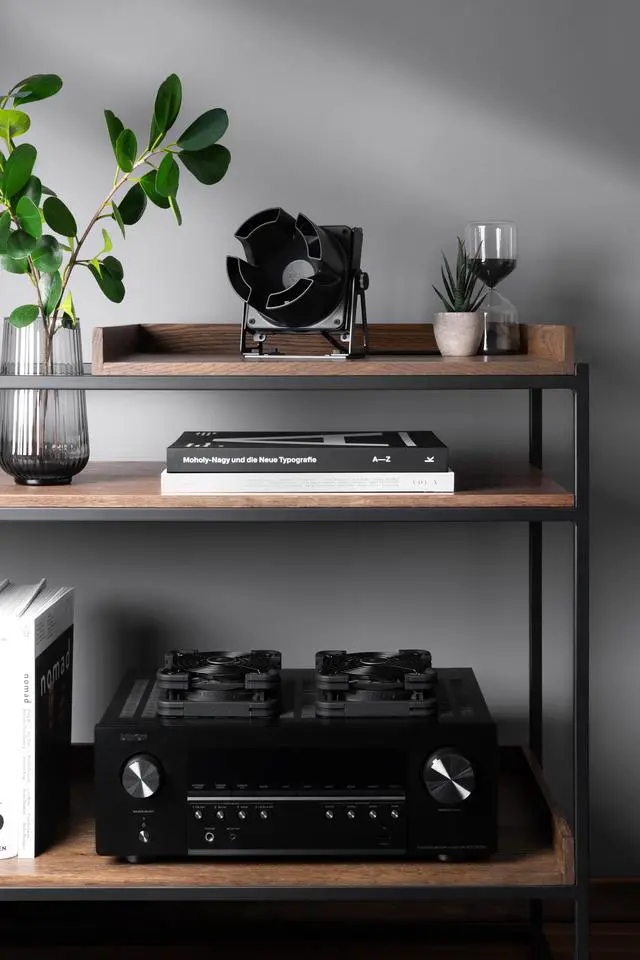
  • Ideal for placing underneath, at the side or on top of electronic devices with ventilation holes for extra cooling, e.g. A/V receivers, stereo equipment, routers, game consoles, storage solutions
  • NV-MPG1 gasket and NV-MPP1 pads made from extra-soft silicone reduce vibrations, offset design ensures optimal acoustics and ventilation performance in both intake and exhaust applications
  • Award-winning, state-of-the-art NF-A12x25 PWM 120mm PC fan combines superior ventilation efficiency with outstanding quietness of operation
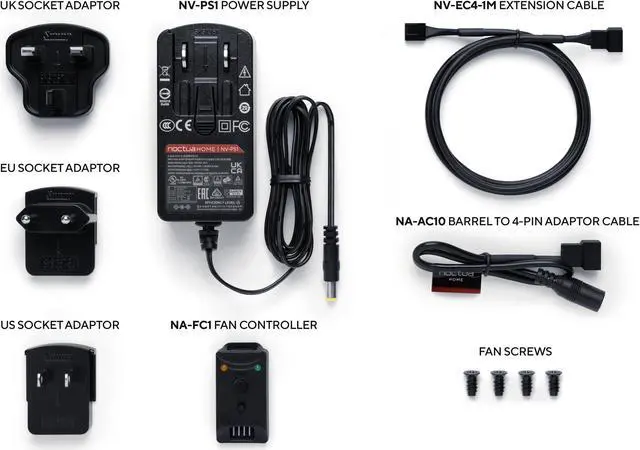
  • Compact NA-FC1 fan controller allows adjusting the fan from maximum airflow performance to near-silent operation, pre-installed NA-FG1 fan grill for extra safety
  • NV-PS1 230/115V power supply with plug adaptors for EU, US and UK type sockets for direct powering from the mains, NV-EC4 1m extension cable for a combined total cable length of 2.85m
+
+
Overview
Specs
Reviews
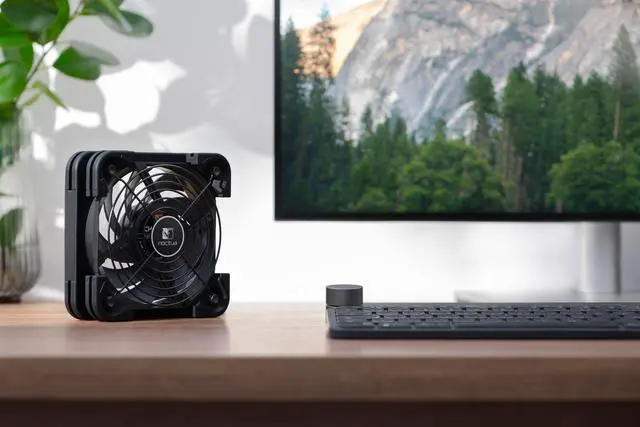
The NV-FS2 is a premium grade multi-purpose fan set that is ideal for adding extra cooling to electronic devices such as A/V receivers, DVRs, video game consoles, stereo equipment, routers or storage solutions literally any equipment that has ventilation holes at the bottom, at the top or at the side. Additionally, the NV-FS2 can also be used as a simple side-ways blowing desk fan. At the heart of the set, the award-winning NF-A12x25 PWM fan combines outstanding airflow performance with excellent quietness of operation. The pre-installed NV-MPG1 multi-purpose gasket and NV-MPP1 pads not only dampen vibrations but also make it possible to achieve a tight seal in top-exhaust applications and give the fan breathing space when it is placed underneath devices.

At the same time, they enable the fan to be placed blowing sideways on level surfaces. Thanks to the included NA-FC1 controller, the fan speed can be adjusted from strong ventilation all the way to near-silent operation. An NA-FG1 fan-grill is pre-installed for extra protection. For powering and connecting the fan, the set includes Noctuas NV-PS1 230/115V high quality universal power supply as well as an NV-EC4 1m extension cable that can be installed before or after the controller depending on individual preferences. In sum, the NV-FS2 is a comprehensive premium package for adding extra cooling to a wide range of electronic devices as well as for various other ventilation tasks such as increasing convection from radiators or heaters.

Warranty & Returns

Warranty, Returns, And Additional Information

Return Policies*

  • Return for refund within: 30 days
  • Return for replacement within: non-replaceable
  • This item is covered by Noctua Cooling Solutions Return Policy
  • *Subject to applicable law
  • Warranty Notice:

    This product does not include manufacturer warranty when purchased or used outside of its designated sales region. By purchasing internationally, you acknowledge that warranty support from the manufacturer will not be available.

Manufacturer Contact Info

LOADING...

The Noctua NV-FS2 is a multi-purpose external cooling fan set with a 120mm NF-A12x25 PWM fan, speed controller, vibration-reducing silicone parts, and mains power supply, suited to owners of ventilated A/V receivers, routers, game consoles, and other electronics who want adjustable extra airflow.

Recommended For

  • Owners of hot A/V receivers or stereo equipment with accessible top or side vents who want to add adjustable airflow without modifying the device. A hands-on test found the NV-FS2 most effective when positioned beside a perforated area rather than over an unvented surface.
  • People cooling a router, modem, switch, or storage device with suitable ventilation holes who can place a fan directly beside or over the vent. A reviewer’s router test showed a substantial temperature reduction, while the same review cautioned that placement over a non-perforated area may cool the cover more than the interior.
  • UPS owners seeking quiet supplemental cooling for a stationary unit. One community user reported lower UPS temperatures and less audible fan noise after switching from a homemade fan setup to two NV-FS2 units; results will depend on the UPS and placement.
  • Laptop users who work at a fixed desk and want extra airflow beneath a warm laptop, provided the fan does not obstruct its intake. In one test, the reviewer measured a lower average CPU temperature with the NV-FS2 running under the laptop’s intake.

Real-World Use Scenarios

  • A router runs warm during heavy home-network use or hot weather; place the fan over its ventilation openings to move air through the device, which may help keep operating temperatures lower. In one review, a TP-Link router’s reported temperature fell from about 37°C to 32°C with the fan in place.
  • An AV receiver or stereo component gets hot during long listening sessions, especially in a cabinet; position the fan over or beside a vent to add airflow. This provides extra cooling without modifying the equipment, though the fan’s placement should match the location of the vents.
  • A laptop is used for sustained work while connected to an external monitor and accessories; place the fan under the laptop’s air intake to provide additional airflow. In one test, average CPU temperature after three hours was 48°C with the fan, compared with 52°C without it.
  • A UPS or other always-on device runs warm in a home network or equipment area; use the fan to provide steady airflow and adjust its speed to balance cooling and noise. One community post reported lower UPS surface temperatures with two NV-FS2 units, but results will vary by device, placement, and room temperature.
  • A network switch or storage device has ventilation openings on its side rather than its top; place the fan beside those openings so airflow reaches the vented area. A review found that cooling the top cover alone did not necessarily cool the interior, highlighting the importance of positioning the fan at the device’s vents.