
Your Browsing History
₩203,537
VAT-Inclusive Price
Ships from Hong Kong.
Most customers receive within 10-17 days.


Meet Your Seller

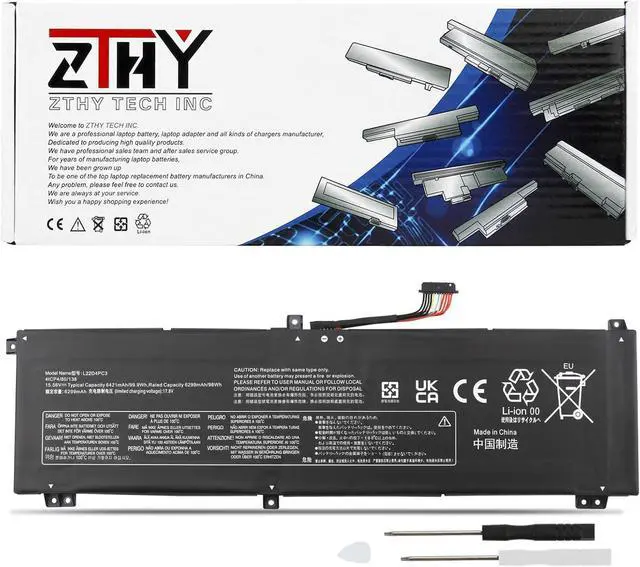
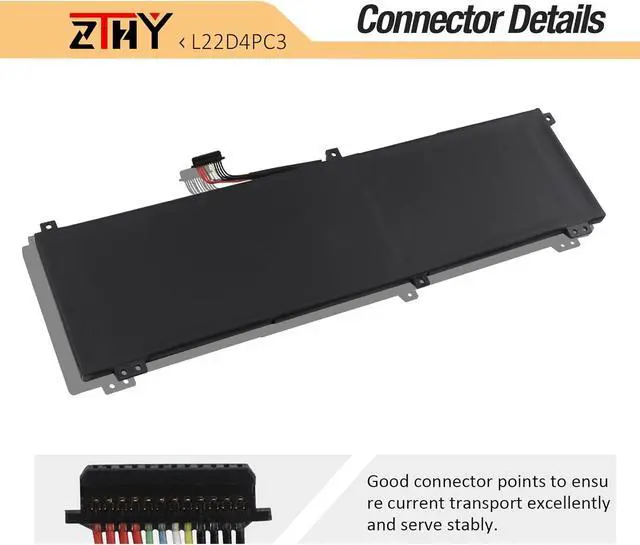
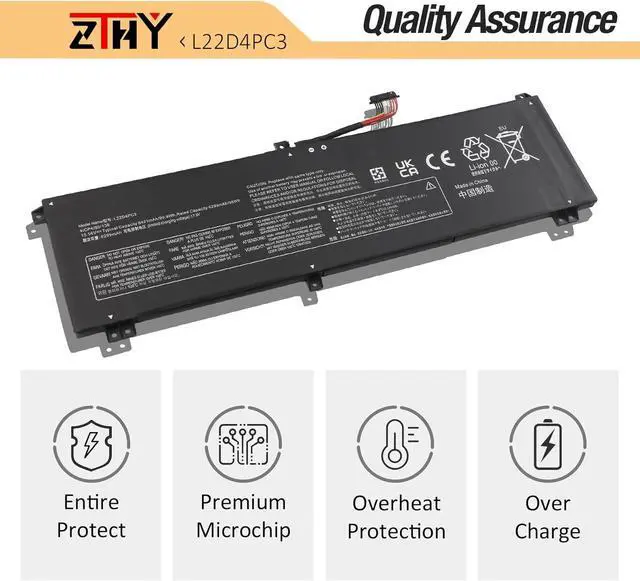
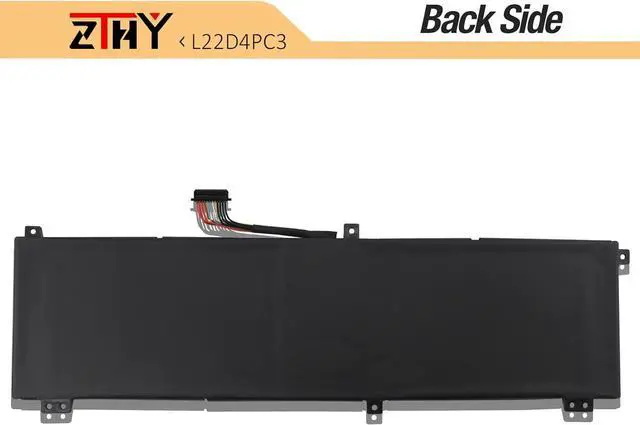
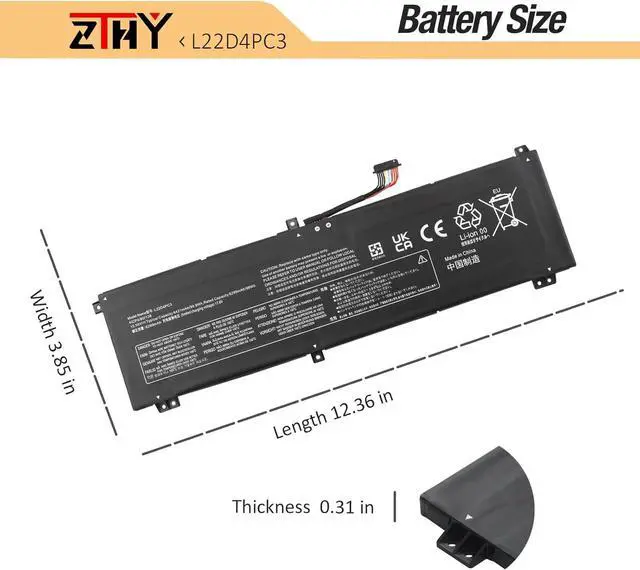


L22C4PC3 L22D4PC3 L22M4PC3 Laptop Battery Replacement for Lenovo Legion S7 16IRH8 / Legion S7 16APH8 / Legion 9 16IRX8/ Legion 9 16IRX9 Series 5B11K39157 5B11K39160 SB11K39158 SB11K39159 15.56V 99.9Wh
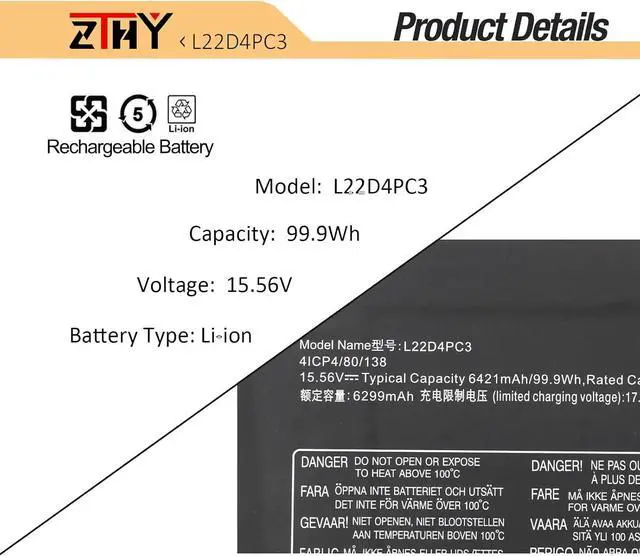
- Specifications: Battery type: Li-ion. Color: Black. Voltage: 15.56V. Capacity: 99.9Wh/6421mAh. New from Manufacturer
- Compatible Part Number: L22C4PC3 SB11K39158 5B11K39161 L22D4PC3 SB11K39159 5B11K39160 L22M4PC3 SB11K39156 5B11K39157 4ICP4/80/138
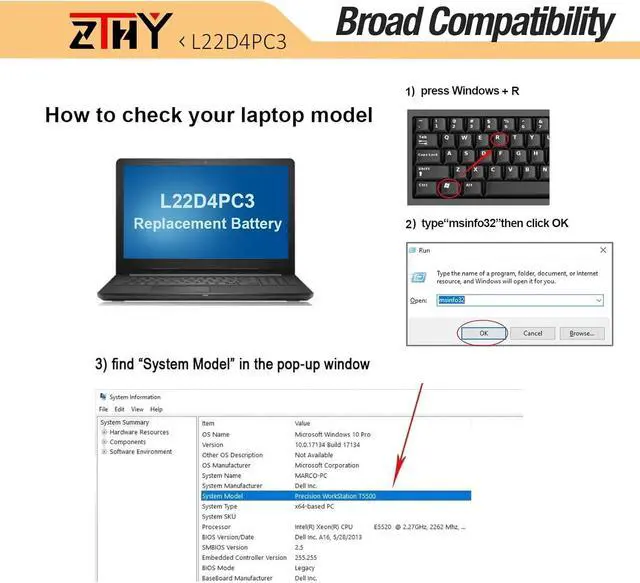
- Compatible with Laptop Models: Replacement for Lenovo Legion S7 16IRH8 (Type: 82Y3) Series; Replacement for Lenovo Legion S7 16APH8 (Type: 82Y4) Series; Replacement for Lenovo Legion 9 16IRX8 (Type: 83AG) Series; Replacement for Lenovo Legion 9 16IRX9 (Type: 83G0) Series
- Security: All ZTHY products are Certified by CE, FCC for safety. Strict guidelines for compatibility, and standards compliance for environment safety
- Note: If the new battery is not recognized during the initial installation, please reinstall and check if the interface is fully connected. Discharge the new battery to 10-20% (not 0%), then charge and cycle 3-4 times to wake up the new battery
+
+
Overview
Specs
Reviews
Specifications: Battery type: Li-ion. Color: Black. Voltage: 15.56V. Capacity: 99.9Wh/6421mAh. New from Manufacturer
Compatible Part Number: L22C4PC3 SB11K39158 5B11K39161 L22D4PC3 SB11K39159 5B11K39160 L22M4PC3 SB11K39156 5B11K39157 4ICP4/80/138
Compatible with Laptop Models: Replacement for Lenovo Legion S7 16IRH8 (Type: 82Y3) Series; Replacement for Lenovo Legion S7 16APH8 (Type: 82Y4) Series; Replacement for Lenovo Legion 9 16IRX8 (Type: 83AG) Series; Replacement for Lenovo Legion 9 16IRX9 (Type: 83G0) Series
Security: All ZTHY products are Certified by CE, FCC for safety. Strict guidelines for compatibility, and standards compliance for environment safety
Note: If the new battery is not recognized during the initial installation, please reinstall and check if the interface is fully connected. Discharge the new battery to 10-20% (not 0%), then charge and cycle 3-4 times to wake up the new battery
Compatible Part Number: L22C4PC3 SB11K39158 5B11K39161 L22D4PC3 SB11K39159 5B11K39160 L22M4PC3 SB11K39156 5B11K39157 4ICP4/80/138
Compatible with Laptop Models: Replacement for Lenovo Legion S7 16IRH8 (Type: 82Y3) Series; Replacement for Lenovo Legion S7 16APH8 (Type: 82Y4) Series; Replacement for Lenovo Legion 9 16IRX8 (Type: 83AG) Series; Replacement for Lenovo Legion 9 16IRX9 (Type: 83G0) Series
Security: All ZTHY products are Certified by CE, FCC for safety. Strict guidelines for compatibility, and standards compliance for environment safety
Note: If the new battery is not recognized during the initial installation, please reinstall and check if the interface is fully connected. Discharge the new battery to 10-20% (not 0%), then charge and cycle 3-4 times to wake up the new battery
Warranty & Returns
Warranty, Returns, And Additional Information
Return Policies*
- Return for refund within: 30 days
- Return for replacement within: non-replaceable
- This item is covered by Qixingitech Return Policy
- *Subject to applicable law
Warranty Notice:
This product does not include manufacturer warranty when purchased or used outside of its designated sales region. By purchasing internationally, you acknowledge that warranty support from the manufacturer will not be available.
Manufacturer Contact Info
- For a directory of all our manufacturers, please click below.
- Manufacturers Directory
LOADING...