• ₩107,229
  • VAT-Inclusive Price
Ships from Hong Kong.
Most customers receive within 10-17 days.
Sold by Ankelay shop

Shipped by Ankelay shop

Shop it at NeweggBusiness.

Meet Your Seller

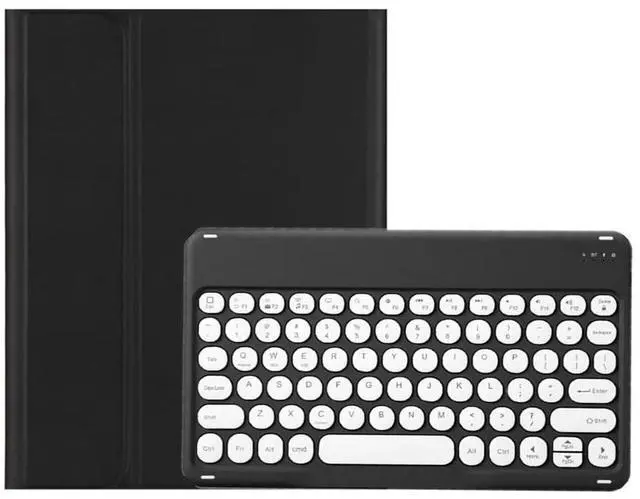
KMXDD Keyboard Case for iPad Air 13 inch M2, iPad Pro 12.9 inch 6th / 5th / 4th / 3rd Generation Color Keyboard Case Round Key Bluetooth Rechargeable Keyboard Case (Black)

  • Compatibility Color keyboard case compatible with iPad Air 13 inch (M2) 2024 Released Model number (on the back cover)A2898 , A2899 , A2900 iPad Pro 12.9" 6th generation 2022 Released Model number: A2436 , A2764 , A2437 , A2766 iPad Pro 12.9-inch 5th generation 2021 Released Model numberA2378 , A2461 , A2379 , A2462 iPad Pro 12.9-inch 4th generation 2020 Released Model numberA2229 , A2069 , A2232 , A2233 iPad Pro 12.9 inch 3rd Gen 2018 Released Model number A1876 , A2014 , A1895 , A1983
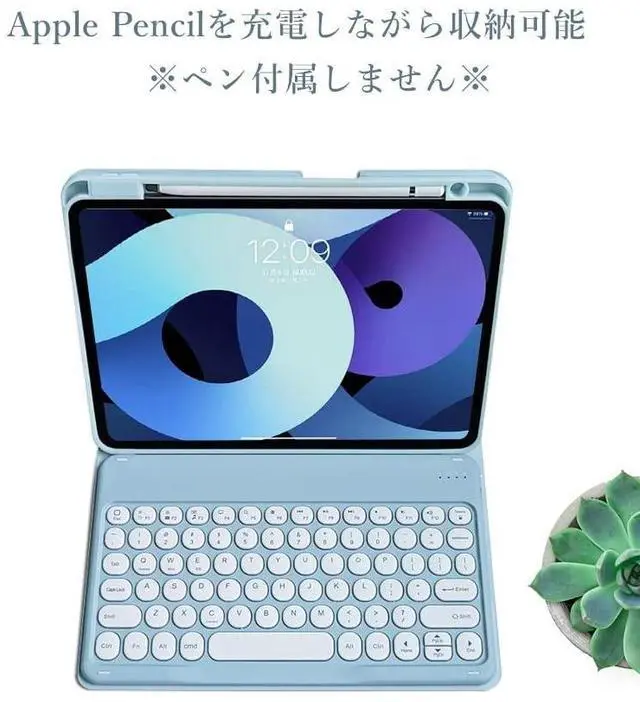
  • Top Pencil Slot The iPad Air 13 2024 / iPad Pro 12.9" 2022/2021/2020/2018 PU leather case has a top pencil holder, Supports pencil charging , Convenient storage and Take out your pencil
  • Retro Round key The iPad keyboard has Retro round key cap , Fashionable and cute
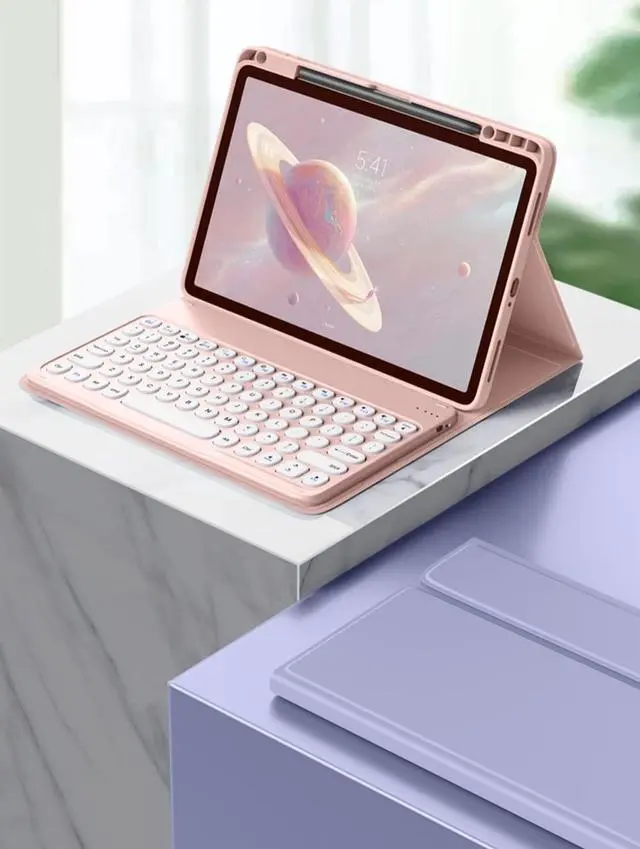
  • Color panel The iPad keyboard has a color panel , There is always one color that suits you. Colorful colors make you happier when using the iPad
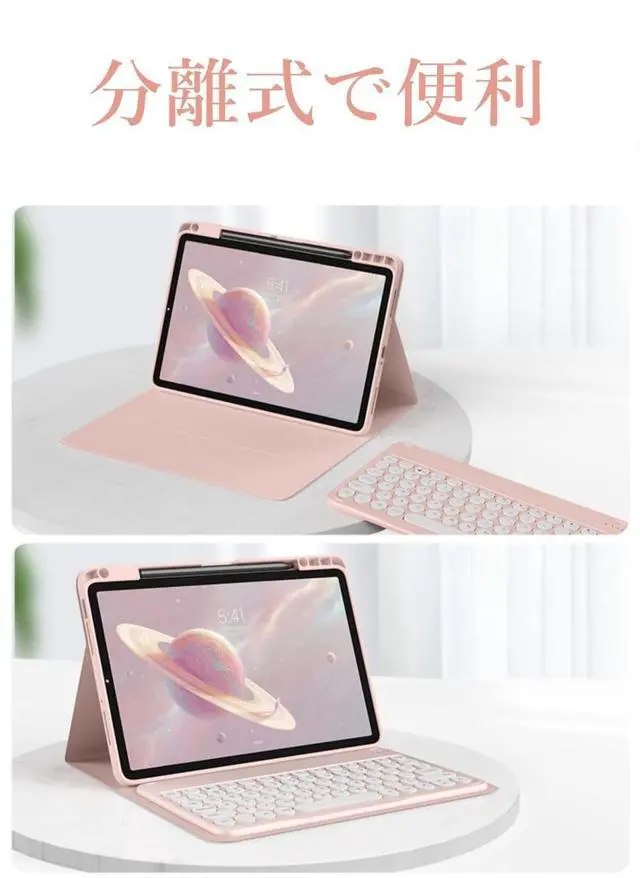
  • 3 system Detachable design 3 system Detachable design iPad Bluetooth ke
+
+
Overview
Specs
Reviews
How to connect this keyboard to iPad 1 turn on the power button on the right side of the keyboard. The power indicator will go out after flashing. This is to save power, not fault2Press the FN key in the lower left corner of the keyboard, do not release it, and then press the
C key (Note: You need to press FN+C at the same time)At this time, you can see the Bluetooth indicator flashingThis turns on the Bluetooth of the keyboard 3From the iPads home screen, tap Settings. Tap on Bluetooth. Make sure Bluetooth is set to On, then let it search for devices. Tap on a Bluetooth keyboard, when it appears, to pair. 4if an authentication (PIN) code appears on the iPad screen, Enter the number with the keyboard and pressEnter key. 5When the connection is complete, the Bluetooth indicator will go out6This is a 3-system keyboard, If you are using this keyboard on your iPadPlease press FN key first, don't release it, then press E key, This is a system for the iPad

Warranty & Returns

Warranty, Returns, And Additional Information

Return Policies*

  • Return for refund within: 30 days
  • Return for replacement within: non-replaceable
  • This item is covered by Ankelay shop Return Policy
  • *Subject to applicable law
  • Warranty Notice:

    This product does not include manufacturer warranty when purchased or used outside of its designated sales region. By purchasing internationally, you acknowledge that warranty support from the manufacturer will not be available.

Manufacturer Contact Info

LOADING...