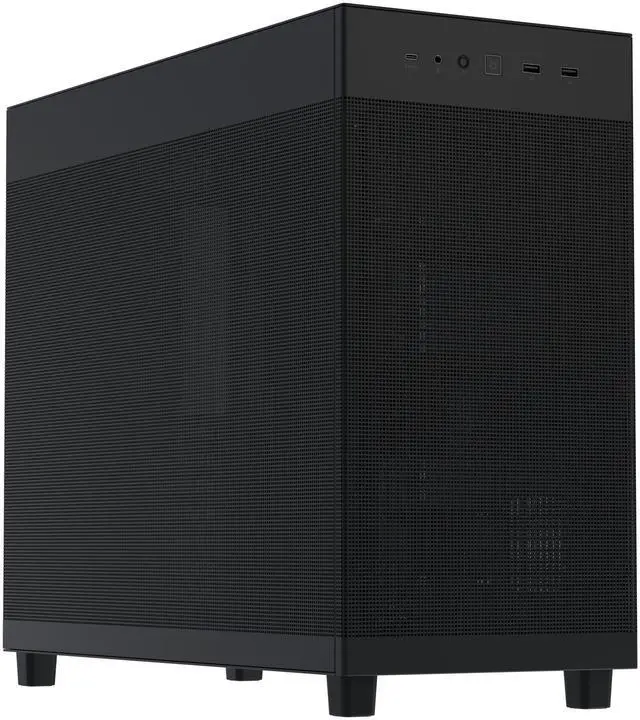
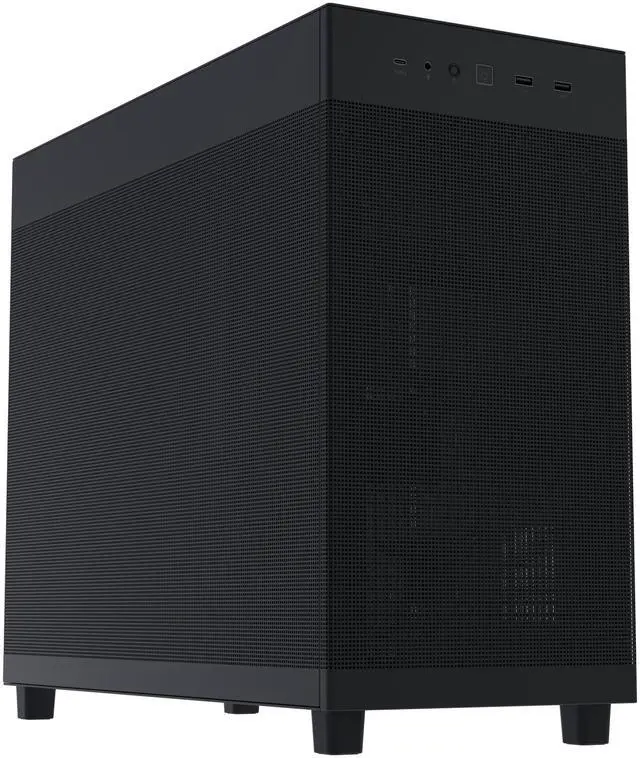
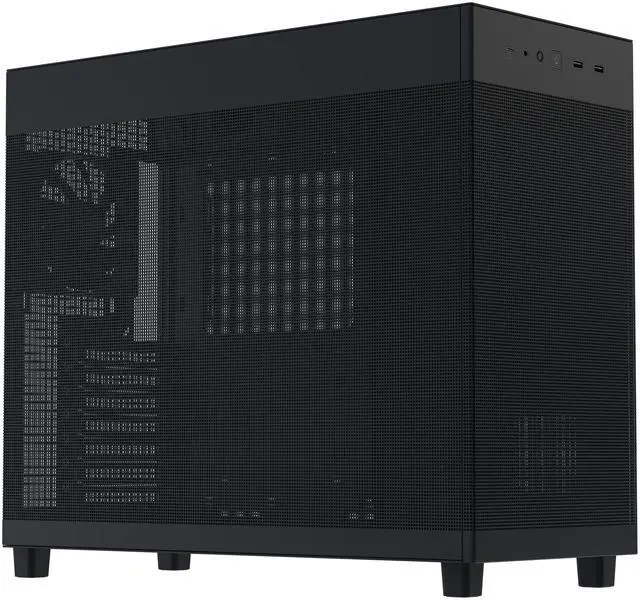
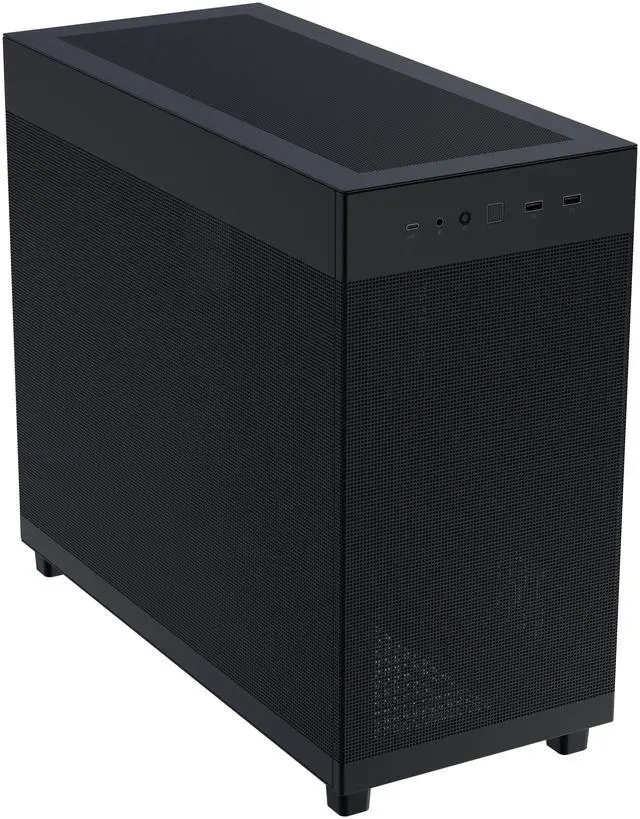
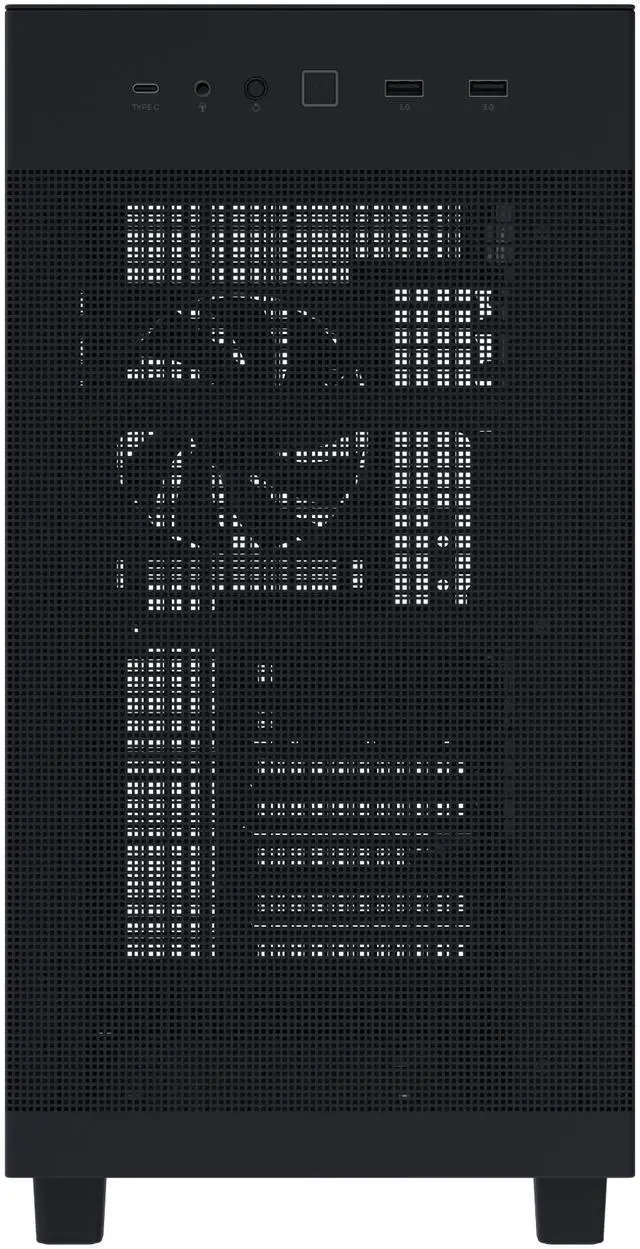
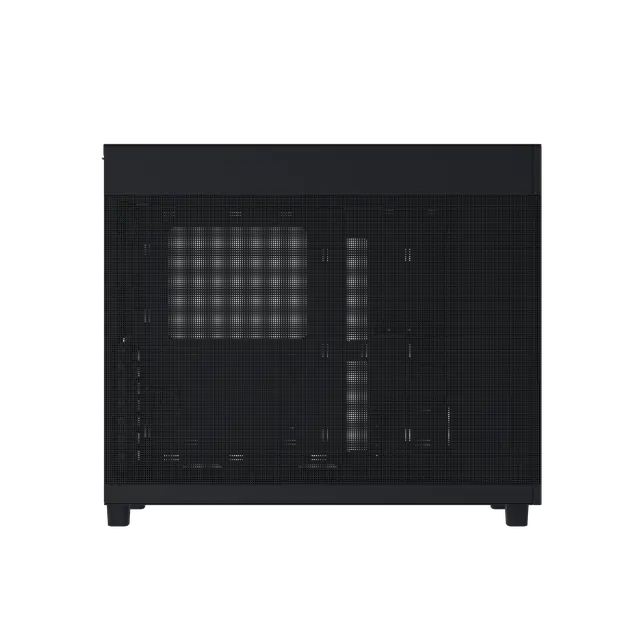
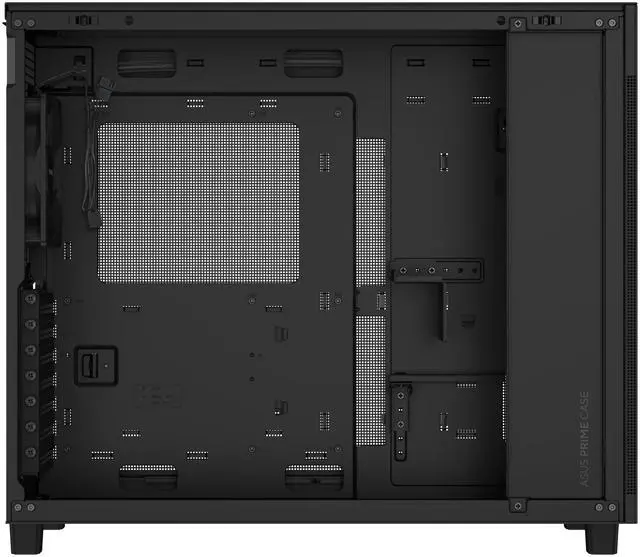
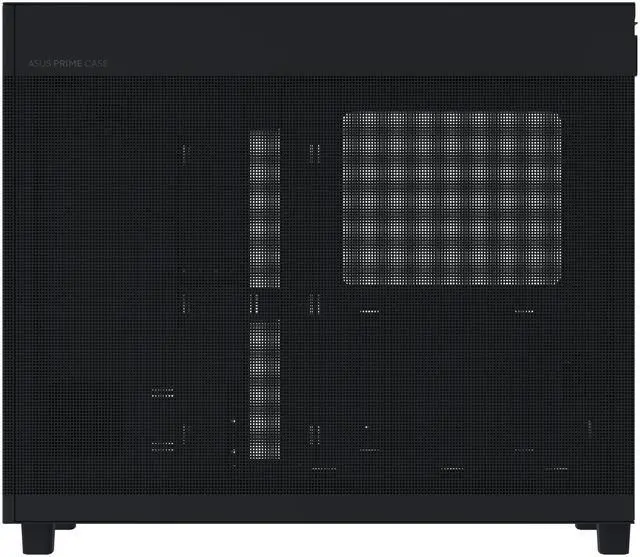
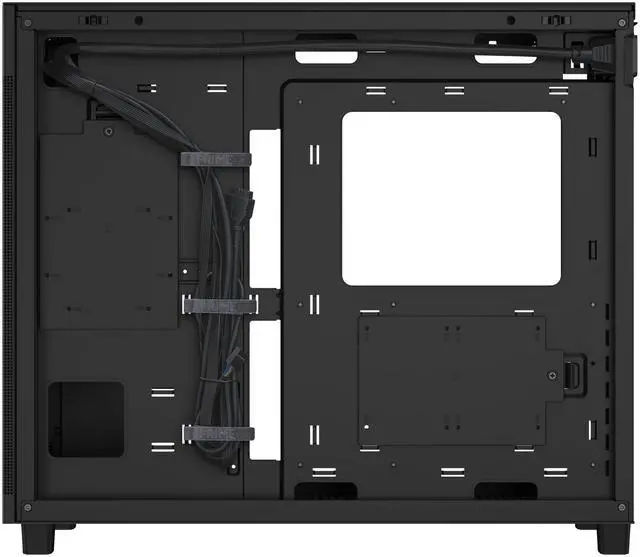
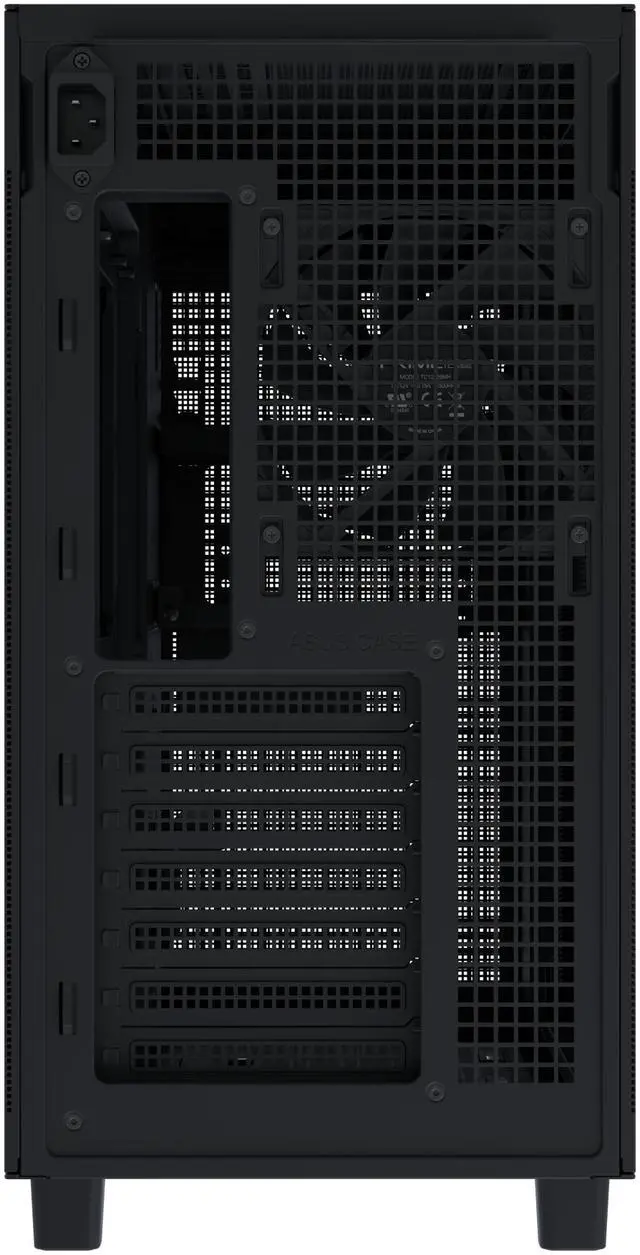
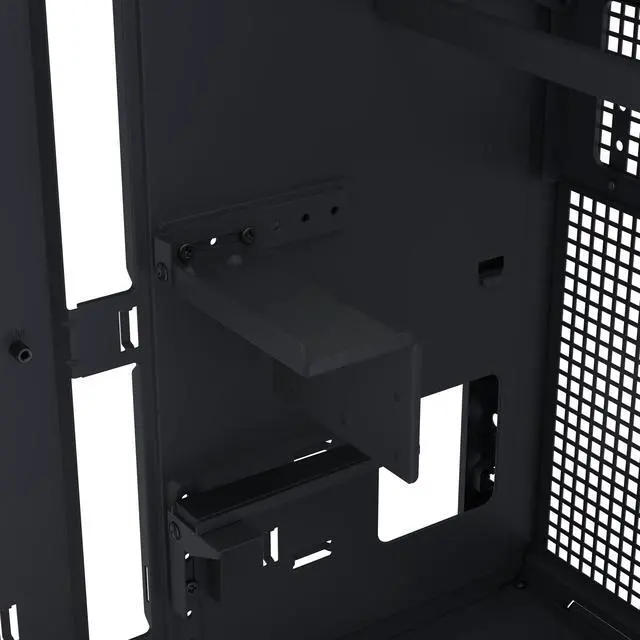
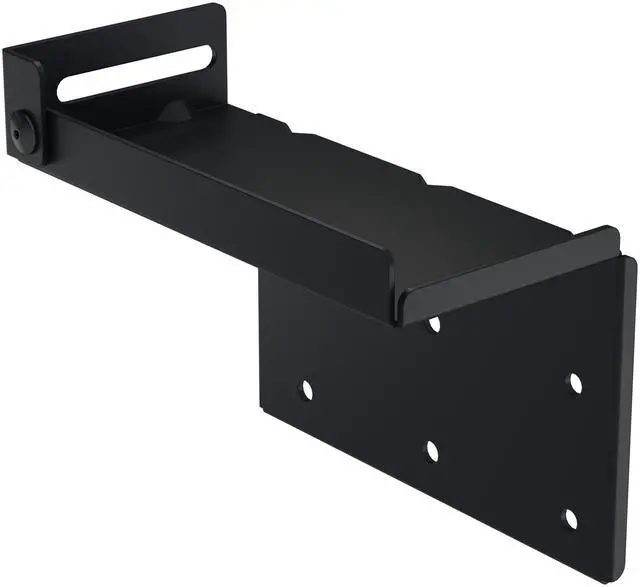
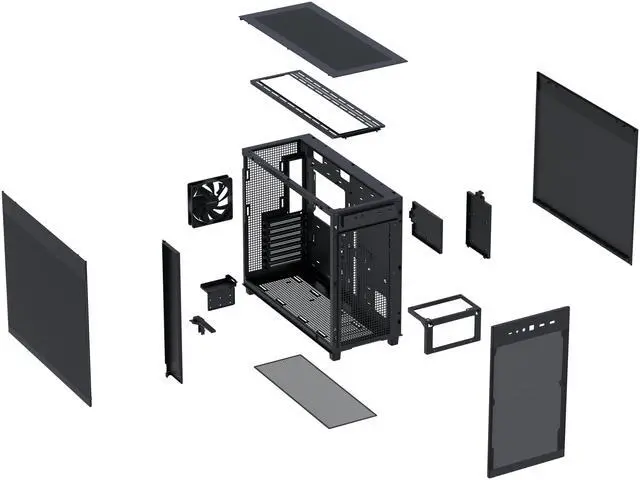
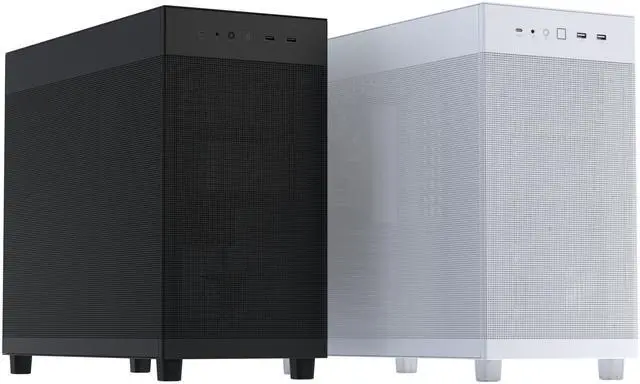
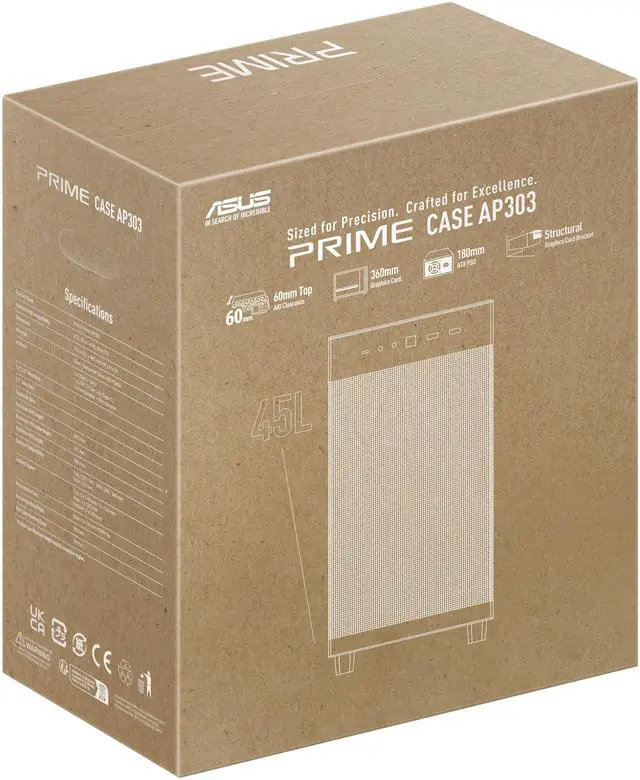
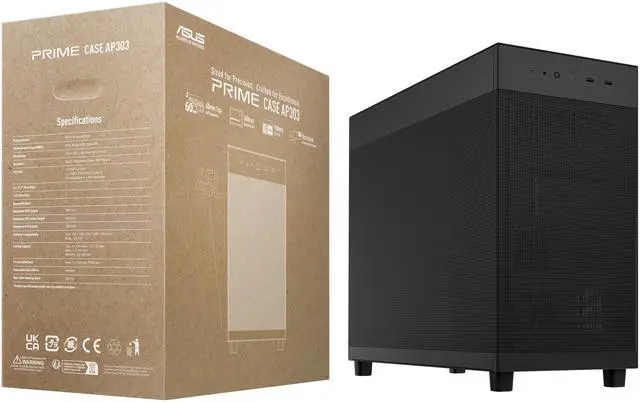
The ASUS Prime AP303 Black Edition is a compact 44.3-liter ATX PC case for high-performance gaming and workstation builds, supporting graphics cards up to 360mm, 360mm radiators up to 60mm thick, ATX power supplies up to 180mm, and up to seven fans. Its structural GPU bracket helps support long, heavy graphics cards.
Recommended For
- Builders who want a relatively compact ATX gaming or workstation PC with room for a long, high-end graphics card, including large RTX 50 Series models.
- Performance-focused builders who are willing to add bottom intake and top exhaust fans to take advantage of the case's chimney-style airflow design.
- PC builders using large graphics cards who want an integrated support bracket to reduce GPU sag and movement during installation or transport.
- Users building understated, low-RGB PCs for a home office, studio, or professional workspace rather than a heavily styled showcase system.
- Experienced DIY builders who are comfortable planning around a front-mounted PSU, bottom-intake airflow, and component clearances before purchasing parts.
Real-World Use Scenarios
- A gamer builds a compact high-end ATX system with a long graphics card and a 360 mm liquid CPU cooler. The AP303 can accommodate this combination, but the builder should plan the fan layout and cable routing before installation because the case uses a compact single-chamber design.
- A user installs a large GeForce RTX 50 Series graphics card and wants to prevent visible sag during long-term use. The included GPU support hardware helps stabilize the card and reduces strain on the motherboard, although final adjustment may require a screwdriver.
- A builder wants a smaller ATX case but still needs room for standard ATX, Micro-ATX, or Mini-ITX hardware. The AP303 provides a more compact alternative to a traditional mid-tower while retaining seven expansion slots and support for full-size graphics cards and ATX power supplies.
- A performance-focused user wants to tune airflow for gaming, rendering, or other sustained workloads. The mesh panels and multiple top and bottom fan positions provide room for customization, but the case includes only one rear fan, and testing shows that additional fans are important for maintaining competitive load temperatures.
- A user builds a restrained-looking desktop for a home office, studio, or professional workspace and does not want an aggressive gaming appearance. The AP303's black mesh-panel design and relatively compact footprint can fit a minimalist setup, while the internal layout still supports a full ATX build.
- A content creator or PC technician frequently transfers footage, project files, or backups from a compatible external SSD. The front USB-C port can provide a convenient high-speed connection, but actual transfer performance depends on the connected drive, cable, and motherboard support.
Spec Summary
| Attribute | Value |
|---|
| Best For | ATX, Micro-ATX, or Mini-ITX desktop builds with graphics cards up to 360 mm, top radiators up to 360 mm, and high-speed front-panel USB-C |
|---|
| Motherboard And Expansion | Supports ATX, Micro-ATX, and Mini-ITX motherboards with 7 expansion slots |
|---|
| Cooling Support | Supports up to three 140 mm or three 120 mm fans on top, one 120 mm rear fan, and three 120 mm bottom fans; radiator support includes up to 360 mm on top and up to 120 mm at the rear |
|---|
| Component Clearance | Accommodates graphics cards up to 360 mm, CPU coolers up to 165 mm tall, and power supplies up to 185 mm long with bottom-mounted PSU installation |
|---|
| Storage And Drive Bays | Provides one internal 3.5-inch bay and two internal 2.5-inch bays |
|---|
| Front I/O | Includes two USB 3.2 Gen 1 ports, one 20Gbps USB 3.2 Gen 2x2 Type-C port, and a combined headphone and microphone connection |
|---|
| Materials And Dust Protection | Steel and plastic enclosure with a bottom dust filter and mesh-oriented design |
|---|
| Cable Management | Provides up to 34 mm of cable-routing space |
|---|
| Physical Specifications | 44.3-liter enclosure measuring 215 × 425 × 485 mm and weighing 6.8 kg |
|---|
| Model Identifiers | ASUS Prime AP303 Mesh Black, model PRIME AP303 MESH BLACK, part number 90DC00V0-B38000 |
|---|
Reference Q&A
Q: ASUS Prime AP303 vs AP201: which case should I choose?
A: Choose the ASUS Prime AP303 if you need a full-size ATX motherboard, a graphics card up to 360 mm, or more room for high-end upgrades. Choose the smaller AP201 if your build uses Micro-ATX, you prioritize a 33-liter footprint, and a GPU up to 338 mm is sufficient. The AP303 is the more flexible performance-build option, while the AP201 is easier to place and carry.
Q: ASUS Prime AP303 vs Fractal Design North: which is better for a high-end gaming PC?
A: Choose the AP303 when large graphics cards, a top-mounted 360 mm radiator, and compact ATX compatibility are the main priorities. Choose the Fractal Design North when you prefer its wood-accented design, included 140 mm fans, and broader out-of-box storage support. The North supports GPUs up to 355 mm and a front radiator up to 360 mm, but a front-mounted 360 mm radiator reduces available GPU length to about 300 mm.
Q: ASUS Prime AP303 vs Corsair 4000D Airflow: which case is easier to build in?
A: Choose the Corsair 4000D Airflow if you want more conventional cable-routing space, more storage capacity, and two included fans. Choose the AP303 if you want a slightly smaller and lighter ATX case with a 360 mm top-radiator option, 20 Gbps front USB-C, and an included structural GPU support bracket. The 4000D Airflow offers a more traditional mid-tower layout, while the AP303 uses a front-mounted PSU to reduce its footprint.
Q: Is the ASUS Prime AP303 suitable for a performance-first build, or should I buy a larger case?
A: The AP303 suits a compact performance-first build when ATX support, a 360 mm GPU, and a top-mounted 360 mm radiator are sufficient. A larger case such as the Lian Li O11 Vision Compact is more suitable when you need additional fan and radiator positions, E-ATX support, or clearance for GPUs up to about 408 mm. The trade-off is a larger physical footprint and substantially higher weight for the larger chassis.
Q: Does the ASUS Prime AP303 need extra fans?
A: Plan for additional fans if you are installing high-power CPU and GPU hardware. The AP303 includes only one 120 mm rear fan, although it supports up to seven fans and multiple top or bottom intake and exhaust positions. Reviews describe the mesh design as airflow-focused, but the limited included fan setup means buyers should budget for extra fans to achieve balanced airflow and lower fan speeds under sustained loads.
Q: Will a long, high-end graphics card fit in the ASUS Prime AP303?
A: The ASUS Prime AP303 supports graphics cards up to 360 mm long. Its structural GPU bracket is designed to help secure compatible cards from 310 mm to 360 mm, but you should also verify the card's thickness, power-connector clearance, and whether a top radiator is installed.
Q: Can the ASUS Prime AP303 fit a 360 mm radiator?
A: Yes. The case supports a radiator up to 360 mm long and up to 60 mm thick, with top mounting listed for 120 mm, 140 mm, 240 mm, 280 mm, and 360 mm radiators. Confirm the combined radiator-and-fan thickness and component clearances before buying.
Q: What size power supply fits in the ASUS Prime AP303?
A: The case is designed for a standard ATX power supply up to approximately 180 mm long. The provided specification also lists 185 mm, so users with a longer PSU should verify the exact unit dimensions, modular connectors, and cable-routing space before purchase.
Q: Which motherboard sizes are compatible with the ASUS Prime AP303?
A: The ASUS Prime AP303 supports standard ATX, Micro-ATX, and Mini-ITX motherboards. Proprietary boards from some prebuilt desktop systems may not follow standard mounting or connector layouts, so those systems require separate compatibility checks.
Q: Does the ASUS Prime AP303 include fans, or is it a complete PC?
A: The ASUS Prime AP303 is an empty PC case, not a complete computer. It includes one pre-installed 120 mm rear fan and supports up to seven fans, so additional fans and all other components must be purchased separately.
Q: Is the ASUS Prime AP303 a good choice for a compact ATX gaming PC?
A: Yes, it is suited to builders who want full ATX support in a relatively compact 44-liter case while retaining space for graphics cards up to 360 mm. It is less suitable if the smallest possible case size is the main priority, because smaller options such as Micro-ATX cases may occupy less space.
Q: Will a 360 mm AIO cooler fit in the ASUS Prime AP303?
A: The case supports a top-mounted 360 mm radiator up to 60 mm thick, but compatibility is not universal. Radiator-and-fan combinations thicker than 60 mm, such as some 63 mm assemblies, may interfere with the motherboard, VRM heatsinks, or memory. Check the complete radiator-plus-fan thickness and motherboard clearances before buying.
Q: Does the ASUS Prime AP303 need additional fans?
A: Usually, yes. The case includes one 120 mm rear exhaust fan, while its layout supports up to seven fans. A mesh panel and bottom intake support airflow, but adding intake fans is advisable for high-power gaming hardware; fan-curve tuning may also be needed if low noise is important.
Q: What are the main trade-offs of the ASUS Prime AP303 layout?
A: The front-mounted PSU helps keep the case compact but removes the option for conventional front intake airflow. Builders therefore rely more on bottom and top airflow, and cable routing may require more planning because rear cable-management space is relatively basic. The layout is a reasonable trade-off for compact ATX support, but it may not suit users prioritizing effortless building or front-mounted intake fans.



 All Categories