


 All CategoriesAll CategoriesAll Categories
Shipped by Newegg




Warranty Notice:
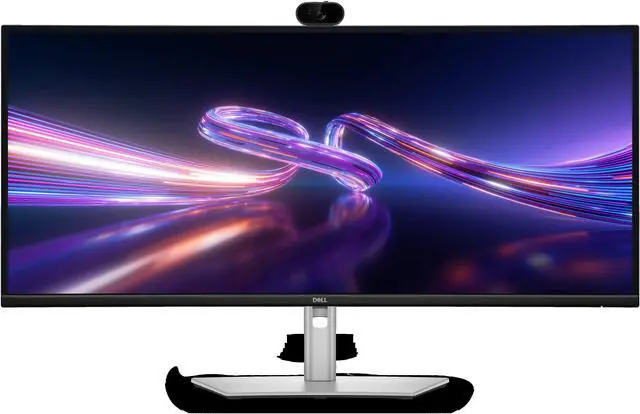
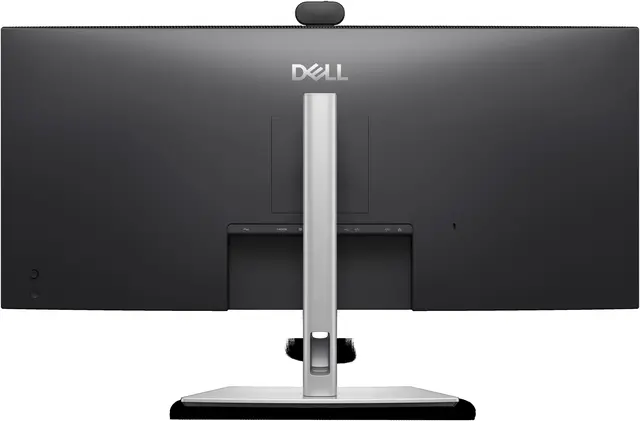
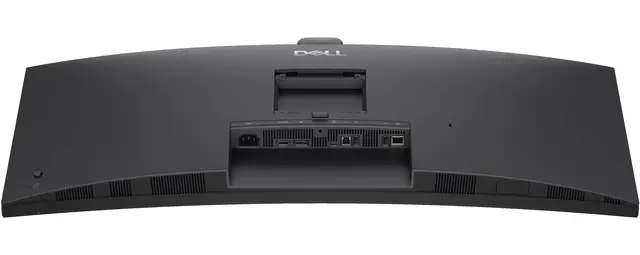
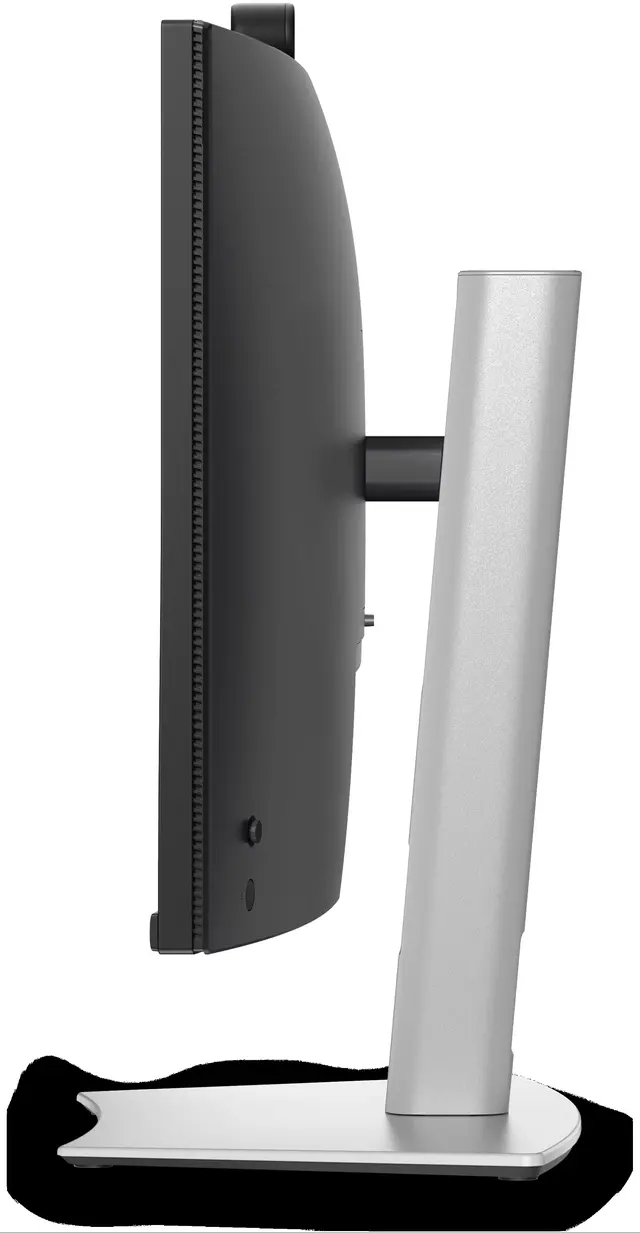
This product does not include manufacturer warranty when purchased or used outside of its designated sales region. By purchasing internationally, you acknowledge that warranty support from the manufacturer will not be available.The Dell Pro P3426WEV is a 34.1-inch USB-C hub monitor with a built-in 5MP AI webcam, making it a strong fit for office workers and remote professionals who want a wide workspace and video-call features in one display.
| Attribute | Value |
|---|---|
| Best For | Desktop users seeking a 34.1-inch monitor for an expanded on-screen workspace |
| Panel And Resolution | 34.1-inch screen |
Q: Dell P3426WEV or P3425WE for a work-from-home setup?
A: Choose the Dell P3426WEV if you want a built-in webcam alongside a 34.1-inch WQHD display, 100Hz refresh rate, USB-C hub, and up to 90W laptop charging. The P3425WE offers the same screen size, resolution, and refresh rate with USB-C hub features, making it a fit for setups that already use a separate webcam.
Q: Dell P3426WEV or P3426WEB for video calls?
A: Both are 34.1-inch WQHD Dell Pro P monitors with a built-in webcam, USB-C connectivity, and a 100Hz refresh rate. Choose the P3426WEV for a webcam-focused setup; choose the P3426WEB if you also want integrated speakers and a microphone for conferencing.
Q: Is the P3426WEV a good upgrade from the Dell P3424WEB?
A: The P3426WEV is a strong upgrade choice if you want a 34-inch WQHD Dell monitor with a 100Hz refresh rate for smoother everyday screen use. The P3424WEB is a conferencing-focused alternative with an integrated camera, speakers, and microphones, and a 60Hz refresh rate.
Q: Dell P3426WEV or UltraSharp U3425WE for a 34-inch work monitor?
A: Choose the P3426WEV when an integrated webcam and 100Hz refresh rate are priorities for a productivity-focused setup. Choose the UltraSharp U3425WE when you prioritize its 120Hz refresh rate, IPS Black panel, wider stated color-gamut coverage, and Thunderbolt hub features.
Q: Can I connect my laptop to the monitor with one USB-C cable and charge it?
A: Yes, if your laptop’s USB-C port supports video output and USB-C charging. The P3426WEV’s upstream USB-C connection carries video, data, and up to 90W of power; laptops needing more power may still require their own charger.
Q: Is this monitor suitable for office work and multitasking?
A: It is suited to desk-based office work and multitasking: the 34.1-inch, 3440 × 1440 ultrawide display provides room for multiple windows, and Picture-by-Picture can show inputs from multiple computers. Its curved desktop design is less suited to travel than a portable monitor.
Q: Does it have a built-in webcam and speakers for meetings?
A: It has an integrated webcam, which can reduce the need for a separate camera for video meetings. It does not have built-in speakers, so plan to use headphones or external speakers for audio.
Q: Can I use it with two computers on the same screen?
A: Yes. Picture-by-Picture lets the monitor display inputs from multiple computers at once, and its KVM feature supports switching a connected keyboard and mouse between computers. Each computer needs compatible video and USB connections.
Q: Is the Dell P3426WEV suitable for coding and productivity work?
A: It is a potential fit if you want a 34.1-inch work monitor with a USB-C hub and built-in webcam. A Reddit discussion suggested the model in a thread about coding and productivity, but did not report hands-on experience with it.
Q: Is the Dell P3426WEV a good option for a MacBook setup?
A: It may suit a MacBook desk setup, and the Reddit discussion named it as an option with a USB-C hub. The discussion does not confirm compatibility details, so check that your MacBook and intended connection support the monitor’s required video and USB-C features.
Q: Is it worth considering as a budget 34-inch monitor?
A: The Reddit thread mentions the P3426WEV in a budget-monitor discussion, noting its USB-C hub and webcam, but provides no price or direct value comparison. Whether it is a budget choice depends on its current price and which features you need.