


 All CategoriesAll CategoriesAll Categories
Shipped by Newegg




Warranty Notice:
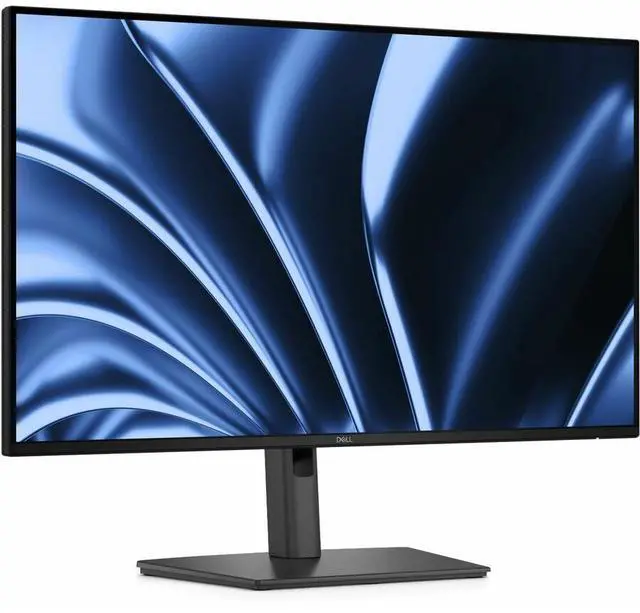
This product does not include manufacturer warranty when purchased or used outside of its designated sales region. By purchasing internationally, you acknowledge that warranty support from the manufacturer will not be available.The Dell Pro P2726HE is a 27-inch Full HD IPS USB-C hub monitor with a 120Hz refresh rate and TÜV 4-Star eye comfort, suited to office and hybrid workers who want a more comfortable screen and simplified laptop connections.
| Attribute | Value |
|---|---|
| Best For | Desktop setups needing a 27-inch FHD IPS display with USB-C and USB hub connectivity |
| Panel And Resolution | 27-inch IPS display with 1920 × 1080 resolution, 16:9 aspect ratio, 1500:1 contrast, 178-degree viewing angle, and 99% sRGB color gamut |
| Refresh Rate And Response | 120 Hz refresh rate with a 5 ms response time |
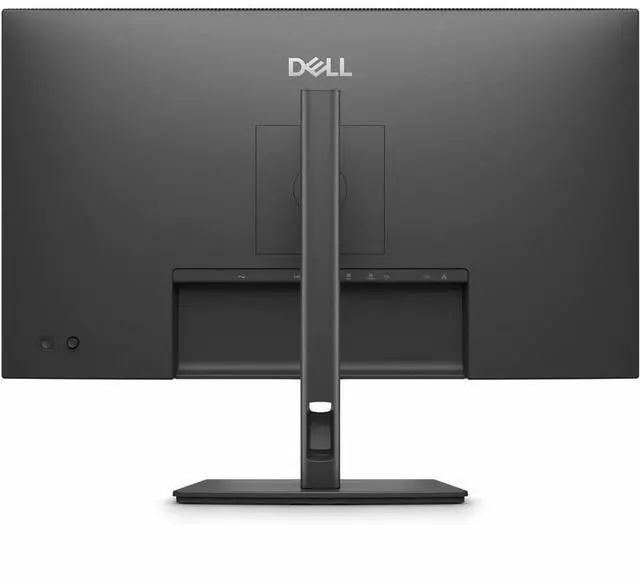
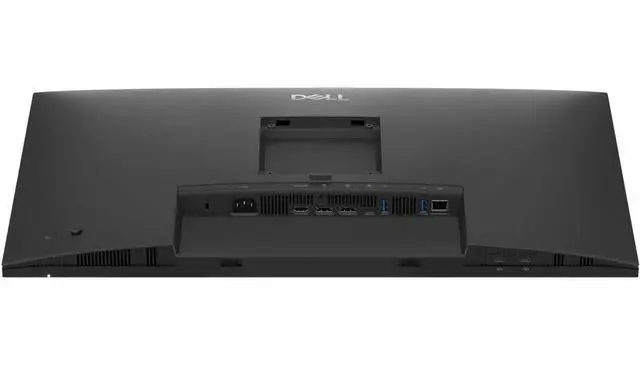
| Ports And Connectivity | HDMI, DisplayPort, USB-C, USB, and Ethernet connectivity, with one HDMI port and five USB ports |
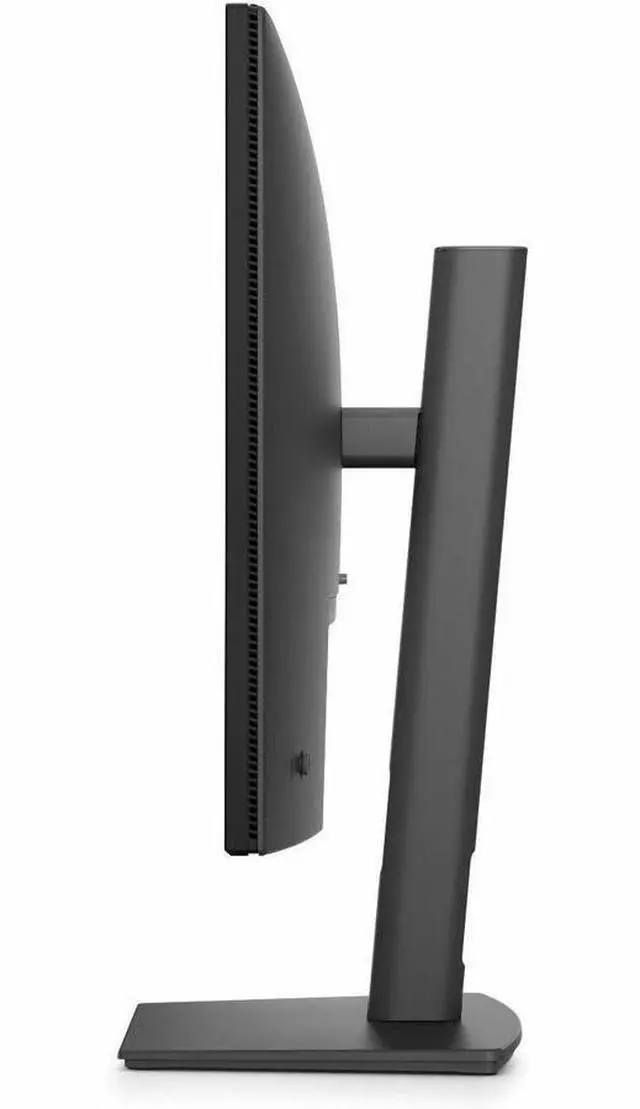
| Stand And Mounting | Includes a stand and supports 100 × 100 mounting |
| Included Accessories | Includes a power cable, USB-C cable, and HDMI cable |
| Model Identifiers | Dell P2726HE |
Q: Dell P2726HE vs P2726H: which is better for a one-cable laptop setup?
A: Choose the Dell P2726HE for a one-cable setup: its USB-C connection carries video and data, provides up to 100W of power delivery to compatible Dell laptops, and works with the monitor’s USB hub and Ethernet port. The P2726H is the matching 27-inch FHD, 120Hz option for buyers prioritizing the display over integrated USB-C hub connectivity.
Q: Dell P2726HE vs P2725HE: is the newer model a worthwhile upgrade?
A: The P2726HE is a practical upgrade for buyers who want a higher refresh rate and more USB-C laptop power: it supports 120Hz and up to 100W power delivery, compared with the P2725HE’s 100Hz and up to 90W. Both are 27-inch FHD USB-C hub monitors with Ethernet, so the P2726HE makes the most sense when those updated specifications matter to your setup.
Q: Dell P2726HE vs P2725QE: should I choose FHD or 4K?
A: Choose the P2725QE if 4K resolution and finer on-screen detail are your priority; it offers 3840 × 2160 resolution at up to 100Hz. Choose the P2726HE if you prefer 120Hz and up to 100W USB-C power delivery in a 27-inch FHD hub monitor. Both models include USB-C hub connectivity and Gigabit Ethernet.
Q: Can I connect and charge my laptop with one USB-C cable?
A: Yes, if the laptop’s USB-C port supports DisplayPort Alt Mode video and USB Power Delivery. The monitor’s USB-C upstream port supports up to 100W power delivery, so check whether that meets your laptop’s charging needs.
Q: Is this monitor suitable for everyday office work?
A: It is suited to general desk work such as documents, spreadsheets, and browsing, with a 27-inch IPS screen, 120Hz refresh rate, USB hub, and Ethernet connection. Its 1920 × 1080 resolution is a practical trade-off: it provides Full HD, but less detail and workspace than higher-resolution displays of the same size.
Q: Can I adjust the monitor’s height and rotate it vertically?
A: Yes. Its stand supports up to 150 mm of height adjustment, tilt, swivel, and pivot up to 90 degrees, allowing landscape or portrait positioning.
Q: Is the 27-inch Full HD screen a good fit for detailed work?
A: It can handle everyday office tasks, but its 1920 × 1080 resolution offers less fine detail and on-screen workspace than higher-resolution options at 27 inches. It is a better fit if Full HD is sufficient for your tasks than if you need especially crisp text or room for dense layouts.