


 All CategoriesAll CategoriesAll Categories
Shipped by Newegg




Warranty Notice:
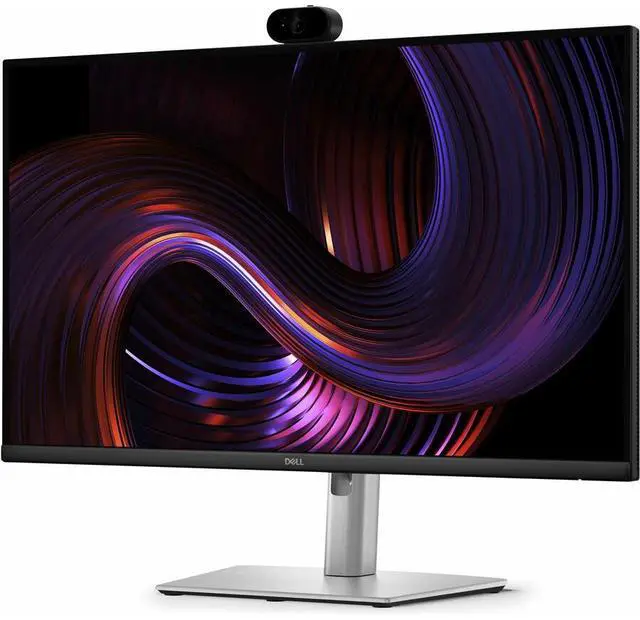
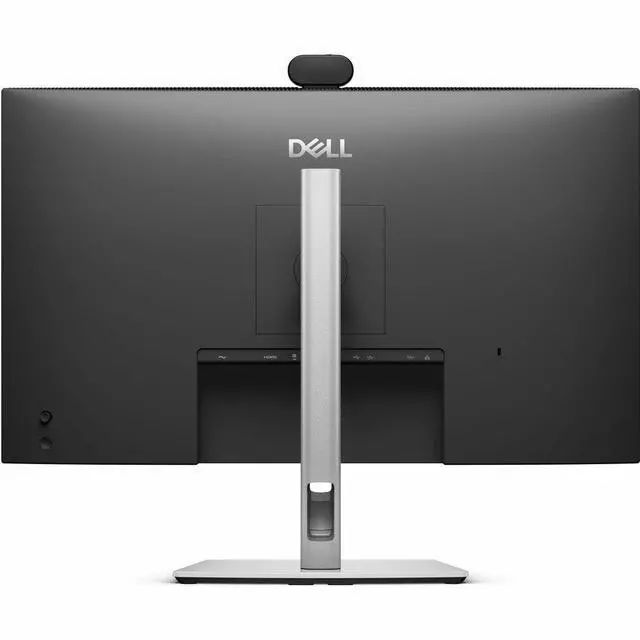
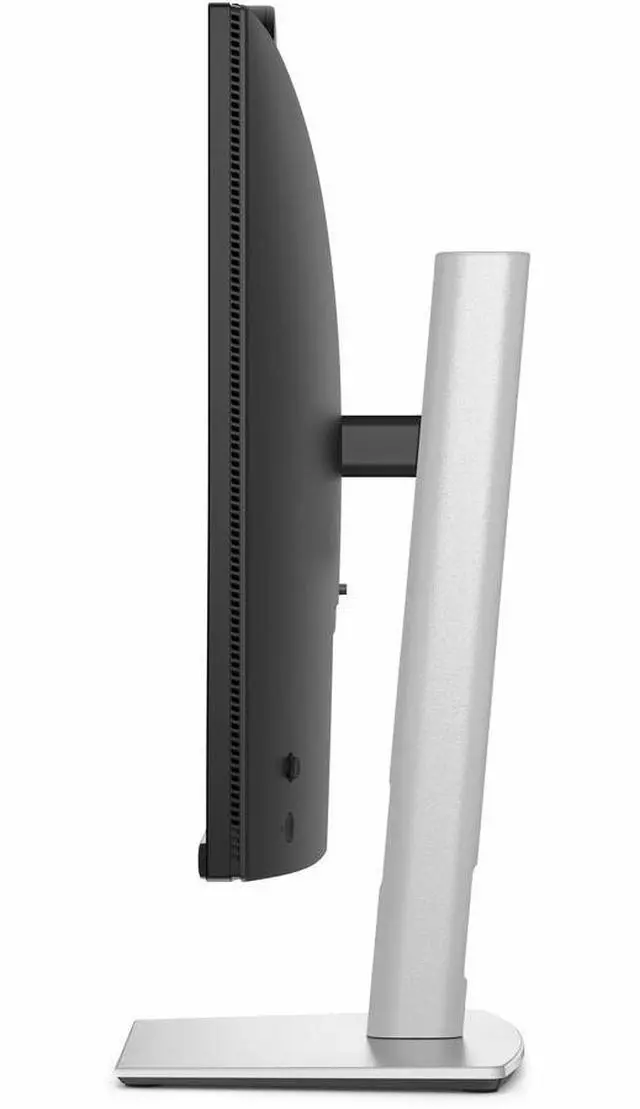
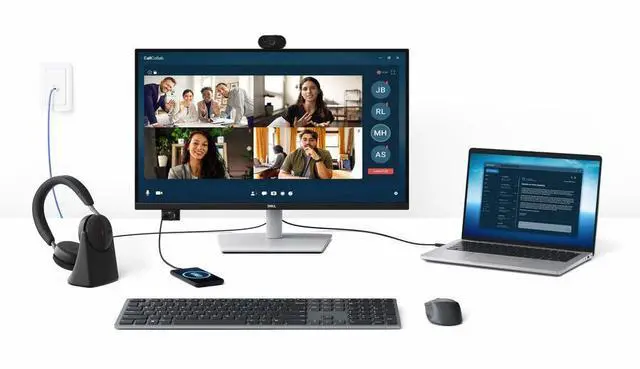
This product does not include manufacturer warranty when purchased or used outside of its designated sales region. By purchasing internationally, you acknowledge that warranty support from the manufacturer will not be available.The Dell Pro P2726DEV is a 27-inch QHD USB-C hub monitor with a built-in AI auto-framing webcam, designed for professionals who want a single-screen setup for video calls and everyday work.
| Attribute | Value |
|---|---|
| Best For | Professional video calls with an integrated webcam |
| Panel And Resolution | 27-inch display |
Q: Dell P2726DEV vs. P2726DEB: which is better for video calls?
A: Choose the P2726DEV when AI auto-framing is a priority for calls. Choose the P2726DEB when you want a conferencing monitor that combines a webcam with built-in speakers and a microphone. Both are 27-inch QHD monitors with a 100Hz refresh rate.
Q: Dell P2726DEV or P2725QE for a 27-inch work monitor?
A: Choose the P2726DEV for a built-in webcam with AI auto-framing and a QHD workspace. Choose the P2725QE when 4K resolution and its higher pixel density are the priority; it also supports a 100Hz refresh rate.
Q: Should I choose the Dell P2726DEV or P2725DE for an office setup?
A: Choose the P2726DEV when you want a built-in webcam with AI auto-framing for video meetings alongside a 27-inch QHD, 100Hz display. The P2725DE is a 27-inch QHD, 100Hz USB-C hub monitor with 90W power delivery and Gigabit Ethernet, making those hub features central to its office setup.
Q: Is this monitor suitable for office work and video meetings?
A: Yes. Its 27-inch QHD screen is suited to everyday office work, and its built-in 4MP webcam with AI auto-framing is designed for video calls. It is a good fit if you want a work monitor with a camera integrated into the display.
Q: Can I connect my laptop, charge it, and use the monitor’s USB hub with one cable?
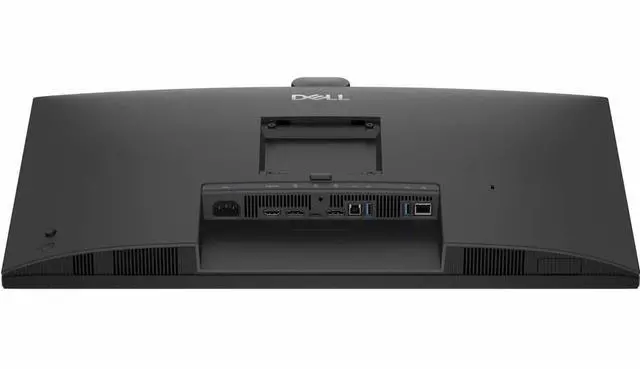
A: Yes, with a compatible laptop and USB-C cable. The monitor’s USB-C upstream connection supports video, data, and up to 90W of power delivery. The laptop’s USB-C port must support DisplayPort video, and a laptop that needs more than 90W may still require its own charger.
Q: Will the monitor’s webcam work for meetings over USB-C?
A: The monitor has a built-in webcam. For webcam use, connect the monitor to the computer with a supported USB upstream connection; USB-C video support alone is not guaranteed by the connector type, so check that the computer’s port supports DisplayPort Alt Mode. Select the monitor webcam in your meeting app if needed.
Q: Is this a good monitor to take on work trips?
A: It is better suited to a fixed desk than to travel: this is a 27-inch desktop monitor, and the listed product information does not identify it as a portable display. Consider it if you need a permanent or semi-permanent office setup rather than a screen to carry between locations.