


 All CategoriesAll CategoriesAll Categories
Shipped by Newegg




Warranty Notice:
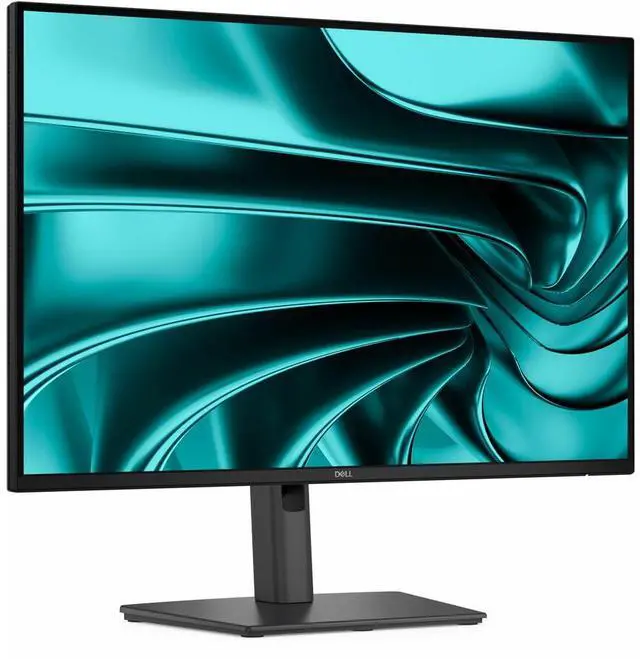
This product does not include manufacturer warranty when purchased or used outside of its designated sales region. By purchasing internationally, you acknowledge that warranty support from the manufacturer will not be available.The Dell Pro P2426E is a 24.1-inch 16:10 USB-C hub monitor with an IPS display and TÜV 4-Star certified eye comfort, suited to office users who want a comfortable screen and convenient laptop connectivity.
| Attribute | Value |
|---|---|
| Best For | Desk setups that benefit from a 24.1-inch 16:10 WUXGA display with USB-C hub connectivity |
| Panel And Resolution | 24.1-inch IPS LCD with 1920 × 1200 WUXGA resolution, 16:10 aspect ratio, 178-degree viewing angle, 1500:1 contrast ratio, 99% sRGB color gamut, and 0.27 pixel pitch |
| Refresh Rate And Response | 100 Hz refresh rate with a 5 ms response time |
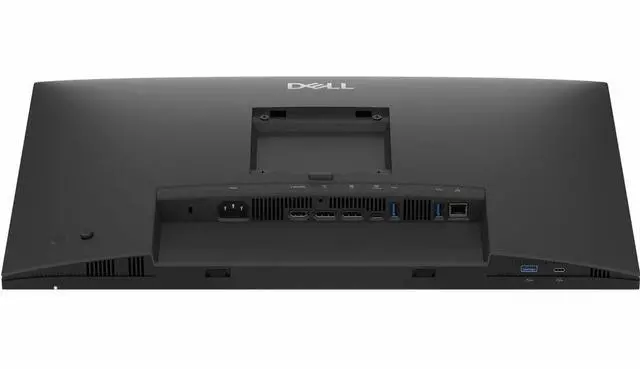
| Ports And Connectivity | HDMI, DisplayPort, USB, USB-C, and Ethernet connectivity, with one HDMI port and five USB ports |
| Eye Comfort And Screen Features | Flicker-free, low-blue-light, and anti-glare features with Eye Comfort Technology |
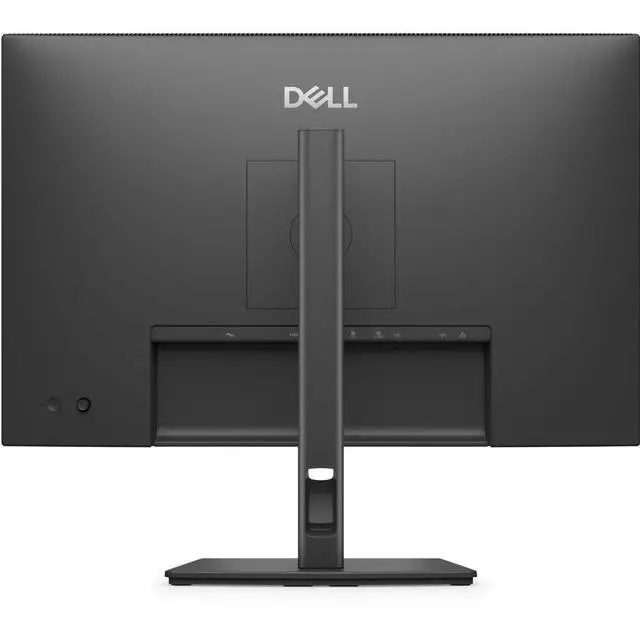
| Physical Design And Mounting | Dark gray rectangular display with 100 × 100 mounting compatibility |
| Power | 15 W power consumption |
| Included Components | Stand, power cable, 1.80 m USB-C to USB-C 5 Gbps 100 W cable, QR card, and safety, environmental, and regulatory information |
| Model Identifiers | Dell P2426E (model name: DELL-P2426E) |
Q: Dell P2426E vs P2426H: which is better for a USB-C laptop setup?
A: Choose the Dell P2426E for one-cable laptop connectivity with up to 100W USB-C power delivery, built-in 1GbE Ethernet, and a 16:10, 1920 × 1200 display. The P2426H is a 16:9, 1920 × 1080 monitor with a 120Hz refresh rate, making it the more refresh-rate-focused option.
Q: Dell P2426E vs P2425E: what changed between these 16:10 USB-C hub monitors?
A: Both models offer a 16:10 IPS display at 1920 × 1200 and up to 100Hz. Choose the P2426E if you want USB-C laptop power delivery up to 100W; the P2425E provides up to 90W while retaining the same core resolution and refresh rate.
Q: Dell P2426E vs P2425DE: should I choose 16:10 WUXGA or QHD?
A: Choose the P2426E for a 16:10, 1920 × 1200 screen and USB-C power delivery up to 100W. Choose the P2425DE for its 2560 × 1440 QHD resolution at up to 100Hz, which provides more pixels for detailed content and on-screen workspace; its USB-C power delivery is up to 90W.
Q: Can one USB-C cable connect my laptop, charge it, and run the monitor?
A: Yes, if your laptop’s USB-C port supports DisplayPort video and USB Power Delivery. The monitor supports up to 100W charging over USB-C, along with video and USB data; laptops with higher charging needs may still require their own power adapter.
Q: Is this monitor suitable for office work and multitasking?
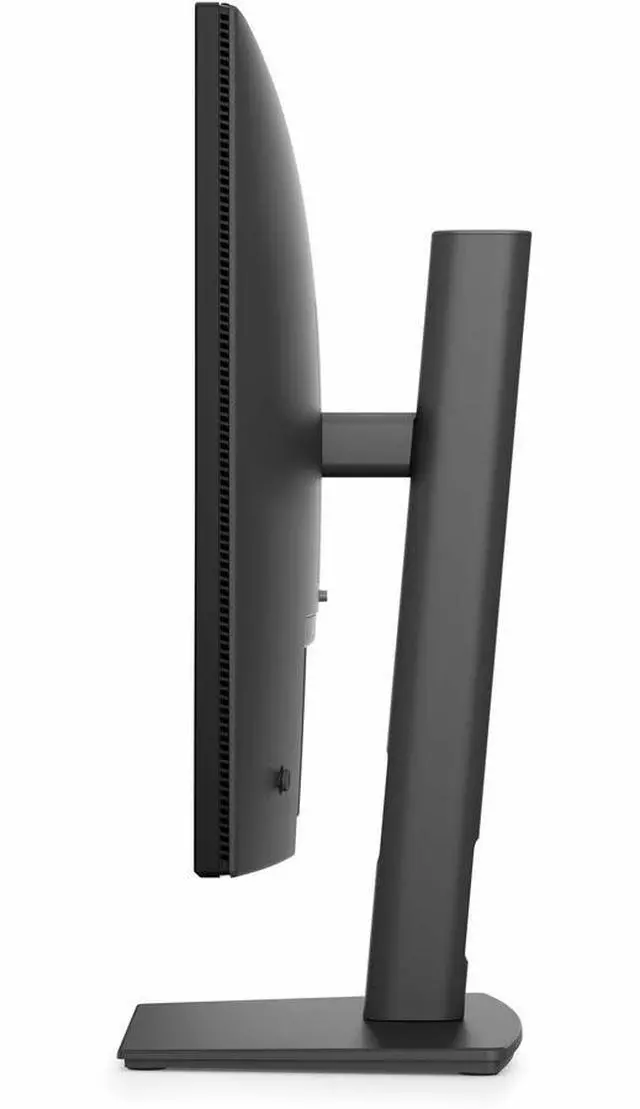
A: It is suited to desk-based office work: the 24.1-inch IPS display has 1920 × 1200 resolution and a 16:10 aspect ratio, while the USB hub and Ethernet port help connect desk peripherals. Its stand supports height adjustment, tilt, swivel, and pivot. It is not a portable monitor.
Q: Can I connect a second monitor to this one?
A: The P2426E has a DisplayPort output for daisy-chaining a second monitor. Whether the setup works as an extended desktop depends on the computer, operating system, and display configuration.
Q: Is this a good monitor to take on business trips?
A: It is designed as a desktop monitor, not a travel display. Its 24.1-inch screen, stand, and AC power connection make it better suited to a fixed home or office desk than frequent transport.