


 All CategoriesAll CategoriesAll Categories
Shipped by Newegg




Warranty Notice:
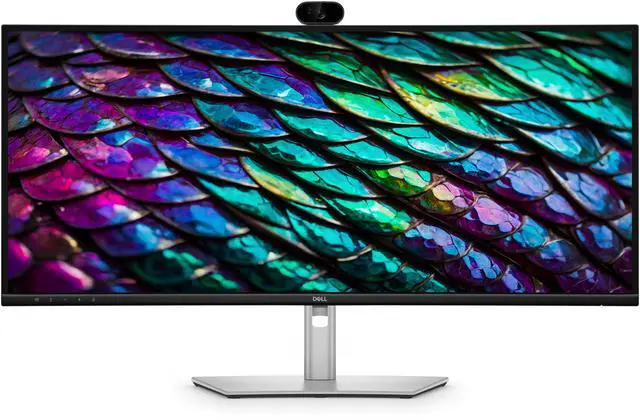
This product does not include manufacturer warranty when purchased or used outside of its designated sales region. By purchasing internationally, you acknowledge that warranty support from the manufacturer will not be available.The Dell Pro P3426WEB is a 34.1-inch curved WQHD conferencing monitor with a 100Hz display, 5MP AI webcam, and USB-C hub, suited to professionals who want a wide workspace and built-in video-call features in one desk setup.
| Attribute | Value |
|---|---|
| Best For | Video conferencing and workplace collaboration |
| Panel And Resolution | 34.1-inch screen |
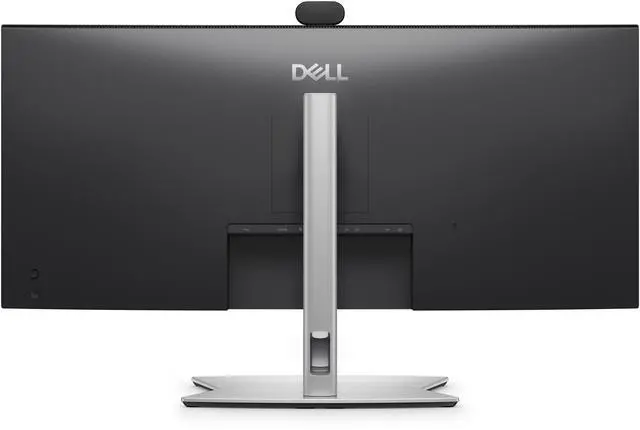
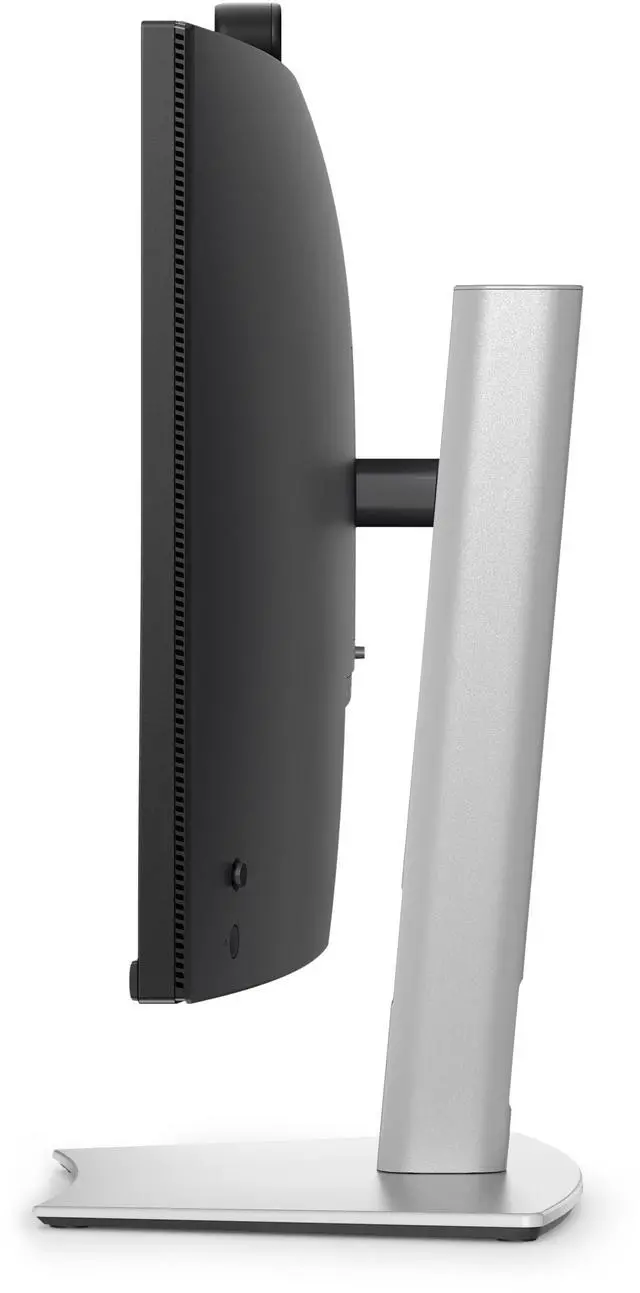
| Design And Finish | Black cabinet |
| Audio Setup | No built-in speakers |
| Model Identifiers | Dell P3426WEB, Dell P series |
Q: Dell P3426WEB vs. P3425WE: which is better for video calls?
A: Choose the Dell P3426WEB if you want a 34-inch, 3440 × 1440, 100Hz ultrawide with an integrated webcam, microphone, and speakers for video meetings. The P3425WE shares the 34-inch, 3440 × 1440, 100Hz display format and USB-C hub focus, making it a fit for a workstation that uses separate video-call equipment.
Q: Dell P3426WEB vs. P3424WEB: is the newer model a good upgrade?
A: The P3426WEB is a strong upgrade choice for users who want to keep the 34-inch curved conferencing-monitor format and move to a 100Hz refresh rate. Dell lists the P3424WEB at 60Hz; both models have a built-in webcam and a 3440 × 1440 display.
Q: Dell P3426WEB vs. P3424WE: which one suits a home-office setup?
A: Choose the P3426WEB when you want a 34-inch, 3440 × 1440 ultrawide with a 100Hz refresh rate and integrated video-conferencing features. The P3424WE is a 34-inch, 3440 × 1440, 60Hz USB-C hub monitor, making it a straightforward fit for a productivity setup centered on display space and laptop connectivity.
Q: Is this monitor a good choice for video meetings and office work?
A: Yes. It combines a 34.1-inch curved ultrawide display with a built-in 5MP webcam, microphones, and speakers, making it suitable for video calls and everyday office work without a separate webcam or speakers.
Q: Can one USB-C cable connect and charge my laptop?
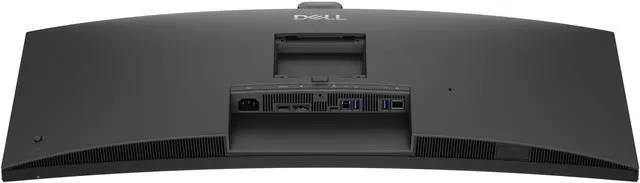
A: Yes, with a compatible laptop. The monitor’s USB-C hub can carry video, data, Ethernet, and up to 90W of power over one cable. Confirm that the laptop’s USB-C port supports video and charging.
Q: Is the 34-inch screen useful for multitasking and everyday work?
A: It is well suited to side-by-side work. The 3440 × 1440 ultrawide screen provides room for multiple windows, while its 100Hz refresh rate supports smooth scrolling and everyday navigation.
Q: Can I use two computers with this monitor?
A: Yes. Its Picture-by-Picture feature can show content from multiple computers at once, and its KVM features let you use one keyboard and mouse across connected computers. The computers still need to be connected to the monitor.
Q: Will the P3426WEB reliably switch between two laptops in KVM and Picture-by-Picture mode?
A: The Reddit post raises this compatibility and reliability question but provides no user-test results. The supplied product information does not confirm KVM or Picture-by-Picture behavior, so verify those features and mixed Windows/macOS support before buying.
Q: Is the built-in webcam and microphone good enough for video calls?
A: The supplied product information describes a 5MP AI webcam, but it does not establish real-world image or microphone quality. The Reddit post asks about both, with no firsthand feedback in the discussion, so quality remains unverified there.
Q: Does USB-C power delivery and peripheral passthrough keep working when switching laptops?
A: The supplied information identifies the monitor as a USB-C hub, but does not specify power-delivery capacity or switching behavior. The Reddit post asks about passthrough and switching but gives no firsthand results; confirm the required charging wattage and device compatibility before relying on it as a dock.