


 All CategoriesAll CategoriesAll Categories
Shipped by Newegg




Warranty Notice:
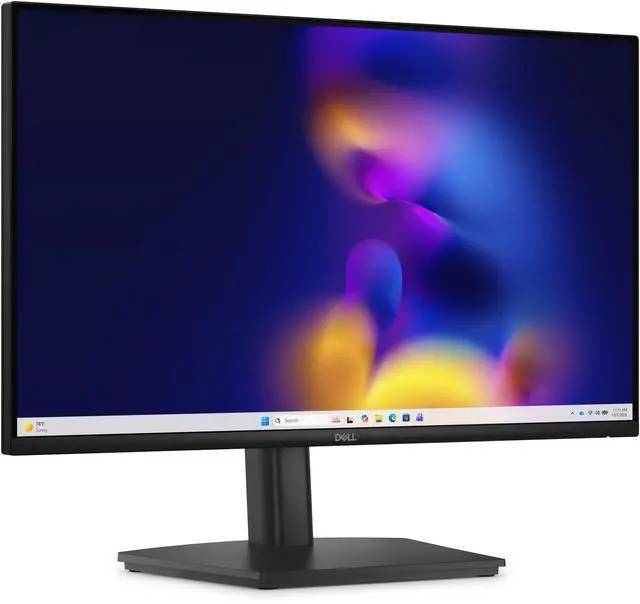
This product does not include manufacturer warranty when purchased or used outside of its designated sales region. By purchasing internationally, you acknowledge that warranty support from the manufacturer will not be available.The Dell Pro 24 Adjustable Stand Monitor (E2426HS) is a 23.8-inch Full HD IPS monitor with a 120Hz refresh rate, adjustable stand, and TÜV 3-star eye-comfort certification, suited to everyday office and home users who want smooth screen motion and flexible positioning.
| Attribute | Value |
|---|---|
| Best For | Everyday desktop work and general viewing on a 23.8-inch Full HD screen, with IPS viewing angles and a 120 Hz refresh rate |
| Panel And Resolution | 23.8-inch flat IPS panel with 1920 × 1080 Full HD resolution, 16:9 aspect ratio, 178° viewing angle, 1000:1 contrast ratio, 72% NTSC color gamut, and 0.2745 pixel pitch |
| Refresh Rate And Response | 120 Hz refresh rate with a 5 ms response time |
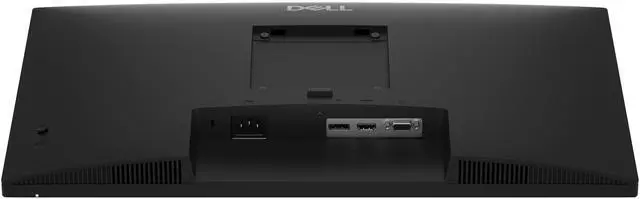
| Ports And Connectivity | HDMI, DisplayPort, and VGA connectivity; one HDMI port |
| Mounting | Supports a 100 × 100 mounting pattern |
| Power | 11.8 W power consumption |
| Included Components | Monitor, stand, 1.8 m power cable, 1.8 m DisplayPort-to-DisplayPort cable, QR card, and safety, environmental, and regulatory information |
| Model Identifiers | Dell E2426HS (model identifier DELL-E2426HS) |
Q: Dell E2426HS vs. E2426H: which should I choose?
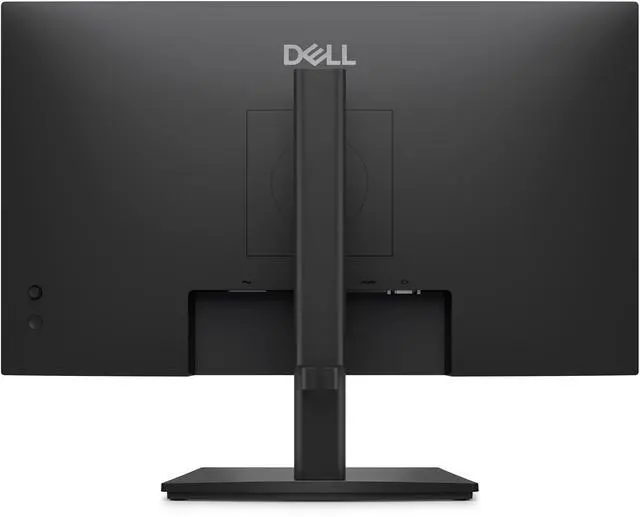
A: Choose the Dell Pro E2426HS if you want a height-, pivot-, swivel-, and tilt-adjustable stand plus integrated speakers. Choose the E2426H if tilt adjustment is sufficient and you prefer Dell’s fixed-stand version. Both have a 23.8-inch FHD IPS panel with a 120Hz refresh rate.
Q: Dell E2426HS vs. E2425HS: is the newer model an upgrade?
A: The E2426HS is a strong fit if you want a 120Hz IPS display for smoother motion and scrolling, along with integrated speakers and a stand that supports height, pivot, swivel, and tilt adjustments. The E2425HS has a 75Hz VA panel, so the E2426HS is the more suitable choice when higher refresh rate and IPS viewing angles are priorities.
Q: Dell E2426HS vs. E2426H: which is better for an adjustable desk setup?
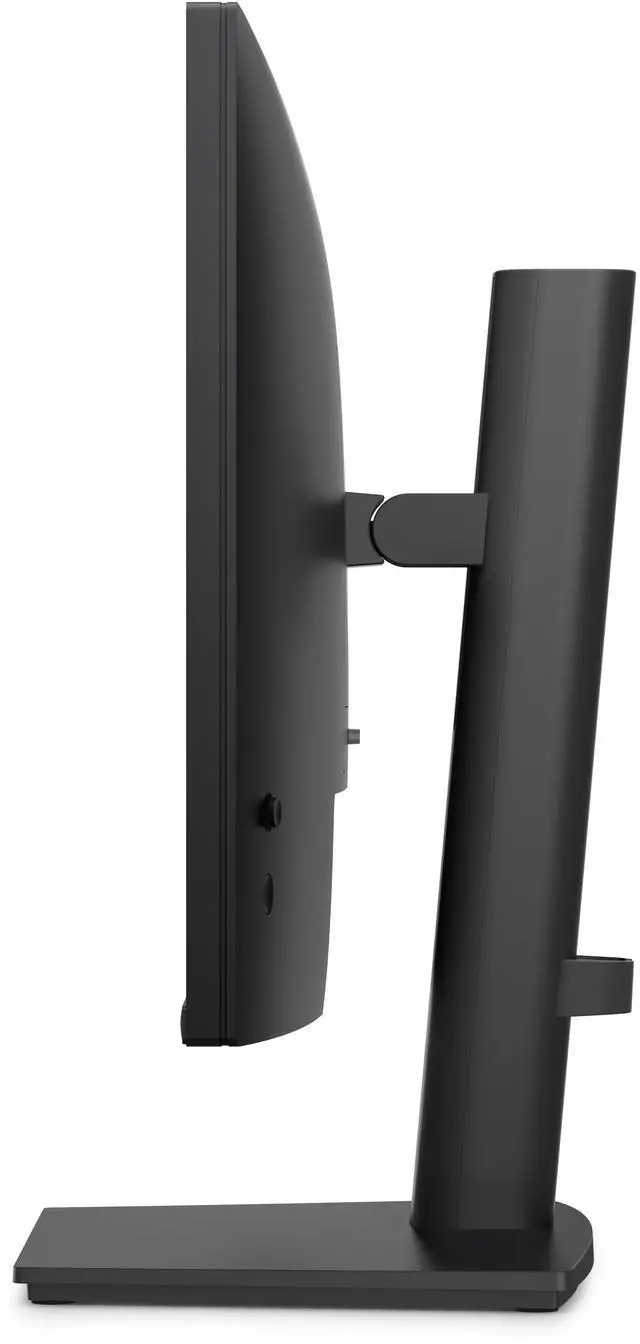
A: The E2426HS is the more flexible match for a desk setup that benefits from changing screen height or orientation: its stand supports height, pivot, swivel, and tilt adjustment. The E2426H offers tilt adjustment, while both models share a 23.8-inch FHD IPS display and 120Hz refresh rate.
Q: Can I raise the monitor and rotate it to portrait mode?
A: Yes. The included stand supports height adjustment and a 90-degree pivot, so you can raise the screen or rotate it for portrait use.
Q: Does this monitor have built-in speakers?
A: Yes. It has two integrated 2 W speakers. For louder or higher-quality audio, you may prefer separate speakers or headphones.
Q: Will it connect to my laptop or desktop?
A: It has HDMI, DisplayPort, and VGA inputs. Check that your computer has a compatible video output; a computer with only USB-C video output may need a compatible adapter or dock because this monitor has no USB-C port.