


 All CategoriesAll CategoriesAll Categories
Shipped by Newegg


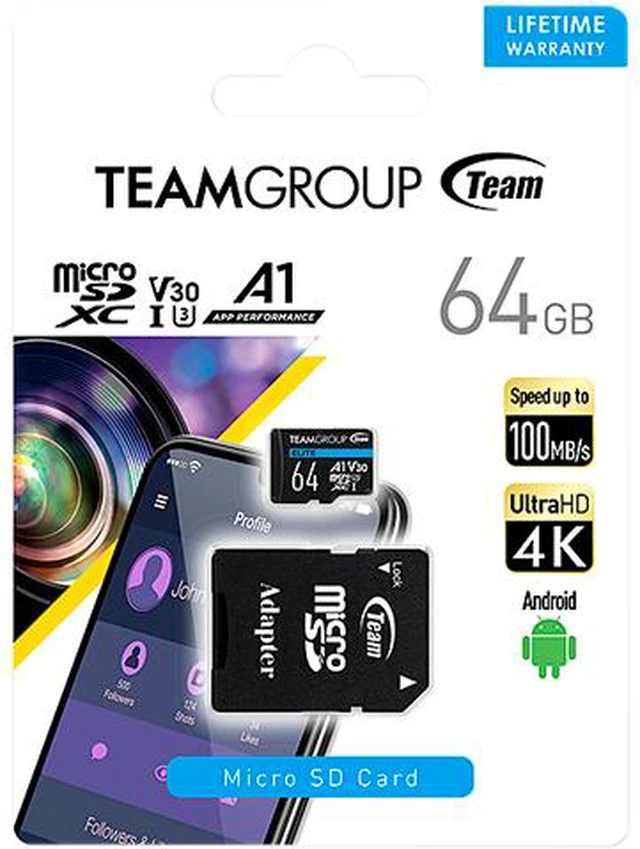


| Brand | Team |
|---|---|
| Card type | MicroSD |
| Series | 10 Pack Elite |
| Model | TEAUSDX64GIV30A103 |
| Type | microSDXC |
| Capacity | 64GB |
|---|---|
| Speed Class Rating | UHS-I / U3 / A1 / V30 |
| Read Speed | Up to 100MB/s |
| Write Speed | Up to 50MB/s |
| Features | Memory card for mobile devices Run apps fast and smoothly 4K Ultra-HD high-quality video compatible Waterproof, dustproof, x-ray proof |
|---|
| First Listed on Newegg | September 18, 2026 |
|---|
Warranty Notice:
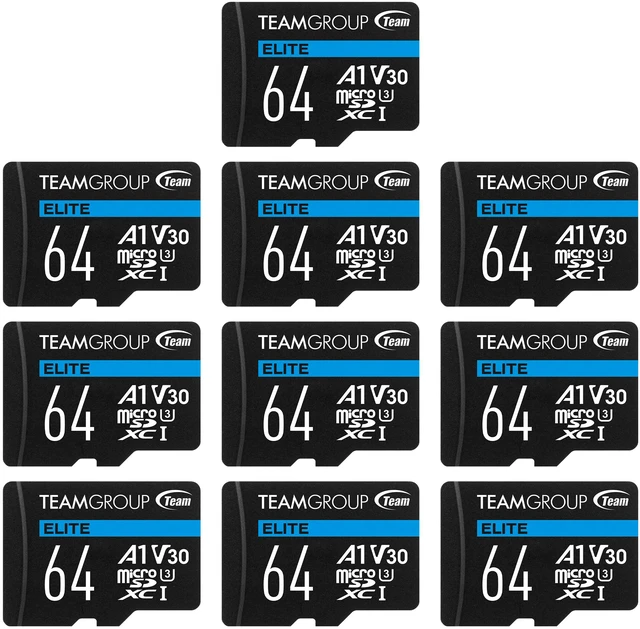
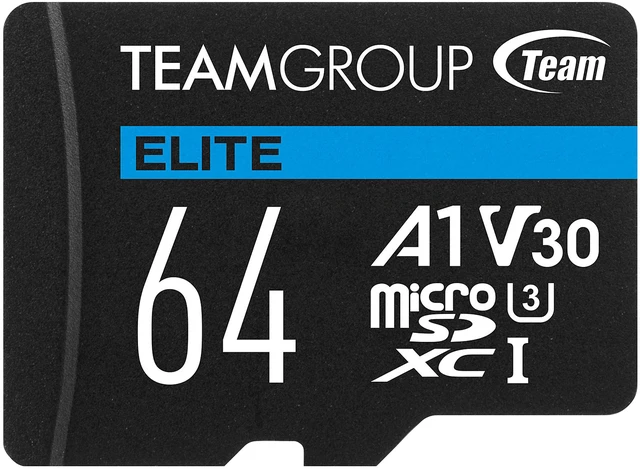
This product does not include manufacturer warranty when purchased or used outside of its designated sales region. By purchasing internationally, you acknowledge that warranty support from the manufacturer will not be available.The Team 10 Pack Elite is a set of ten 64GB microSDXC cards with UHS-I, U3, A1 and V30 ratings, up to 100MB/s read speed and up to 50MB/s write speed, suited to mobile-device users who want multiple cards for apps and 4K Ultra-HD video.
| Attribute | Value |
|---|---|
| Best For | Smartphone and mobile-device storage, with support for running apps and compatible 4K Ultra HD video |
| Card Format | microSDXC card |
| Capacity | 64 GB |
| Speed And Video Class | UHS-I, U3, A1, V30; read speeds up to 100 MB/s and write speeds up to 50 MB/s |
| Protection | Waterproof, dustproof, and X-ray proof |
| Color | Black |
| Model Identifiers | Team / TEAMGROUP Elite 10 Pack; model TEAUSDX64GIV30A103 |
Q: TEAMGROUP ELITE A1 vs. TEAMGROUP PRO+ A2: which should I choose?
A: Choose the 64GB ELITE A1 for 4K-capable recording and general storage when its 100MB/s read and up-to-50MB/s write ratings meet your needs. Choose PRO+ A2 if higher advertised transfer speeds or the A2 app-performance rating matter more; TEAMGROUP lists PRO+ at up to 160MB/s read and 110MB/s write, with capacities starting at 128GB. Actual results depend on the device and card reader.
Q: Is this 64GB U3/V30 card worth choosing over a basic U1/V10 microSD card for video?
A: Choose the ELITE card when your camera requires U3 or V30, or you want the higher minimum sustained write rating for video: U3/V30 signifies 30MB/s, while U1/V10 signifies 10MB/s. A basic U1/V10 card may be sufficient for devices and recording modes that require only that class; check your device’s requirements.
Q: Should I get the 64GB or 128GB version of the TEAMGROUP ELITE A1?
A: Choose 64GB if that capacity suits your storage needs or you prefer a lower-capacity card. Choose 128GB to keep more files on one card and reduce how often you need to swap or manage cards. TEAMGROUP lists both versions with UHS-I, U3, V30, A1, up to 100MB/s read, and up to 50MB/s write ratings.
Q: Is an A2 microSD card faster than this A1 card for running apps?
A: A2 cards have higher standardized minimum random-read and random-write IOPS than A1 cards, so an A2 card may suit app use when the device supports A2 features. The ELITE A1 is a reasonable fit when A1 performance and its U3/V30 video rating meet your needs. The A1 or A2 label alone does not guarantee a specific speed in every device.
Q: Will this 64GB microSD card work in my phone, camera, or other device?
A: It can work in devices with a microSDXC slot that supports 64GB cards. Check your device’s specifications before buying; the card’s format and capacity are not compatible with every microSD device.
Q: Is this card suitable for recording 4K video?
A: The card is listed as 4K Ultra-HD compatible and carries U3 and V30 speed ratings, with write speeds up to 50MB/s. Confirm that your camera supports 64GB microSDXC cards and that its recording requirements match the card’s ratings.
Q: Is 64GB enough storage for my needs?
A: It depends on the size and number of files you plan to store. The card provides 64GB of capacity; larger videos and apps use space faster, so check the expected file sizes if you need to keep a large library on the card.
Q: Does the card need to be formatted before use?
A: The product information does not specify whether the card is preformatted. Follow the instructions for your device; some cameras and recorders recommend formatting a new card in the device before recording.