
Your Browsing History
Quick View
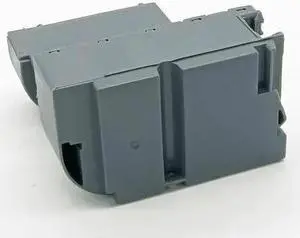
Waste ink tank Forepson-ET2700 4158 4160 4166 2750 L4156 4165 4167 4168 T04D100
- Product Type: Replacement Parts
- Model #: DYJ23-12-2-1250
- MXN$1,646.98 –
- Free Shipping
Quick View
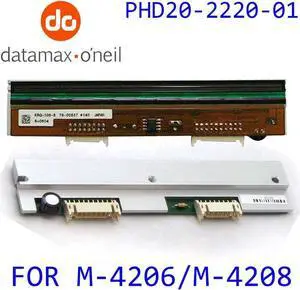
For Datamax Print Head M4206M4208 203DPI Printhead PHD20-2220-01 Kyocera Thermal
- Product Type: Printhead
- Model #: PHD20-2220-01-203DPI-w17
- MXN$4,835.32 –
- More options from MXN$4,835.32 - MXN$5,481.19
- Free Shipping
Quick View
10pcs* Symbol DS4208 series Barcode Scanner - USB Cable Included - Scans 2D / 1D / QR Code Bar code scanner DS4208 -SR
- Model #: (FLY)/DS4208 -SR
- MXN$9,737.12 –
- Free Shipping

Quick View
POWER SUPPLY PANEL MAINBOARD MOTOR STRIP HINGE BELT CABLE INK PUMP SCANNER ForExpression Photo XP-960 XP960 XP 960(MAINBOARD)
- Product Type: Replacement Parts
- Model #: DYJ23-12-2-89
- MXN$4,424.48 –
- Free Shipping
Quick View
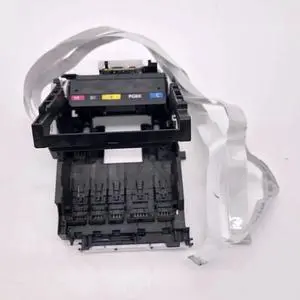
printhead carriage holder TS6120 fits Forcanon-TS5020 TS6020 TS5050 TS6050 MG5765 MG5766 TS6860 TS6865 TS6866 TS5060 TS6120
- Product Type: Replacement Parts
- Model #: DYJ23-12-2-378
- MXN$1,737.41 –
- Free Shipping
Quick View
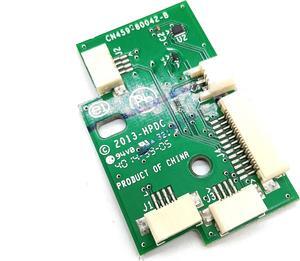
Sensor Board CN459-80042 Fits Forhp- OfficeJet Enterprises X585
- Product Type: Printhead
- Model #: CH-DYJ-0440
- MXN$956.61 –
- Free Shipping
Quick View
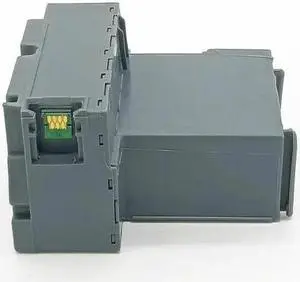
Waste ink tank fits Forepson-L4156 L4160 L4165 L4153 L4158 L4165 L4163 L4151
- Product Type: Replacement Parts
- Model #: DYJ23-12-2-1179
- MXN$1,804.79 –
- Free Shipping
Quick View
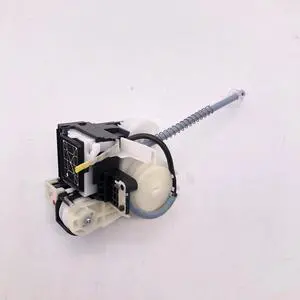
Ink pump EP804AW fits Forepson-EP-804AR IC50 ICBK50 EP-901A EP-804A EP-804AW
- Product Type: Replacement Parts
- Model #: DYJ23-12-2-519
- MXN$1,686.43 –
- Free Shipping
Quick View
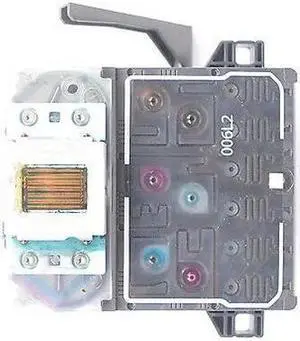
Print Head PrintHead Forhp- C6180 C7280 C8180 D7355 D7360 D7460 C5180 D7160 use 02 ink C7275 C7280 C7283 C7288 C8150 C8180 D6160
- Product Type: Printhead
- Model #: CH-DYJ-1636
- MXN$3,746.12 –
- More options from MXN$3,660.96 - MXN$4,246.45
- Free Shipping
Quick View
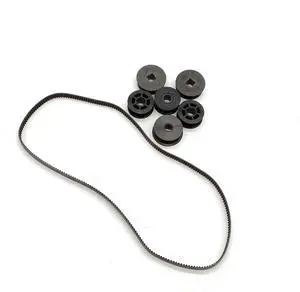
Belt Gear SP35 Fits For Datacard CP40 CP80 SP70 SP30Puls SP55 SP75
- Product Type: Printhead
- Model #: Dyj-231218-297
- MXN$1,636.04 –
- Free Shipping
Quick View
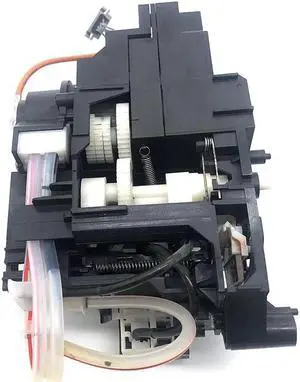
Ink Pump Assembly Capping Station Forepson-Cleaning Unit Assy 1555374-04 1410 1500W 1430 1390 1400 EP-4004 PM-G4500 L1800
- Product Type: Replacement Parts
- Model #: DYJ23-12-2-496
- MXN$4,093.08 –
- Free Shipping

Quick View
Original Printhead GH000741A For Sato CL408 CL408E MR400E LM408e 203dpi Thermal Printer Head,Warranty 90 days guarantee
- Product Type: Adapters and Batteries
- Model #: GH000741A-O10
- MXN$6,152.54 –
- Free Shipping
Quick View
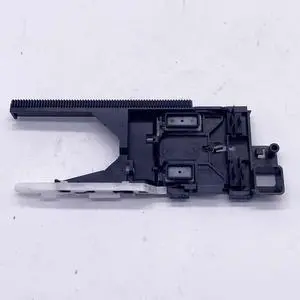
Ink Pump Fits Forhp- Officejet 4522 830 4512 4650 0 4516 4520 4655 5255 3830
- Product Type: Printhead
- Model #: Dyj-231218-1551
- MXN$1,636.04 –
- Free Shipping
Quick View
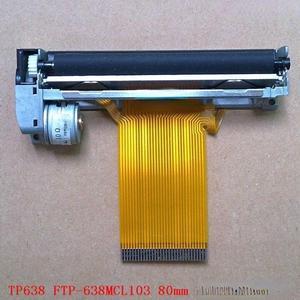
movement print head For RP300T RP300p TP80 637 FTP-637MCL103
- Product Type: Printhead
- Model #: ZW-d5234-203
- MXN$7,146.76 –
- More options from MXN$7,146.76 - MXN$8,422.08
- Free Shipping
Quick View
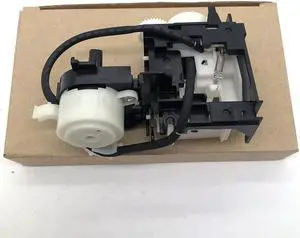
Pump Ink System Capping Assy Cleaning Unit fits Forepson-L3110 L3158 L3150 L3116 L3118 L3119 L1118 L1119 L1110
- Product Type: Replacement Parts
- Model #: DYJ23-12-2-508
- MXN$2,574.13 –
- Free Shipping
Quick View
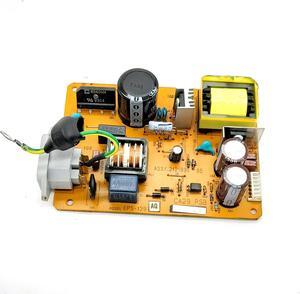
Power Supply Board 100V A810 CA29 EPS-129 ASSY.2121890 Fits Forepson-A730 A800 A700 A725 A710 A830
- Product Type: Printhead
- Model #: Dyj-231218-304
- MXN$1,798.24 –
- Free Shipping
Quick View
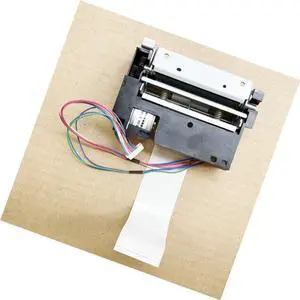
print head For XP-C58K T58KC XP-T58L 58mm printer
- Product Type: Printhead
- Model #: ZW-dyt-122
- MXN$3,706.18 –
- More options from MXN$3,706.18 - MXN$4,360.03
- Free Shipping
Quick View
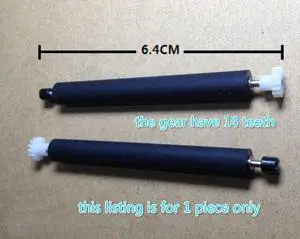
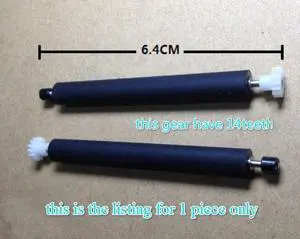
shaft platen roller For S500 POS Rubber Roller POS Roller
- Product Type: Printhead
- Model #: ZW-dyt-208
- MXN$862.49 –
- Free Shipping
Quick View
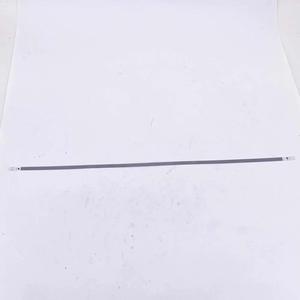
shaft platen roller For E550 POS Rubber Roller POS Roller
- Product Type: Printhead
- Model #: ZW-dyt-207
- MXN$862.49 –
- Free Shipping
Quick View
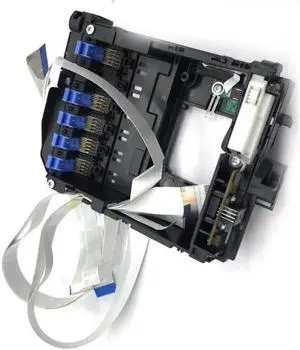
Encoder Strip Fits Forhp- Officejet 4520 4512 3830 4655 5255 4516 4522 0 830 4650
- Product Type: Printhead
- Model #: Dyj-231218-1586
- MXN$1,352.18 –
- Free Shipping
Quick View
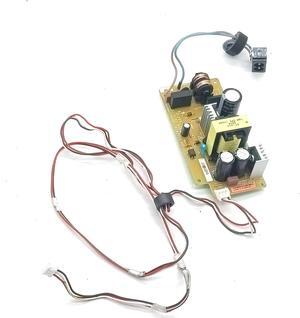
Printhead Carriage Fits Forepson-XP 625 830 640 720 600 810 601 610 821 615 800 750 635 801 700 820 701 630 850 897 721 605 620
- Product Type: Printhead
- Model #: Dyj-231218-889
- MXN$2,183.48 –
- Free Shipping
Quick View
Power Supply Board 220V XP-960 ASSY.2142529 02 Fits Forepson-XP900 XP960 XP950 XP-900 XP-950
- Product Type: Printhead
- Model #: Dyj-231218-331
- MXN$2,670.09 –
- Free Shipping
Quick View
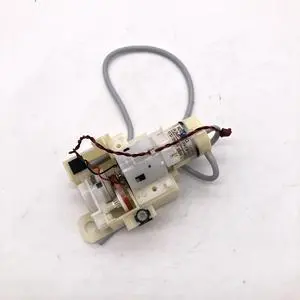
INK PUMP fits Forepson-PX720 A710 A725 A730 EP-804A EP-901A EP-904A A700 EP-801A TX820 PX820 TX810 A800 810 830
- Product Type: Replacement Parts
- Model #: DYJ23-12-2-491
- MXN$1,745.61 –
- Free Shipping
Quick View
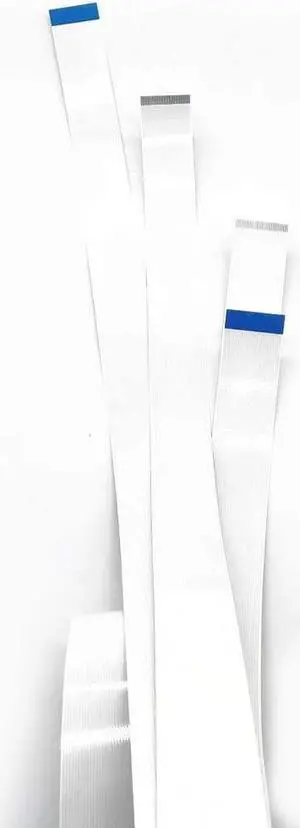
Carriage Trailing Cable 24-IN Fits Forhp- DesignJet Z2100 500 Plus Z3200 Z3100ps gp 500 Z3100 T610 Z3100ps T1100 T1100ps
- Product Type: Printhead
- Model #: Dyj-231218-667
- MXN$2,061.83 –
- Free Shipping
Quick View
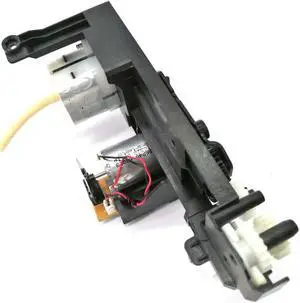
Ink Suction Pump Motor Gear Set Fits Forhp-9023E 9025E 9028 9028E 9026 9023 9020E 9026E 9020 9022E 9025 9022
- Product Type: Replacement Parts
- Model #: DYJ23-12-2-1497
- MXN$1,765.33 –
- Free Shipping
Quick View
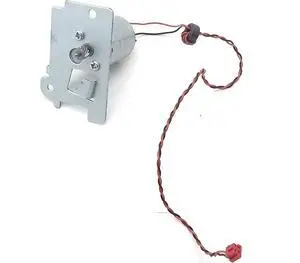
Strip Motor WF-3640 Fits Forepson-3621 3721 3725 2531 3730 3720 2530 3620 3641(Small)
- Product Type: Printhead
- Model #: CH-DYJ-1193
- MXN$1,006.89 –
- Free Shipping
Quick View
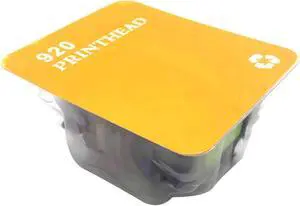
920 920XL Printhead Fits Forhp- B109A 6000 7500A B110A 7500 C510A 6500A 7000 6500 B209A B210A C410A 6500 7000 6000 6500A 7500A
- Product Type: Printhead
- Model #: Dyj-231218-1521
- MXN$1,899.62 –
- Free Shipping
Quick View
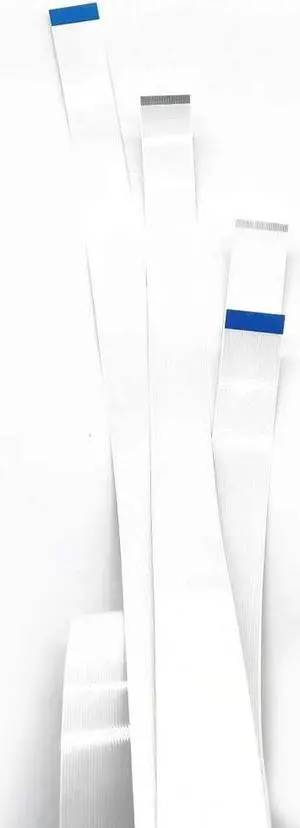
Carriage Trailing Cable 24-IN Fits Forhp- DesignJet 500 Plus 500 Q5669-67052 Z3100 T1100ps T610 Z3100ps T1100 Q5669-60681 Z3200
- Product Type: Printhead
- Model #: CH-DYJ-0353
- MXN$2,076.23 –
- Free Shipping
Quick View
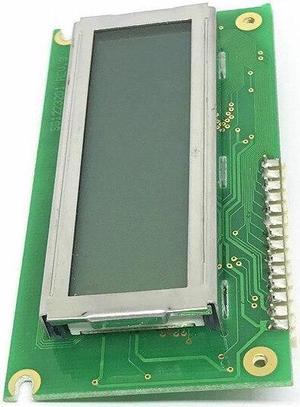
Printer display For TTP-344MPRO Printer display(344 display)
- Product Type: Printhead
- Model #: ZW-d5234-619
- MXN$11,727.29 –
- Free Shipping

Quick View
New Printhead for SATO CL408 CL408E Thermal Label Printer 203dpi GH000741A
- Product Type: Adapters and Batteries
- Model #: GH000741A-O11
- MXN$6,152.54 –
- Free Shipping
Quick View
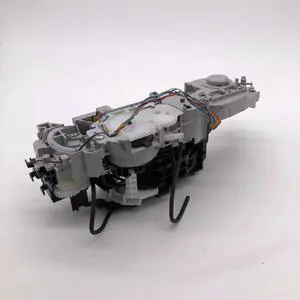
Ink Pump Assembly Capping Station fits Forcanon-MX890 MG5300 MG5350 MG5240 MG5280 MG5220 IP4980 IP4880 iX6520 iX6550 MG5250
- Product Type: Replacement Parts
- Model #: DYJ23-12-2-490
- MXN$1,745.61 –
- Free Shipping
Quick View
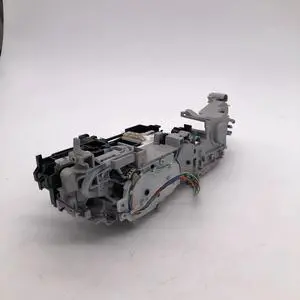
Ink Pump Assembly Capping Station fits Forcanon-iP4950 IP4840 iX6520 MG5340 MX715 IP4830 IP4980 IP4880 MG5220 MX892 MG5250
- Product Type: Replacement Parts
- Model #: DYJ23-12-2-481
- MXN$1,745.61 –
- Free Shipping
Quick View
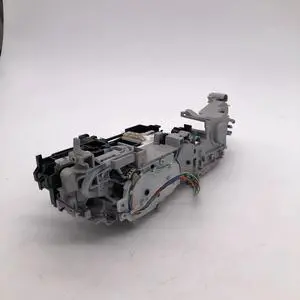
Ink Pump Assembly Capping Station fits Forcanon-MX885 ix6500 ix6580 IX6510 6560 MX882 886 IP4980 IP4880 IP4830 iP4950 IP4840
- Product Type: Replacement Parts
- Model #: DYJ23-12-2-510
- MXN$1,745.61 –
- Free Shipping
Quick View
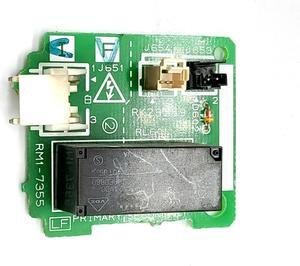
Power Supply Sub Pcb Assy CP2025 RM1-7355 Fits Forhp- CM2320 CP2025dn cm2320n cm2320nf cm2320fxi CP2025x CP2025n
- Product Type: Printhead
- Model #: Dyj-231218-326
- MXN$1,210.25 –
- Free Shipping
Quick View
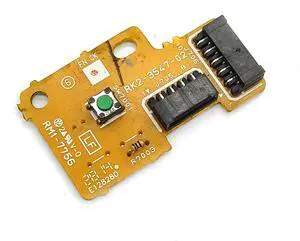
Button Board RM1-7756 RK2-3547 Fits Forhp- CP1025NW 1025 1025NW CP1025(Button Board-B)
- Product Type: Printhead
- Model #: Dyj-231218-1135
- MXN$1,636.04 –
- Free Shipping
Quick View
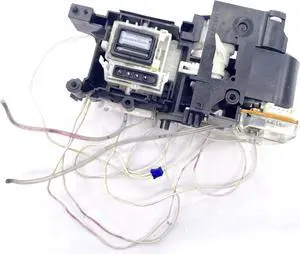
Ink pump J410 fits ForBro J125 J415 MFC-255CW J715 395c J410 J220 J315 J415 J615W J195 J515W J125 J195 J125 dcp J220
- Product Type: Replacement Parts
- Model #: DYJ23-12-2-512
- MXN$1,686.43 –
- Free Shipping
Managing an office consists of making sure equipment operates at high-capacity so the workflow never falters, saving your business time and money. Keeping printing equipment running requires having printer supplies on hand to clean or replace worn or depleted items quickly. Printers and scanners have a lot of moving parts that need replacing after extended use, such as the printhead, feeder tray and drum unit. When it is time to replace the various components, there are kits available that assist in the quick repair of the equipment. Printer maintenance kits, part replacement kits and cleaning kits all provide you with step-by-step instructions for getting your equipment working again.
Ribbons Are a Vital Element for Printing Machines
Maintain the integrity of your dot matrix printer or machine by using OEM printer ribbons, a vital element in the printing process. Like most printer supplies, printer ribbons evolved with newer printing technologies and continue to be a necessity for many modern machines. Many companies rely on heavy-duty dot matrix printers for large-scale printing of data, so the continued availability of ribbons is crucial. Using the ribbon cartridge designed for a particular machine guarantees consistent and uninterrupted production. Intended for high yields and optimized for various products, most printer ribbons mount or install easily and come with a functional storage life of one year. Manufacturers offer 14 colors of 100 percent water-resistant and silk printer ribbons so you can create professional images and documents.
Equipment Functions Better With OEM Printer Supplies
Replace an inkjet cartridge by matching the original equipment manufacturer model number for both the printer and cartridge to ensure optimal and uninterrupted printing. The manufacturer designed their ink cartridges for genuine brands so they can deliver quality documents without streaks or smudges. The same is true for replacing a printhead cleaner or drum components. No matter the volume of pages or color ink, using the correct ink cartridge assists in keeping your printer functioning consistently. When your printer works, you can concentrate on other business matters. Whether you have a small business or an enormous operation, stocking printing supplies that fit your printers facilitates overall productivity. That includes using a cartridge designed for the print output you require.
High Yield Cartridges Save Time and Money
Match the printer with the toner by finding the cartridge number that corresponds with the printer model. If you are using toner cartridges from genuine brands, the manufacturers provide code-finding tools to make matching up easy. The standard toner cartridge usually prints 1,200 pages, while the high-yield toner cartridge produces about 2,600 pages. Determine which works well for your operation based on daily print requirements. Typically, the high-yield cartridge will last longer and cost less per page, saving you time and money. Occasionally, you may need to replace the drum unit after replacing the toner 10 to 12 times so your output remains at its highest quality.