- MXN$99,999.00 Shipping
MXN$9,880.73
VAT-Inclusive Price
Ships from United States.
Most customers receive within 9-17 days.
Meet Your Seller
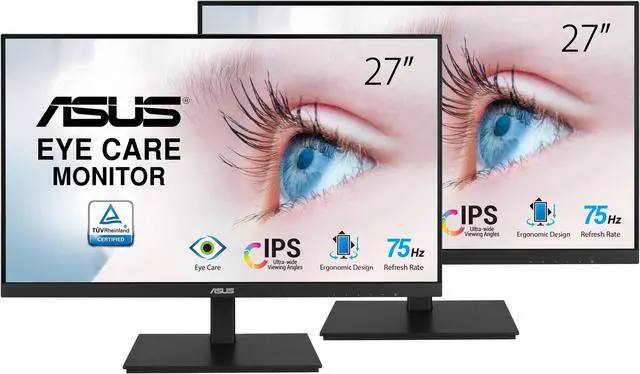
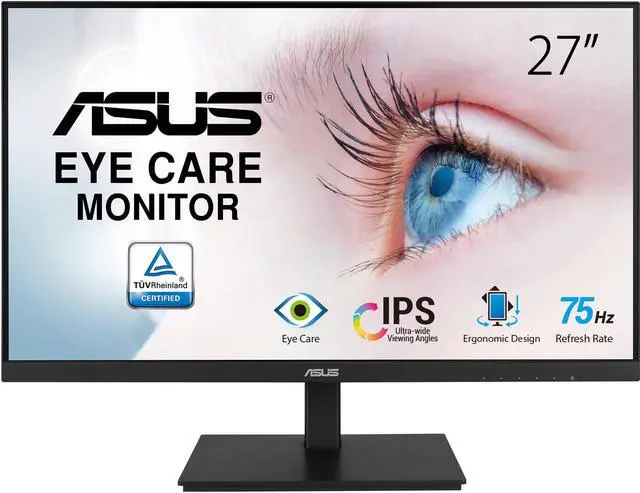
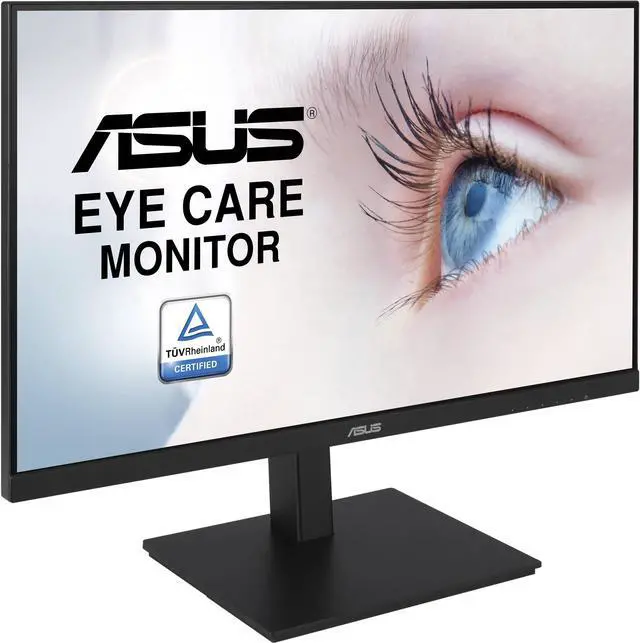
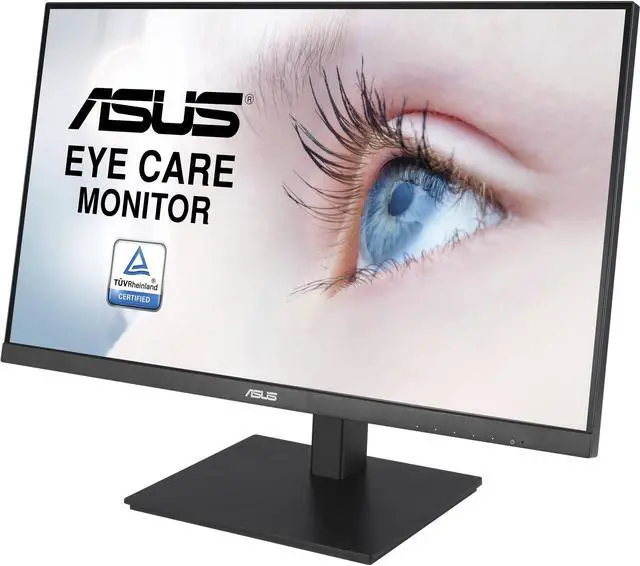
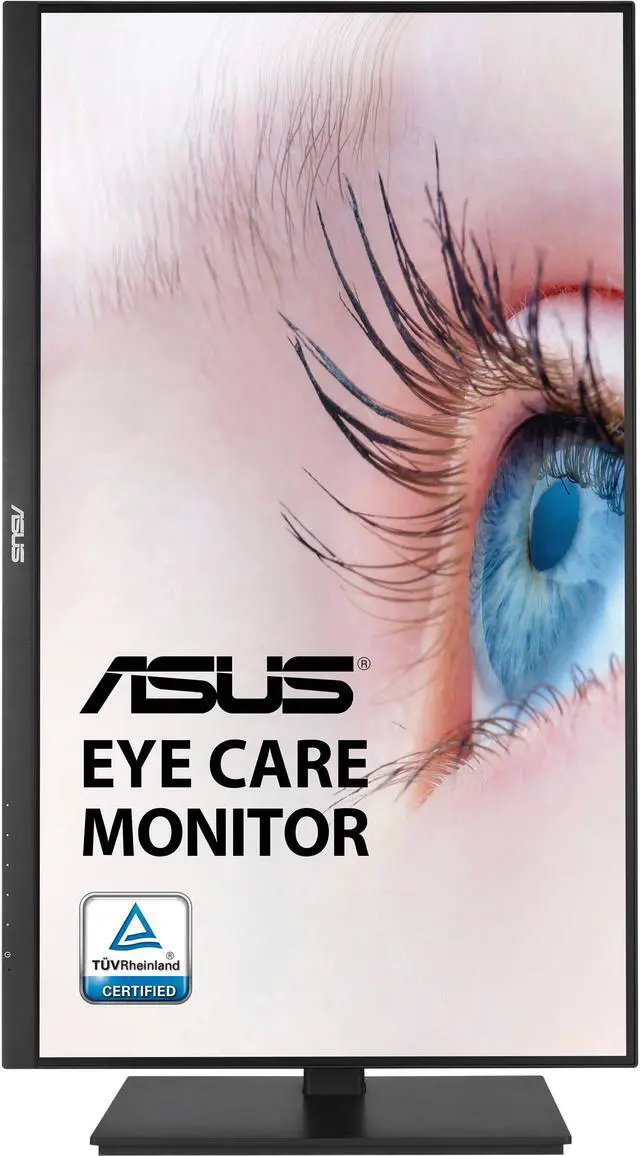
ASUS VA27DQSB 27" Monitor: 75Hz Refresh Rate, 5 ms response time, Full HD (1920x1080) FHD, Non-glare Screen, VESA Compatible- Ideal for Home & Business Use, Pack-2
- Stunning, Crystal Clear Image: Enjoy beautiful images on a 27" Non-glare Screen and a Full HD (1920x1080) 16:9 Aspect Ratio resolution for dazzling visuals with brilliant colors.
- Fast Response Time: With a 75Hz refresh rate and a response time of 5 ms, enjoy smoother and more reactive content from business applications, games, videos, and other forms of media.
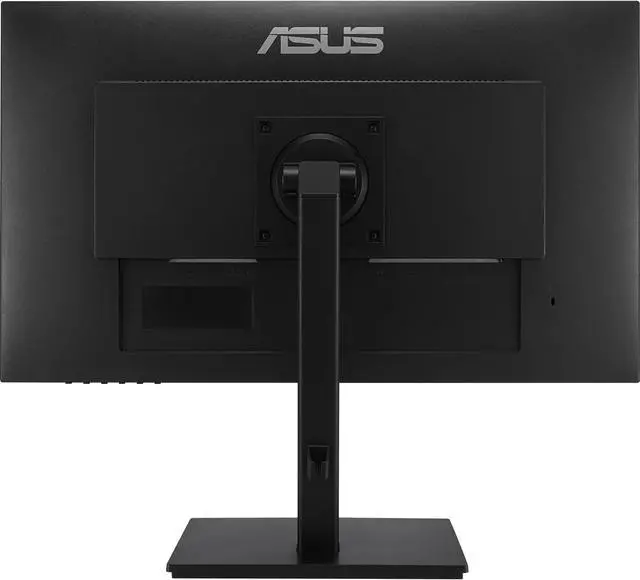
- Customizable Comfort: With a 178° (H) / 178° (V) viewing angle, and a pivot adjustment (+180° ~ -180°) and a swivel adjustment (+90° ~ -90°), this display can be adjusted to fit any home, office, or gaming setup.
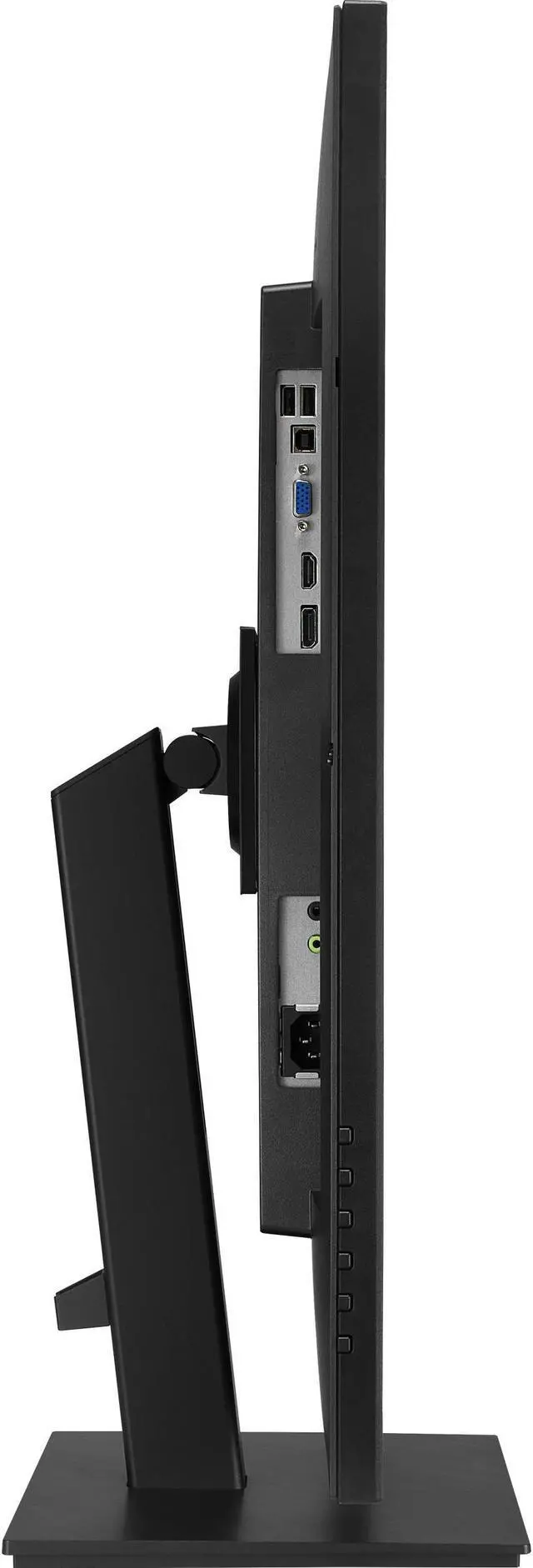
- Quick Connections: Comes with plenty of ports (VGA, 1 Display Port, HDMI) for connecting any and all your devices easily., Additional Features: Brightness: 250 Nits, VESA Compatible, Eye-Care Features: Low Blue Light, AMD Freesync, Flicker-Free Technology. monitorwarinfo
- Includes ASUS Monitor/ HDD()
+
+
Overview
Specs
Reviews
monitorwarinfo
Model: ASUS VA27DQSB Color: Black Display Size: 27" Resolution: Full HD (1920x1080) Refresh Rate: 75Hz Panel Type Details: IPS Video Ports: 2 x USB 2.0, Display Port (DP), HDMI, VGA Aspect Ratio: 16:9 Contrast Ratio: 1,000:1 Built-In Audio: Built-in Speakers Response Time: 5 ms Viewing Angle: 178° (H) / 178° (V) Display Colors: 16.7 Million Brightness: 250 Nits Display Pixel Pitch: 0.311mm (82 Pixels Per Inch) Additional Audio Ports: 3.5mm Audio Output VESA Compatibility: 100x100mm Eye Care Features: Low Blue Light AMD Freesync: Yes Flicker Free Technology: Yes Adjustments: Height Adjustment 5.9" / 150 mm, Rotation Adjustment 180° (-90 to 90°), Swivel Adjustment 360° (-180 to 180°), Tilt Adjustment -5 to 35° Product Dimensions (WxLxH): 24.1 IN x 8.9 IN x 20.6 IN Weight: 15lb monitorwarinfo
Warranty & Returns
Warranty, Returns, And Additional Information
Return Policies*
- Return for refund within: 30 days
- Return for replacement within: non-replaceable
- This item is covered by Velztorm Return Policy
- *Subject to applicable law
Warranty Notice:
This product does not include manufacturer warranty when purchased or used outside of its designated sales region. By purchasing internationally, you acknowledge that warranty support from the manufacturer will not be available.
Manufacturer Contact Info
- For a directory of all our manufacturers, please click below.
- Manufacturers Directory
LOADING...
The ASUS VA27DQSB Pack-2 is a pair of 27-inch Full HD monitors with 75Hz refresh rates, 5 ms response times, and non-glare screens, suited to home and business users who want a two-display setup for everyday work, video, and casual gaming.
Recommended For
- Office and home-office workers who spend the day on documents, email, and web apps and want a non-glare screen with height, tilt, swivel, and pivot adjustments.
- Readers, coders, and people who regularly work with long documents or web pages can use the stand’s portrait rotation to view more vertical content at once.
- People replacing an older monitor for everyday browsing, video, and general desktop use who value a 27-inch IPS screen, wide viewing angles, and common HDMI, DisplayPort, and VGA connections.
- Casual gamers who play at modest frame rates and want Adaptive-Sync, but do not need a high-refresh-rate competitive gaming display.
Real-World Use Scenarios
- For a home-office day split between documents, email, and video calls, the 27-inch screen gives routine work a larger viewing area; its height, tilt, and swivel adjustments help position the display at a comfortable angle.
- At a workstation with a mix of newer and older computers, users can connect through HDMI or DisplayPort, or use VGA for a legacy system; the USB hub can keep a couple of peripherals close at hand.
- For reading long documents or reviewing code, rotating the display into portrait orientation can show more lines at once, reducing how often users need to scroll.
- For everyday viewing in a bright room, the non-glare screen helps limit reflections, while the IPS panel’s wide viewing angles make the image easier to see when someone is looking on from the side.
- For casual gaming after work, compatible variable-refresh support and a refresh rate above standard 60Hz can make motion feel smoother; it is better suited to occasional play than to competitive gaming focused on very high refresh rates.
Spec Summary
| Attribute | Value |
|---|---|
| Best For | Home and office use, everyday media, and light gaming on a 27-inch Full HD display |
| Panel And Resolution | 27-inch FHD display with 1920 × 1080 resolution and a 16:9 aspect ratio |
| Refresh Rate And Response | 75 Hz refresh rate and 5 ms response time |
| Image Characteristics | 178° horizontal and vertical viewing angles, 16.7 million colors, and a 1,000:1 contrast ratio |
| Model Identifiers | ASUS |
Reference Q&A
Q: ASUS VA27DQSB vs VA27EHE: which is better for an office setup?
A: Choose the VA27DQSB if you want a 27-inch, 1080p, 75Hz display with a height-adjustable, pivoting, and swiveling stand, plus a USB hub and DisplayPort, HDMI, and VGA inputs. The VA27EHE also has a 27-inch 1080p, 75Hz IPS display, making it a closer fit when those additional setup and connection options are not a priority.
Q: Should I choose the ASUS VA27DQSB or VA27AQ for a 27-inch monitor?
A: Choose the VA27DQSB for Full HD 1920×1080, a four-way adjustable stand, and built-in USB hub connectivity. Choose the VA27AQ if you prefer its higher 2560×1440 resolution for more detailed images and additional desktop workspace; both are 27-inch ASUS monitors with a maximum 75Hz refresh rate.
Q: ASUS VA27DQSB or TUF Gaming VG27AQ3A: which suits work and gaming?
A: Choose the VA27DQSB for office and everyday use when its height, swivel, and pivot adjustments, USB hub, and VGA/HDMI/DisplayPort inputs match your setup. Choose the TUF Gaming VG27AQ3A when gaming-focused specifications are the priority: it has a 2560×1440 resolution and a maximum 180Hz refresh rate, compared with the VA27DQSB’s 1920×1080 resolution and 75Hz maximum.
Q: Is this monitor suitable for everyday office work?
A: Yes. Its 27-inch Full HD screen, non-glare surface, adjustable stand, and Low Blue Light and Flicker-Free features suit documents, browsing, and general office use. Its 75Hz refresh rate is intended for everyday use rather than high-refresh gaming.
Q: Can I adjust the screen for portrait use or mount it on an arm?
A: Yes. The stand supports height adjustment, swivel, and 90-degree pivot for portrait orientation. The monitor also supports 100 × 100 mm VESA mounting, so it can be attached to a compatible arm or wall mount.
Q: Can I connect it to a laptop as a second screen?
A: Yes, if the laptop has a compatible video output or adapter. The monitor accepts HDMI, DisplayPort, and VGA; it does not list USB-C video input.
Q: Is the VA27DQSB a suitable choice for long hours of coding if eye comfort is a priority?
A: It has Low Blue Light and Flicker-Free features, plus height, swivel, and pivot adjustments that can help tailor the setup. It is 27 inches at 1920×1080, so choose it only if that resolution and text sharpness suit your preference; eye-care features do not guarantee reduced eye strain.
Q: Do the monitor’s USB ports work if I connect my computer by DisplayPort?
A: A Reddit user found that DisplayPort alone did not activate the monitor’s USB hub; connecting the monitor’s USB upstream cable to the computer or dock enabled the ports. Plan on a separate USB connection for hub data.
Q: Can the monitor lose signal when a MacBook wakes from sleep through a USB-C hub?
A: One Reddit user reported intermittent no-signal behavior after waking a MacBook connected through a USB-C hub, sometimes fixed by reconnecting cables. This is an individual report, not evidence that the issue is common; consider testing your own hub and connection before relying on this setup.