


 All Categories










USB-C External Sound Adapter
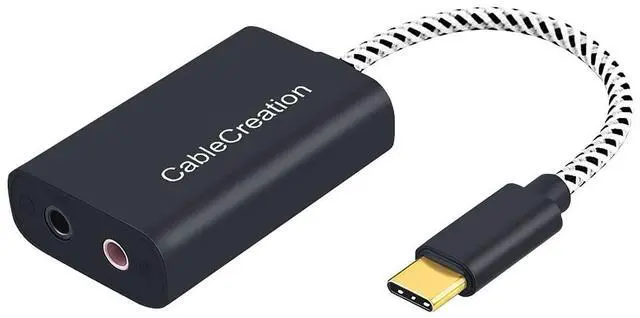
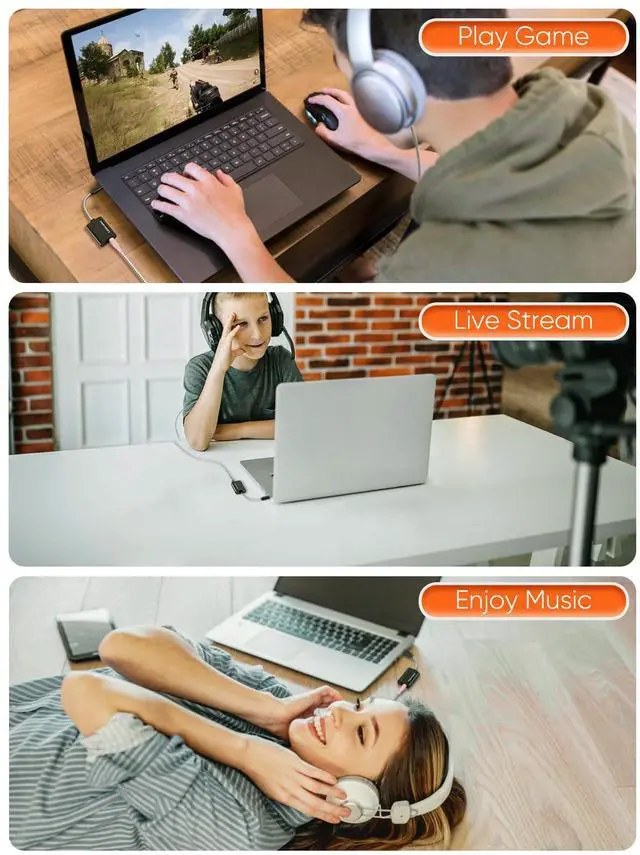
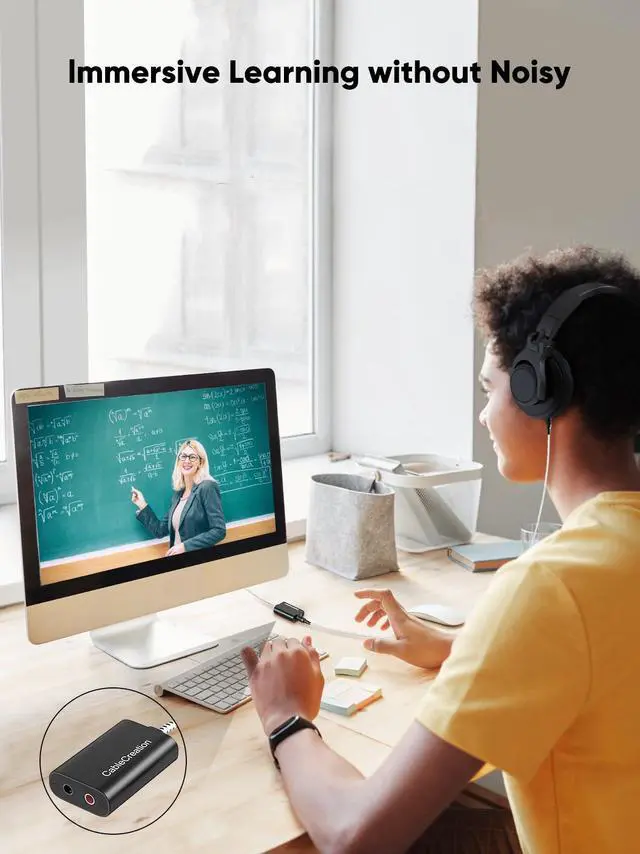
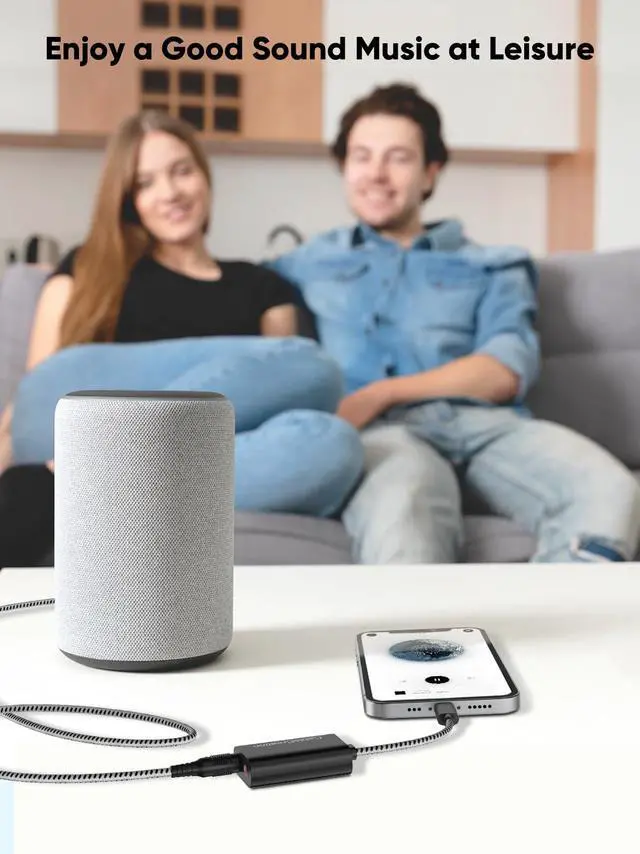
CableCreation USB-C to 3.5 mm Audio and Microphone Adapter is an ideal alternative to bypass a damaged sound card. It provides a solution to connect your existing headsets, earplugs, speakers, microphones and aux cables to your USB-C equipped computer and cellphone.
CableCreation USB-C to 3.5 mm Audio Adapter is an Ideal Solution for
- Damaged sound card;
- Computers without microphone jack;
- Ultra-thin laptops without 3.5 mm audio port;
- Preventing your USB-C port from repeated plugging and unplugging.

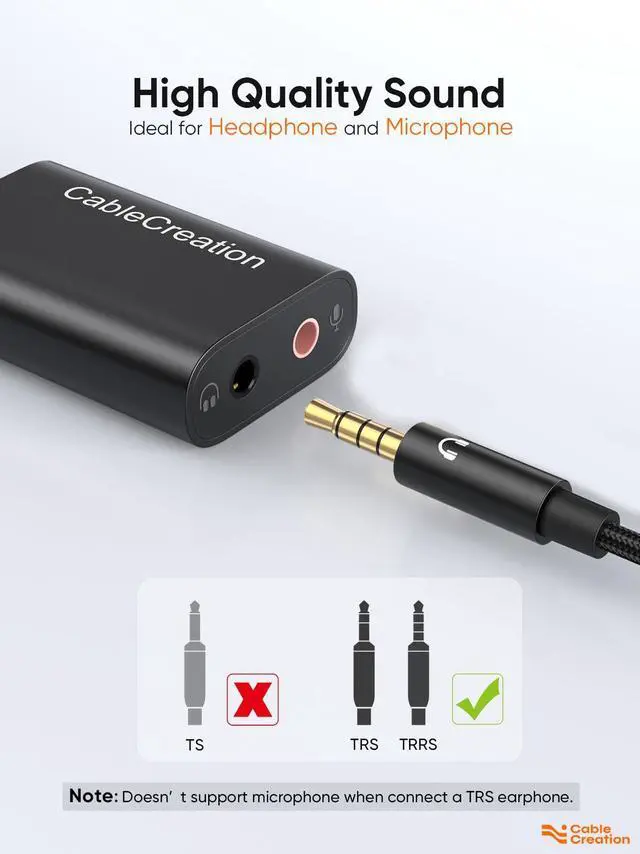
Black Port - Integrated stereo audio output and mono microphone input
- supports TRRS (with built-in microphone) and TRS (without microphone)
- connect a TRRS, supports headphone output and microphone input
- connect a TRS (in black color), only supports headphone output
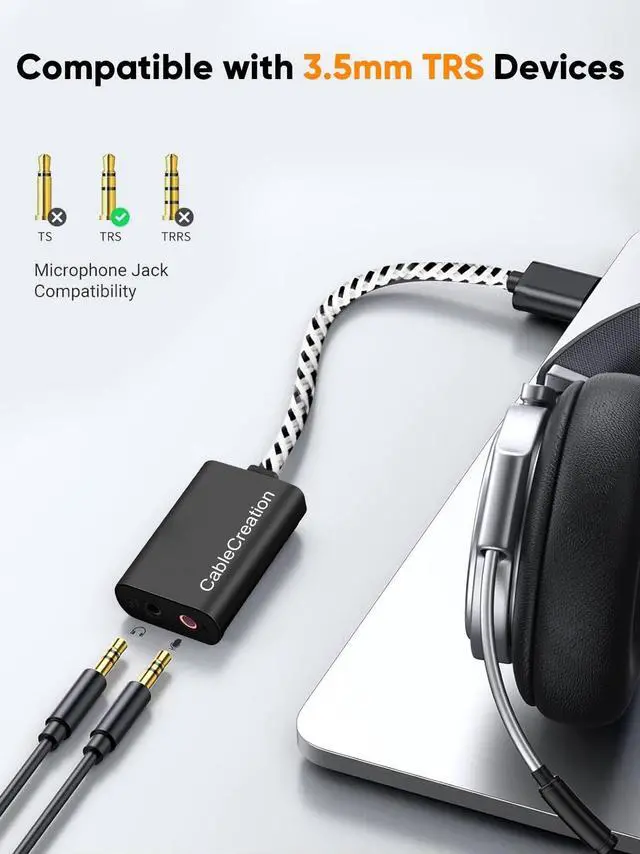
Pink Port - Mono Microphone In
- only support a TRS for microphone input
Warm Tips:
- Apple AirPods and earphones were tested not support microphone input but only audio output with this adapter
- Tested NOT working with Pixel Phones and GoPro serials
- Microphone input does NOT work with a DJI Osmo Pocket nor record audio
- Not two ports support output: one is output and the other is input.
- When a TRRS headphone and a separate TRS microphone are connected, the mic on the headphone cannot be used because the function is taken away by the separate microphone.
- If you can't use the TRRS microphone on your iPad devices, please let us know.
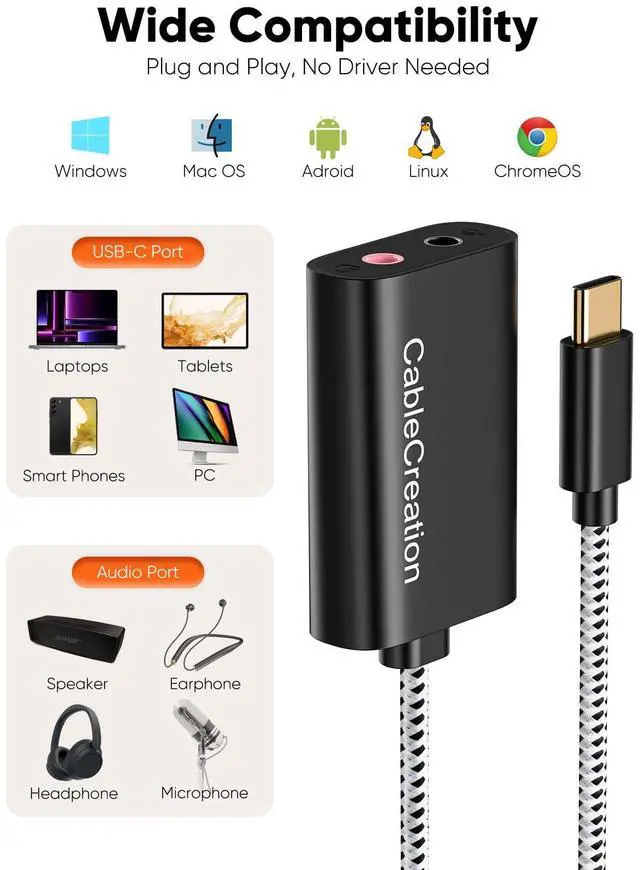
Compatible Devices [not a full list]

High sound quality with HS-100B chip
Practical Stereo Sound Adapter protects against electromagnetic interference (EMI) and enjoy the stable and best sound quality.
Great for Skype/ ICQ/ Google Hangouts/ TeamSpeak, additionally suitable as a second sound source for simultaneous operation of loudspeakers and headphones.

Configuration Instructions
Windows:
* Right-click on the sound icon in the taskbar;
* Select Playback or Recording devices;
* Adjust the volume on the computer and in the application.
Mac:
* Go to System Preferences > Sound > C-Media USB Headset > Output or Input > Volume
 USB-C Microphone Adapter |  USB Audio Adapter |  2-in-1 USB C Audio Adapter |  2-in-1 USB C Audio Adapter |  USB C to 3.5mm | |
|---|---|---|---|---|---|
| Customer Reviews | — | — | — | — | — |
| Price | — | — | — | — no data | — |
| Male Port | USB-C | USB-A | USB-C | USB-C | USB-C |
| Female Ports | Microphone + Earphone | Microphone + Earphone | 3.5mm audio + USB-C PD charge | 3.5mm audio + USB-C PD charge | 3.5mm audio |
| PD Fast Charge | No | No | Yes | Yes | No |
| Max Output | no data | no data | 60W | 60W | no data |
USB-C External Sound Adapter
CableCreation USB-C to 3.5 mm Audio and Microphone Adapter is an ideal alternative to bypass a damaged sound card. It provides a solution to connect your existing headsets, earplugs, speakers, microphones and aux cables to your USB-C equipped computer and cellphone.
CableCreation USB-C to 3.5 mm Audio Adapter is an Ideal Solution for
- Damaged sound card;
- Computers without microphone jack;
- Ultra-thin laptops without 3.5 mm audio port;
- Preventing your USB-C port from repeated plugging and unplugging.
Black Port - Integrated stereo audio output and mono microphone input
- supports TRRS (with built-in microphone) and TRS (without microphone)
- connect a TRRS, supports headphone output and microphone input
- connect a TRS (in black color), only supports headphone output
Pink Port - Mono Microphone In
- only support a TRS for microphone input
Warm Tips:
- Apple AirPods and earphones were tested not support microphone input but only audio output with this adapter
- Tested NOT working with Pixel Phones and GoPro serials
- Microphone input does NOT work with a DJI Osmo Pocket nor record audio
- Not two ports support output: one is output and the other is input.
- When a TRRS headphone and a separate TRS microphone are connected, the mic on the headphone cannot be used because the function is taken away by the separate microphone.
- If you can't use the TRRS microphone on your iPad devices, please let us know.
Compatible Devices [not a full list]
| Compatible System | (?) Windows 10 / 8.1 / 8, 7 / XP / Vista, macOS, Mac OS X, Linux, Android, Chrome OS |
| Apple | (?) iPad Pro 2020 (11 inch/ 12.9 inch), iPad Pro 2018, MacBook Pro, MacBook Air, iMac, iPhone 16/ 16 Pro/ 16 Pro Max/ 16 Plus/iPhone 15 and more |
| Samsung | (?) Galaxy S20 Ultra / S8/ S9/ S10 Plus / Note 9 / Note 10 |
| Other Phones | (?) OnePlus 7 Pro, OnePlus 8 Pro, Moto z play, Lumia 950, LG G5, G6, V20, V30 ,etc. |
| Headphones | (?) EDIFIER R101V / W800BT / K800 / H850 2011 Harley Ultra Limited,etc. |
| Imcompatible Models | (?) NOT working with Pixel Phones and GoPro serials; |

High sound quality with HS-100B chip
Practical Stereo Sound Adapter protects against electromagnetic interference (EMI) and enjoy the stable and best sound quality.
Great for Skype/ ICQ/ Google Hangouts/ TeamSpeak, additionally suitable as a second sound source for simultaneous operation of loudspeakers and headphones.
Configuration Instructions
Windows:
* Right-click on the sound icon in the taskbar;
* Select Playback or Recording devices;
* Adjust the volume on the computer and in the application.
Mac:
* Go to System Preferences > Sound > C-Media USB Headset > Output or Input > Volume
USB-C Microphone Adapter | USB Audio Adapter | 2-in-1 USB C Audio Adapter | 2-in-1 USB C Audio Adapter | USB C to 3.5mm | |
|---|---|---|---|---|---|
| Customer Reviews | — | — | — | — | — |
| Price | — | — | — | — no data | — |
| Male Port | USB-C | USB-A | USB-C | USB-C | USB-C |
| Female Ports | Microphone + Earphone | Microphone + Earphone | 3.5mm audio + USB-C PD charge | 3.5mm audio + USB-C PD charge | 3.5mm audio |
| PD Fast Charge | No | No | Yes | Yes | No |
| Max Output | no data | no data | 60W | 60W | no data |
More Choice
New Arrivals
USB C Hub
Charging Cables
Video Cables
Audio Cables
USB Adapters
Others
Limited-time Monthly Specials
