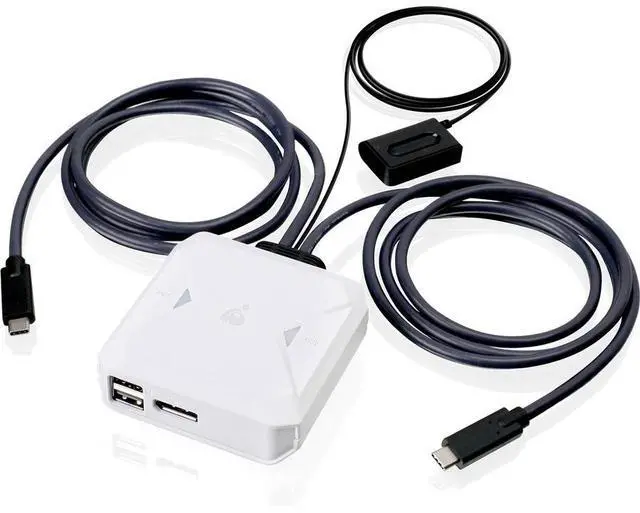
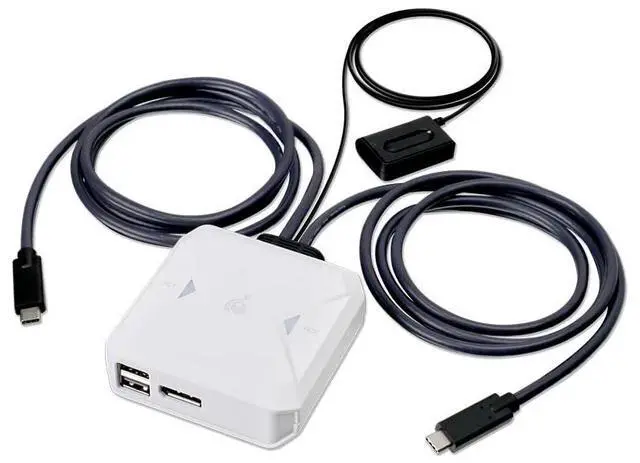
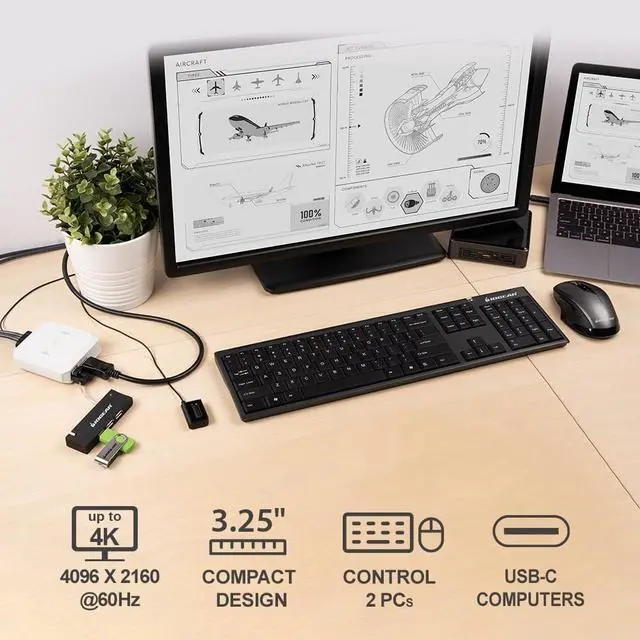
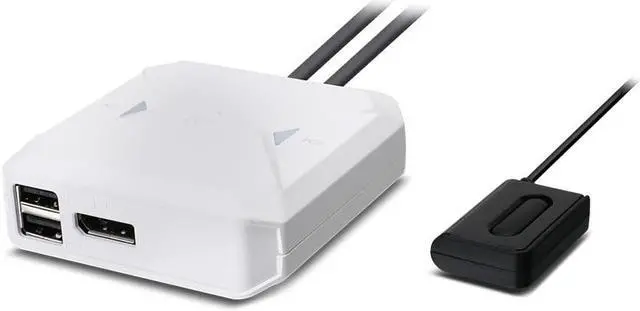
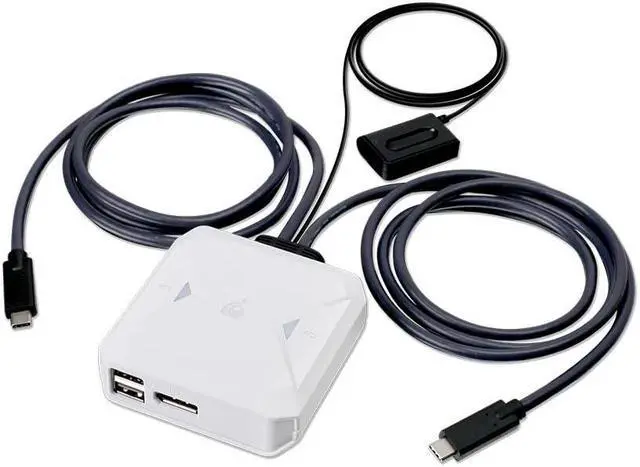
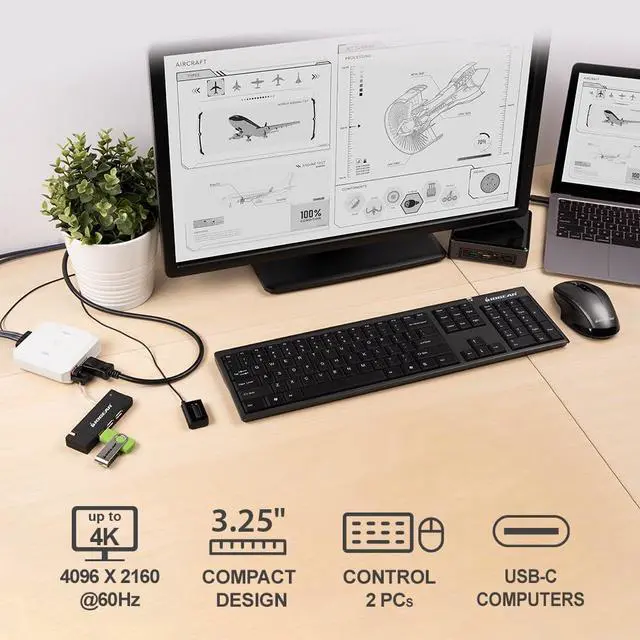
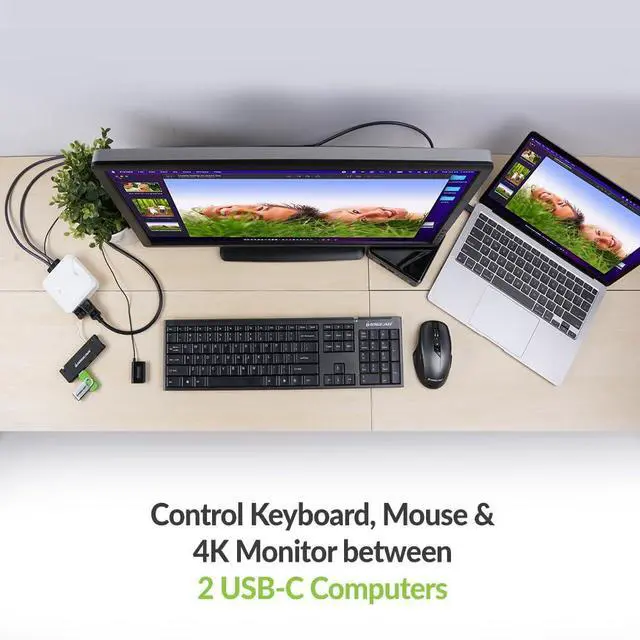
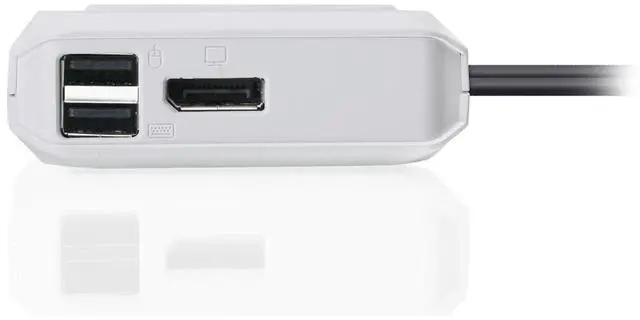
The IOGEAR GCS72CC is a 2-port USB-C KVM switch with DisplayPort output and 4K support, suited to people who want to switch a shared display and peripherals between two computers.
Recommended For
- People switching between a work laptop and a personal computer at one desk who want one DisplayPort monitor, wired keyboard, and mouse to move between both with a button press.
- Mac users sharing one external DisplayPort screen between two USB-C computers, such as a desktop Mac and a MacBook; a hands-on review tested the switch with Mac devices and a 4K display.
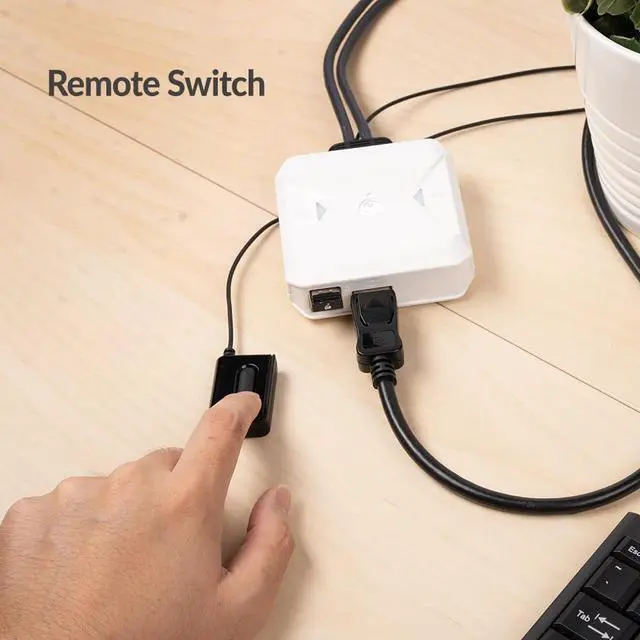
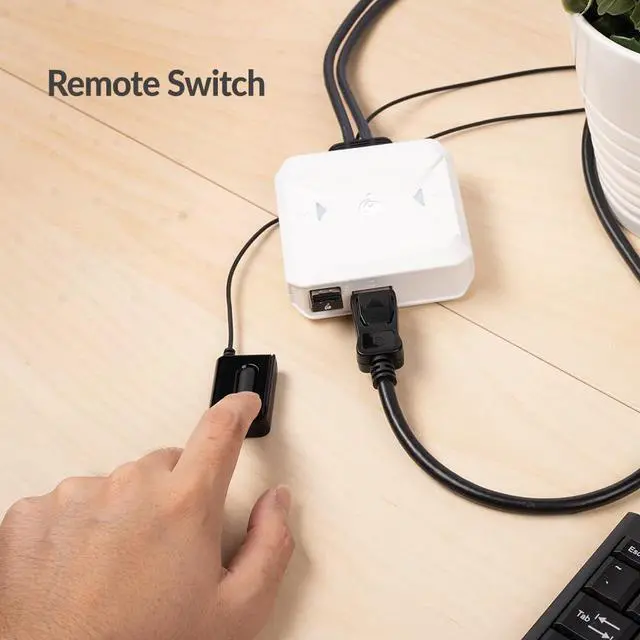
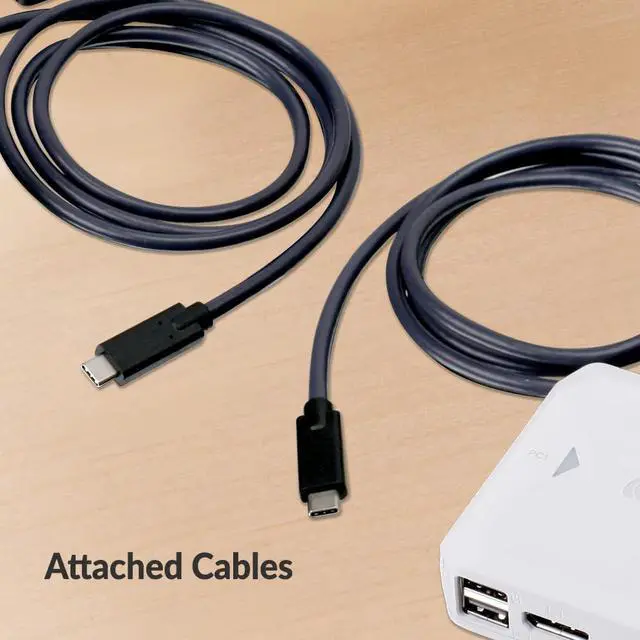
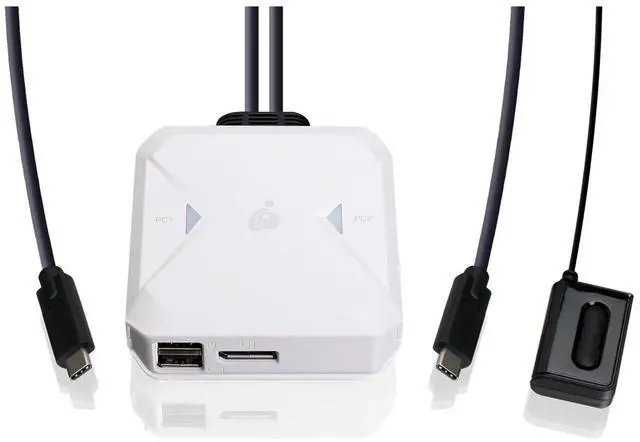
- Hybrid workers who want to keep a KVM box out of sight and place the wired switching button within reach; IOGEAR specifies a remote selector, and a reviewer found its separate button convenient on a desk.
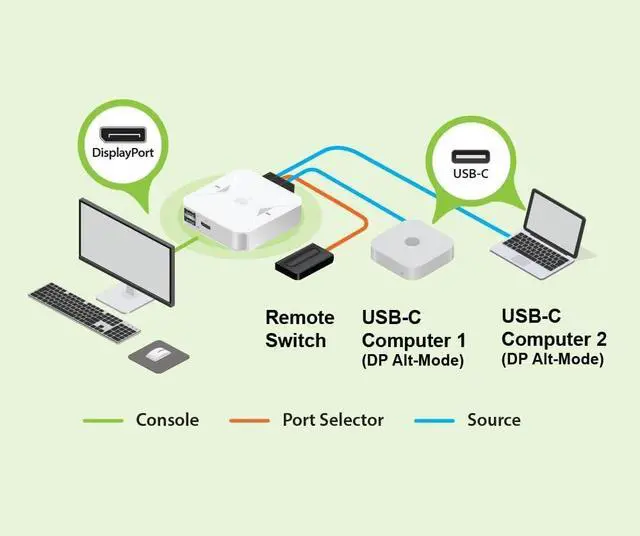
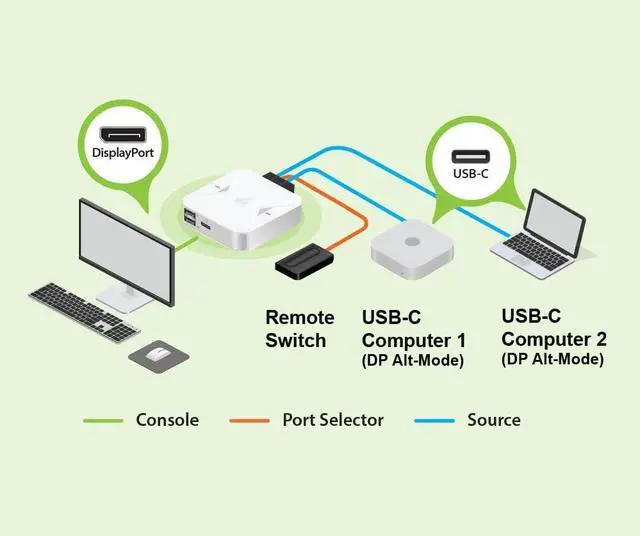
- Users with two USB-C computers that support DisplayPort Alt Mode who need up to 4K/60Hz video and basic USB keyboard-and-mouse sharing, without a separate power adapter for the switch.
Real-World Use Scenarios
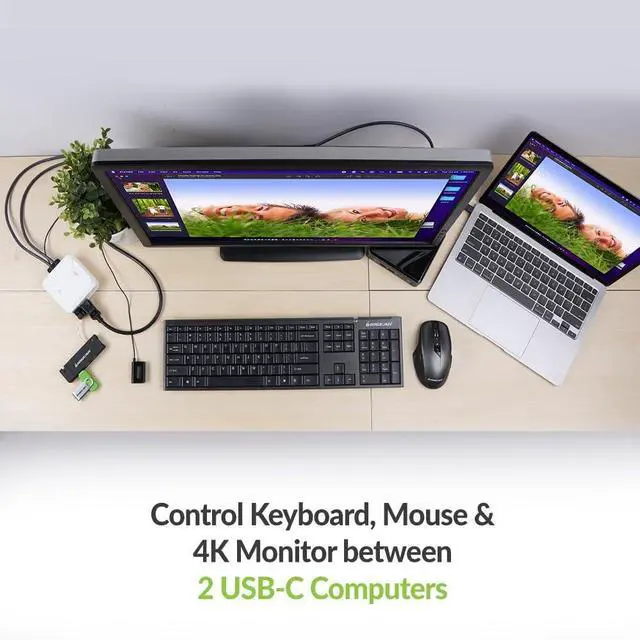
- At a desk with a work laptop and a personal computer, switch one DisplayPort monitor, wired keyboard, and mouse between them with the remote button instead of reconnecting peripherals or changing monitor inputs.
- For a two-Mac setup, use the same monitor and wired input devices with either Mac; a reviewer tested this arrangement and reported that switching worked as intended.
- In a home office, alternate between a USB-C laptop and a desktop or second laptop while keeping a single DisplayPort monitor and wired keyboard and mouse in place, provided both computers support DisplayPort over USB-C.
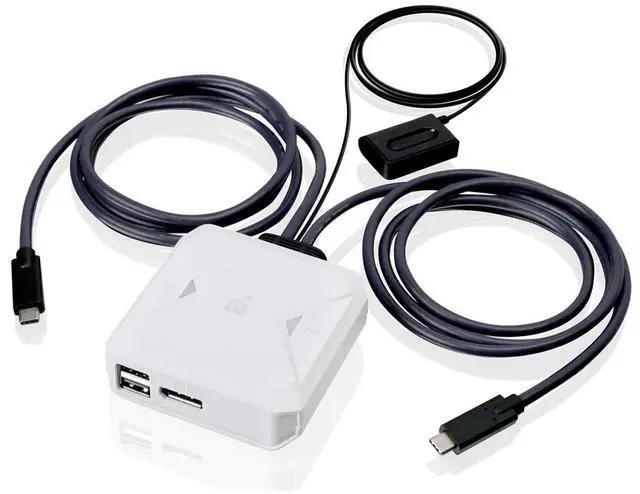
- For a compact shared workstation, place the switch out of the way and keep its wired remote button near the keyboard, making it easier to change which computer controls the desk setup.
- When the shared setup needs more USB connections, attach a compatible USB hub to the console side to expand peripheral sharing between the two computers.
Spec Summary
| Attribute | Value |
|---|
| Best For | Switching a DisplayPort display and USB connection between two computers with USB-C or DisplayPort inputs |
|---|
| Switching And Control | 2-position switching with push-button device selection |
|---|
| Video And Connectivity | USB-C with DisplayPort Alt Mode input and DisplayPort output; meets DisplayPort 1.2 specification |
|---|
| Power And Operating Conditions | 5 V operating voltage, 2 A current rating, and an upper temperature rating of 122°F |
|---|
| Physical Design | White plastic tabletop unit measuring 2.25 × 6.25 × 8.75 inches; rated IP67 |
|---|
| Model Identifiers | IOGEAR GCS72CC |
|---|


 All Categories