


 All CategoriesAll CategoriesAll Categories
Shipped by Newegg




Warranty Notice:
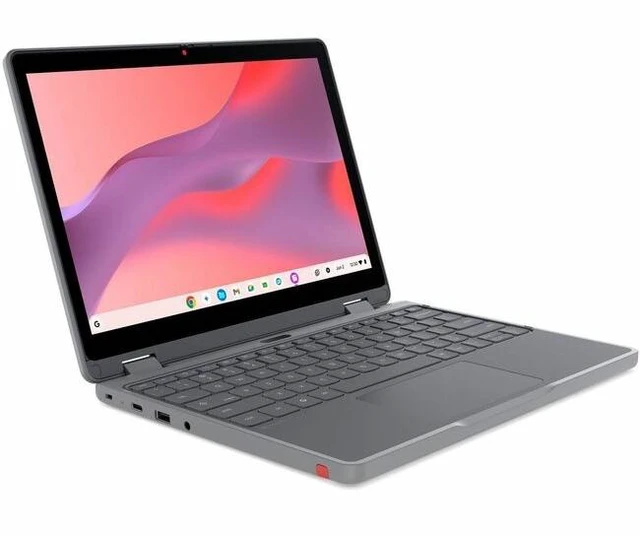
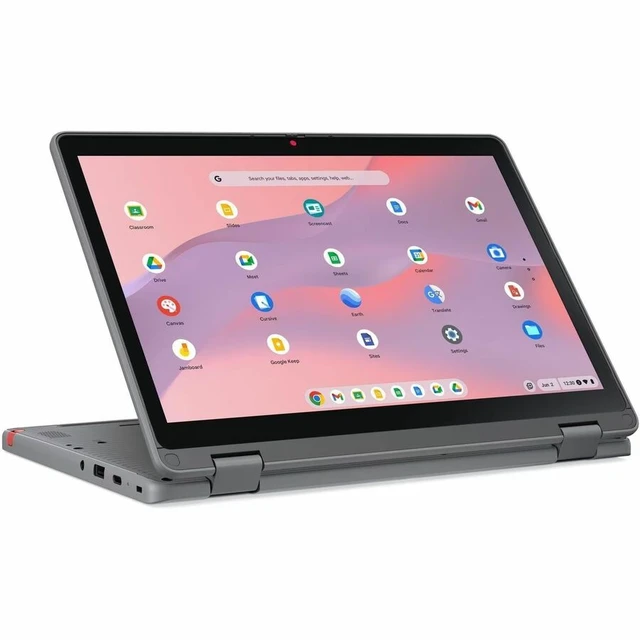
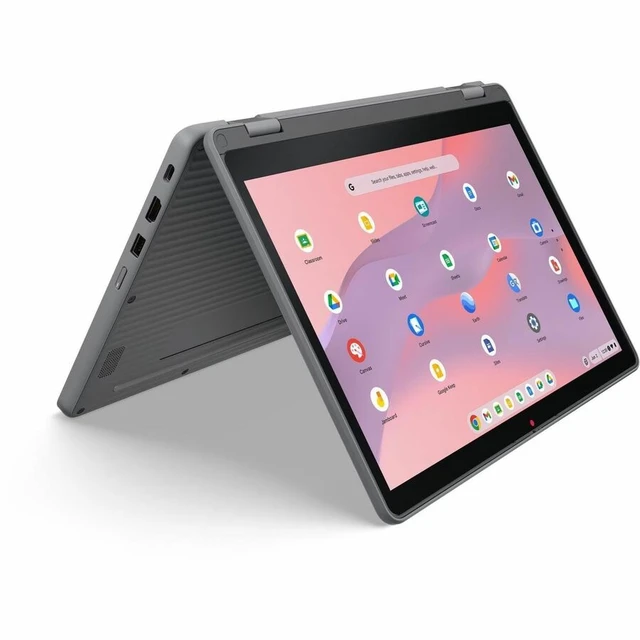
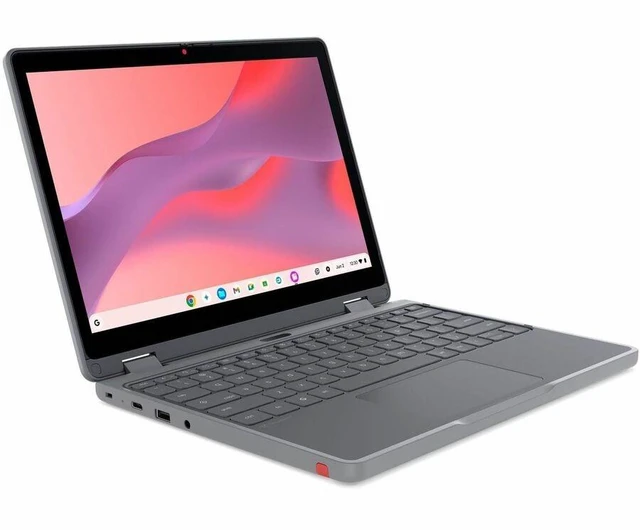
This product does not include manufacturer warranty when purchased or used outside of its designated sales region. By purchasing internationally, you acknowledge that warranty support from the manufacturer will not be available.The Lenovo Chromebook 500e G5 is a 12.2-inch touchscreen 2-in-1 Chromebook with an Intel N150 processor, 8 GB of memory, and ChromeOS, suited to students and everyday users who want laptop and tablet-style use for browser-based work, learning, and streaming.
| Attribute | Value |
|---|---|
| Best For | Personal ChromeOS use in a compact convertible 2-in-1 with a touchscreen |
| Processor And Core Count | Intel N150 quad-core processor with 6 MB L2 cache and speeds up to 3.6 GHz |
| GPU And Graphics Memory | Integrated Intel graphics with shared memory, listed as 1 GB |
| Display Spec | 12.2-inch WUXGA IPS touchscreen with 1920 × 1200 resolution, 60 Hz refresh rate, 300-nit brightness, and 50% NTSC color gamut; Corning Gorilla Glass and low-blue-light features |
| Memory Configuration | 8 GB onboard LPDDR5X memory at 4800 MHz; maximum memory is 8 GB |
| Storage And Expansion | 64 GB UFS 2.2 flash storage |
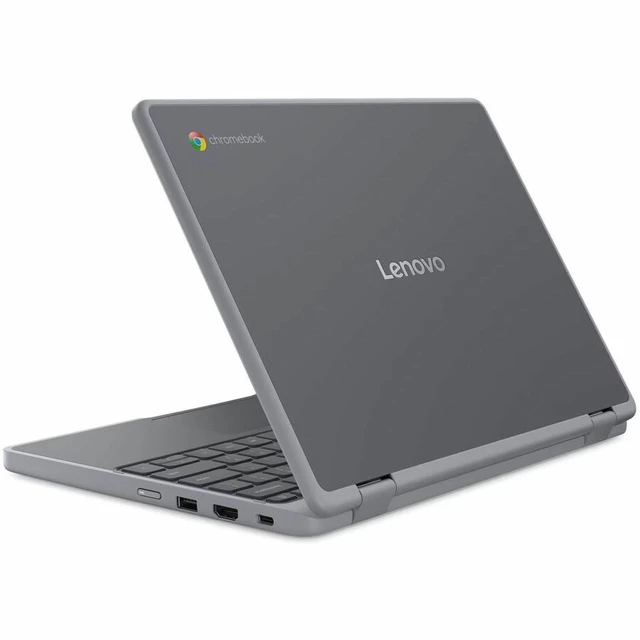
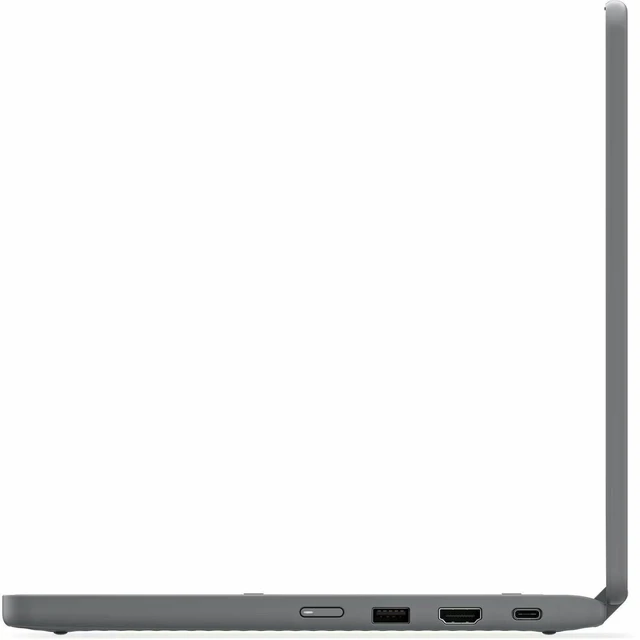
| High Speed I O | Four USB ports and one HDMI 1.4b port; no Thunderbolt ports |
| Wired And Wireless Networking | Wi-Fi 6E (802.11ax) and Bluetooth connectivity |
| Webcam And Privacy | Front-facing webcam; webcam capability listed |
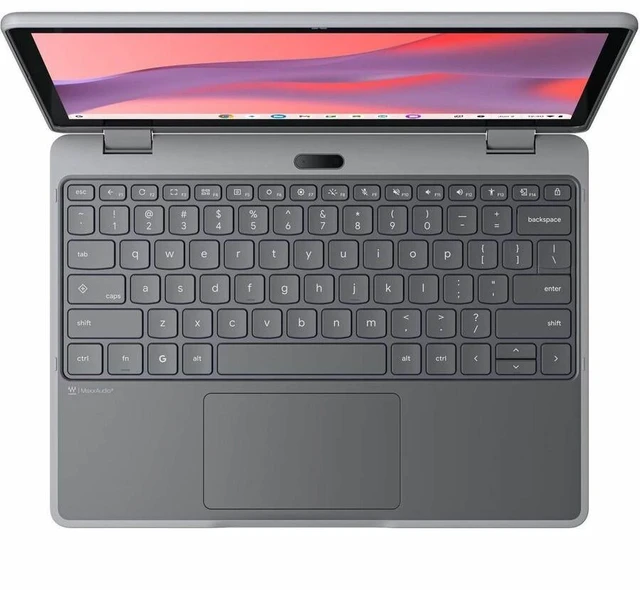
| Keyboard And Control | English, non-backlit keyboard with touchscreen input |
| Audio Setup | Stereo speakers rated at 2 × 2 W |
| Battery And Power | 50 Wh lithium-ion battery; includes a 65 W USB-C AC adapter |
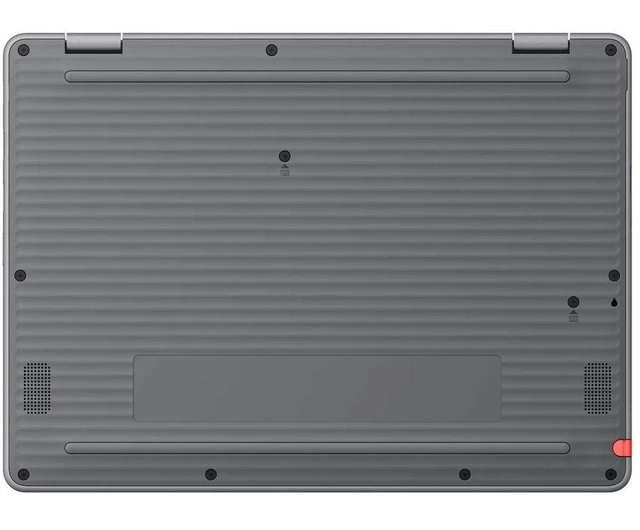
| Portability And Build | Convertible 2-in-1 design in Luna Gray; 11.4 × 8.3 × 0.80 inches and 2.93 lb |
| Operating System | ChromeOS |
| Model Identifiers | Lenovo Chromebook 500e G5 ITN; model and part number 83T80001US |
Q: Lenovo Chromebook 500e G5 N150 vs. N250: which configuration should I choose?
A: Choose the 83T80001US if you want the listed Intel N150 configuration with 8GB memory and 64GB storage. The 500e G5 also comes with an N250 option: Lenovo lists both processors as 4-core, 4-thread chips, with maximum frequencies of 3.6GHz for the N150 and 3.8GHz for the N250. The N250 is the higher-frequency choice; these specifications alone do not establish a real-world performance gap.
Q: Lenovo Chromebook 500e G5 vs. G4: what changed?
A: Choose the 500e G5 83T80001US for its Intel N150, 8GB memory, 64GB UFS storage, and 50Wh battery. The G4 generation offered N100 or N200 processors and eMMC storage; Lenovo lists a 47Wh battery and up to 12 hours for the G4, compared with 15+ hours for Intel configurations in the G5 datasheet. Both generations include a 12.2-inch WUXGA touchscreen convertible option.
Q: Lenovo Chromebook 500e G5 Intel N150 vs. MediaTek Kompanio 540: which is better for battery life?
A: Choose a 500e G5 with MediaTek Kompanio 540 if Lenovo’s listed battery-life estimate is the priority: its datasheet gives 18+ hours for MediaTek configurations and 15+ hours for Intel configurations. Choose the 83T80001US when you specifically want the Intel N150 version with 8GB memory and 64GB storage. These are Lenovo estimates, and actual battery life varies with use and settings.
Q: Lenovo Chromebook 500e G5 12.2-inch vs. 11.6-inch: which screen should I get?
A: Choose the 12.2-inch 83T80001US for a 1920 × 1200 WUXGA touchscreen and a larger viewing area. Lenovo also offers the 500e G5 with an 11.6-inch, 1366 × 768 HD touchscreen. Both options are convertible touch devices; the 12.2-inch display is the choice for more on-screen workspace and resolution.