

UNAVAILABLE FOR MEXICO Shipping Limitations
This item is currently out of stock and it may or may not be restocked.
Sold by Newegg

Shipped by Newegg

Shop it at NeweggBusiness.

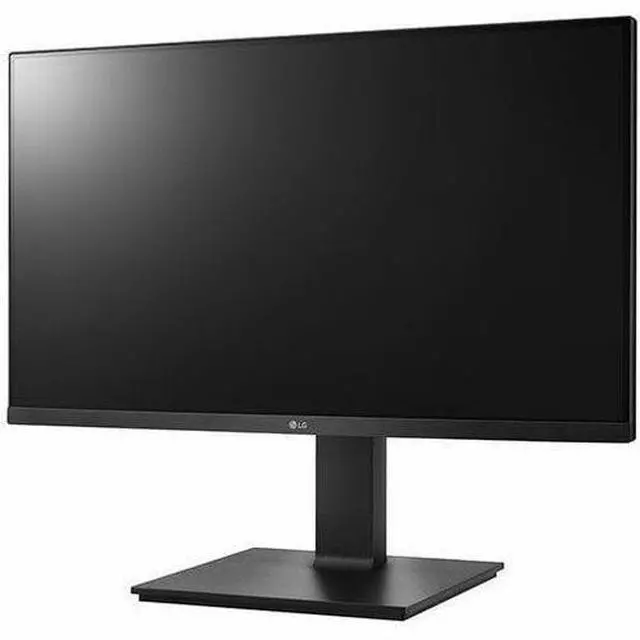
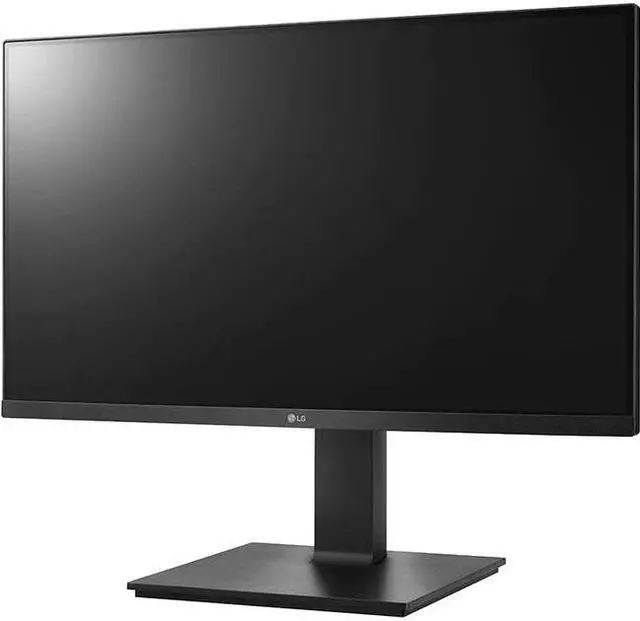
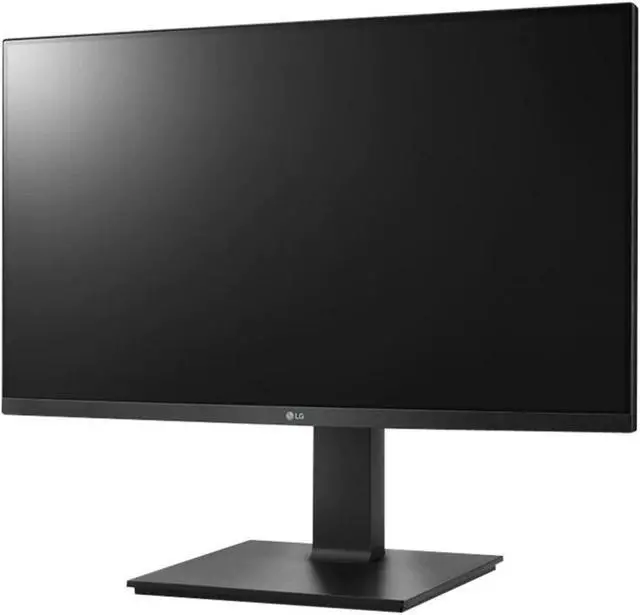
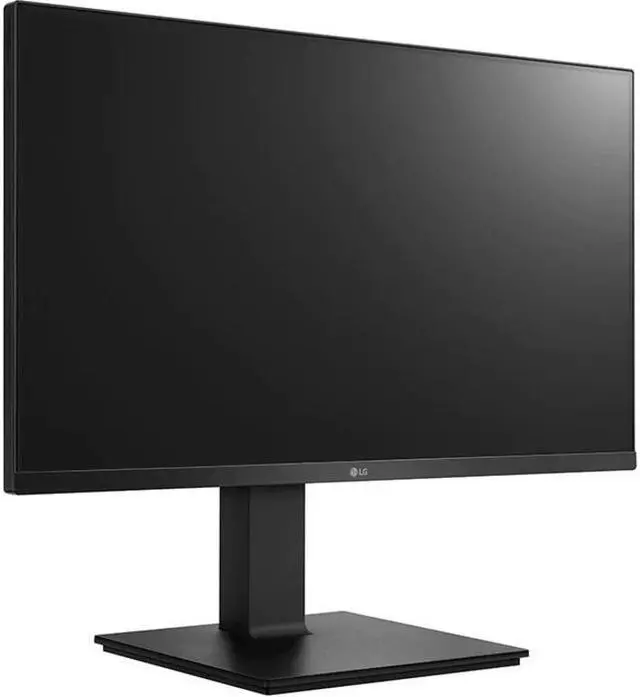
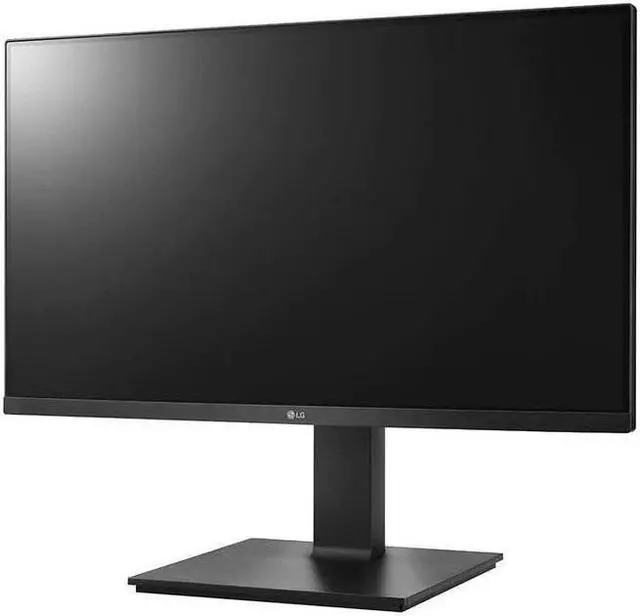
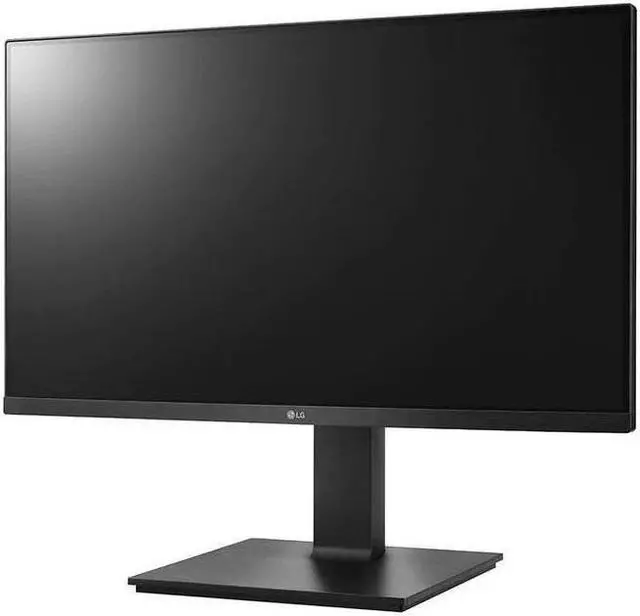
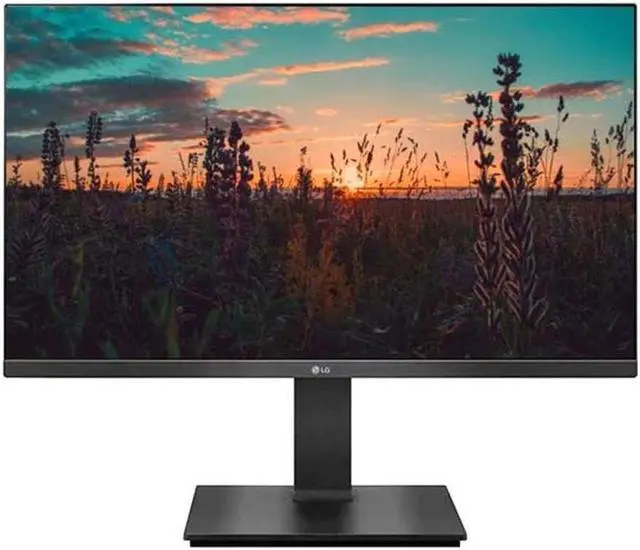
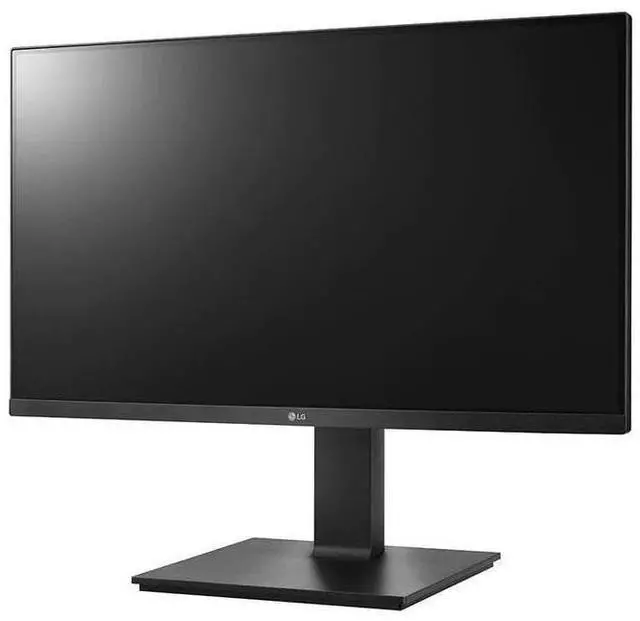
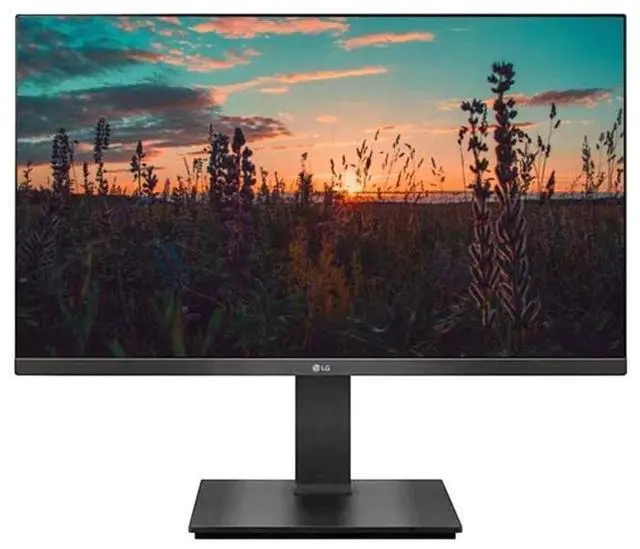
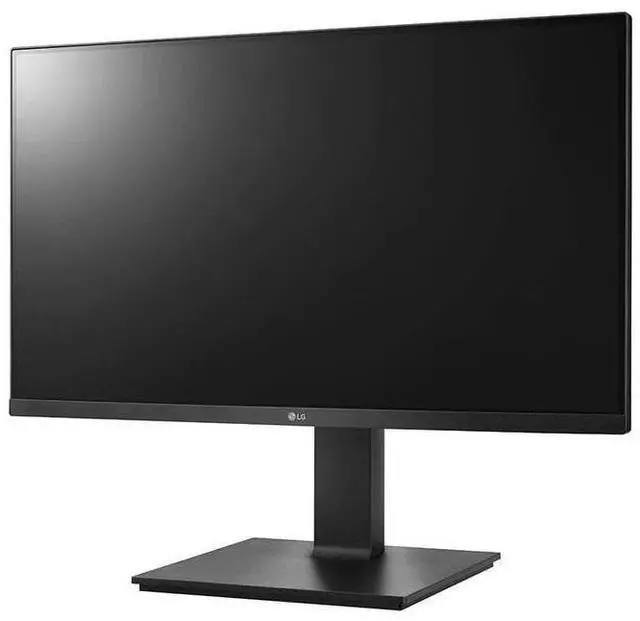
LG 24" IPS FHD Monitor with Adjustable Stand & Wall Mountable 24BP450Y-I

  • 24"
  • IPS
  • FreeSync (AMD Adaptive Sync)
  • 1,000:1
  • 16.7 Million
  • Height, Pivot, Swivel, Tilt
  • 1 x D-Sub / 1 x DisplayPort 1.2 / 1 x HDMI 2.0
Overview
Specs
Reviews
LG 24BP450Y-I IPS FHD Monitor

24BP450Y-I

24" IPS FHD Monitor with Adjustable Stand & Wall Mountable

LG 24BP450Y-I IPS FHD Monitor

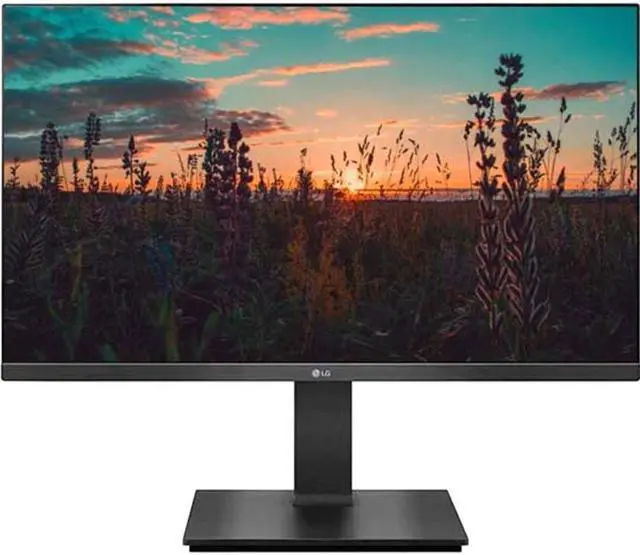
Full HD IPS Display

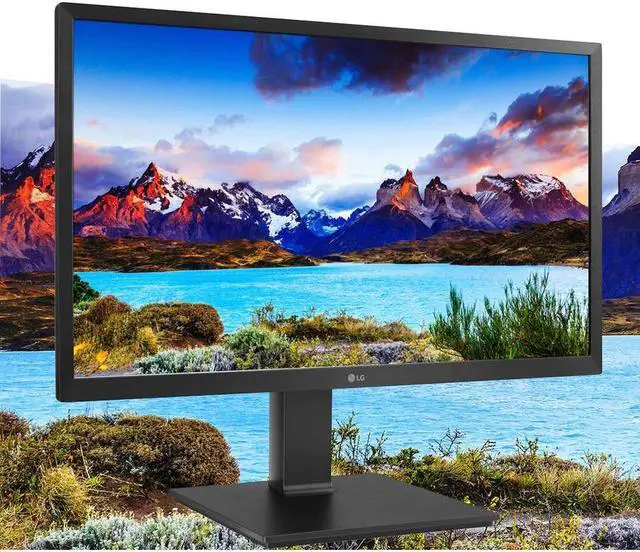
IPS (In-Plane Switching) technology highlights the performance of liquid crystal displays. Response times are shortened, color reproduction is improved, and users can view the screen at virtually any angle.

Visual Comfort

Go easy on your eyes with Reader Mode and Flicker Safe. Reader Mode adjusts color temperature and luminance to help make reading easy. Flicker Safe reduces invisible flickering on the screen, and it helps to provide a comfortable working environment for a long time.

LG 24BP450Y-I IPS FHD Monitor

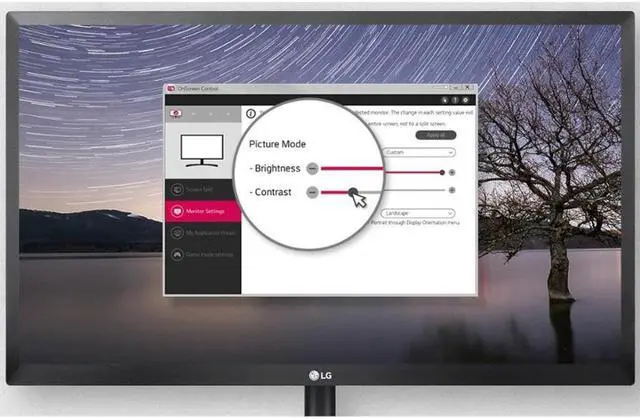
OnScreen Control

Customize the workspace by splitting the display or adjusting basic monitor options with just a few mouse clicks.

Fluid and Rapid Motion

Gamers can experience virtually seamless, fluid movement in high resolution with AMD FreeSync™ technology, a feature that can reduce screen tearing and stuttering.

LG 24BP450Y-I IPS FHD Monitor

Fluid and Rapid Motion

Gamers can experience virtually seamless, fluid movement in high resolution with AMD FreeSync™ technology, a feature that can reduce screen tearing and stuttering.

LG 24BP450Y-I IPS FHD Monitor

Dynamic Action Sync

Minimize input lag with Dynamic Action Sync so you can catch every single moment in real-time.

Attack First in The Dark

Black Stabilizer® helps gamers avoid snipers hiding in dark places to quickly escape situations when a flash explodes.

LG 24BP450Y-I IPS FHD Monitor

Attack First in The Dark

Black Stabilizer® helps gamers avoid snipers hiding in dark places to quickly escape situations when a flash explodes.

LG 24BP450Y-I IPS FHD Monitor

Crosshair® Feature Brings an Accuracy Advantage

Accuracy is at the center of your gameplay with the Crosshair® feature. Center-display crosshairs give enhanced vision and pro-level precision for increased accuracy in first-person shooter games.

Mini PC Connection Available

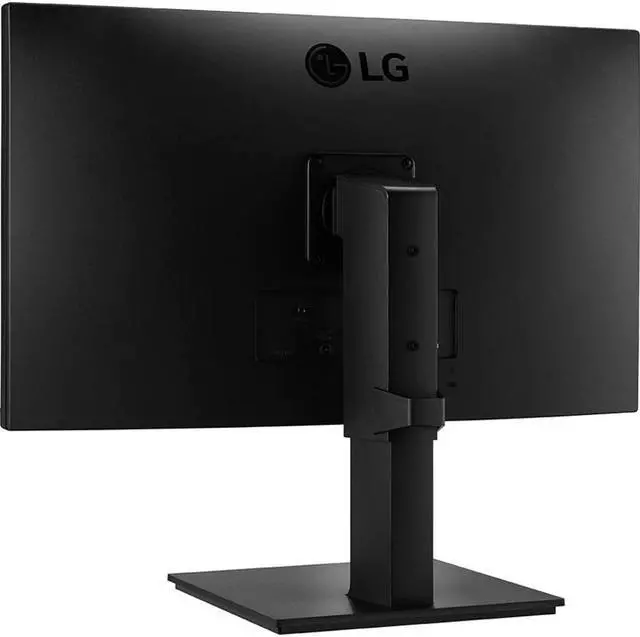
This monitor is designed for the discreet mounting of compatible mini PCs on the rear. A mini PC can be easily mounted behind the monitor stand with an LG bracket.

LG 24BP450Y-I IPS FHD Monitor

Mini PC Connection Available

This monitor is designed for the discreet mounting of compatible mini PCs on the rear. A mini PC can be easily mounted behind the monitor stand with an LG bracket.

LG 24BP450Y-I IPS FHD Monitor

Fully Use Your Desk

By providing built-in power, workstations can be designed with a streamlined and clutter-less layout. This allows for better space utilization and organization, creating a cleaner and more efficient work environment.

Easy Assembly and Wall Mounting Capability

This wall-mountable monitor provides the freedom to take the monitor off the desk and hang it on the wall, allowing you to expand your viewing options and save desktop space.

LG 24BP450Y-I IPS FHD Monitor

Easy Assembly and Wall Mounting Capability

This wall-mountable monitor provides the freedom to take the monitor off the desk and hang it on the wall, allowing you to expand your viewing options and save desktop space.

LG 24BP450Y-I IPS FHD Monitor

Easy and Comfy

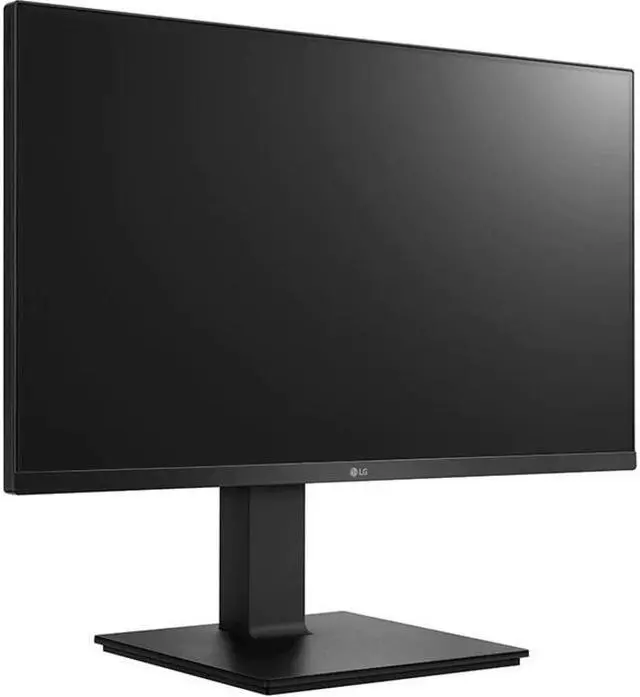
The FHD Monitor supports tilt, swivel, pivot, and height adjustment options to make a comfortable workstation for those who spend extended hours in front of monitors. Also, our ergonomic stand facilitates communication with customers or colleagues by allowing for a downward height adjustment.

IPS (In-Plane Switching) technology highlights the performance of liquid crystal displays. Response times are shortened, color reproduction is improved, and users can view the screen at virtually any angle. On-Screen Control puts a host of essential monitor settings into a handy window that allows for quick, easy access. Volume, brightness, picture mode presents, Screen Split 2.0, Dual Controller, and more can now be adjusted with just a few clicks of the mouse, instead of hard buttons on the monitor. This wall-mountable monitor provides the freedom to take the monitor off the desk and hang it on the wall, allowing you to expand your viewing options and save desktop space.

Warranty & Returns

Warranty, Returns, And Additional Information

Return Policies*

  • Return for refund within: 30 days
  • Returns are subject to restocking fees and return shipping fees. Please click here to learn more about restocking fees and return shipping fees.
  • This item is covered by Newegg.com's International Order Return Policy.
  • Read full return policy for details.
  • *Subject to applicable law
  • Warranty Notice:

    This product does not include manufacturer warranty when purchased or used outside of its designated sales region. By purchasing internationally, you acknowledge that warranty support from the manufacturer will not be available.
LOADING...

The LG 24BP450Y-I is a 24-inch Full HD IPS monitor with a height-, pivot-, swivel-, and tilt-adjustable stand, making it a practical fit for home or office users who want a flexible everyday workspace.

Recommended For

  • Office workers who spend long stretches reading documents, email, or web pages at a fixed desk and want a height-adjustable IPS screen with Reader Mode and Flicker Safe.
  • People who regularly read long documents, code, or webpages and want to rotate the monitor into portrait orientation using its pivot stand.
  • Shared-desk or home-office users who need to adjust screen height, tilt, and swivel for different seating positions, or mount the display to free up desk space.
  • TAA-compliant workplace buyers setting up standard Full HD workstations with HDMI, DisplayPort, or VGA connections.
  • Users building a compact desktop around a compatible mini PC who want the option to attach the computer behind the monitor with the required bracket.

Real-World Use Scenarios

  • For everyday office or home tasks—such as email, spreadsheets, web browsing, and video calls—the 24-inch Full HD screen provides a straightforward desktop workspace; use separate speakers or a headset for call audio.
  • When reading documents or working through long sessions, users can adjust the screen’s height and angle and enable Reader Mode; these options let them tailor the setup and screen appearance to the task.
  • For coding, reviewing long documents, or reading webpages, rotate the display to portrait orientation to see more vertical content at once, with less scrolling through each page or file.
  • In a compact workstation, wall-mount the monitor or attach a compatible mini PC behind it to free up desk space; this can keep the display and computer together without placing a desktop tower on the work surface.
  • For casual gaming, connect a compatible AMD graphics system and enable FreeSync to help reduce visible screen tearing or stuttering; this is an everyday-use gaming option rather than a claim of high-refresh competitive performance.

Spec Summary

AttributeValue
Best ForA 24-inch Full HD IPS monitor for desk setups, with FreeSync, an adjustable stand, and DisplayPort, HDMI, and D-Sub connections
Panel And Resolution24-inch flat IPS LCD with LED display technology, 1920 × 1080 native resolution, 16:9 aspect ratio, 178° horizontal and vertical viewing angles, 16.7 million colors, 250 cd/m² brightness, 1,000:1 contrast, and a glossy screen finish
Refresh Rate And Response120 Hz refresh rate, 5 ms response time, and AMD FreeSync adaptive sync
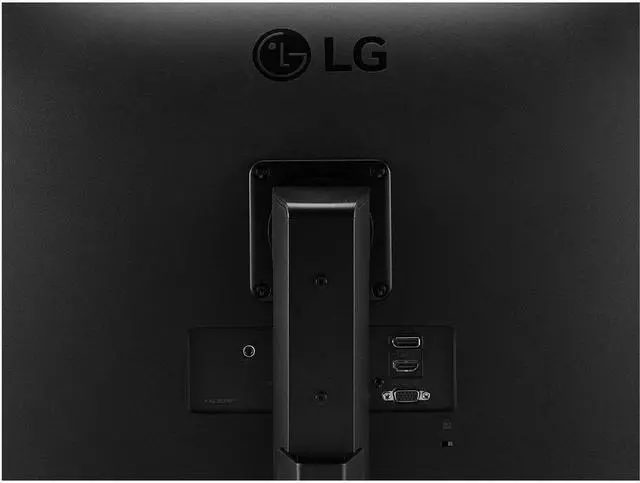
Ports And ConnectivityOne D-Sub, one DisplayPort 1.2, and one HDMI 2.0 port
Stand And ErgonomicsHeight, pivot, swivel, and tilt adjustments; VESA-compatible 75 × 75 mm mounting
PowerAccepts 100–240 VAC at 50/60 Hz; typical consumption is 19 W, maximum consumption is 22 W, and sleep and power-off consumption are each less than 0.3 W
AudioNo built-in speakers
Physical DetailsBlack cabinet; dimensions are 19.92 × 21.26 × 9.82 inches; weight is 9.48 lb
Model IdentifiersLG 24BP450Y-I

Reference Q&A

Q: LG 24BP450Y-I vs 24MP400-B: which is better for an adjustable desk setup?

A: Choose the LG 24BP450Y-I if you want to adjust the monitor’s height, pivot, swivel, and tilt using its included stand. Both models have a 24-inch-class Full HD IPS display and FreeSync; the 24MP400-B emphasizes a 75Hz refresh rate and three-side virtually borderless design.

Q: LG 24BP450Y-I vs 24MR400-B: which is better for office work and screen positioning?

A: Choose the LG 24BP450Y-I when flexible screen positioning is a priority: its stand adjusts for height, pivot, swivel, and tilt, and LG identifies it as TAA compliant. The 24MR400-B is a Full HD IPS model with a 100Hz refresh rate and FreeSync, making refresh rate its distinguishing specification.

Q: LG 24BP450Y-I vs 24QP500-B: which should I choose for a workplace monitor?

A: Choose the LG 24BP450Y-I if a four-way adjustable stand and TAA-compliant business positioning are central to your setup. The 24QP500-B offers a 2560 × 1440 QHD resolution and 75Hz refresh rate, while the 24BP450Y-I uses 1920 × 1080 Full HD and includes height, pivot, swivel, and tilt adjustment.

Q: Is this monitor suitable for everyday office work and video meetings?

A: Yes. Its 24-inch Full HD IPS screen and adjustable stand suit common desk tasks such as documents, browsing, and video meetings. It has HDMI, DisplayPort, and VGA inputs, but no built-in speakers, so plan to use separate audio for meetings.

Q: Can I connect this monitor to a laptop?

A: Yes, if the laptop has a compatible video output. The monitor has HDMI, DisplayPort, and VGA inputs; it does not list USB-C, so a laptop with only USB-C video output may need a compatible adapter.

Q: Does it have built-in speakers?

A: No. The 24BP450Y-I does not have built-in speakers. Use your computer’s audio, headphones, or external speakers for sound.

Q: Can I adjust it for portrait viewing or mount it on a wall?

A: Yes. Its included stand supports height, tilt, swivel, and pivot adjustments, including portrait orientation. It also has a 75 × 75 mm VESA mount pattern; check that a wall mount or arm supports that pattern.