



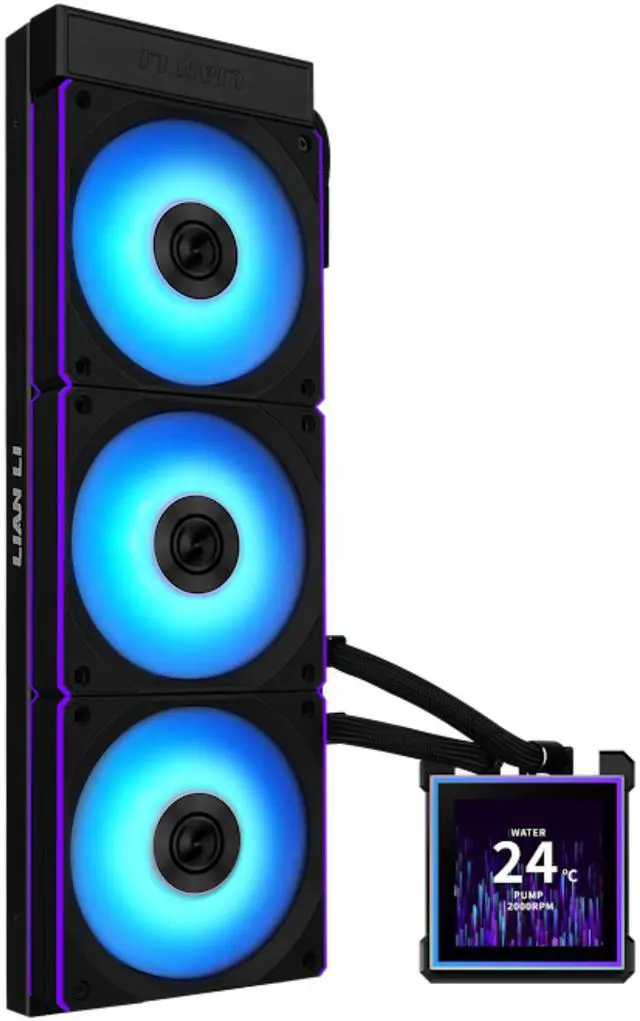
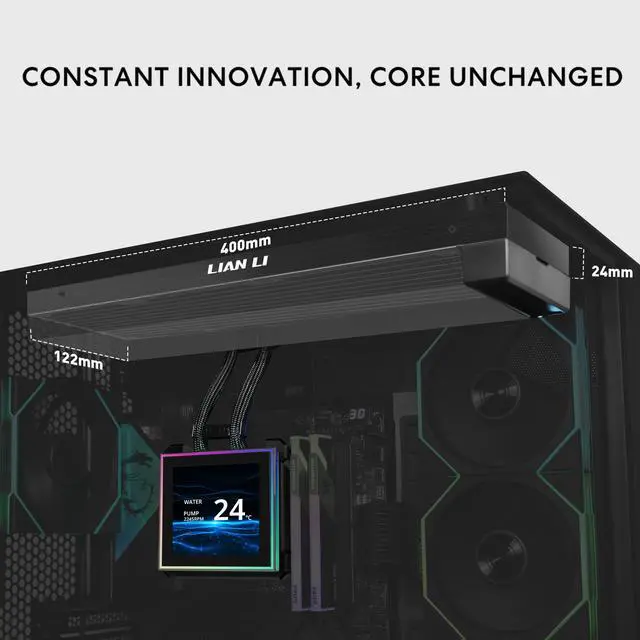
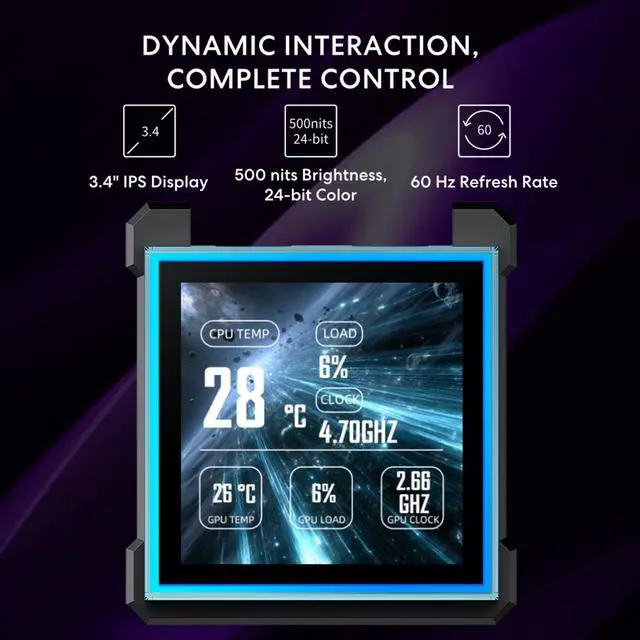
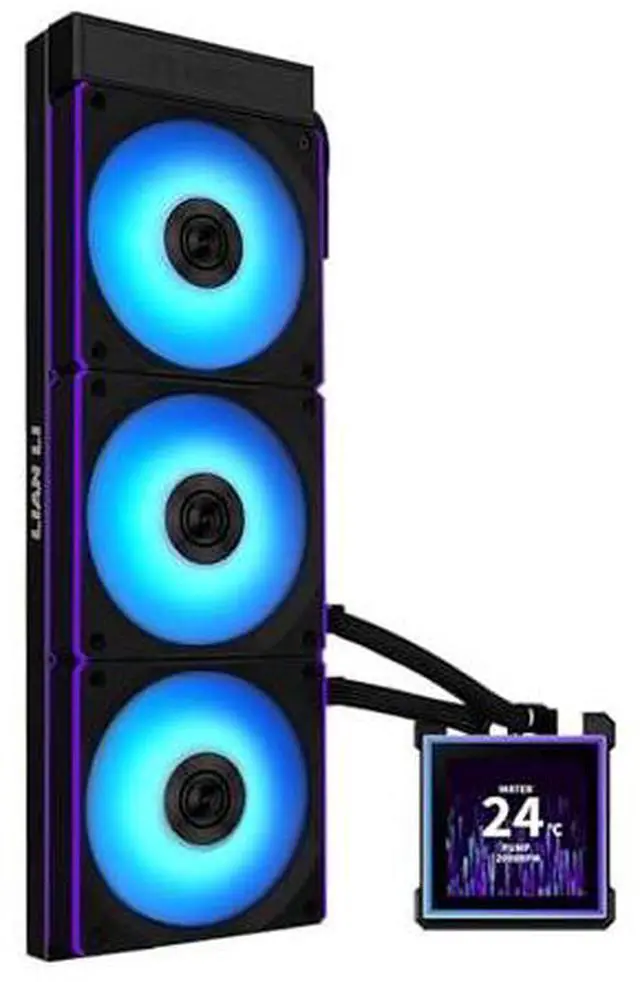


HydroShift II LCD-C 360CL / LCD-S 360CL - UNI FAN CL Fan Speed Issue (USB Mode)
- If UNI FAN CL fans show inconsistent speeds when using USB mode (without the L-Wireless Controller), or if the first or second fan is not spinning and displays 0 RPM in L-Connect 3, please update the AIO receiver firmware via Local Update.
- You can download the firmware files by visiting the official website and navigating to the L-Connect 3 page -> L3_update_manually.
-
After downloading the firmware file, open L-Connect 3 -> Settings -> Firmware -> Local Update to complete the update.
Important:
This firmware update is only required for HydroShift II CL-version models.
Users of non-CL versions do not need to update the receiver firmware.
Compatibility Warning:
The HydroShift II LCD-S may interfere with the ROG MAXIMUS Z890 EXTREME and ROG MAXIMUS Z890 HERO motherboards. Feel free to reach out to us for an upgraded LCD (redesigned with an opening) for support.
The updated Receiver and Receiver 5V 3-Pin ARGB Cable are available only with the HydroShift II-C and HydroShift II-S TL or CL versions. If needed, our support team can assist with this request.
Troubleshooting AIO Water Cooling USB Connection Issues
- Show Hidden Devices:In Device Manager, ensure that "Show hidden devices" is selected in the view options.
- Remove Problematic Devices:In the "Universal Serial Bus controllers" and "Universal Serial Bus devices" sections, remove all grayed-out items and any devices with errors. Look for descriptors such as "Unknown USB Device (Device Descriptor Request Failed)" and delete these entries.
- Uninstall Hydroshift Device:Under the "Universal Serial Bus devices" section, locate the Hydroshift labeled as "lianli-H2S-1.7." Right-click on it and select "Uninstall device."
- Scan for Hardware Changes:In Device Manager, click on "Scan for hardware changes" in the toolbar on the right. This will prompt the system to find and install the device again.
- Refresh Services in L-Connect:Refresh your services in L-Connect and check the firmware section again. The device should now be properly populated.
-
If the issue persists, please contact us via the support form.


