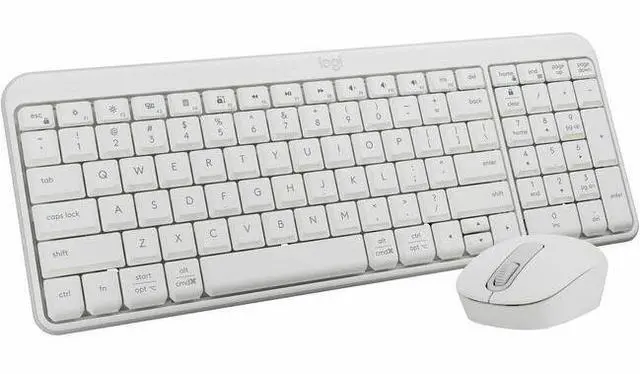
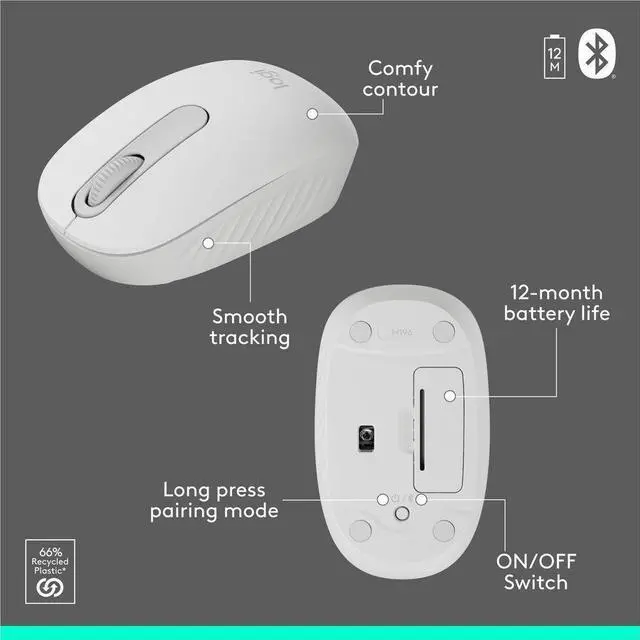
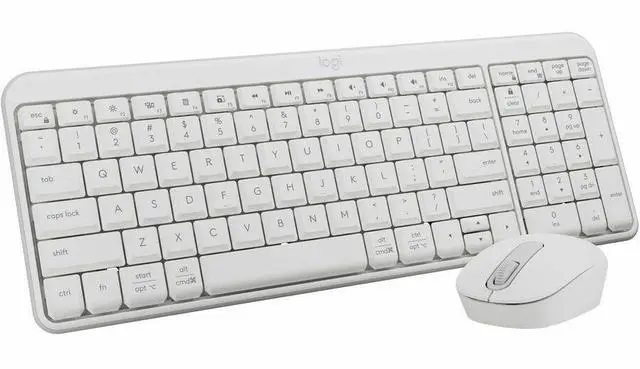
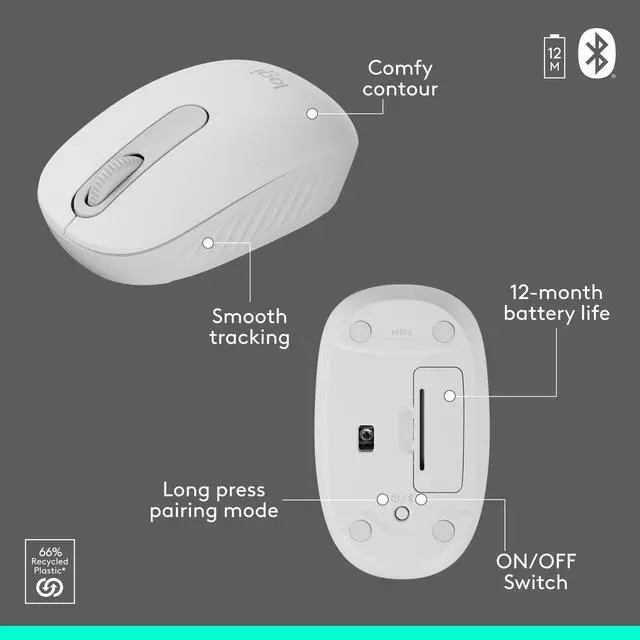
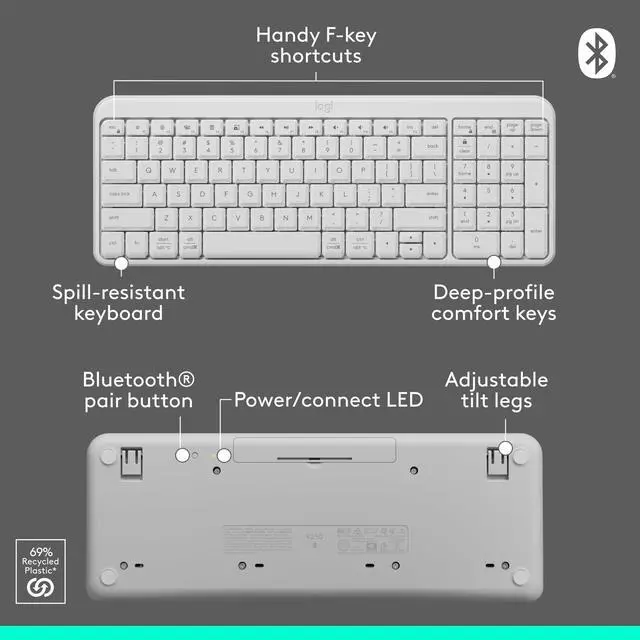
The Logitech MK250 is a Bluetooth wireless keyboard-and-mouse combo with a compact keyboard and ambidextrous mouse, suited to everyday computer use for people who want a simple, space-conscious setup.
Recommended For
- Laptop users who want a keyboard and mouse without occupying a USB port: the MK250 connects over Bluetooth and does not require a USB receiver.
- People working at a small desk or carrying peripherals between workspaces who want a compact keyboard that still includes a number pad.
- Students and home-office users doing everyday typing, browsing, email, or spreadsheets who want a straightforward keyboard-and-mouse set rather than specialized controls.
- Users who share a computer or set up a secondary workstation and prefer simple Bluetooth pairing with a compact, ambidextrous mouse.
Real-World Use Scenarios
- When setting up a Bluetooth laptop without using a USB port for a receiver, pair the keyboard and mouse directly to the computer and keep those ports available for other devices.
- For everyday home-office tasks such as writing emails, editing documents, browsing, and moving between apps, use the familiar keyboard layout and standard mouse controls to handle routine work without extra controls to learn.
- When entering figures or working in spreadsheets, use the keyboard’s number pad for data entry and routine calculations while keeping the mouse handy to switch between cells, documents, and browser tabs.
- For a small or crowded desk, use the space-saving keyboard and compact mouse to make room for other items; the keyboard still includes a number pad and essential keys.
- When sharing a workstation with left- and right-handed users, the ambidextrous mouse can be used from either side, making the combo a practical fit for a shared or secondary desk setup.
Spec Summary
| Attribute | Value |
|---|
| Best For | Wireless keyboard-and-mouse input for Windows PCs and compatible laptops or tablets; ChromeOS 134 or later is also listed |
|---|
| Connectivity | Bluetooth wireless connection |
|---|
| Keyboard And Mouse | QWERTY membrane keyboard with optical mouse movement detection |
|---|
| Battery And Power | Battery-powered; two batteries are listed as included, with AAA alkaline cells specified |
|---|
| Dimensions And Weight | 18.03 × 5.98 × 1.73 inches; weighs 1.4 pounds |
|---|
| Color | White |
|---|
| Model Identifiers | Logitech MK250 Keyboard & Mouse, model 920-013511 |
|---|



 All Categories
 Top Rated