
Your Browsing History
MXN$2,751.11
VAT-Inclusive Price
Ships from Hong Kong.
Most customers receive within 7-9 days.

Meet Your Seller

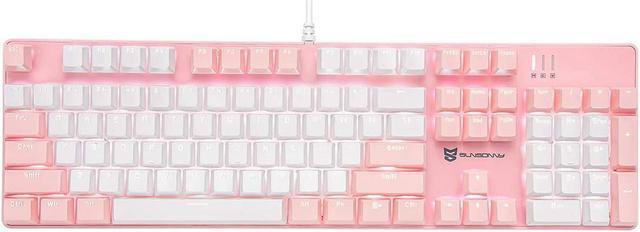
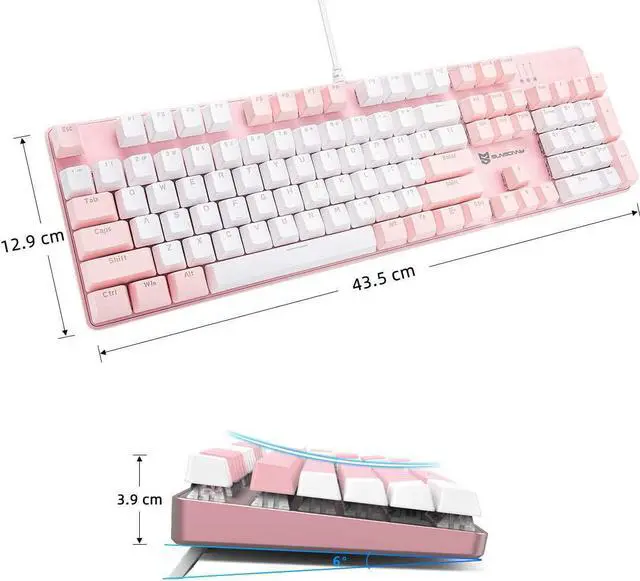
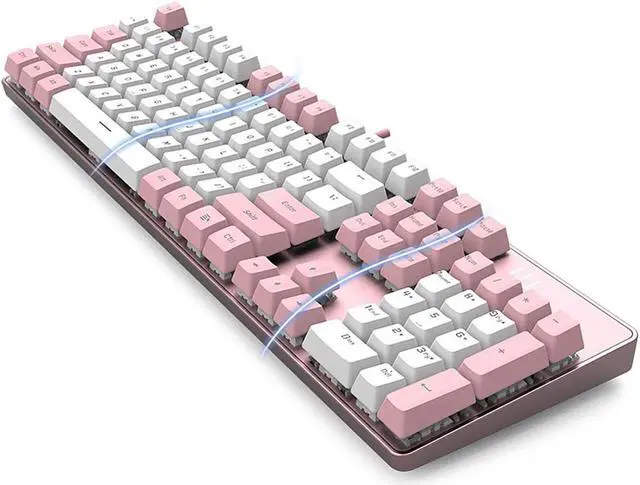



Qisan Mechanical Gaming Keyboard Full Size 104 Keys US Layout Wired Brown Switch Backlit Keyboard with with Pink & White Color
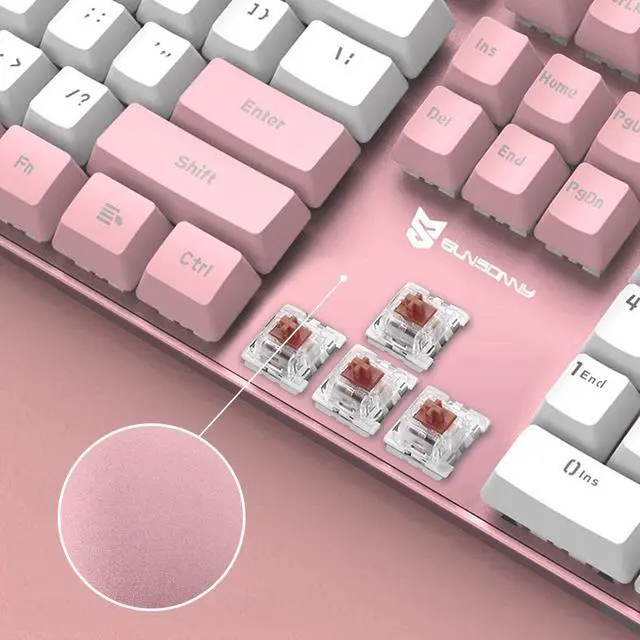
- Mechanical gaming keyboard with Brown switches (Cherry MX equivalent)offer fast actuation for gaming, N Key Rollover and anti-ghosting.
- Macro setting available, it can create your own macros and with blazing push-button accuracy. More sets multi-media key can be realized through the FN key combination. It meets your different needs and help a lot during your work or daily use to promote the efficiency.
- Mechanical gaming keyboard can be customizable LED backlit modes. 21 backlit modes, 5 backlit intensity modes can be adjusted through FN keys combination.
- Special switch of this gaming keyboard not only just a mechanical switch, it also is a dustproof and waterproof switch and high quality durable ABS keycaps. it provide a more comfortable and better feeling for the game and office.
- A great design for mechanical keyboard which can be replaced the switch. You can use the replaceable switches anytime.
+
+
Overview
Specs
Reviews
Specifications
Switch: Brown
Keys: 104 keys
Actuation Force: 50 ?à 10g
Color: Pink & White Color
Rating: 4.5-5.5V, 350mA
Data Cable Length: 150cm
Product Size: 43*13*4cm; Product Weight: 1030g
21 Backlit Modes Adjust
1. FN + DEL
Mode A. Waving left to right
Mode B. Circling wave
Mode C. Waving right to left
Mode D. Glistening wave
2. FN + INSERT
Mode A. Steady lighting
Mode B. Left part keys lighting
Mode C. Breathing
Mode D. Hit key light down
3. FN + HOME
Mode A. Hit key waving
Mode B. Hit key light up
Mode C. Hit key light in a row
Mode D. Light around the key
4. FN + PG UP
Mode A. S shape lighting
Mode B. W shape lighting
Mode C. Raining
Mode D. Billow
5. FN + PG DN
Mode A. Star Shining
Mode B. Shimmering
Mode C. lighting from top to bottom
Mode D. Lighting in a gradient
6. FN + END
Stop the backlit mode for customizing another backlit modes
Pressing FN + END twice for saving the backlit mode
5 Backlit Intensity Modes Adjust
FN + ?ü/?y: Backlight intensity up/down
FN + ??/?ú : Backlight direction adjusting
4 flow velocity Modes
FN + + : Flow velocity +
FN + - : Flow velocity -
Accidentally make water into the keyboard during use. Don't worry. This keyboard is protected,and the fluid can be discharged quickly.
Warranty & Returns
Warranty, Returns, And Additional Information
Return Policies*
- Return for refund within: 30 days
- Return for replacement within: non-replaceable
- This item is covered by Zyngear Return Policy
- *Subject to applicable law
Warranty Notice:
This product does not include manufacturer warranty when purchased or used outside of its designated sales region. By purchasing internationally, you acknowledge that warranty support from the manufacturer will not be available.
Manufacturer Contact Info
- For a directory of all our manufacturers, please click below.
- Manufacturers Directory
LOADING...