


 All CategoriesAll CategoriesAll Categories




Warranty Notice:
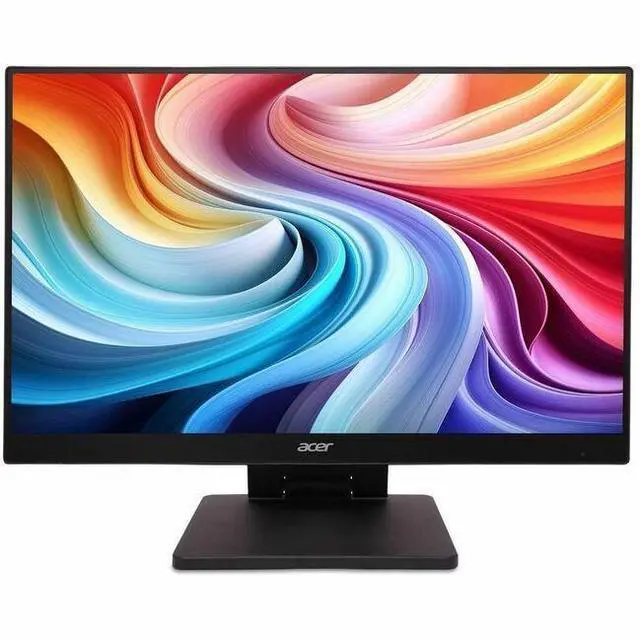
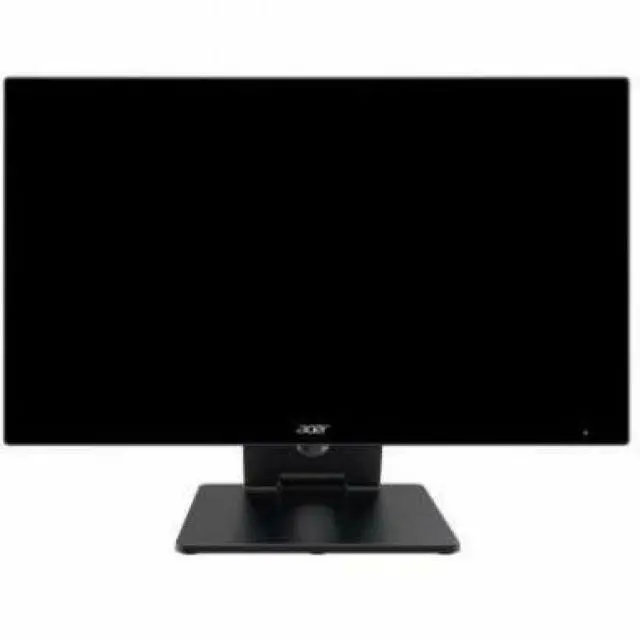
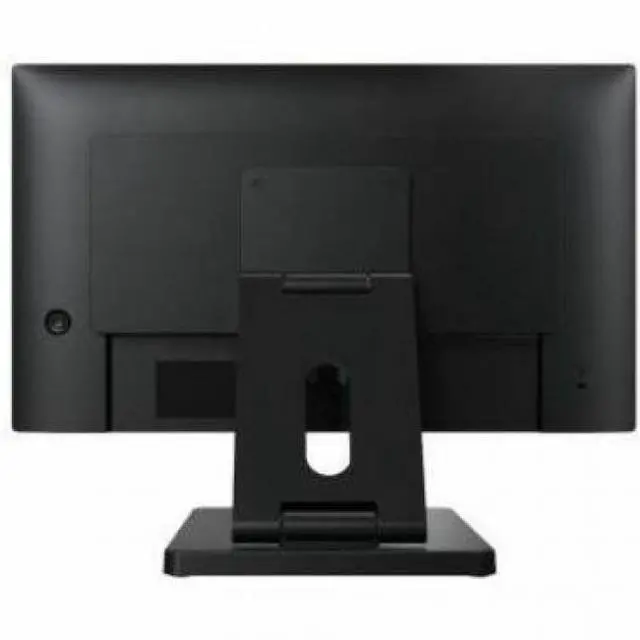
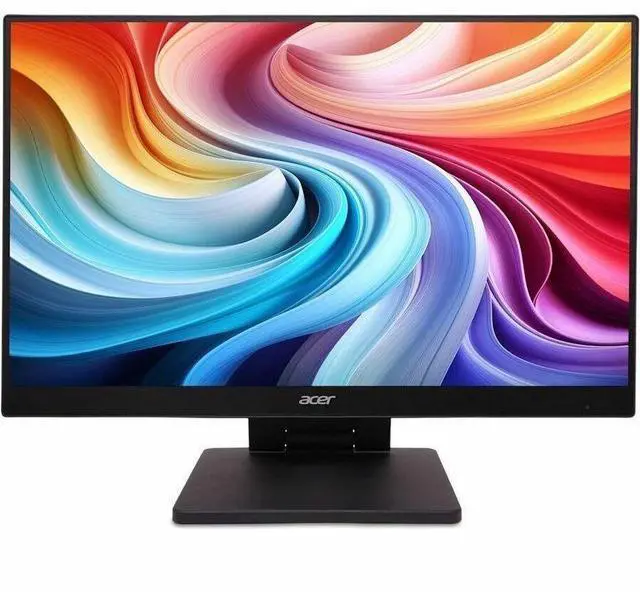
This product does not include manufacturer warranty when purchased or used outside of its designated sales region. By purchasing internationally, you acknowledge that warranty support from the manufacturer will not be available.The Acer UT222Q E is a 21.5-inch-viewable Full HD IPS monitor with a 100 Hz refresh rate, 4 ms response time, Adaptive Sync, and built-in speakers. It suits everyday computing, streaming, and casual gaming in a compact desktop setup.
| Attribute | Value |
|---|---|
| Best For | Desktop setups needing a 22-inch, 16:9 monitor with Full HD resolution and HDMI connectivity |
| Panel And Resolution | 22-inch screen with 1920 × 1080 resolution and a 16:9 aspect ratio |
| Brightness And Response | 250-nit brightness with a 4 ms GTG response time |
| Ports And Connectivity | HDMI connectivity |
| Included Accessories | Power cord (US), HDMI cable, and USB 3.0 cable |
| Model Identifiers | Acer UT Series UT222Q E, part number UM.WW2AA.E01 |
Q: Acer UT222Q E vs the original UT222Q: which is the better upgrade?
A: Choose the UT222Q E if you want support for up to 100Hz over HDMI or DisplayPort; Acer lists the original UT222Q for up to 75Hz over those connections. Both are 21.5-inch Full HD IPS monitors, while Acer specifies 10-point touch for the original UT222Q, making it the fit for touch-focused use.
Q: Acer UT222Q E or SA222Q E for a desktop setup?
A: Both are 21.5-inch Full HD IPS monitors with support for up to 100Hz over HDMI. Choose the UT222Q E if DisplayPort connectivity or a height-adjustable stand matters to your setup; the SA222Q E is a straightforward option with HDMI, VGA, and a tilt-adjustable stand.
Q: Acer UT222Q E or EK221Q H for everyday work?
A: Both offer a 21.5-inch Full HD screen and up to 100Hz over HDMI. Choose the UT222Q E for its IPS panel, DisplayPort input, and height-adjustable stand; choose the EK221Q H if you prefer Acer’s VA-panel option with HDMI and VGA connections.
Q: Is this monitor suitable for everyday office or school work?
A: Yes. Its 21.5-inch viewable IPS screen and 1920 × 1080 resolution suit common tasks such as documents, browsing, and multitasking. For video meetings, use a computer with a webcam and microphone; neither is listed as a monitor feature.
Q: Does it have built-in speakers?
A: Yes. The product information lists speakers as a feature. It does not specify their power or audio quality, so users who need fuller or louder sound may prefer separate speakers or headphones.
Q: Can I connect it to a laptop as a second screen, and is an HDMI cable included?
A: The monitor has HDMI, and the listed package contents include an HDMI cable. It can serve as a laptop’s second screen if the laptop supports video output over HDMI; a compatible adapter may be needed if it does not have an HDMI video output.
Q: Is it suitable for casual gaming?
A: Its Full HD resolution, 100 Hz refresh rate, and 4 ms GTG response time make it suitable for casual gaming. The listed Adaptive Sync support is DisplayPort VRR; check that the source device and connection support the refresh rate and sync features you want.
Q: Will the UT222Q E work as a touchscreen with a Raspberry Pi?
A: The product information provided does not confirm touchscreen support, so verify that feature for the exact UT222Q E model before buying it for touch use. In a Reddit discussion about a UT222Q on a Raspberry Pi, touch began working after the user connected the monitor’s USB cable and rebooted; that report may not apply to this E variant.
Q: Is HDMI alone enough to make the UT222Q E’s touch work?
A: The provided product details list HDMI and an included USB cable, but do not confirm touch capability. In Reddit discussions about the UT222Q, users report that touch requires a separate USB connection in addition to the video cable. Confirm that the E model supports touch before relying on this setup.
Q: Is the UT222Q a good choice for a touch-enabled Dakboard display?
A: It may suit a fixed dashboard setup if the exact E model supports touch: the supplied specs describe a 21.5-inch, 1920 × 1080 IPS monitor. One Reddit user reported that a Dakboard setup with a UT222Q was usable but less responsive than a tablet; their Raspberry Pi 3A+ may also have affected responsiveness.