


 All CategoriesAll CategoriesAll Categories
Shipped by Newegg




Warranty Notice:
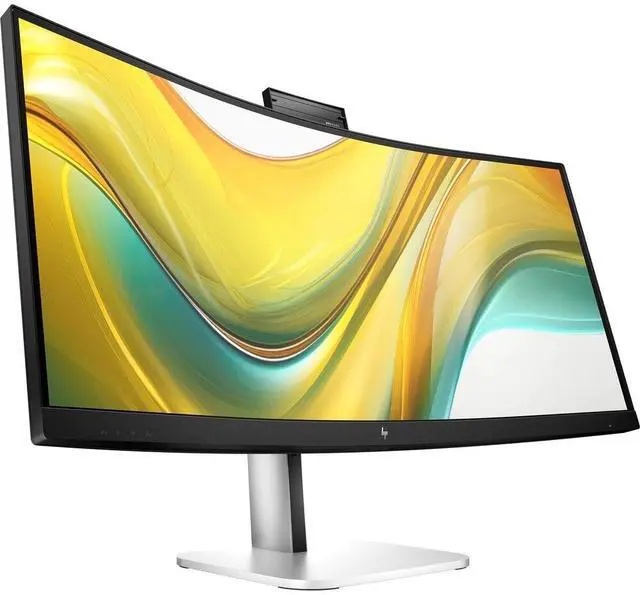
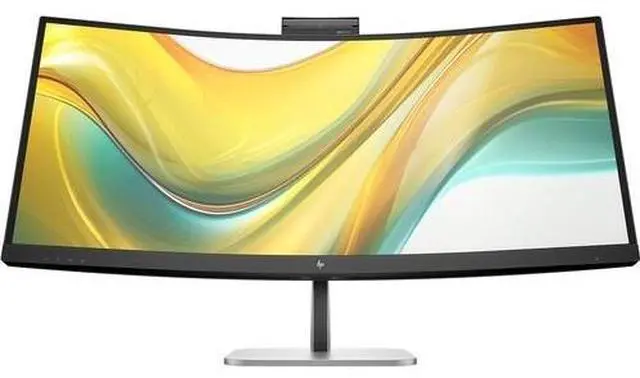
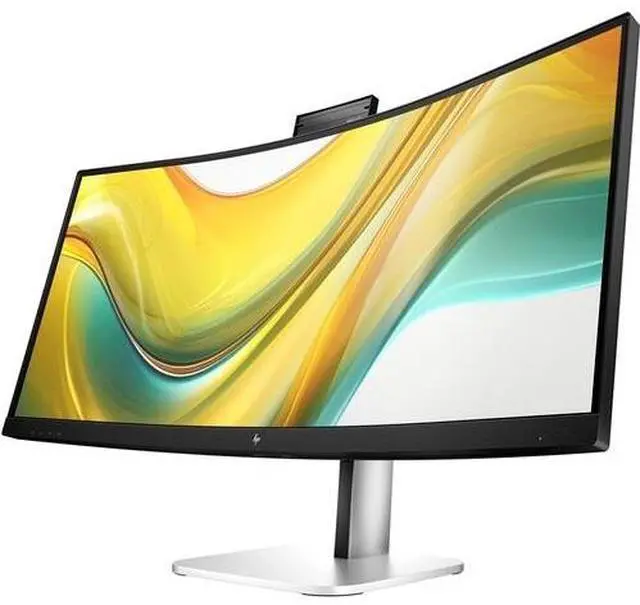
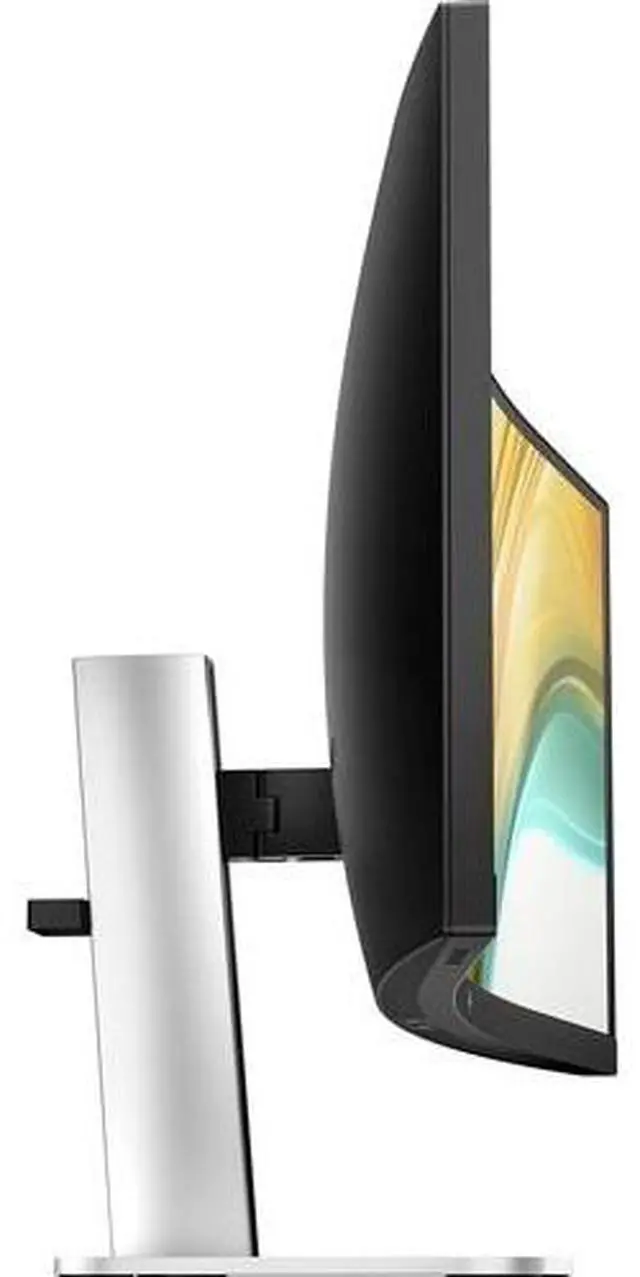
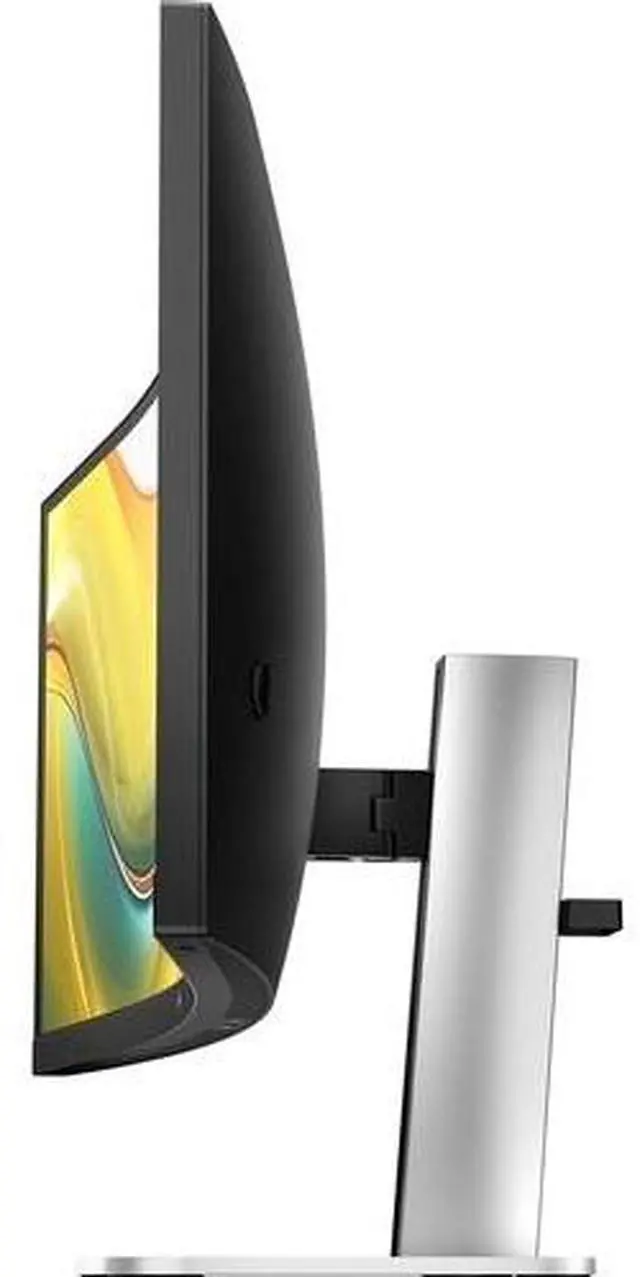
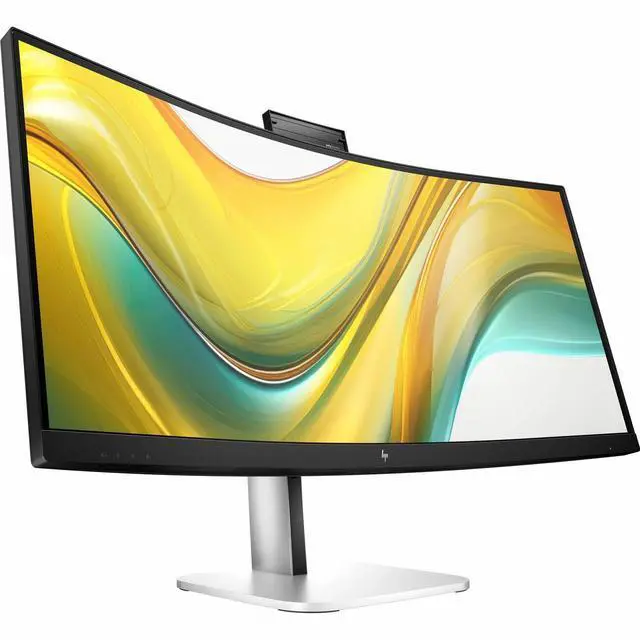
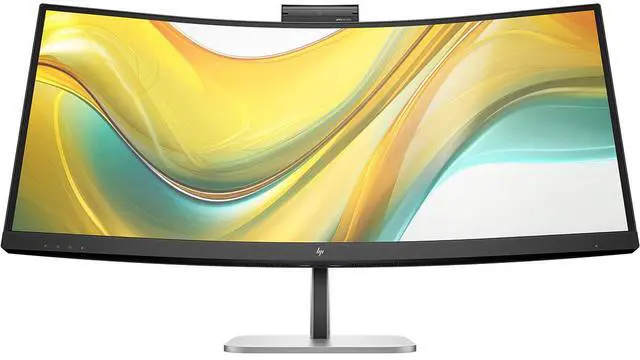
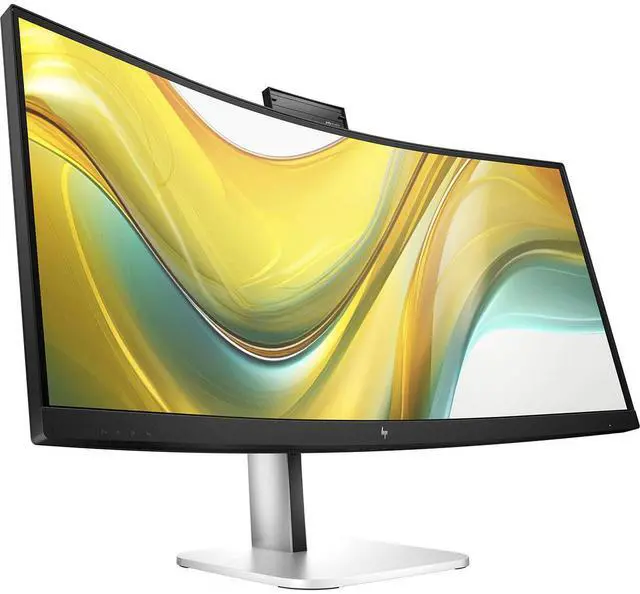
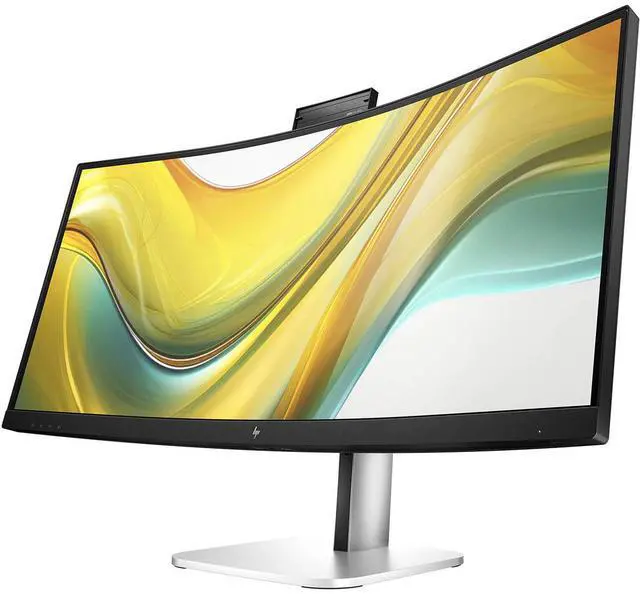
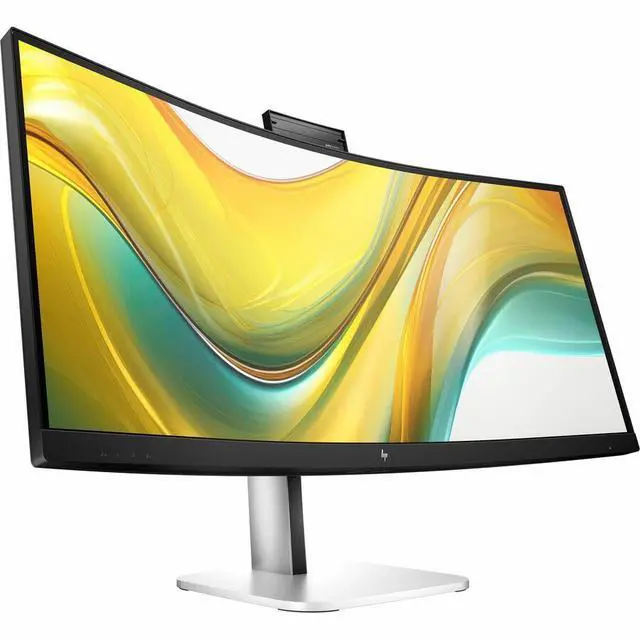
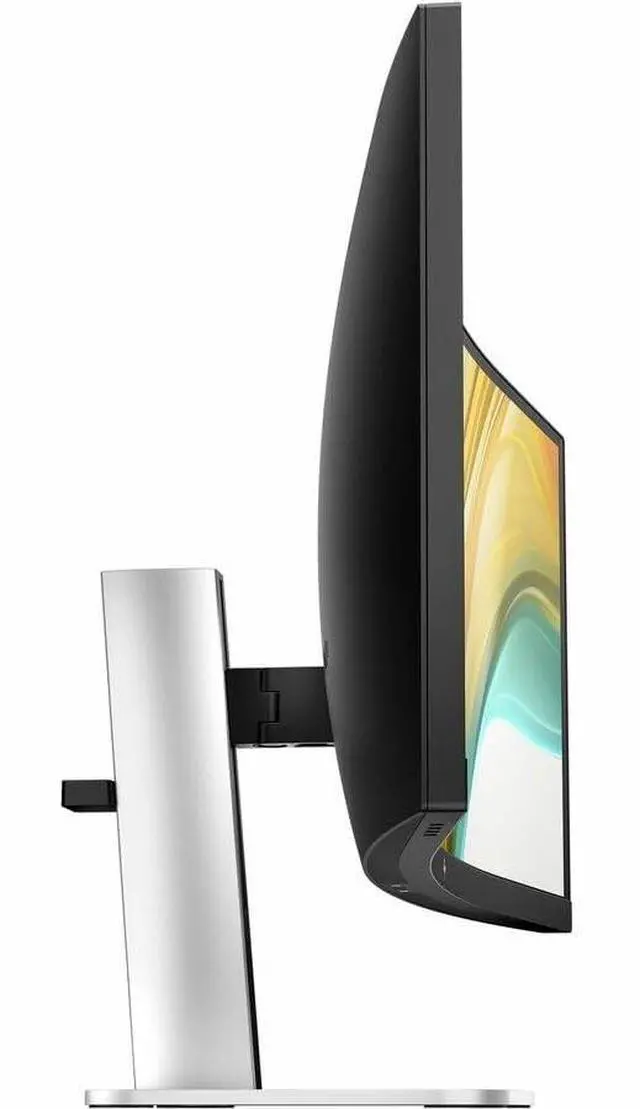
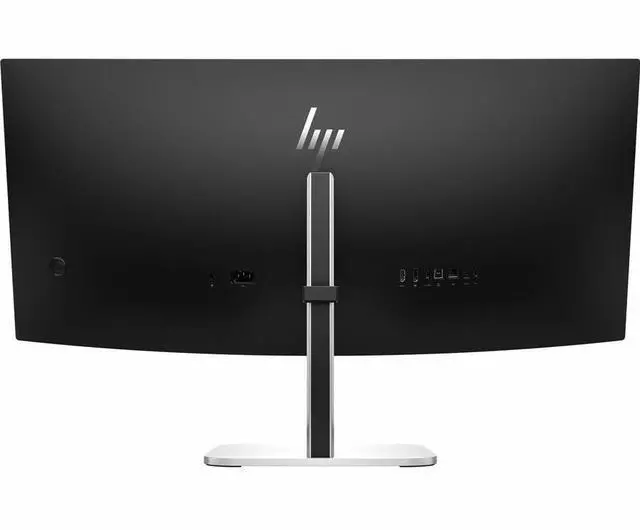
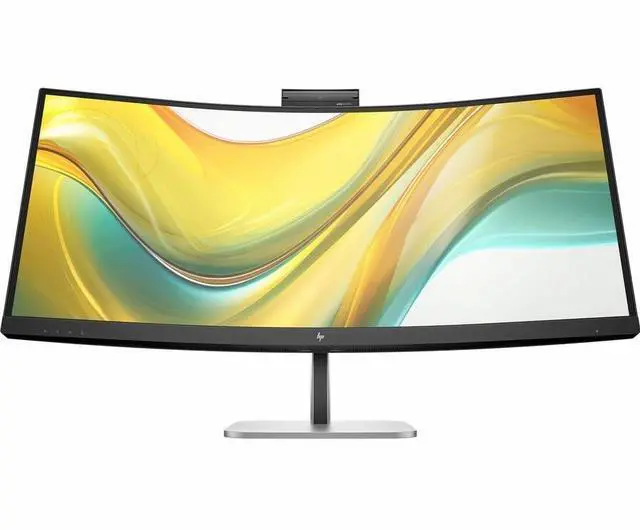
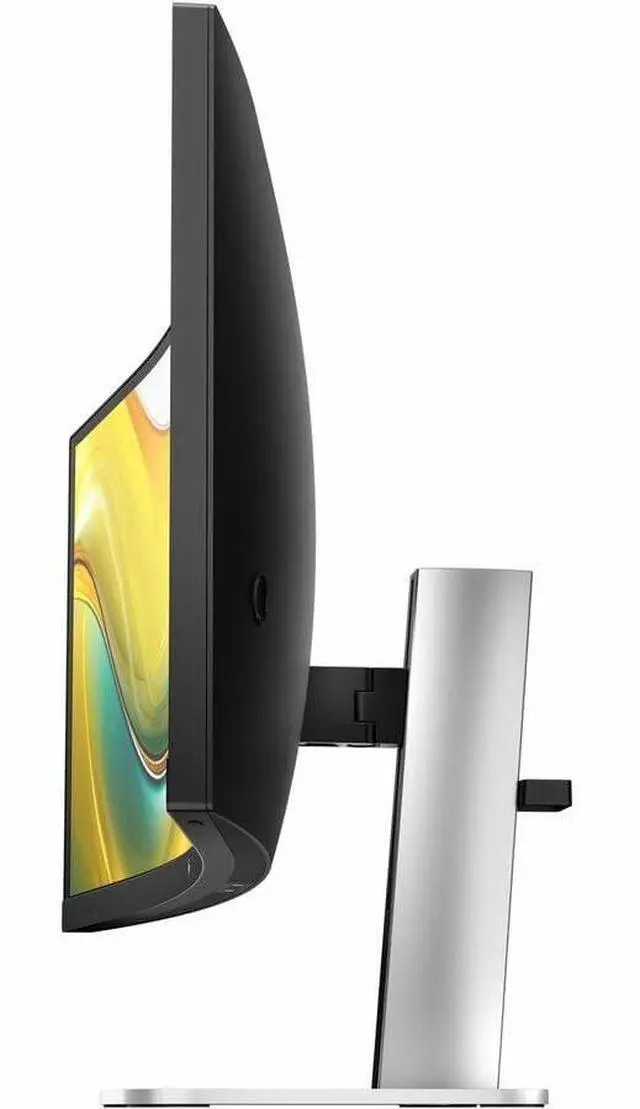
This product does not include manufacturer warranty when purchased or used outside of its designated sales region. By purchasing internationally, you acknowledge that warranty support from the manufacturer will not be available.The HP Series 5 Pro 534pm is a 34-inch WQHD USB-C conferencing monitor with a built-in webcam and speakers, suited to professionals who want a wide workspace and video-meeting features in one desk display.
| Attribute | Value |
|---|---|
| Best For | Desktop video conferencing and ultrawide multitasking, with a built-in webcam and speakers |
| Panel And Resolution | 34-inch glossy LCD ultrawide display with 3440 × 1440 resolution, 400 cd/m² brightness, 4000:1 contrast, and 178° horizontal and vertical viewing angles |
| Refresh Rate And Response | 100 Hz refresh rate with 5 ms response time |
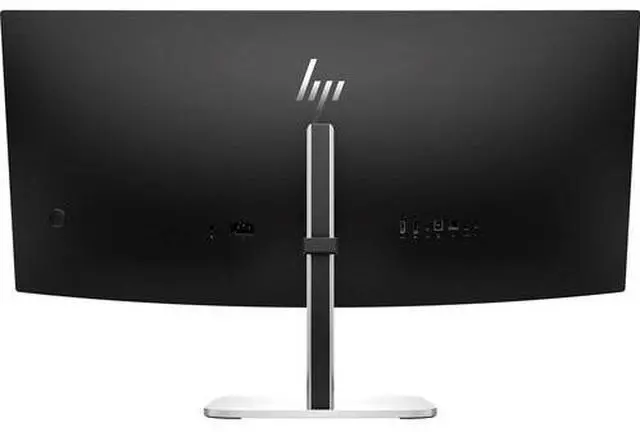
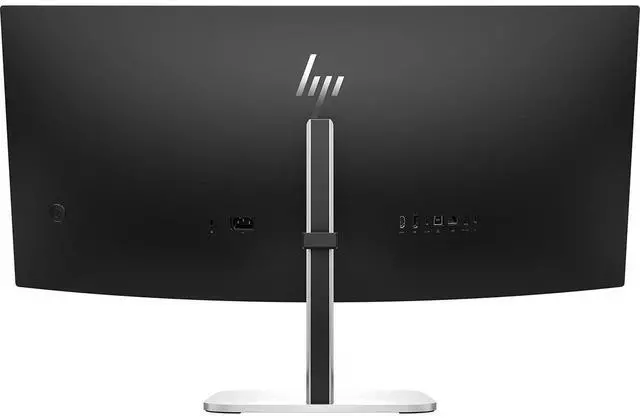
| Ports And Connectivity | USB-C connectivity; no HDMI or Thunderbolt ports listed. USB 2.0 and USB 3.0 port counts are listed as zero |
| Built-In Features | Integrated webcam and speakers; HDCP support |
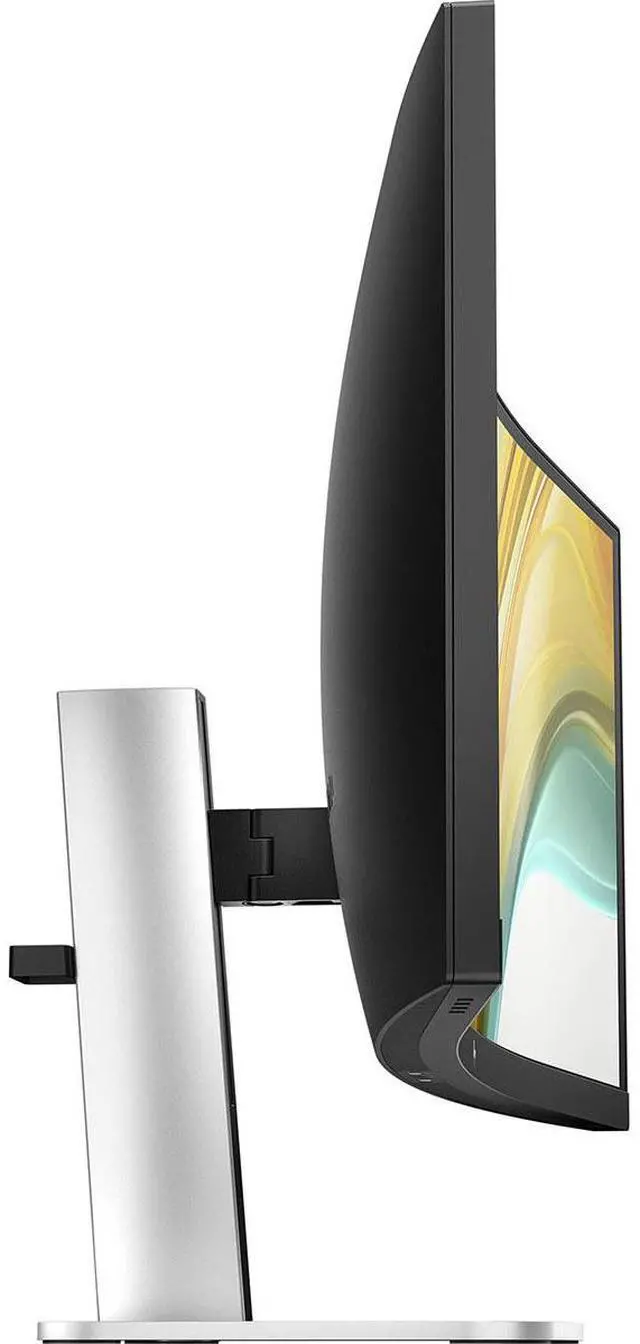
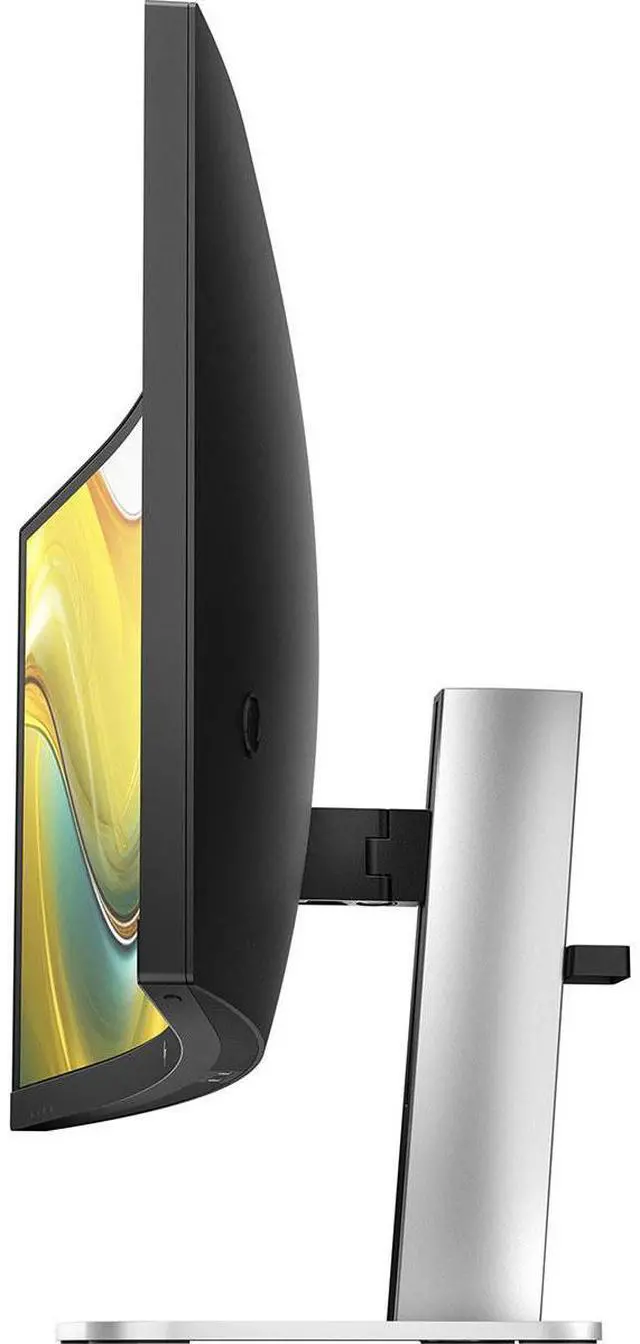
| Stand And Ergonomics | Height-adjustable stand with landscape orientation |
| Power And Compliance | ENERGY STAR compliant |
| Portability | 25.27 lb (11.46 kg); dimensions listed as 21.5 × 31.8 × 10.6 |
| Model Identifiers | HP Series 5 Pro 534pm; part/model number 9E0Z2UT#ABA; black cabinet |
Q: HP 534pm vs. HP 734pm: which 34-inch monitor is better for a work setup?
A: Choose the HP 534pm for a 34-inch WQHD conferencing monitor with a 5MP webcam, built-in speakers, and up to 100W USB-C power delivery. The HP 734pm keeps the same 34-inch WQHD size and adds a 120Hz refresh rate, IPS Black, Pantone-validated color, and Thunderbolt 4 connectivity, making it the more feature-rich choice for color-focused work and advanced multi-device setups.
Q: HP 534pm vs. HP 527pm: which is better for video calls and multitasking?
A: Choose the HP 534pm for a 34-inch, 3440 × 1440 ultrawide workspace alongside its conferencing features, including a 5MP webcam. The HP 527pm is a 27-inch QHD conferencing option with a 5MP webcam and 100Hz refresh rate; the 534pm is the fit when you want more horizontal screen space in the same HP Series 5 Pro conferencing family.
Q: HP 534pm vs. HP 549pm: which HP ultrawide gives me more screen space?
A: The HP 549pm provides the larger canvas: its 49-inch DQHD (5120 × 1440) display is designed for broad, side-by-side multitasking. Choose the HP 534pm for a 34-inch WQHD (3440 × 1440) ultrawide conferencing setup with a 5MP webcam and up to 100W USB-C power delivery.
Q: HP 534pm vs. HP 527pu: which is the better fit for USB-C laptop docking?
A: Choose the HP 534pm if you want laptop docking combined with a 34-inch WQHD ultrawide display and a built-in 5MP conferencing camera. The HP 527pu is a 27-inch QHD Series 5 Pro monitor with a USB-C hub and up to 100W power delivery, suited to a more compact screen-and-docking setup.
Q: Is this monitor suitable for office work, multitasking, and video meetings?
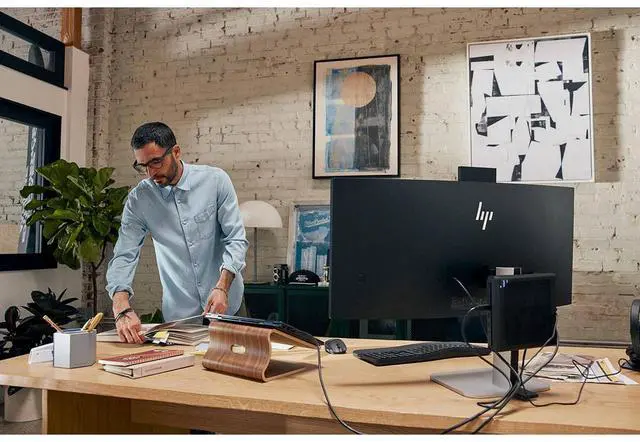
A: Yes. Its 34-inch 3440 × 1440 ultrawide screen provides room for multiple work windows, and it has a built-in webcam and speakers for video meetings. Its 100 Hz refresh rate also supports smooth everyday screen use.
Q: Can one USB-C cable connect this monitor to a laptop and charge it?
A: It can, if the laptop’s USB-C port supports video and USB Power Delivery. The monitor’s main USB-C port supports up to 100 W of power delivery; charging performance depends on the laptop’s requirements and port capabilities.
Q: Is this a practical monitor to travel with?
A: It is better suited to a fixed desk than frequent travel. The 34-inch screen and listed 25.27-pound weight make it relatively bulky to transport; its height-adjustable stand is intended for desk setup.
Q: Does the monitor have a webcam and speakers for meetings?
A: Yes. The monitor has a built-in webcam and speakers, so it can support video calls without requiring separate webcam or speaker hardware. You may still prefer a headset or external audio equipment for your workspace.
Q: Will the 534pm’s built-in webcam work with a MacBook Air connected through DisplayLink?
A: It may not. A Reddit user reported that the monitor worked as an extended display and charged their MacBook Air through DisplayLink, but the webcam was not recognized. A commenter reported success with a conferencing display connected by USB-C, but the discussion does not confirm a fix for this specific setup. If webcam use is essential, verify compatibility with your Mac and connection method before buying.


