• MXN$7,341.91
  • VAT-Inclusive Price
Ships from Hong Kong.
Most customers receive within 10-17 days.
Sold by Cozylux anky

Shipped by Cozylux anky

Shop it at NeweggBusiness.

Meet Your Seller

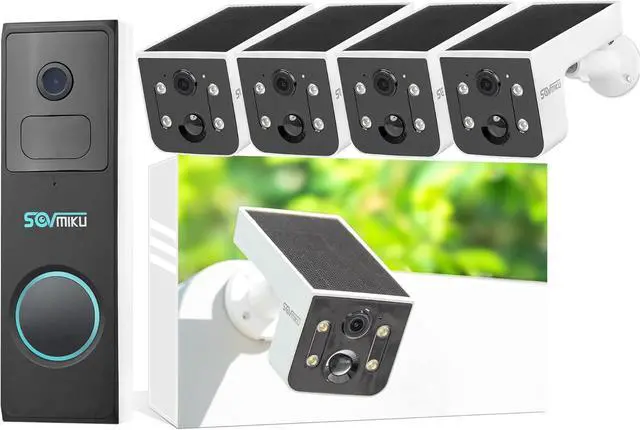
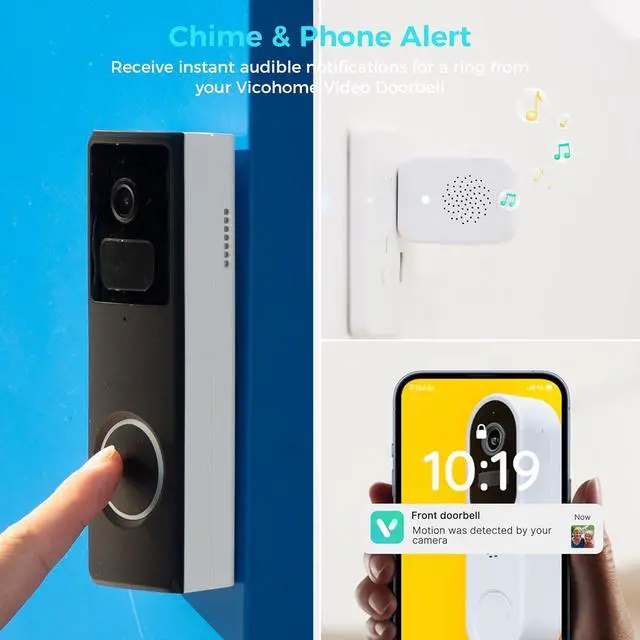
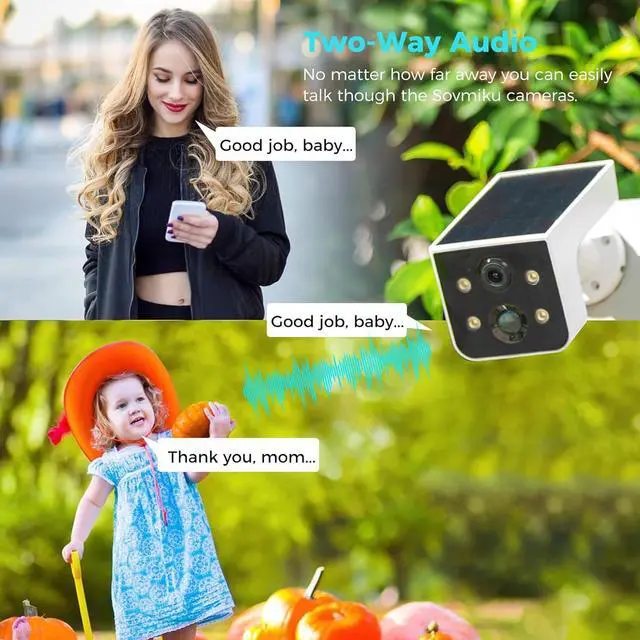
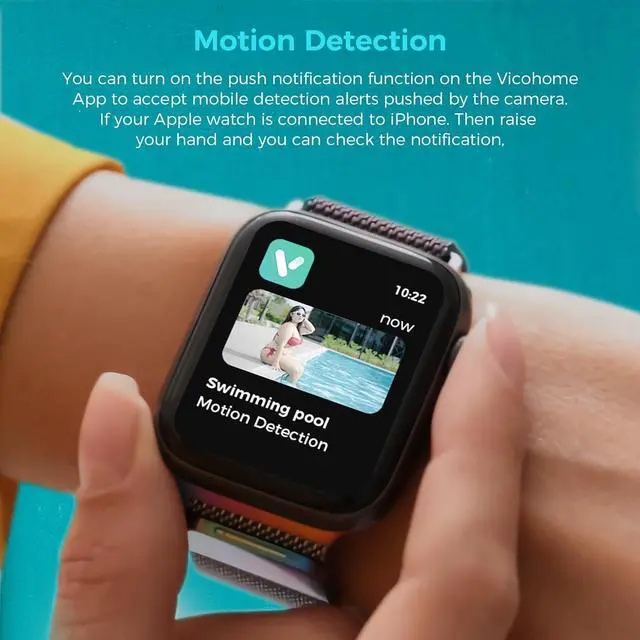
SOVMIKU Vicohome 4CG6L Solar Security Camera Wireless Outdoor System and DB2A Video Doorbell with Chime,No NVR Needed,Battery Powered,Easy to Setup,Motion Detection,Two Way Audio,Color Night Vision

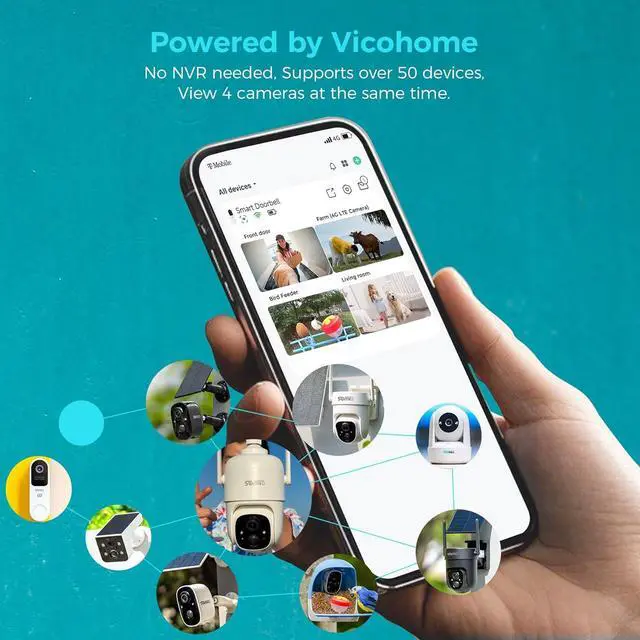
  • Seamless Vicohome App Compatibility: Works perfectly with all your existing Vicohome-enabled devices. Unified app management for real-time monitoring, playback and alertsno extra apps or learning costs needed.
  • , - The advanced quad-pixel sensor on the Main camera makes the most of 3 megapixels by adapting to what youre shooting, Shooting in 3MP delivers 4x the resolution for jaw-dropping cropping.
  • Sovmiku has powerful global Internet services.After you connect Sovmiku D2A Wi-Fi Doorbell to the internet, even if you travel on the other side of the earth,you can get real-time images of your home and hear family through the Vicohome App.Download free App Vicohome from Google Play or Apple App Store.
  • Just 4 steps. 1) Install Vicohome App from Google play or Apple App Store. 2) Register a Vicohome account with your email or mobile number and Sign in. 3) Select the "Add a new device" button on
+
+
Overview
Specs
Reviews
Seamless Vicohome App Compatibility: Works perfectly with all your existing Vicohome-enabled devices. Unified app management for real-time monitoring, playback and alertsno extra apps or learning costs needed.
, - The advanced quad-pixel sensor on the Main camera makes the most of 3 megapixels by adapting to what youre shooting, Shooting in 3MP delivers 4x the resolution for jaw-dropping cropping.
Sovmiku has powerful global Internet services.After you connect Sovmiku D2A Wi-Fi Doorbell to the internet, even if you travel on the other side of the earth,you can get real-time images of your home and hear family through the Vicohome App.Download free App Vicohome from Google Play or Apple App Store.
Just 4 steps. 1) Install Vicohome App from Google play or Apple App Store. 2) Register a Vicohome account with your email or mobile number and Sign in. 3) Select the "Add a new device" button on the app, then enter your WiFi name and password, and then a QR code will appear. 4) Press power button on the camera for 3 seconds, Scan the QR code on your phone with the doorbell
180 Days Exchange Policy: No reason needed, as long as you don't like it, Submit your request and we will give you the best solution within 24 hours.

Warranty & Returns

Warranty, Returns, And Additional Information

Return Policies*

  • Return for refund within: 30 days
  • Return for replacement within: non-replaceable
  • This item is covered by Cozylux anky Return Policy
  • *Subject to applicable law
  • Warranty Notice:

    This product does not include manufacturer warranty when purchased or used outside of its designated sales region. By purchasing internationally, you acknowledge that warranty support from the manufacturer will not be available.

Manufacturer Contact Info

LOADING...