MXN$1,254.82
VAT-Inclusive Price
Ships from Hong Kong.
Most customers receive within 10-17 days.
Meet Your Seller
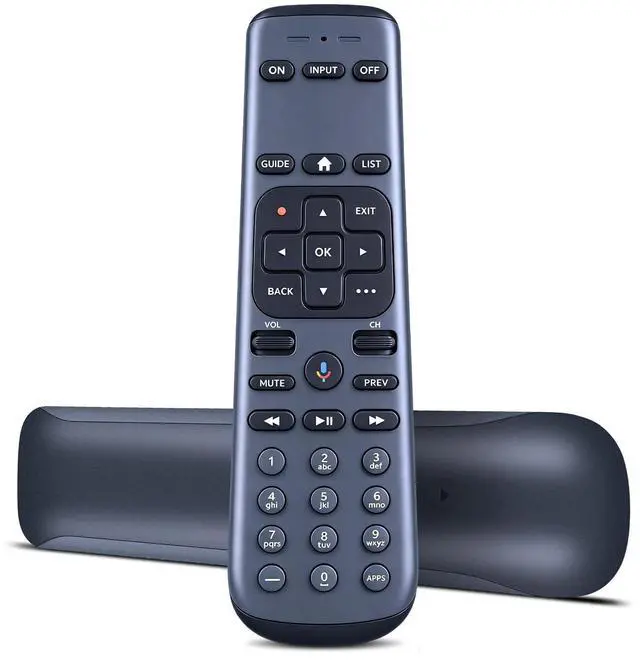
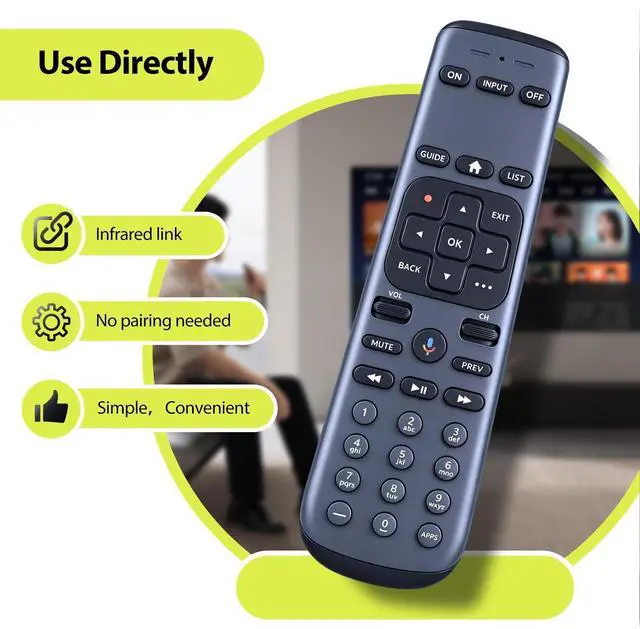
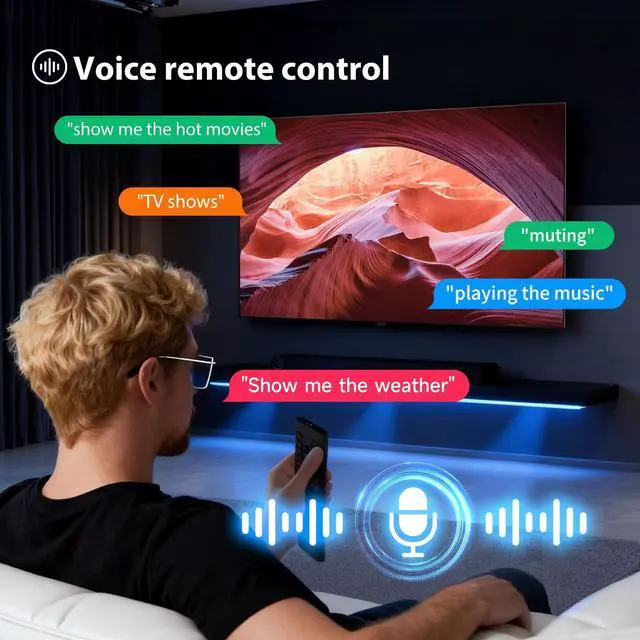
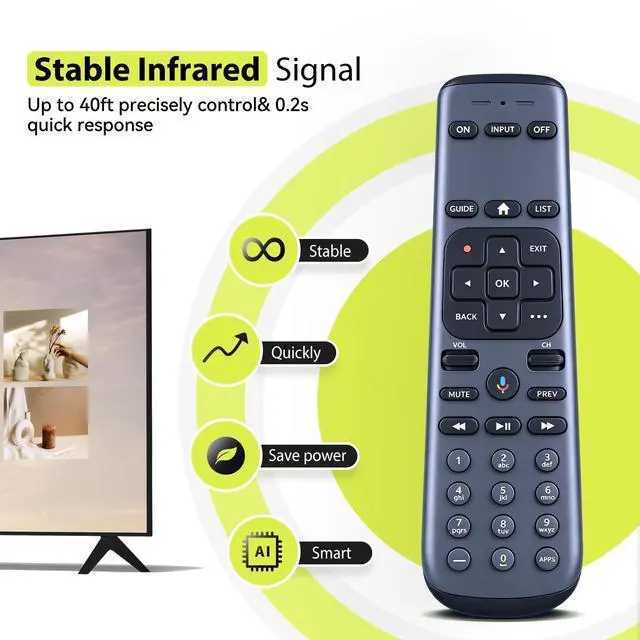
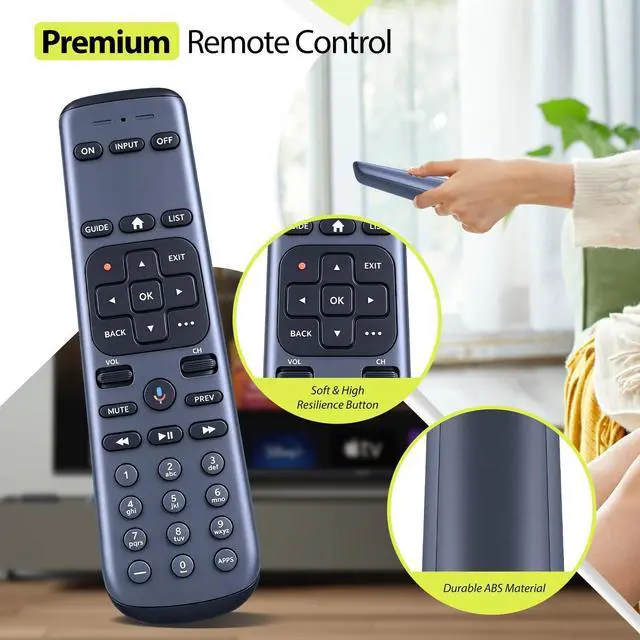
RYQIF Replacement Voice Remote Control Fits for AT&T TV DirecTV C71KW MG3-R35602 RC82V 71KW-200 & C71KW-400, Osprey RC4693701/01BR
- Remote CompatibilityCompatible with AT&T TV DirecTV C71KW MG3-R35602 RC82V 71KW-200 & C71KW-400, Osprey RC4693701/01BR
- Ergonomic DesignCompact and lightweight, with a comfortable hand feel. The smooth edges and anti-slip surface provide a safe grip and reduce the chance of accidental drops during use.
- How To Pairing Press and HOLD Rewind and Fast Forward at the same time for 3 second until the visible LED's starts flashing.Enter digits 961 follow by CH up key.Using the number keys enter the last six digitsof the RID number located behind the STB.Press and release ENTER key (the green light flashes twice).
- Clearing PairingPress and hold Dash and Enter at the same time for 3 second suntil the LED's flash. The RCU will unpair from the STB.
- Resetoring Factory Default Settings EstoringsPress and hold MUTE and Exit at the same time until the RED LED turns ON. Using the number keys, enter 9 - 8 - 1. (The feedback flashes 4 times)

+
+
Overview
Specs
Reviews
Remote CompatibilityCompatible with AT&T TV DirecTV C71KW MG3-R35602 RC82V 71KW-200 & C71KW-400, Osprey RC4693701/01BR ^^ Ergonomic DesignCompact and lightweight, with a comfortable hand feel. The smooth edges and anti-slip surface provide a safe grip and reduce the chance of accidental drops during use. ^^ How To Pairing Press and HOLD Rewind and Fast Forward at the same time for 3 second until the visible LED's starts flashing. Enter digits 961 follow by CH up key. Using the number keys enter the last six digitsof the RID number located behind the STB. Press and release ENTER key (the green light flashes twice).
^^ Clearing PairingPress and hold Dash and Enter at the same time for 3 second suntil the LED's flash. The RCU will unpair from the STB. ^^ Resetoring Factory Default Settings EstoringsPress and hold MUTE and Exit at the same time until the RED LED turns ON. Using the number keys, enter 9 - 8 - 1. (The feedback flashes 4 times)
Warranty & Returns
Warranty, Returns, And Additional Information
Return Policies*
- Return for refund within: 30 days
- Return for replacement within: non-replaceable
- This item is covered by Nextrix Return Policy
- *Subject to applicable law
Warranty Notice:
This product does not include manufacturer warranty when purchased or used outside of its designated sales region. By purchasing internationally, you acknowledge that warranty support from the manufacturer will not be available.
Manufacturer Contact Info
- For a directory of all our manufacturers, please click below.
- Manufacturers Directory
LOADING...