• MXN$1,648.85
  • VAT-Inclusive Price
Ships from Hong Kong.
Most customers receive within 10-17 days.
Sold by Byteful
Top Rated
3.7 (3 seller ratings)

Shipped by Byteful

Shop it at NeweggBusiness.

Meet Your Seller

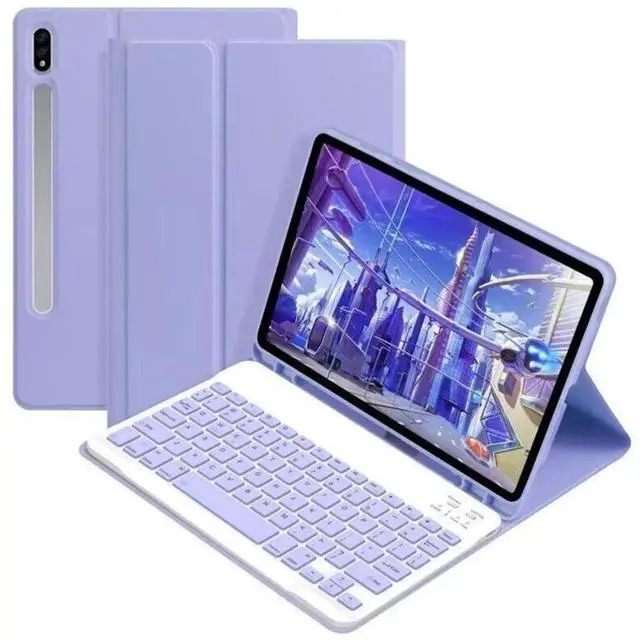
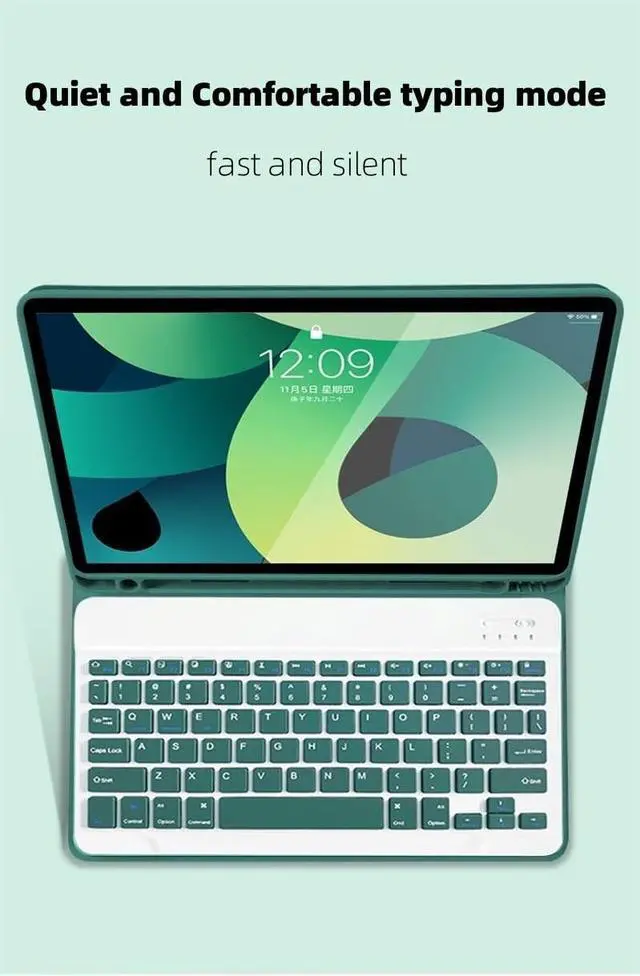
AnMengXinLing Keyboard Case for Galaxy Tab A11 / A9 (8.7 Inch 2025/2023) with S Pen Holder, Cute Candy Slim Protective Cover with Magnetic Detachable Bluetooth KeyboardPurple

  • Compatibility - This keyboard cover is compatible with Galaxy Tab A11 8.7-Inch 2025 (SM-X130/SM-X133/SM-X135), Galaxy Tab A9 8.7 inch (2023 version), models include SM-X110/X115/X117. (This product does not include: tablet, pencil!)
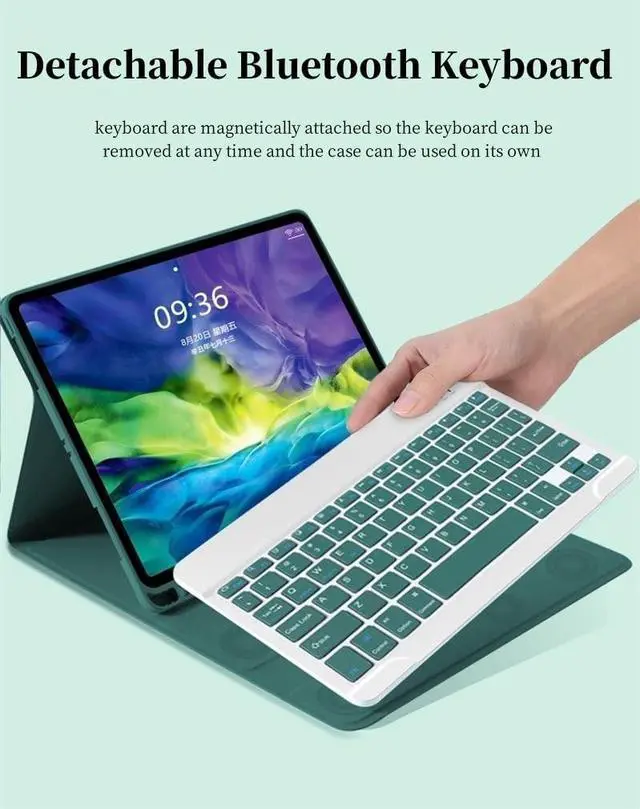
  • Multifunction Detachable Bluetooth KeyboardYou can remove the Wireless keyboard whenever you want from this cover. This keyboard works with iOS, Android and Windows system.such as iPad / iPad Air / iPad Pro / iPad Mini / Phone / Android Tablet / Smartphone and more.
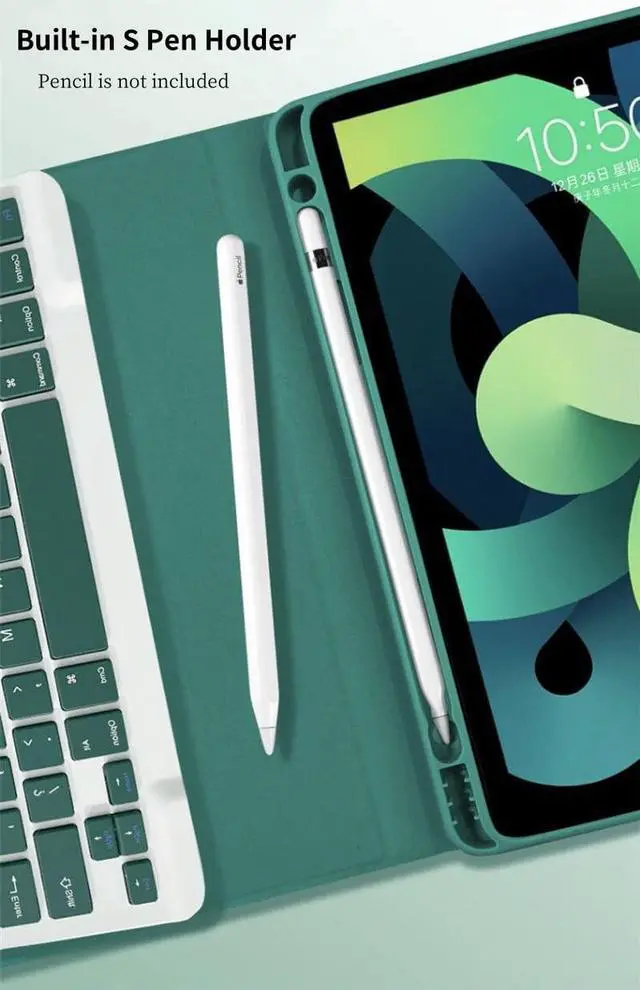
  • Galaxy Tablet Case with S Pen HolderThe unique S Pen slot makes it easy to grab your S Pen anywhere, anytime, avoiding losing it. NOTE: PEN AND TABLET ARE NOT INCLUDED.
  • Full Protection Case with KeyboardThe Tab case has full edge coverage and great protection. Precise cutouts allow full access to all features (buttons, speakers, cameras).
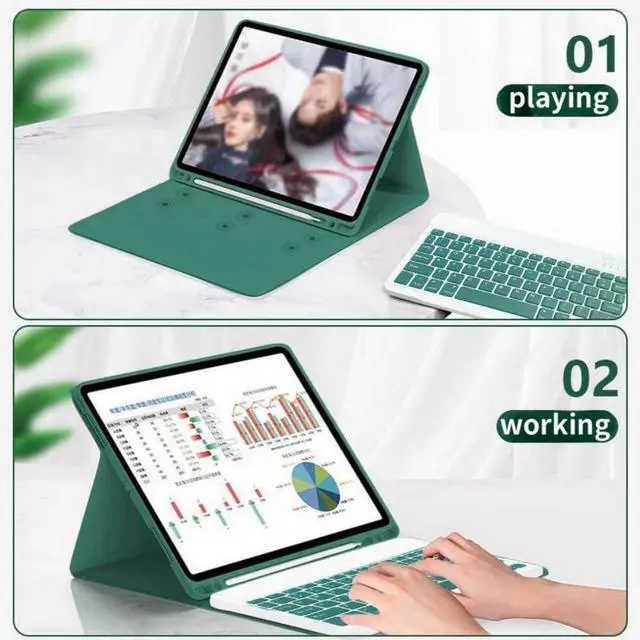
  • Suitable for Any Occasion & Ideal Gift ChoiceThis Keyboard Case is easy to carry or store, great partner for your business, study or entertainment.
+
+
Overview
Specs
Reviews
Galaxy Tab keyboard caseFolio MagneticBuilt-in S Pen Holder360 Full Body Protective CaseCandy Color Keyboard and CaseDaily Life Waterproof Detachable Magnetic Keyboard3 Magnetic Stand Angle (support 120/125/135 viewing angles)Samsung Tablet Wireless Connection1, Turn on the power, the power indicator Iights on for 1 second ( if the indicator is red, please charge in time )2, Press the connect key for 2 second, the Wireless indicator blue Iights flicker into the pairing state, and the effectjve time is about 120 seconds. 3, Open the Wireless search function of the external device, click the " Wireless Keyboard " searched.

4, After the pairing is successful, the indicator lights go out, and you can use the keyboard. 5, if your tablet is Galaxy Tab (Android System), you need press "Fn + Q" together, note: press this two button together. now it can work well. 6, if there is no operation in 10 minutes, the keyboard will go to sleep state and wait for 2~3 seconds by any key to wake up

Warranty & Returns

Warranty, Returns, And Additional Information

Return Policies*

  • Return for refund within: 30 days
  • Return for replacement within: non-replaceable
  • This item is covered by Byteful Return Policy
  • *Subject to applicable law
  • Warranty Notice:

    This product does not include manufacturer warranty when purchased or used outside of its designated sales region. By purchasing internationally, you acknowledge that warranty support from the manufacturer will not be available.

Manufacturer Contact Info

LOADING...