MXN$1,460.93
VAT-Inclusive Price
Ships from Hong Kong.
Most customers receive within 10-17 days.
Sold by Leionhernut
Shipped by Leionhernut
Meet Your Seller
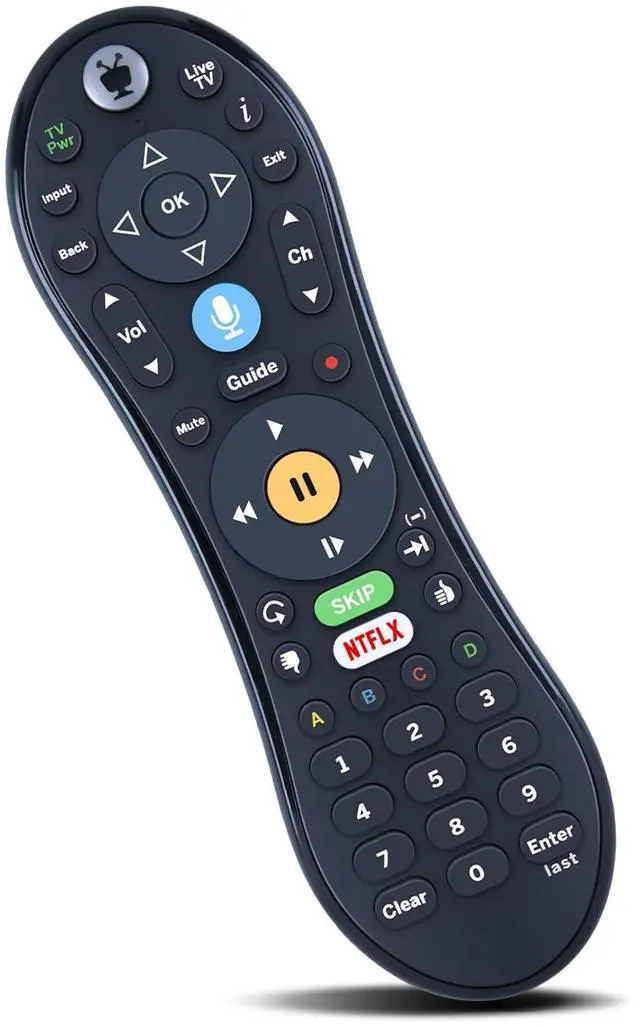
ZWP Replacement Voice Remote Control for TiVo VOX, TiVo Edge and Bolt Series, and Mini VOX DVRs
- Compatible with TiVo VOX, TiVo Edge and Bolt Series, and Mini VOX DVRs Without Backlight
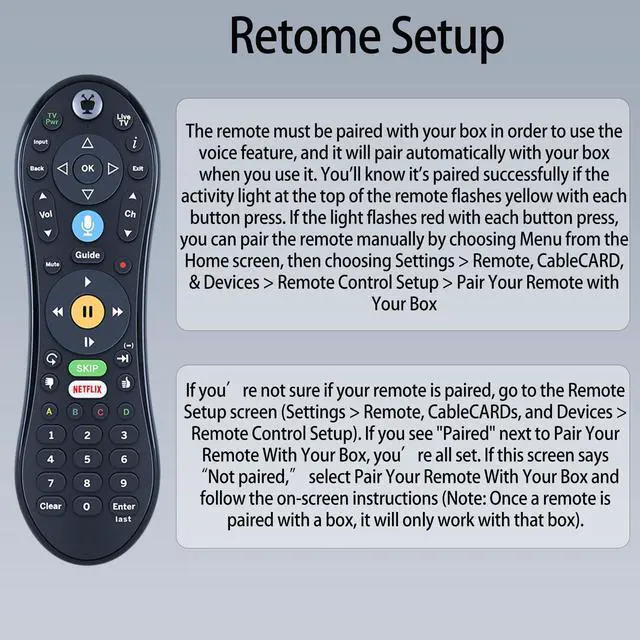
- How To Pairing : Step1 - To activate the pairing function the user will press any key. (The amber LED begins to flash slowly for 30 seconds, the flash rate shall be 3 flashes every 2 seconds) Step2 - Local Name: TiVo-S6V-Remote. Step3 - If the pairing is successful, the remote will flash the amber LED quickly 5 times. Step4 - If the remote has not successfully paired with a target after 20 complete cycles it will exit pairing mode and enter IR mode.
- If the activity light ashes red with each button press, the remote is not fully paired, andvoice commands will not work. To pair it manually, go to Menu > Settings > Remote, CableCARD, &Devices > Remote Control Setup and follow the on-screen instructions.

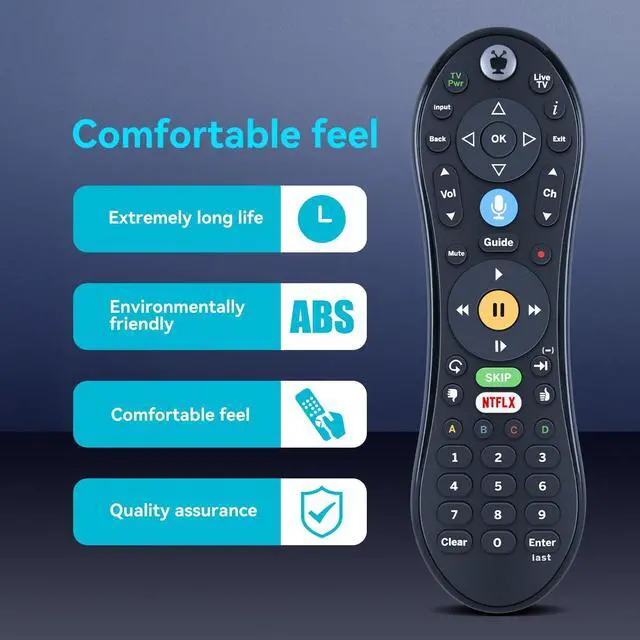
- High QualityMade of High Quality ABS material, which is resistant to falling and has no peculiar smell, Built to Last for Long Lasting Use, and also keeps you and your children away from harm.
+
+
Overview
Specs
Reviews
How To Pairing: Step1 - To activate the pairing function the user will press any key. (The amber LED begins to flash slowly for 30 seconds, the flash rate shall be 3 flashes every 2 seconds) Step2 -
Local Name: TiVo-S6V-Remote. Step3 - If the pairing is successful, the remote will flash the amber LED quickly 5 times. Step4 - If the remote has not successfully paired with a target after 20 complete cycles it will exit pairing mode and enter IR mode. If the activity light ashes red with each button press, the remote is not fully paired, andvoice commands will not work. To pair it manually, go to Menu > Settings > Remote, CableCARD, &Devices > Remote Control Setup and follow the on-screen instructions.
Warranty & Returns
Warranty, Returns, And Additional Information
Return Policies*
- Return for refund within: 30 days
- Return for replacement within: non-replaceable
- This item is covered by Leionhernut Return Policy
- *Subject to applicable law
Warranty Notice:
This product does not include manufacturer warranty when purchased or used outside of its designated sales region. By purchasing internationally, you acknowledge that warranty support from the manufacturer will not be available.
Manufacturer Contact Info
- For a directory of all our manufacturers, please click below.
- Manufacturers Directory
LOADING...