MXN$1,608.73
VAT-Inclusive Price
Ships from Hong Kong.
Most customers receive within 10-17 days.
Meet Your Seller
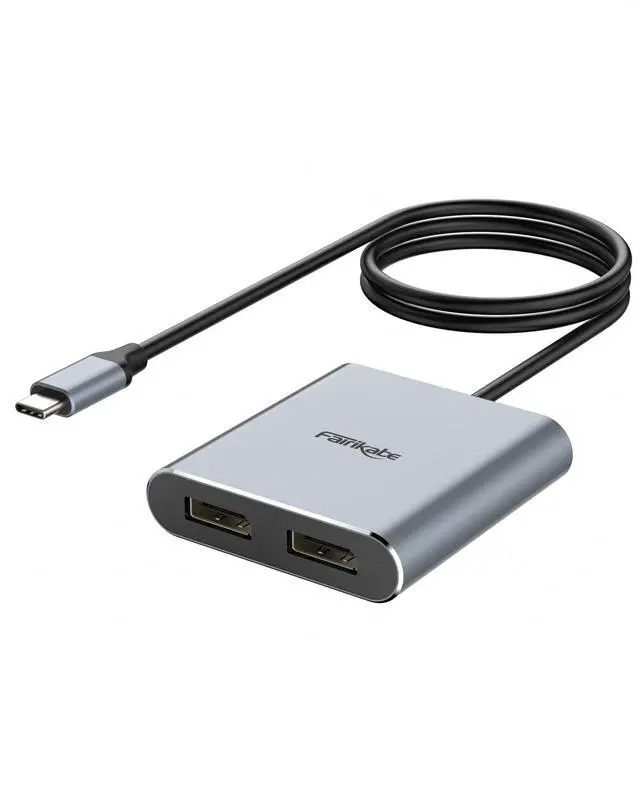
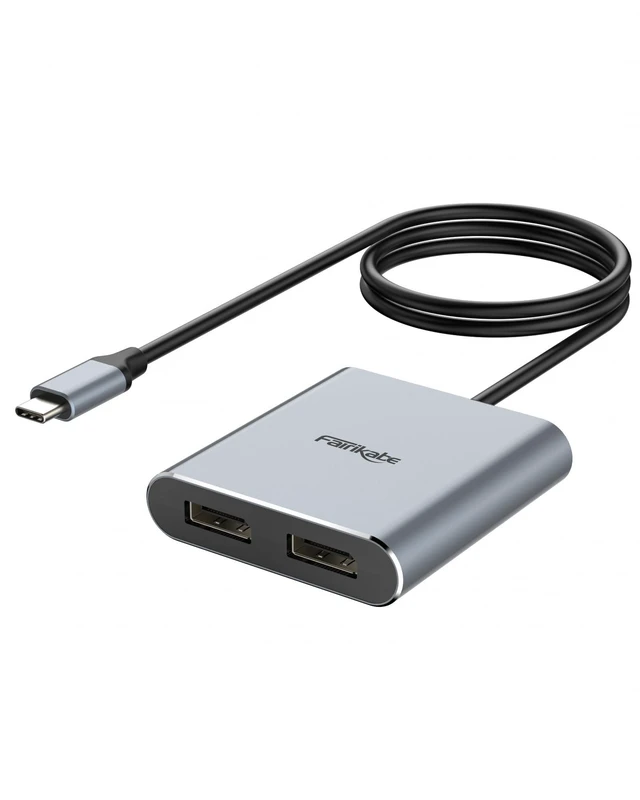
fairikabe USB C to Dual DisplayPort MST Hub Splitter, Dual 4K 60Hz USB Type C to 2X DisplayPort 1.2 Adapter for Windows Laptop PC, Compatible with Thunderbolt 3
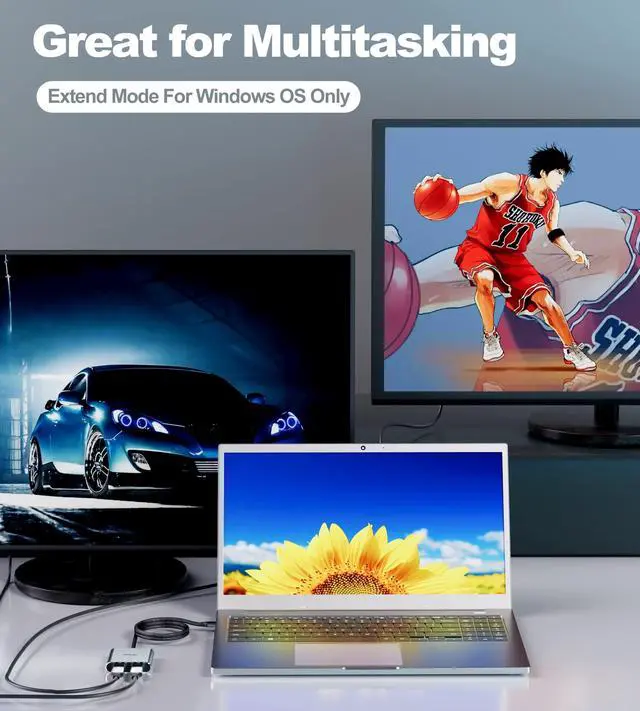
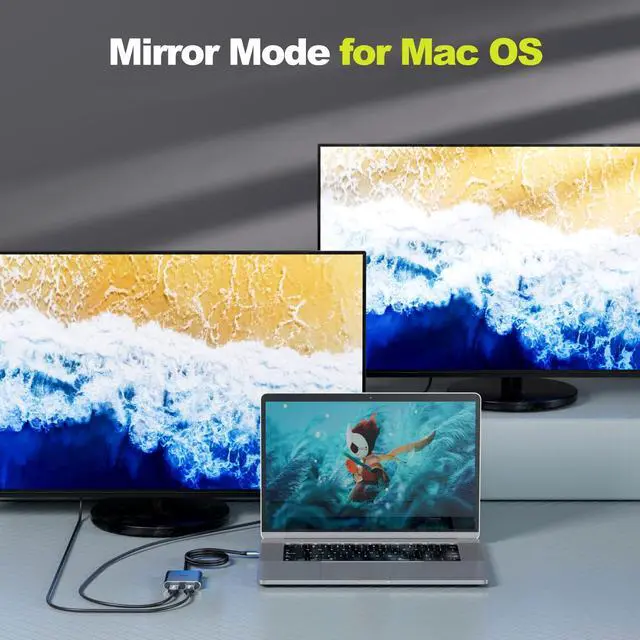
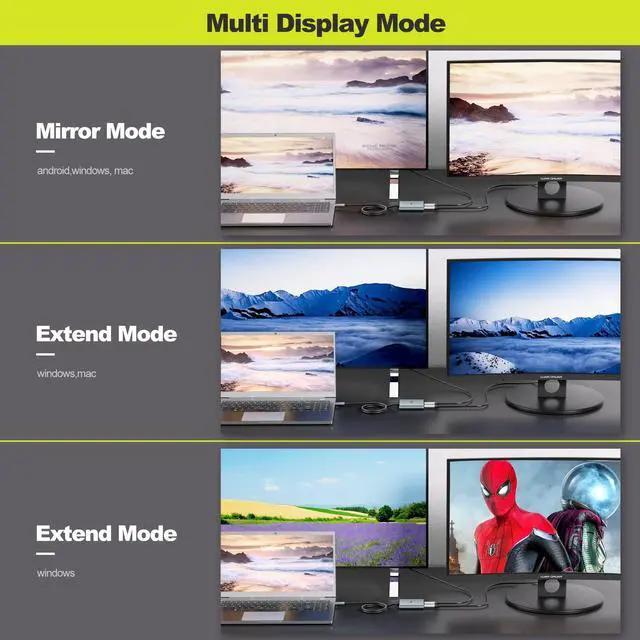
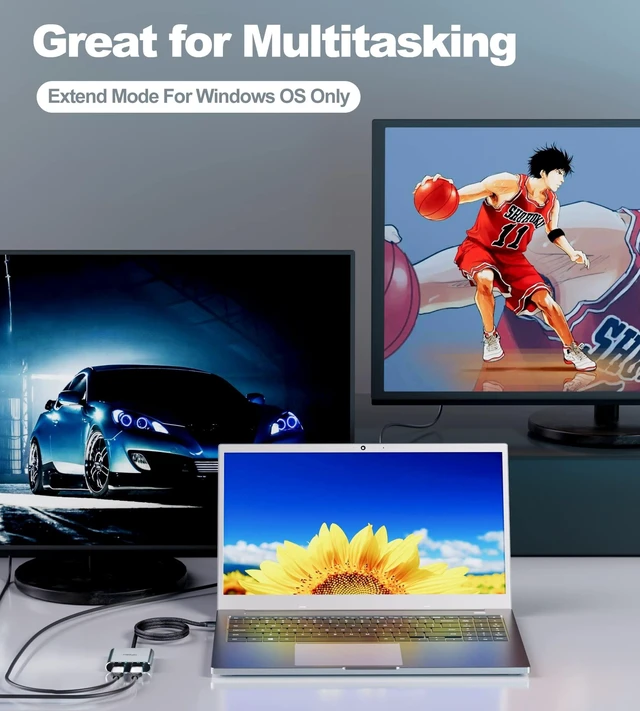
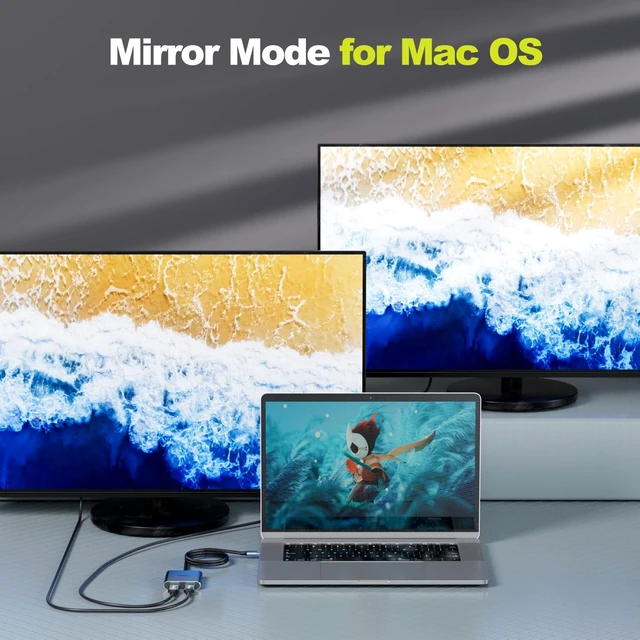
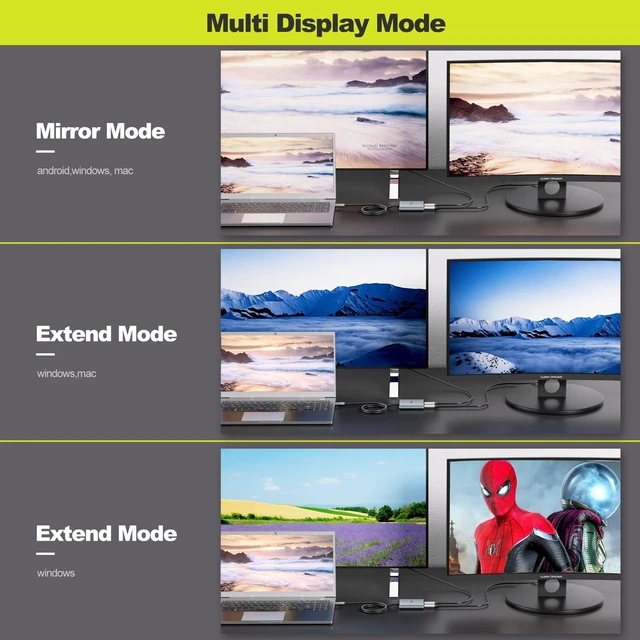
- Important Notes: For this USB C to DisplayPort adapter, 1)USB-C port must support DisplayPort Alt Mode (DP Alt Mode, not all USB-C ports/systems support Alt Mode functionality. 2) MST mode (Extended displays) only for Windows OS, Mac OS only support SST mode and will only mirror the dual displays *To achieve the max resolution of 4K@60Hz for dual monitors, please note the dual displayport monitors need to support DSC and 4K 60Hz and the computer's DP output port is DP 1.4
- Triple Displays: Connect this USB C to dual displayport adapter via a single USB-C or thunderbolt 3 port on your laptop, to mirror or extend two additional monitors.
- Dual 4K@60Hz: This USB Type C to multi display MST hub, convenient to drive dual 4K@60Hz, 4K@30Hz or dual 1080p@60Hz DisplayPort monitors using a USB-C DP Alt-Mode port. * To get 2 4K60Hz displays, require your USB-C port support DP Alt Mode 1.4, and monitors must support corresponding resolution.
- Widely Compatibility: This USB C to DisplayPort a
+
+
Overview
Specs
Reviews
Important Notes: For this USB C to DisplayPort adapter, 1)USB-C port must support DisplayPort Alt Mode (DP Alt Mode, not all USB-C ports/systems support Alt Mode functionality. 2) MST mode (Extended displays) only for Windows OS, Mac OS only support SST mode and will only mirror the dual displays *To achieve the max resolution of 4K@60Hz for dual monitors, please note the dual displayport monitors need to support DSC and 4K 60Hz and the computer's DP output port is DP 1.4 ^^
Triple Displays: Connect this USB C to dual displayport adapter via a single USB-C or thunderbolt 3 port on your laptop, to mirror or extend two additional monitors.
^^ Dual 4K@60Hz: This USB Type C to multi display MST hub, convenient to drive dual 4K@60Hz, 4K@30Hz or dual 1080p@60Hz DisplayPort monitors using a USB-C DP Alt-Mode port. * To get 2 4K60Hz displays, require your USB-C port support DP Alt Mode 1.4, and monitors must support corresponding resolution.
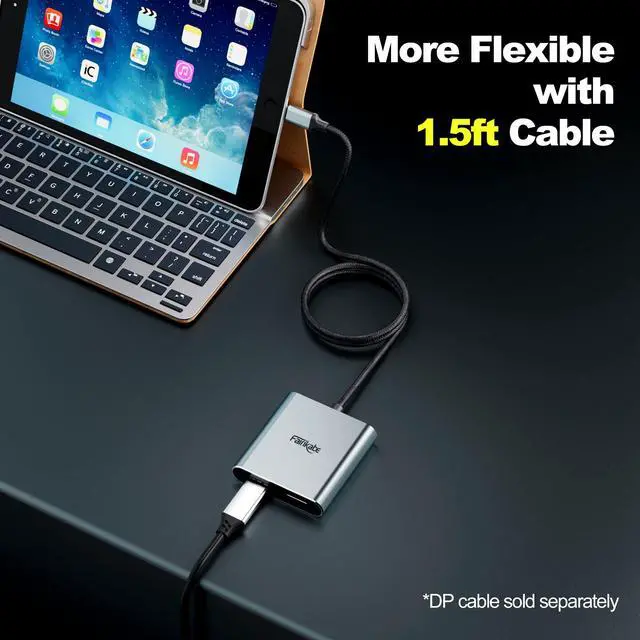
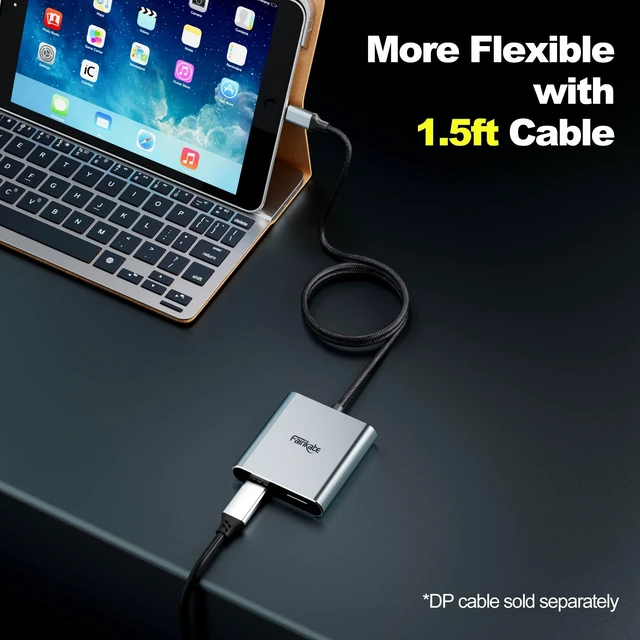
^^ Widely Compatibility: This USB C to DisplayPort adapter compatible with USB-C (Thunderbolt 3) devices such as Dell, Lenovo, Acer, HP & More (Make sure USB-C port supports video output). 1.5 feet length cable bring more flexibility for you.
^^ Plug and Play: No driver required for this USB C to DP hub, SST and MST for windows, SST for Mac M1 only (mirror display). With this USB C to dual display port splitter, you can easily realize triple display (including the laptop display).

Triple Displays: Connect this USB C to dual displayport adapter via a single USB-C or thunderbolt 3 port on your laptop, to mirror or extend two additional monitors.
^^ Dual 4K@60Hz: This USB Type C to multi display MST hub, convenient to drive dual 4K@60Hz, 4K@30Hz or dual 1080p@60Hz DisplayPort monitors using a USB-C DP Alt-Mode port. * To get 2 4K60Hz displays, require your USB-C port support DP Alt Mode 1.4, and monitors must support corresponding resolution.
^^ Widely Compatibility: This USB C to DisplayPort adapter compatible with USB-C (Thunderbolt 3) devices such as Dell, Lenovo, Acer, HP & More (Make sure USB-C port supports video output). 1.5 feet length cable bring more flexibility for you.
^^ Plug and Play: No driver required for this USB C to DP hub, SST and MST for windows, SST for Mac M1 only (mirror display). With this USB C to dual display port splitter, you can easily realize triple display (including the laptop display).
Warranty & Returns
Warranty, Returns, And Additional Information
Return Policies*
- Return for refund within: 30 days
- Return for replacement within: non-replaceable
- This item is covered by Nextrix Return Policy
- *Subject to applicable law
Warranty Notice:
This product does not include manufacturer warranty when purchased or used outside of its designated sales region. By purchasing internationally, you acknowledge that warranty support from the manufacturer will not be available.
Manufacturer Contact Info
- For a directory of all our manufacturers, please click below.
- Manufacturers Directory
LOADING...