MXN$1,554.86
VAT-Inclusive Price
Ships from Hong Kong.
Most customers receive within 10-17 days.
Meet Your Seller
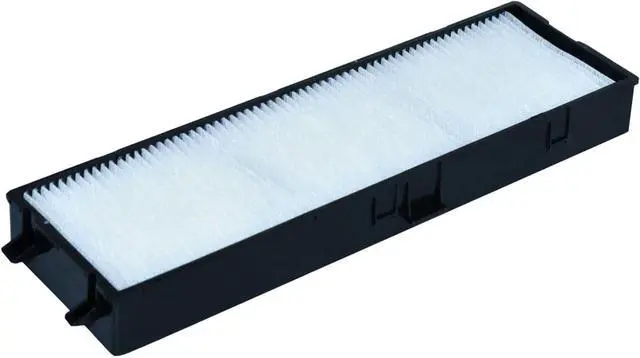
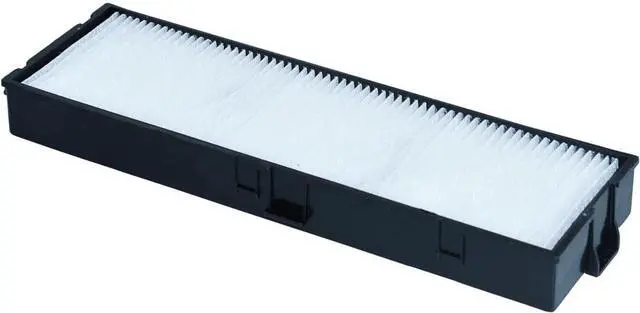
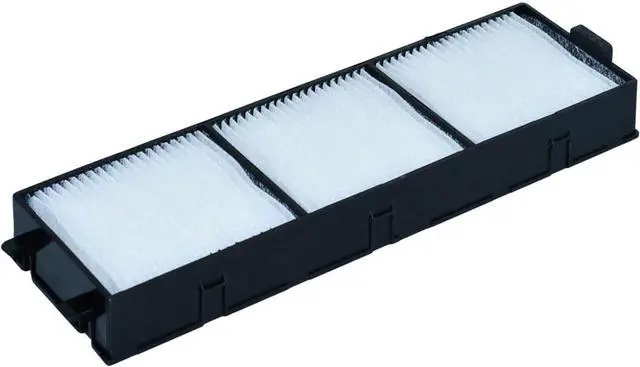
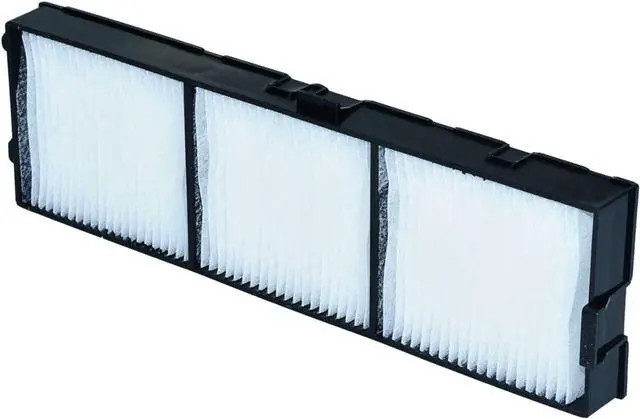
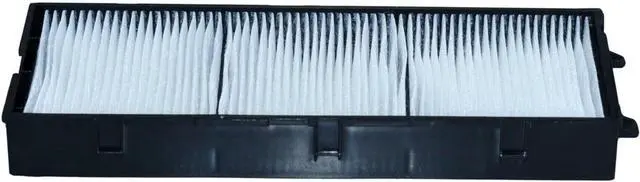
AOERUOW ET-RFV410 Replacement Projector Air Dust Filter for PANASONIC PT-VW540,PT-VW545N,PT-VX610,PT-VX615N,PT-VZ580,PT-VZ585N Projectors
- Suitable for ET-RFV410 Replacement Projector Air Dust Fitler
- Compatible for PANASONIC PT-VW540,PT-VW545N,PT-VX610,PT-VX615N,PT-VZ580,PT-VZ585N Projectors
- It's Time to Replace the Air Filter When the Air Filter is Ripped or the Message is Displayed Even Though the Air Filter Has Been Cleaned
- After Replace the Air Filter Your Projector will Get Better Cooling and Dust-proof Performance and You will Enjoy the Effect of the Original Lights
- The Air Filter will Wrapped and Packed Securely to Make Sure you Receive the Item in Good Condition,It Comes with 180 Days Warranty and We Supply Excellent Customer Service,If You Have Any Questions About the Product Please Feel Free to Contact Us
+
+
Overview
Specs
Reviews
AOERUOW Replacement Projector Air Dust FilterPremium quality, long life replacement projector air filter, installed in your projector, so you appreciate the effect of the original lights. This will be your best choice at work, so you and your family to experience a better entertainment. When You Need Clean or Replace Your FilterThe projector air filters prevent dust from accumulating on the surface of the optical elements inside the projector. If a message is frequently displayed "The projector is overheating. Make sure nothing is blocking the air vent, and clean or replace the air filter", even after cleaning, it is time to replace the air filter.
Replace it with a new air filter. How to Replace the Air Filter1. After you turn off the projector's power and the confirmation buzzer beeps twice, disconnect the power cord. 2. Open the air filter cover, slide the air filter cover operation knob and open the air filter cover. 3. Remove the air filter, grip the tab in the center of the air filter and pull it straight out. 4. Install the new air filter, press until it clicks into place. 5. Close the air filter cover.
Filter Part NumberET-RFV410Compatible with Projector Modelfor PANASONIC PT-VW540, PT-VW545N, PT-VX610, PT-VX615N, PT-VZ580, PT-VZ585N Projectors

Replace it with a new air filter. How to Replace the Air Filter1. After you turn off the projector's power and the confirmation buzzer beeps twice, disconnect the power cord. 2. Open the air filter cover, slide the air filter cover operation knob and open the air filter cover. 3. Remove the air filter, grip the tab in the center of the air filter and pull it straight out. 4. Install the new air filter, press until it clicks into place. 5. Close the air filter cover.
Filter Part NumberET-RFV410Compatible with Projector Modelfor PANASONIC PT-VW540, PT-VW545N, PT-VX610, PT-VX615N, PT-VZ580, PT-VZ585N Projectors
Warranty & Returns
Warranty, Returns, And Additional Information
Return Policies*
- Return for refund within: 30 days
- Return for replacement within: non-replaceable
- This item is covered by Byteful Return Policy
- *Subject to applicable law
Warranty Notice:
This product does not include manufacturer warranty when purchased or used outside of its designated sales region. By purchasing internationally, you acknowledge that warranty support from the manufacturer will not be available.
Manufacturer Contact Info
- For a directory of all our manufacturers, please click below.
- Manufacturers Directory
LOADING...