MXN$1,343.45
VAT-Inclusive Price
Ships from Hong Kong.
Most customers receive within 10-17 days.
Meet Your Seller
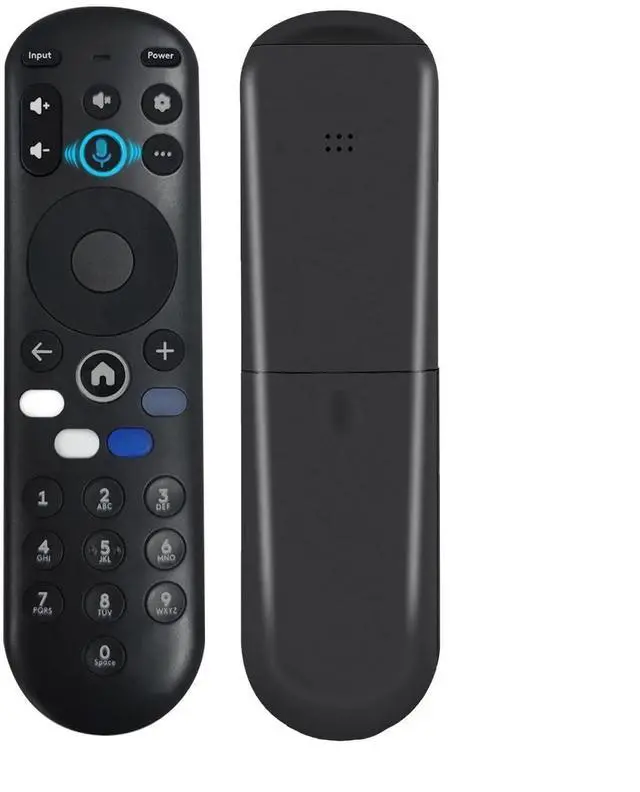
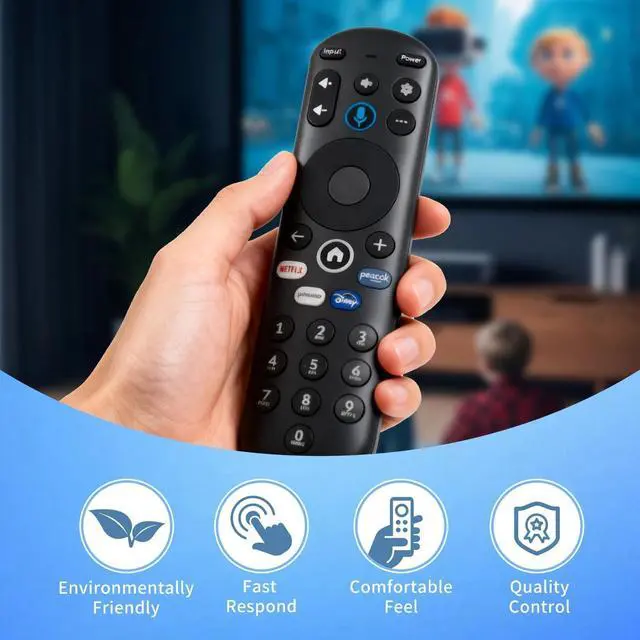
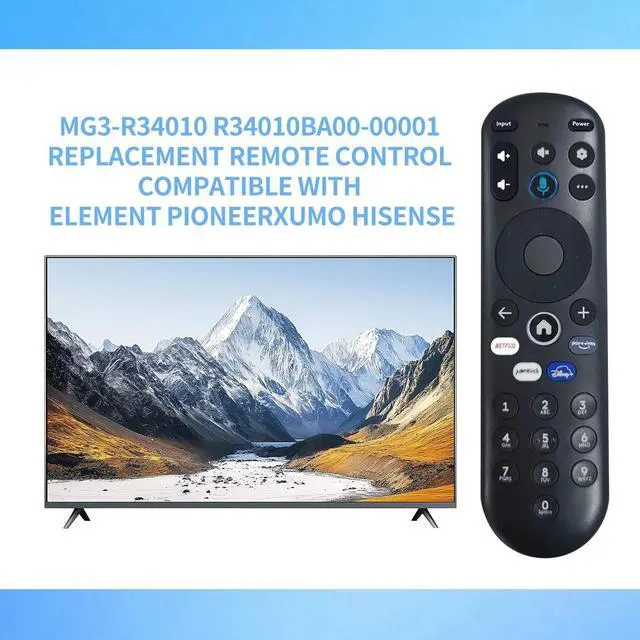
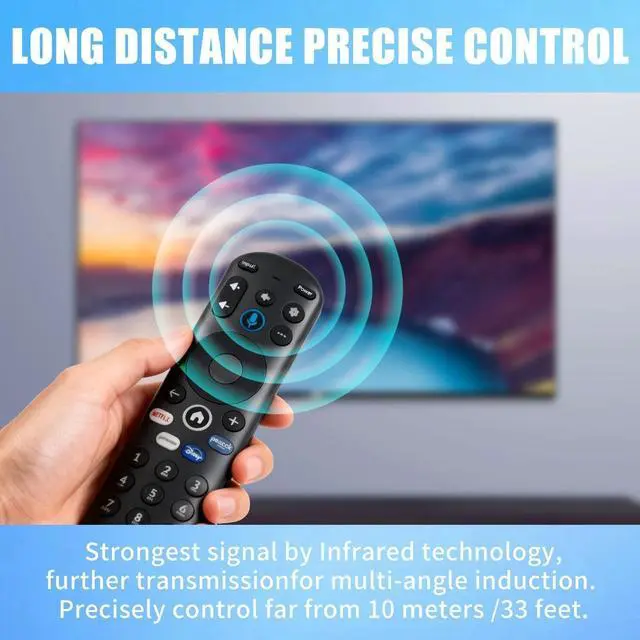
Voice Replacement Remote Control for Pioneer Xumo TV E550AE86C E500AE98C E300AE24C(No Batteries Included)
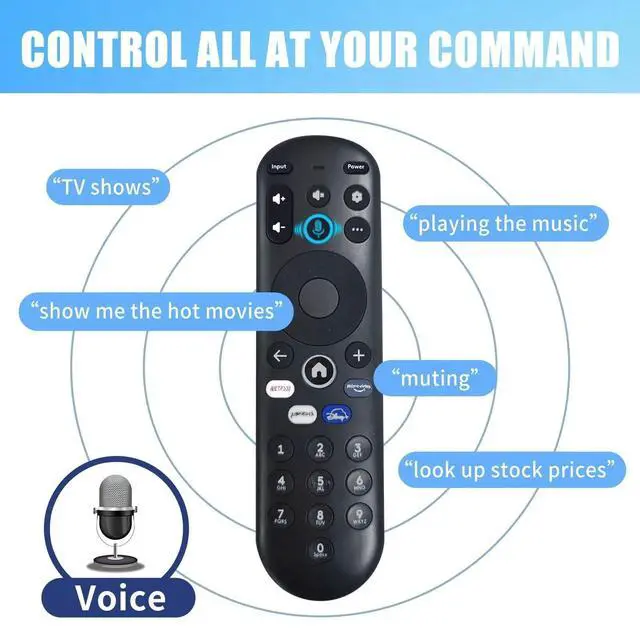
- Voice Search: The sensitive voice function brings you convenience.
- Compatible Models: PZL voice replacement remote control for smart TV models - E500AE98C E300AE24C E550AE86C E550AE75C E550AE65C E550AE55C E550AE50C E550AE43C E300AE40C E300AE32C E500AC65C E500AC50C E500AC55C E500AC43C
- How To Pair: 1) Press the [Setting] button. 2) Select Remote > Pair your remote to your TV. 3) Follow the on-screen instructions. 4) If pairing fails, turn off your TV and unplug from the power source. Plug TV back in, power on, and try steps 1-3 again
- How To Reset: See the product description for details on how to do this
- Package Included: 1 x IR remote control (Batteries and Instructions are Not Included). It can solve the problem when your home remote control doesn't work and becomes your backup remote control.

+
+
Overview
Specs
Reviews
Voice Search: The sensitive voice function brings you convenience.
^^ Compatible Models: PZL voice replacement remote control for smart TV models - E500AE98C E300AE24C E550AE86C E550AE75C E550AE65C E550AE55C E550AE50C E550AE43C E300AE40C E300AE32C E500AC65C E500AC50C E500AC55C E500AC43C ^^
How To Pair: 1) Press the [Setting] button. 2) Select Remote > Pair your remote to your TV. 3) Follow the on-screen instructions. 4) If pairing fails, turn off your TV and unplug from the power source. Plug TV back in, power on, and try steps 1-3 again ^^
How To Reset: See the product description for details on how to do this ^^
Package Included: 1 x IR remote control (Batteries and Instructions are Not Included). It can solve the problem when your home remote control doesn't work and becomes your backup remote control.
^^ Compatible Models: PZL voice replacement remote control for smart TV models - E500AE98C E300AE24C E550AE86C E550AE75C E550AE65C E550AE55C E550AE50C E550AE43C E300AE40C E300AE32C E500AC65C E500AC50C E500AC55C E500AC43C ^^
How To Pair: 1) Press the [Setting] button. 2) Select Remote > Pair your remote to your TV. 3) Follow the on-screen instructions. 4) If pairing fails, turn off your TV and unplug from the power source. Plug TV back in, power on, and try steps 1-3 again ^^
How To Reset: See the product description for details on how to do this ^^
Package Included: 1 x IR remote control (Batteries and Instructions are Not Included). It can solve the problem when your home remote control doesn't work and becomes your backup remote control.
Warranty & Returns
Warranty, Returns, And Additional Information
Return Policies*
- Return for refund within: 30 days
- Return for replacement within: non-replaceable
- This item is covered by SuZhouLiYuanLiXinBaiHuo Return Policy
- *Subject to applicable law
Warranty Notice:
This product does not include manufacturer warranty when purchased or used outside of its designated sales region. By purchasing internationally, you acknowledge that warranty support from the manufacturer will not be available.
Manufacturer Contact Info
- For a directory of all our manufacturers, please click below.
- Manufacturers Directory
LOADING...