- Free 30-day Returns
- MXN$690.07 Shipping
MXN$866.51
VAT-Inclusive Price
Ships from United States.
Sold by Newegg
Shipped by Newegg
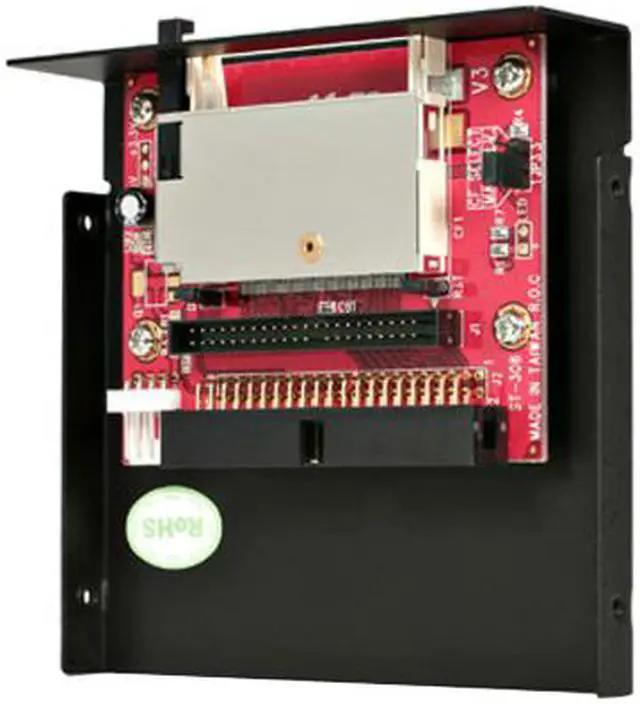
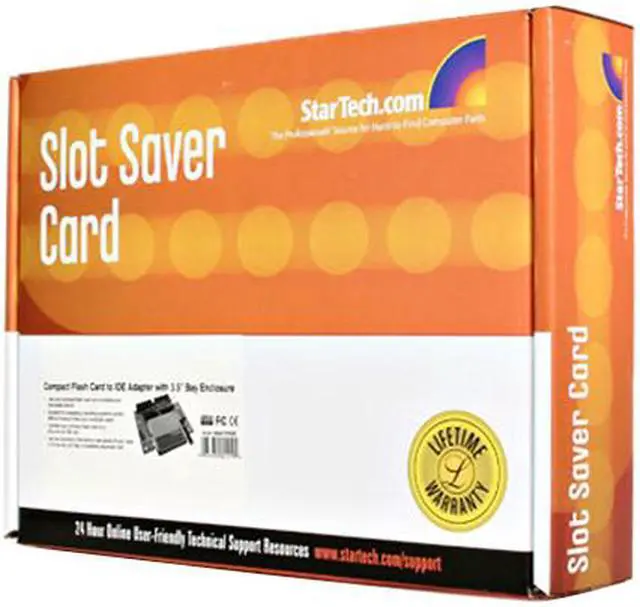
StarTech.com 35BAYCF2IDE Compact Flash Card to IDE Adapter with 3.5" Bay Enclosure
- Connect a CF card to a computer through an IDE connector
- Compatible with compact flash memory cards and desktop computers with an IDE slot
- Compact flash IDE adapter / CF to IDE adapter / CF to IDE converter / IDE to CF card reader
- Compact flash adapter
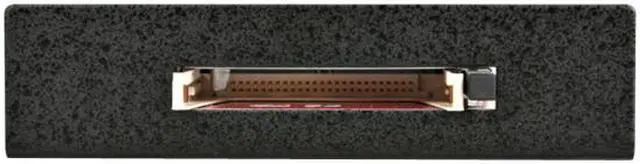
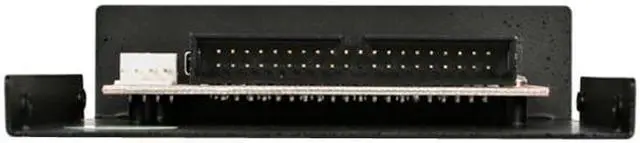
- Quick and driver free installation into any IDE 40 pin and 44 pin slot
- Easily swap cards in and out with built-in push button ejector
- Easy to use jumpers offer simple master/slave drive setting
- Connect your flash card to an IDE slot
+
+
Overview
Specs
Reviews (9)
Connect a CF card to a computer through an IDE connector - compact flash to ide
Warranty & Returns
Warranty, Returns, And Additional Information
Return Policies*
- Return for refund within: 30 days
- Returns are subject to restocking fees and return shipping fees. Please click here to learn more about restocking fees and return shipping fees.
- This item is covered by Newegg.com's International Order Return Policy.
- Read full return policy for details.
- *Subject to applicable law
Warranty Notice:
This product does not include manufacturer warranty when purchased or used outside of its designated sales region. By purchasing internationally, you acknowledge that warranty support from the manufacturer will not be available.
Manufacturer Contact Info
- Manufacturer Product Page
- Manufacturer Website
- Support Phone: 1-800-265-1844
- Support Email: support@startech.com
- Support Website
- View other products from STARTECH
LOADING...
The StarTech.com 35BAYCF2IDE is a 3.5-inch-bay CompactFlash-to-IDE adapter for desktop computers with a 40- or 44-pin IDE connection, suited to users building or maintaining legacy PCs that need CF-based storage.
Recommended For
- Retro-PC builders restoring a desktop with a working IDE port who want to boot an operating system from a CompactFlash card instead of relying on an aging hard drive. Boot success can depend on the computer’s BIOS and the card used.
- Owners of legacy industrial or embedded equipment with an IDE drive connection who need to use CompactFlash as internal storage in place of a compatible IDE drive.
- Retro-computing hobbyists who want to keep multiple CF cards with different system setups and change them between uses, with the understanding that the computer must be powered off before changing cards.
- Users of older computers with an available 3.5-inch bay or full-size expansion slot who want the CF slot mounted inside the case for convenient access.
Spec Summary
| Attribute | Value |
|---|---|
| Best For | Using CompactFlash cards as bootable storage in desktop PCs with IDE slots, with installation in a 3.5-inch bay or expansion slot |
| Card Compatibility And Slots | One slot for CompactFlash Type I/II cards and IBM Microdrives |
| Interface And Installation | IDE/EIDE connection for 40-pin or 44-pin slots, with driver-free installation |
| Mounting And Configuration | Fits a 3.5-inch bay or expansion slot and can be mounted on the front or rear panel; jumpers set master or slave mode |
| Card Access And Operation | Built-in push-button ejector; the computer must be turned off before changing cards |
| Data Transfer | Listed data transfer rate of 1,044 megabits per second |
| Physical Specifications | Black; 3.8 × 3.9 × 1 inches; item weight 0.129 kilograms |
| Model Identifiers | StarTech.com 35BAYCF2IDE |