


 All CategoriesAll CategoriesAll Categories

Make informed decisions with expert advice. Learn More




Warranty Notice:
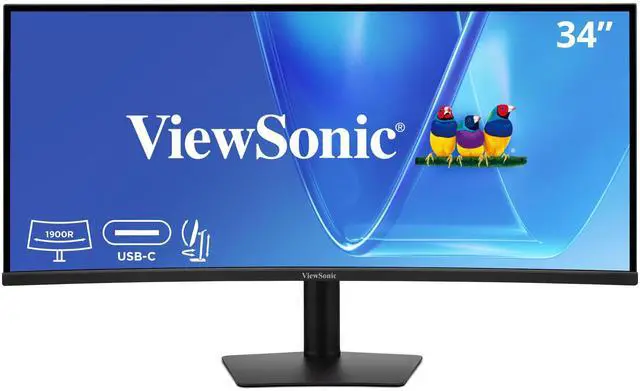
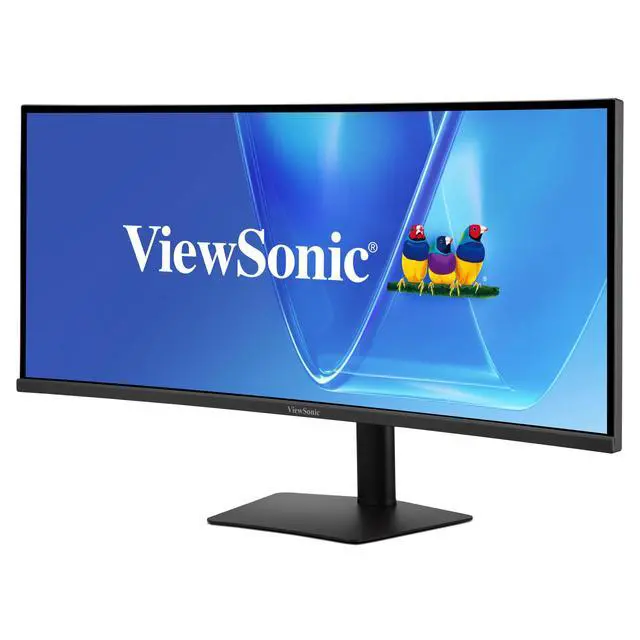
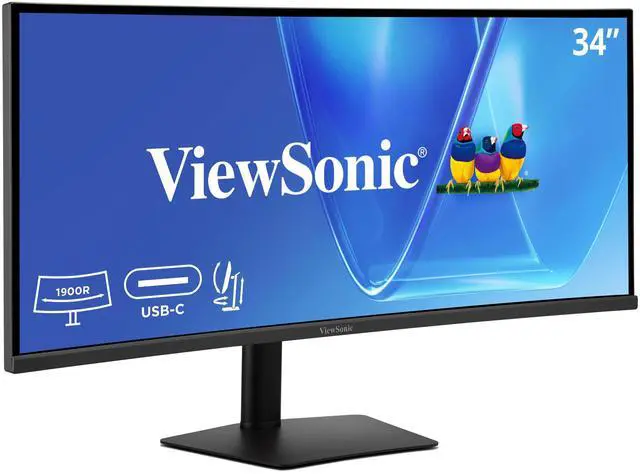
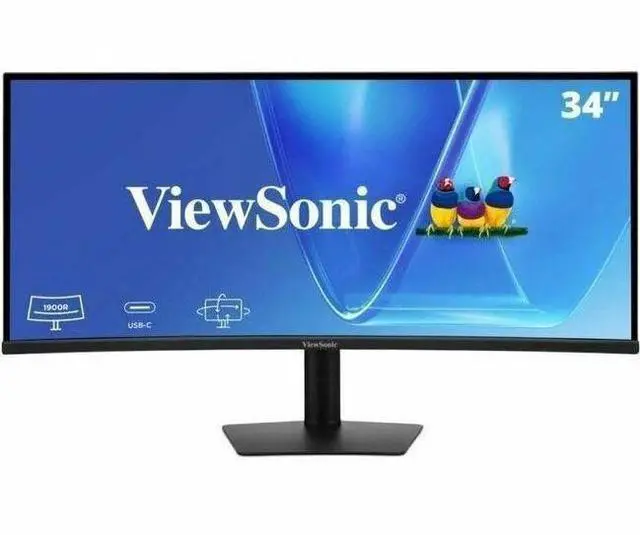
This product does not include manufacturer warranty when purchased or used outside of its designated sales region. By purchasing internationally, you acknowledge that warranty support from the manufacturer will not be available.The ViewSonic VG3420C is a 34-inch curved UWQHD IPS monitor with a 21:9 screen, 120Hz refresh rate, and USB-C docking with up to 96W power delivery, suited to professionals and home-office users who want room for multiple windows and a simpler laptop setup.
| Attribute | Value |
|---|---|
| Best For | Business and desktop productivity setups using a desktop or laptop, with an ultrawide curved display |
| Panel And Resolution | 34-inch curved IPS UWQHD display at 3440 × 1440 with a 21:9 aspect ratio, 300 cd/m² brightness, 2000:1 static contrast, 16.7 million colors, 178° horizontal and vertical viewing angles, matte anti-glare finish, HDR10 support, and 98% DCI-P3 color gamut |
| Refresh Rate And Response | 120 Hz refresh rate with a 5 ms response time |
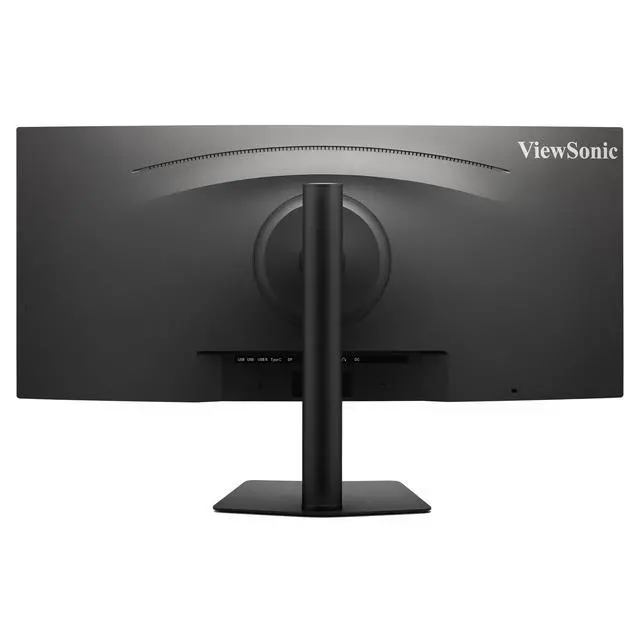
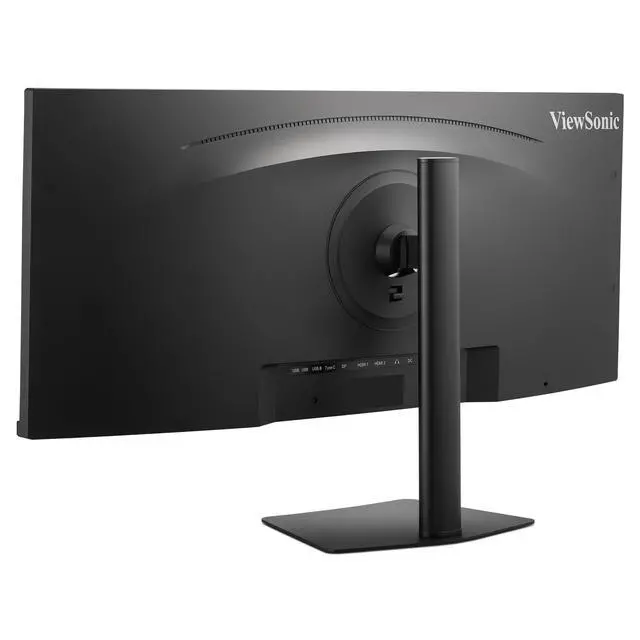
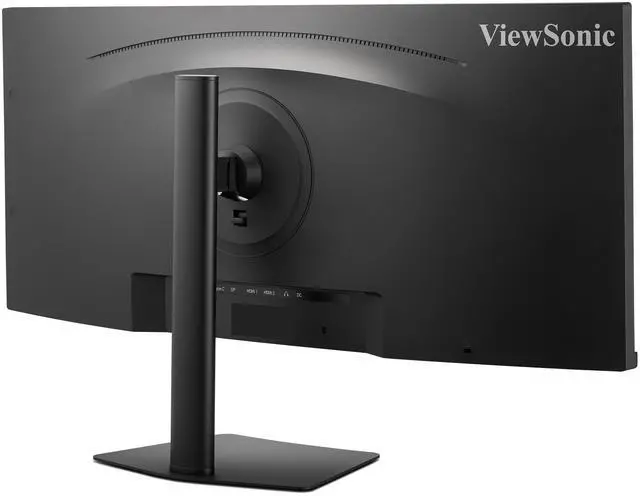
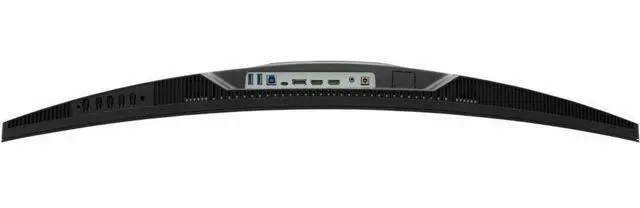
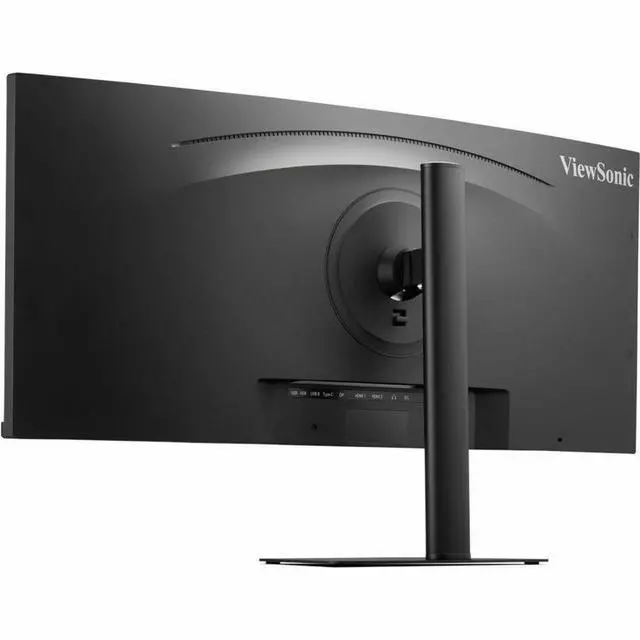
| Ports And Connectivity | 2 HDMI 2.0, 1 DisplayPort, 2 USB Type-A, 1 USB Type-B, 1 USB Type-C, and 1 3.5 mm audio output; USB-C supports 96 W Power Delivery |
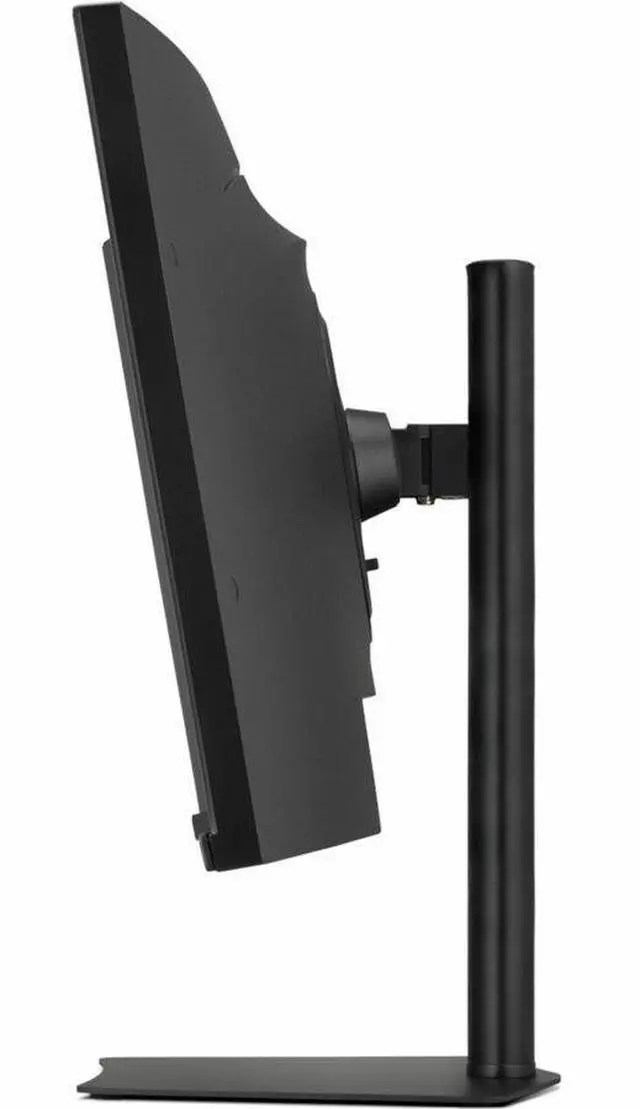
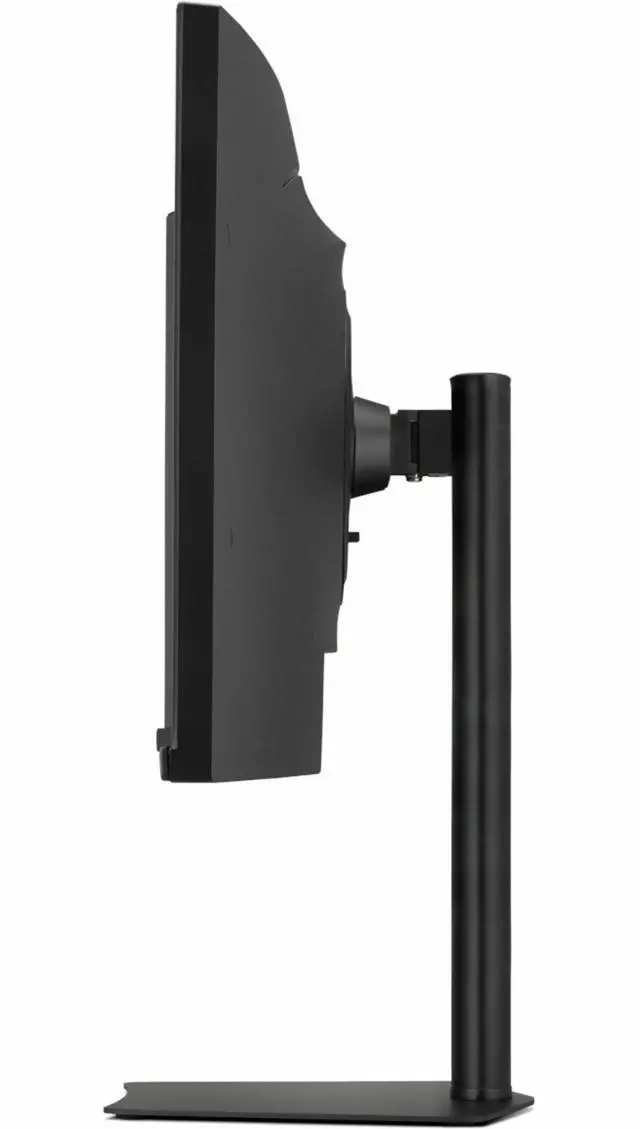
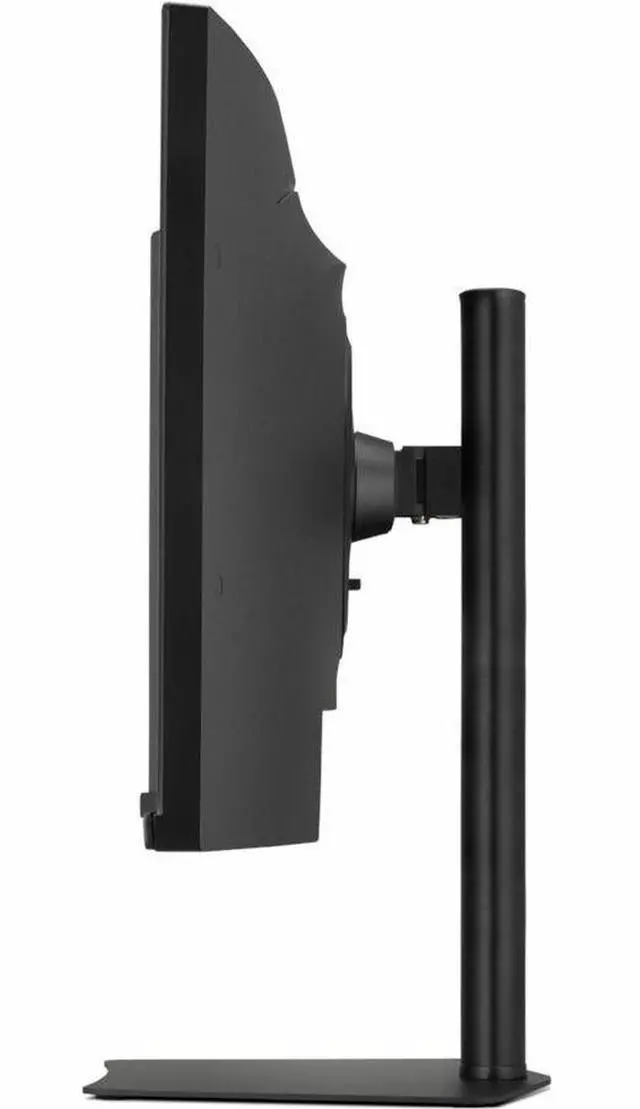
| Stand And Mounting | Height-, swivel-, and tilt-adjustable stand with 100 × 100 mm VESA mounting compatibility |
| Audio And Webcam | Built-in speakers; no built-in webcam |
| Power | 27 W power consumption; 100–240 VAC, 50/60 Hz power supply |
| Physical Design And Size | Black finish; 32.07 in wide, 9.36 in deep, and 16.72 in high with stand; 32.07 in wide, 4.04 in deep, and 14.31 in high without stand; item weight 18.1 lb |
| Model Identifiers | ViewSonic VG3420C; model number VS20506 |
| Included In The Box | Monitor, 3-pin plug, HDMI cable, DisplayPort cable, USB Type-C cable, USB A/B cable, AC/DC adapter, and quick start guide |
Q: ViewSonic VG3420C vs VG3456C: which is better for a work-from-home desk?
A: Choose the VG3420C for its 34-inch IPS screen, 120Hz refresh rate, 98% DCI-P3 color gamut, and 96W USB-C charging. Choose the VG3456C when built-in RJ45 Ethernet, 100W USB-C charging, and its docking-focused connectivity are the priority; it has a 100Hz refresh rate.
Q: Should I get the ViewSonic VG3420C or VG3820C for a larger ultrawide workspace?
A: Choose the VG3820C for a larger 38-inch display and 3840 × 1600 resolution, which provide more screen area for side-by-side work. Choose the VG3420C for a 34-inch 3440 × 1440 IPS display with a 120Hz refresh rate; the VG3820C is 75Hz.
Q: ViewSonic VG3420C vs VG3419C: which should I choose?
A: Choose the VG3420C if an IPS panel, 98% DCI-P3 color gamut, HDR10 support, and 96W USB-C power delivery fit your priorities. Choose the VG3419C if you prefer its VA panel and built-in KVM for switching between computers. Both are 34-inch UWQHD curved monitors with a 120Hz refresh rate.
Q: Can I connect and charge my laptop with one USB-C cable?
A: Yes, the VG3420C’s USB-C connection supports video, audio, data, and up to 96W of power delivery, so one cable can handle those functions with a compatible laptop. Check that your laptop supports video output over USB-C and that 96W meets its charging needs.
Q: Is this monitor suitable for office work and multitasking?
A: Yes. Its 34-inch, 3440 × 1440, 21:9 display provides room to keep multiple windows side by side, and the stand adjusts for height, swivel, and tilt. It is designed as a monitor, not a portable travel work device.
Q: Does it have a built-in webcam for meetings?
A: No. The VG3420C does not have a built-in webcam, so video calls require a separate webcam or a camera built into the connected computer. It does have built-in speakers.
Q: Can I mount it on a monitor arm?
A: Yes. The VG3420C supports a 100 × 100 mm VESA mount. Check that your arm supports this mounting pattern and the monitor’s weight; its stand also provides height, swivel, and tilt adjustments.


