


 All CategoriesAll CategoriesAll Categories



Warranty Notice:
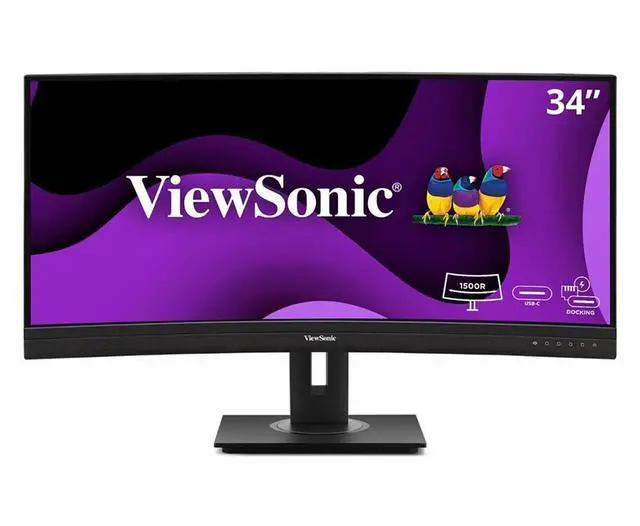
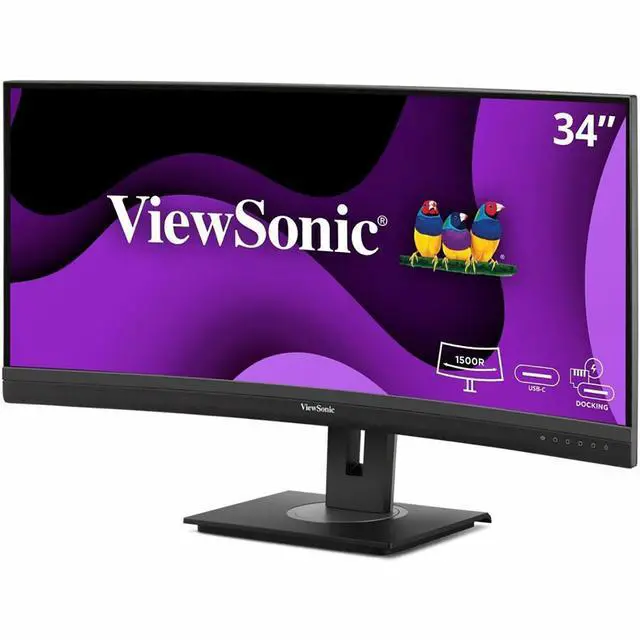
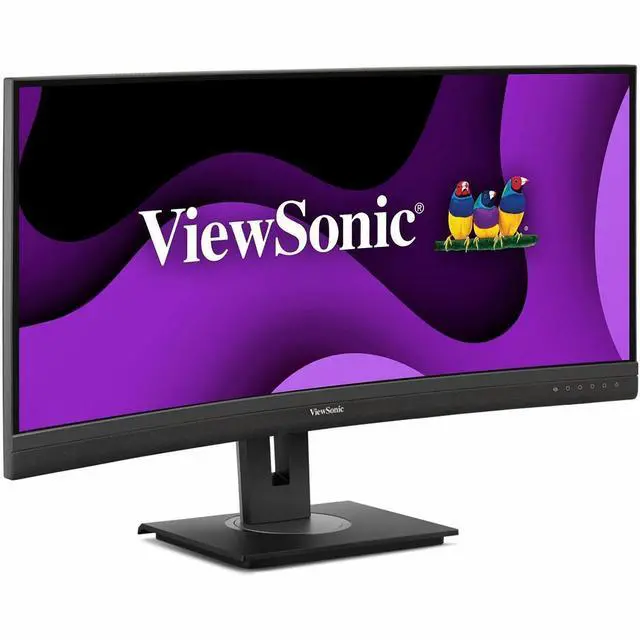
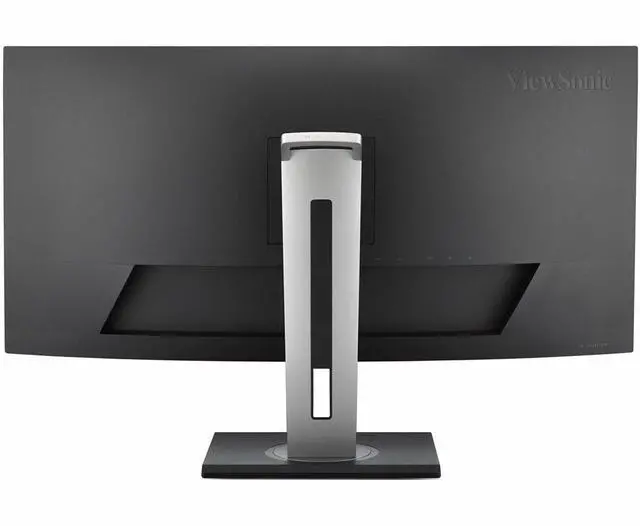
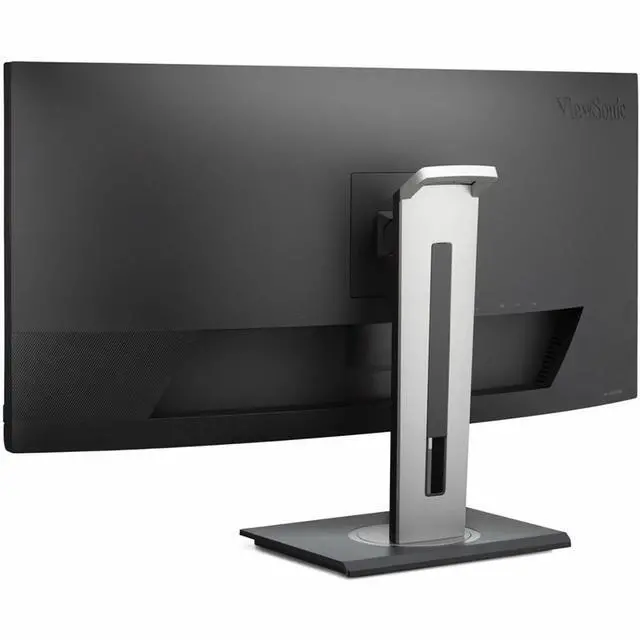
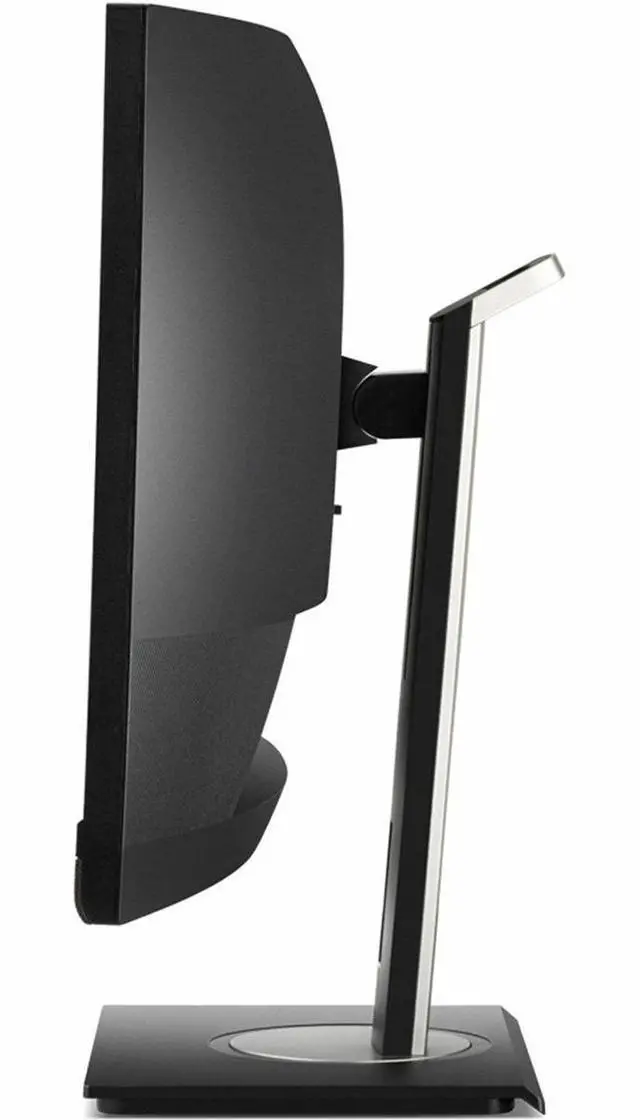
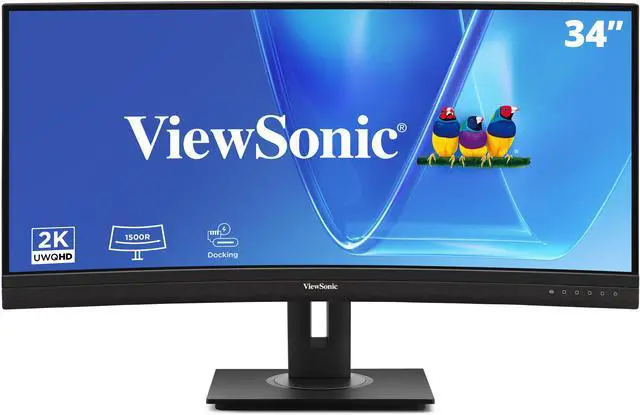
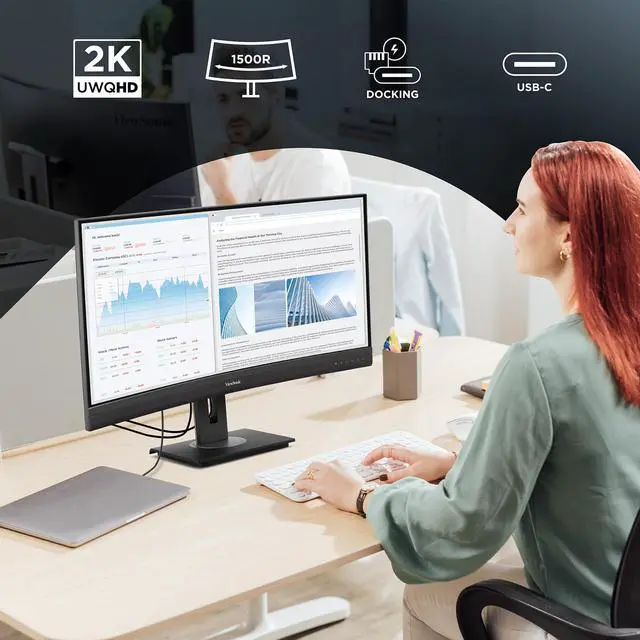
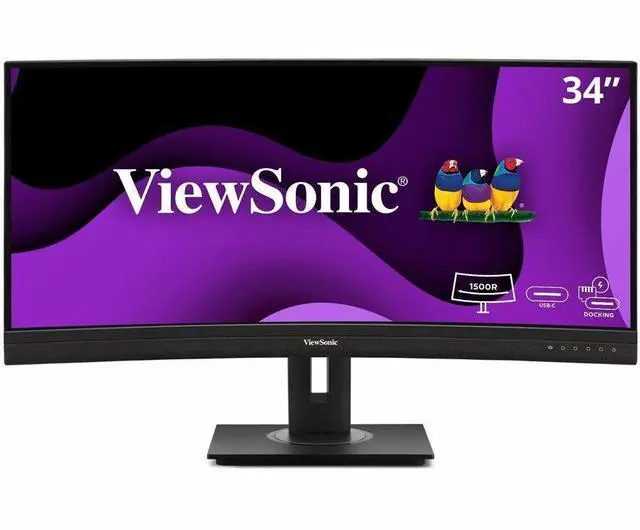
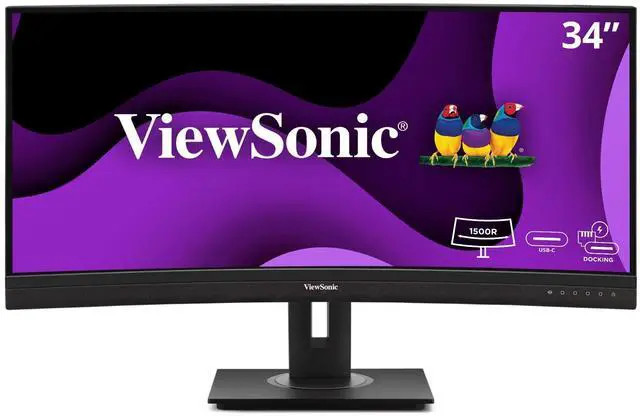
This product does not include manufacturer warranty when purchased or used outside of its designated sales region. By purchasing internationally, you acknowledge that warranty support from the manufacturer will not be available.The ViewSonic VG3456CA is a 34-inch curved UWQHD (3440 × 1440) ultrawide monitor with a 21:9 aspect ratio, 100Hz refresh rate, and USB-C docking with up to 100W power delivery, making it well suited to laptop-based work and multitasking.
| Attribute | Value |
|---|---|
| Best For | Desktop, business, and entertainment use, with an ultrawide curved display suited to multitasking and detailed work |
| Panel And Resolution | 34-inch curved VA display with a 3440 × 1440 QHD ultrawide resolution, 21:9 aspect ratio, 1.07 billion colors, 350 cd/m² brightness, 3000:1 static contrast, 178° horizontal and vertical viewing angles, and a matte anti-glare finish |
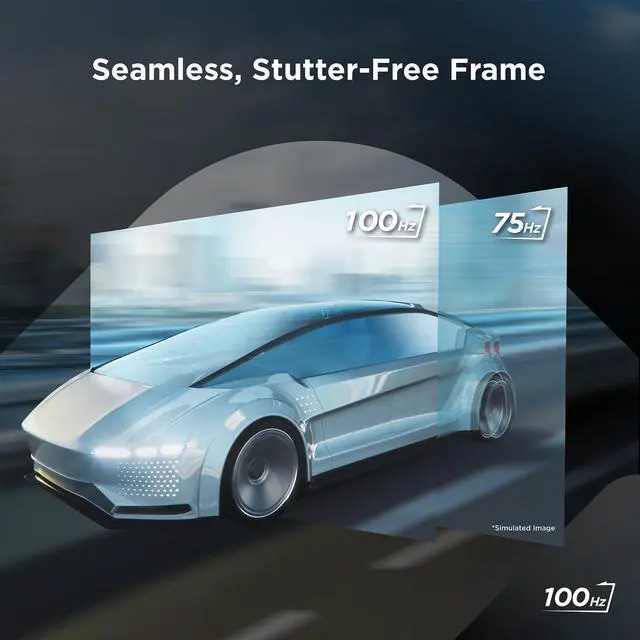
| Refresh Rate And Response | 100Hz refresh rate, 5ms response time, and FreeSync adaptive sync |
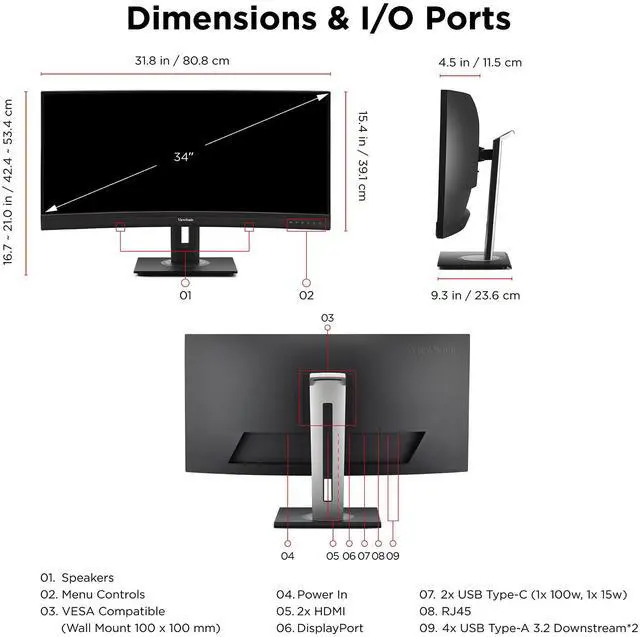
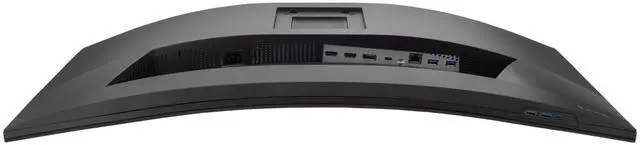
| Ports And Connectivity | Two HDMI 2.1 ports, one DisplayPort input, four USB-A ports, two USB-C ports, and one Ethernet (RJ45) port |
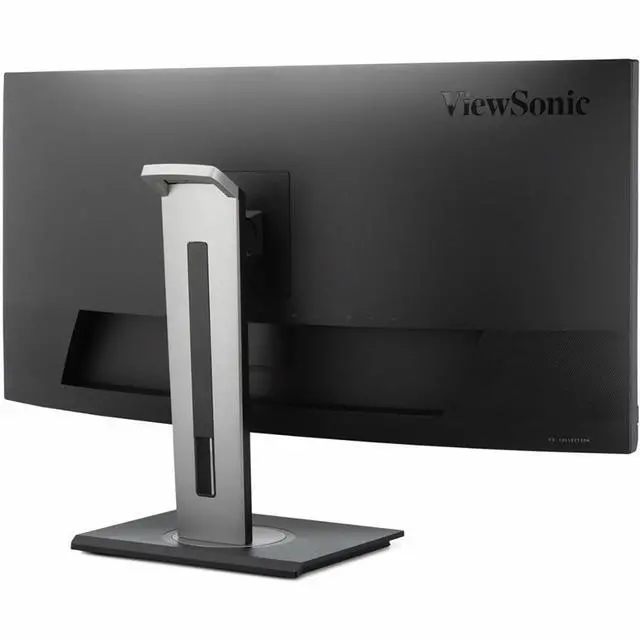
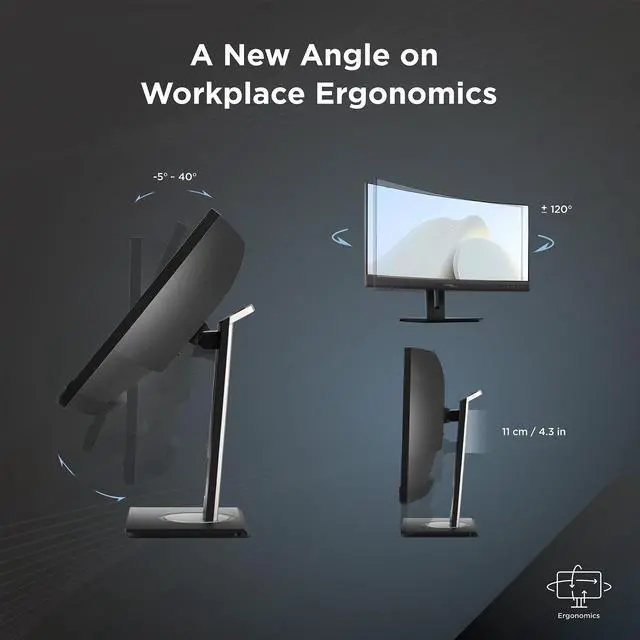
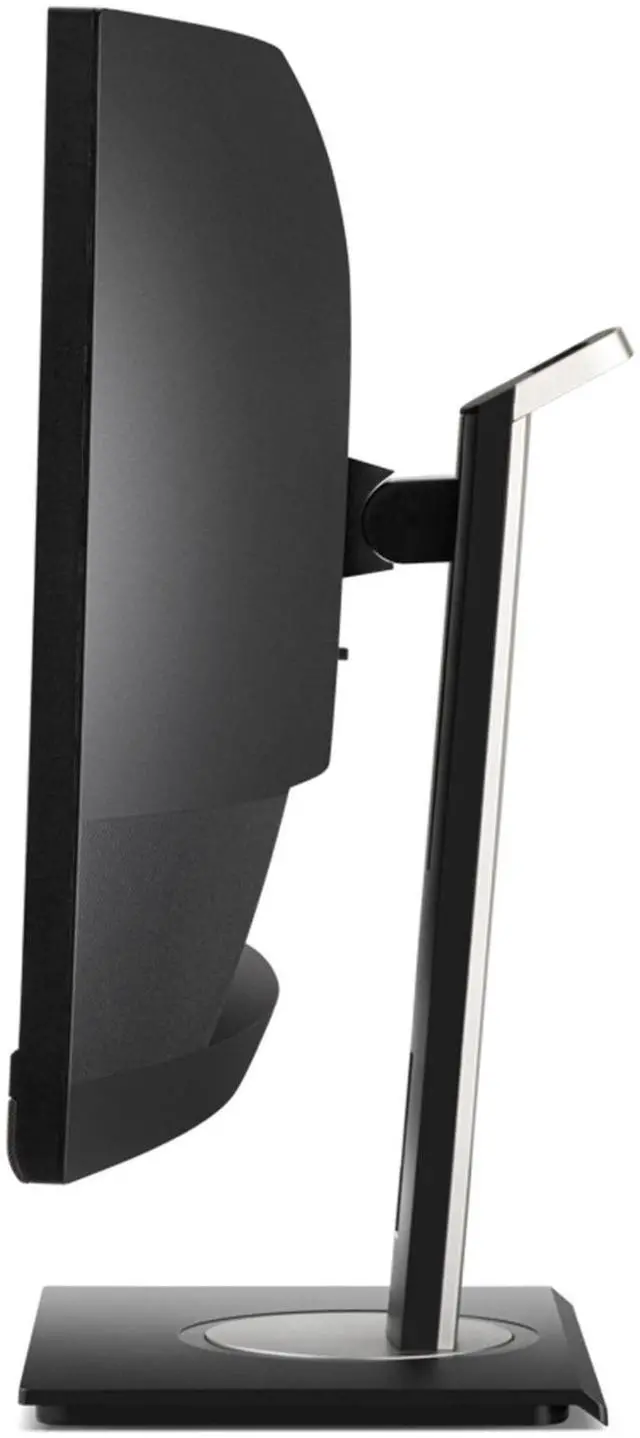
| Stand And Ergonomics | Compatible with 100 × 100mm VESA mounts; measures 31.81 × 21.01 × 9.3 inches with stand and 31.81 × 15.41 × 4.53 inches without stand |
| Audio | Built-in speakers |
| Power | Consumes 43 watts and supports 100–240 VAC, 50/60Hz power input |
| Model Identifiers | ViewSonic VG3456CA; manufacturer model number VS19892 |
| In The Box | LCD display, power cable, HDMI cable, USB Type-C cable, and quick start guide |
Q: ViewSonic VG3456 vs VG3456CA: what changes?
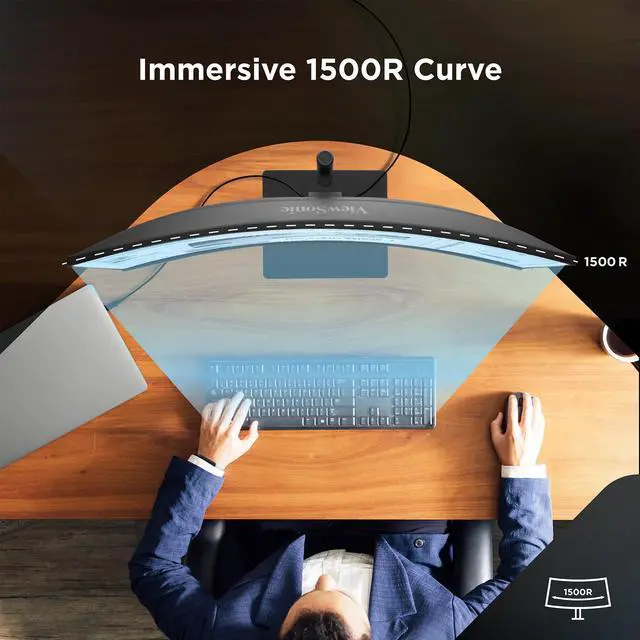
A: Both are 34-inch 3440 × 1440 docking monitors. Choose the VG3456CA for its 1500R curve, 100Hz refresh rate, 100W USB-C charging, and HDMI 2.1 inputs. The VG3456 offers a flat screen, 60Hz refresh rate, and 90W USB-C charging, making it a fit for a flat-screen setup with standard office refresh needs.
Q: ViewSonic VG3456CA vs VG3419C: which suits a laptop setup?
A: Both provide a curved 34-inch 3440 × 1440 display with USB-C docking and RJ45 Ethernet. The VG3456CA is a fit when 100W laptop charging, an additional 15W USB-C port, and dual HDMI 2.1 inputs are priorities. Choose the VG3419C when its 120Hz refresh rate is the deciding feature; it provides 65W USB-C charging.
Q: ViewSonic VG3456CA vs VG2756-4K: ultrawide or 4K?
A: Choose the VG3456CA for a 34-inch 21:9 workspace, 3440 × 1440 resolution, curved screen, and 100Hz refresh rate. The 27-inch VG2756-4K is a fit when a 3840 × 2160 4K image on a conventional 16:9 screen is the priority; it runs at 60Hz. Both are USB-C docking monitors with Ethernet.
Q: Is this monitor suitable for office work and multitasking?
A: Yes. Its 34-inch, 21:9 screen and 3440 × 1440 resolution provide room for multiple side-by-side windows, while the USB-C dock, USB hub, and Ethernet can simplify a desk setup. It is best suited to a fixed workstation rather than travel use.
Q: Can I connect and charge my laptop with one USB-C cable?
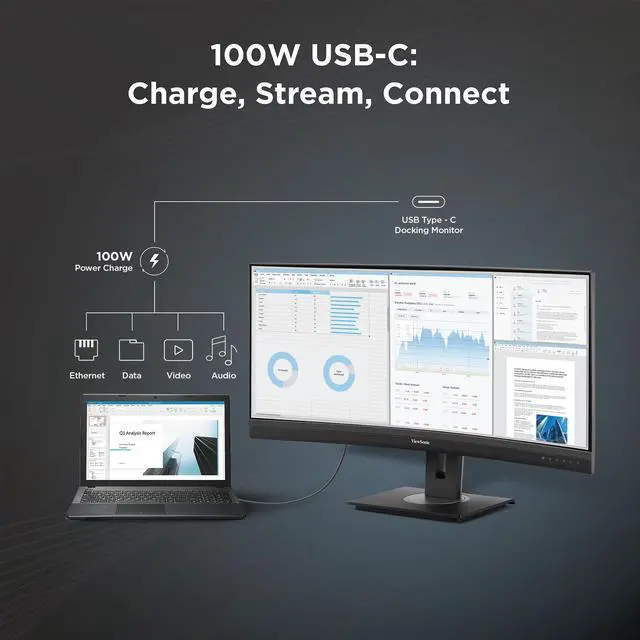
A: The monitor supports USB-C docking with up to 100W power delivery, so one cable can carry video and provide charging when the laptop’s USB-C port supports video output and USB Power Delivery. Check your laptop’s charging requirements; some laptops may still need their own power adapter.
Q: Will a laptop or console display content across the full ultrawide screen?
A: A compatible computer can use the monitor’s 21:9, 3440 × 1440 workspace. Whether content fills the screen depends on the connected device, its video-output settings, and the app or game; some sources may show unused space or a differently scaled image. Check the source device’s supported resolutions before buying.


