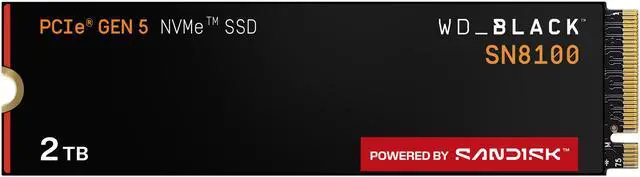
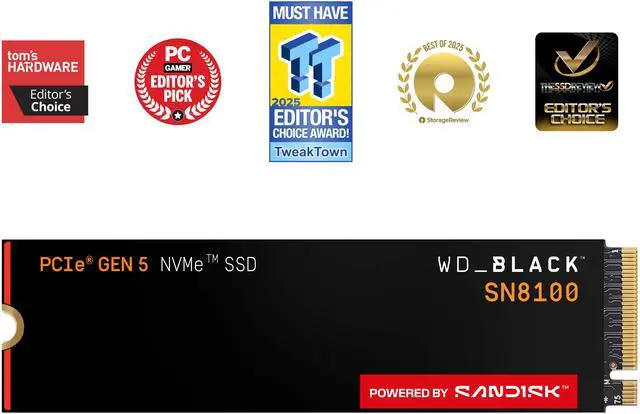
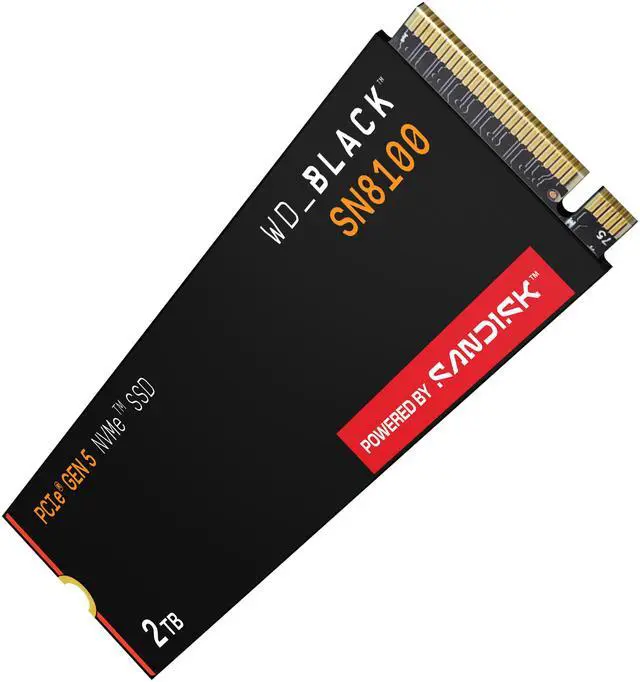
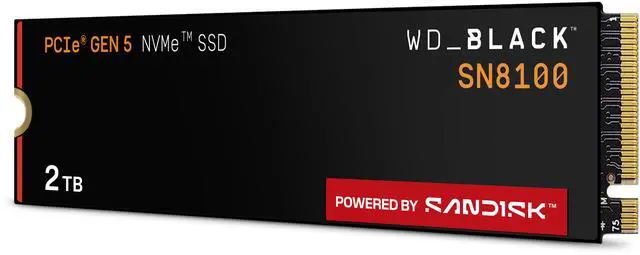
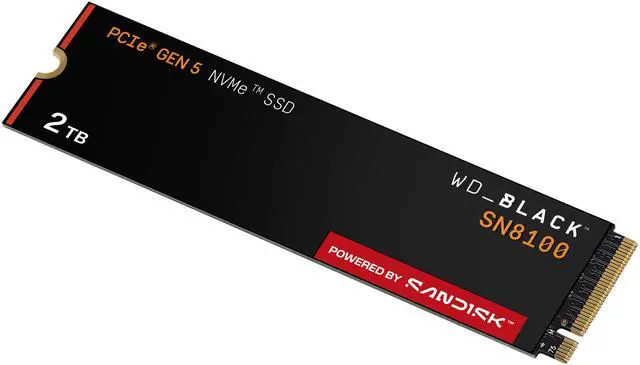
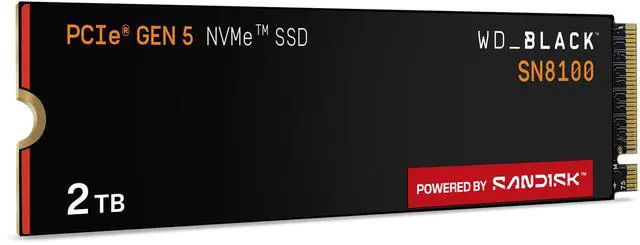
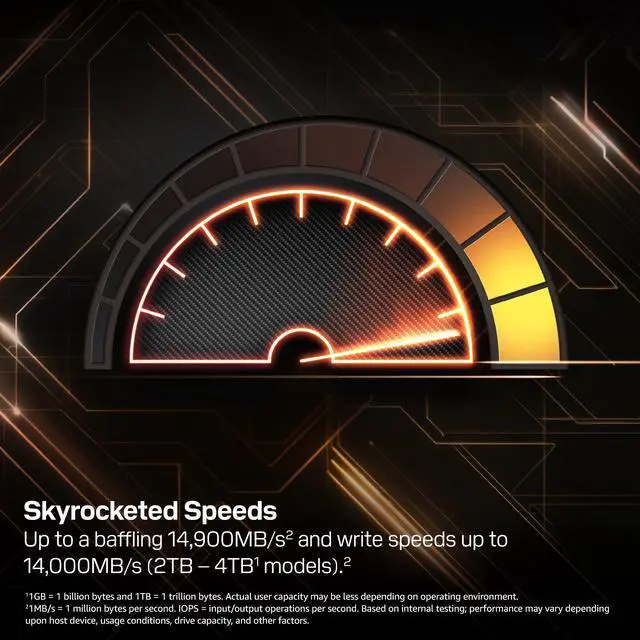
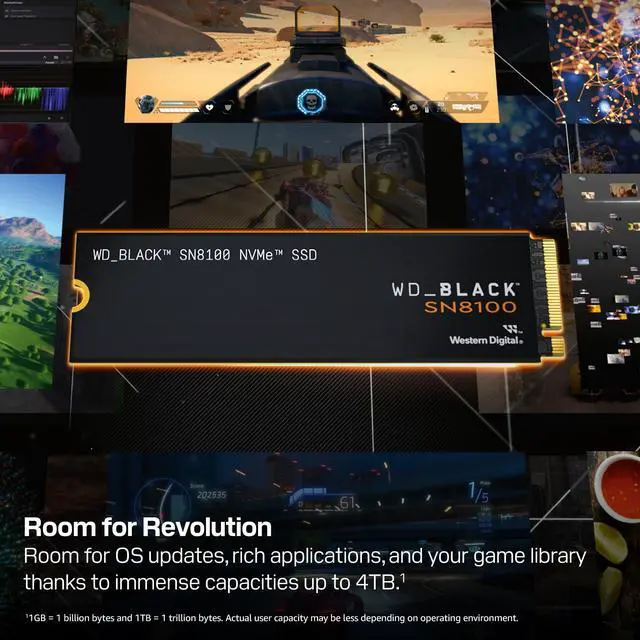
The WD_BLACK SN8100 is a 2TB PCIe 5.0 x4 NVMe M.2 2280 SSD with sequential speeds up to 14,900 MB/s read and 14,000 MB/s write, suited to gamers and creators who need fast storage for large projects, games, and AI application models.
Recommended For
- Video editors working with 8K footage or large project files who want a fast internal drive for media, scratch files, and frequent transfers.
- PC users loading local AI models or working with large datasets who can make use of high storage bandwidth on a PCIe 5.0 system.
- Workstation users who regularly move or process large files and want a high-end SSD for demanding, mixed workloads rather than routine everyday tasks.
- Enthusiast PC builders with a PCIe 5.0 M.2 slot who want a top-tier system or game drive and already have a compatible motherboard heatsink or cooling plan.
Real-World Use Scenarios
- When a PC gamer keeps a large library of games on one drive, the 2TB SN8100 provides room for installs and updates; reviews show fast game-loading performance, though moving from a good Gen 4 SSD may not dramatically change every load time.
- When a video editor transfers large footage folders or project assets between fast internal drives, the SN8100 can shorten the wait; real-world testing found quick transfers of large media and game folders, although results depend on the other drive and the files being copied.
- When a creator works with large video or photo projects, the drive can serve as fast storage for media and project files, helping with file transfers and asset loading; it does not by itself make rendering or editing faster if the processor, graphics card, or software is the bottleneck.
- When a user stores AI models and datasets locally, the SN8100 provides fast internal storage for those files and can reduce waiting while loading them; model inference speed still depends mainly on the system’s processor, graphics card, and memory.
- When someone records gameplay while playing PC games, the SN8100 can be used as the game and recording drive; a storage benchmark tested this kind of simultaneous game-and-capture workload, but recording quality and frame rate also depend on the rest of the PC.
Spec Summary
| Attribute | Value |
|---|
| Best For | Gaming, content creation, video editing, and AI workloads on a consumer PC; listed as compatible with desktops, laptops, and Sony PlayStation 5 |
|---|
| Capacity | 2TB |
|---|
| Interface And Form Factor | Internal NVMe SSD with PCIe 5.0 x4 interface in an M.2 2280 form factor |
|---|
| Read Write Performance | Sequential speeds up to 14,900 MB/s read and 14,000 MB/s write; 4KB random performance up to 2,300,000 IOPS read and 2,400,000 IOPS write |
|---|
| Cache And NAND | 2GB DRAM cache, nCache 4.0, and TLC 3D CBA NAND |
|---|
| Endurance And Reliability | Rated for 1,200 TBW with a 1,750,000-hour MTTF; maximum shock resistance of 1,500G at 0.5 ms |
|---|
| Power And Thermal | 6.5W active read and 7.0W active write; 5 mW in Sleep (PS4); operating temperature 0°C to 85°C and storage temperature -40°C to 85°C |
|---|
| Physical Specifications | 80 × 22 × 2.38 mm; weighs 7.5 g |
|---|
| Operating Vibration | Operating vibration: 5 gRMS, 10–2000 Hz, 3 axes; non-operating vibration: 4.9 gRMS, 7–800 Hz, 3 axes |
|---|
| Security | TCG Opal support for data protection and encryption |
|---|
| Model Identifiers | Western Digital WD_BLACK SN8100 NVMe SSD; model WDS200T1X0M |
|---|
Reference Q&A
Q: WD_BLACK SN8100 or SN850X for a new PC?
A: Choose the 2TB SN8100 if your system supports PCIe 5.0 and you regularly move large files or run storage-intensive creator workloads: its rated sequential speeds reach 14,900/14,000 MB/s, compared with 7,300/6,600 MB/s for the 2TB SN850X. For a gaming-focused build or a lower-cost upgrade, the PCIe 4.0 SN850X is a practical alternative; one review found game-load results varied by test, so the SN8100’s higher peak bandwidth does not guarantee a major difference in every game.
Q: WD_BLACK SN8100 or Samsung 9100 PRO 2TB?
A: Both are PCIe 5.0 M.2 drives with similar flagship-class rated sequential speeds. The SN8100’s 2TB ratings are slightly higher for sequential read and write—up to 14,900/14,000 MB/s versus 14,700/13,400 MB/s for the 9100 PRO. Choose the SN8100 when those rated speeds and its tested performance in particular workloads suit your build; choose the 9100 PRO if you prefer Samsung’s drive-management software. Independent game tests show the lead can vary by test, so use workload-specific results rather than peak sequential ratings alone.
Q: Is the SN8100 worth choosing over a PCIe 4.0 SSD for gaming?
A: The SN8100 is the more suitable choice when you also need PCIe 5.0 bandwidth for large transfers, editing, or other storage-heavy tasks, and your motherboard supports PCIe 5.0. For gaming alone, consider a PCIe 4.0 drive such as the SN850X, especially if it costs less: reviews show game-loading results vary by title and test, so higher maximum transfer speeds do not ensure proportionally faster play. The SN8100 is backward-compatible with PCIe 4.0, but it will not operate at PCIe 5.0 speeds in a Gen4 slot.
Q: Should I get the 2TB SN8100 or the 4TB version?
A: Choose the 4TB version if you need twice the listed capacity for a large game library, media projects, or datasets; its rated sequential speeds match the 2TB model, and its endurance rating is higher at 2,400 TBW versus 1,200 TBW. Choose this 2TB model if 2TB is sufficient and you want to avoid paying for capacity you will not use. Both are M.2 2280 PCIe 5.0 x4 drives, so confirm your motherboard has an available compatible slot.
Q: Will the WD_BLACK SN8100 work with my motherboard?
A: Check that your motherboard has an available M.2 2280 slot that supports NVMe over PCIe. To reach the drive’s rated speeds of up to 14,900 MB/s read and 14,000 MB/s write, the slot must support PCIe 5.0 x4; the motherboard manual can confirm the slot’s capabilities.
Q: Does the WD_BLACK SN8100 include a heatsink?
A: No. This 2TB model is supplied without a heatsink. If your motherboard has a compatible M.2 heatsink, check its fit and installation requirements; for sustained, high-speed workloads, plan for suitable SSD cooling.
Q: Who is the WD_BLACK SN8100 2TB best suited for?
A: It is suited to desktop users with a PCIe 5.0 x4 M.2 slot who want 2TB of storage and high sequential transfer speeds for tasks such as large-file transfers, video editing, gaming, or loading AI models. Its maximum rated speeds require a compatible system.
Q: Is the WD_BLACK SN8100 a good choice for gaming?
A: It can suit a gaming PC that has a compatible PCIe 5.0 x4 M.2 slot and needs fast storage. The drive is also designed for content-creation and other high-throughput workloads; its peak sequential speeds are specifications, not a guarantee of proportionally faster game loading.
Q: Is the SN8100 worth buying for gaming or as an everyday OS drive?
A: It can work well, but its Gen 5 peak speeds may not make everyday use or game loading noticeably faster than a good Gen 4 SSD. Reddit users discussing OS responsiveness and gaming describe Gen 4 drives as sufficient for many such workloads. The SN8100 is a better fit if you also need high-speed transfers or other storage-intensive work, or if its price is close to a Gen 4 alternative.
Q: Who is the SN8100 best suited for?
A: It is most suited to users with a PCIe 5.0 x4 M.2 slot who regularly move large files or run storage-intensive workloads such as video editing. Its listed sequential speeds are up to 14,900 MB/s read and 14,000 MB/s write, but actual speeds depend on the system and workload. For ordinary gaming and light editing, Reddit commenters say a quality Gen 4 SSD may be sufficient.
Q: Can the SN8100 run without a separate heatsink?
A: This 2TB model is supplied without a heatsink. A Reddit discussion says SN8100 drives can operate without one, and a YouTube review includes thermal testing, but that does not establish the right cooling for every system. Check whether your motherboard has an M.2 heatsink and monitor drive temperatures during sustained workloads.
Q: Will I get the advertised Gen 5 speeds in my PC?
A: Only if the drive is installed in a compatible PCIe 5.0 x4 M.2 slot; otherwise, it will operate according to the system’s supported interface. Reddit build discussions raise the need to check which motherboard M.2 slots support Gen 5. Confirm your motherboard’s slot specifications before buying.



 All Categories