Quick View
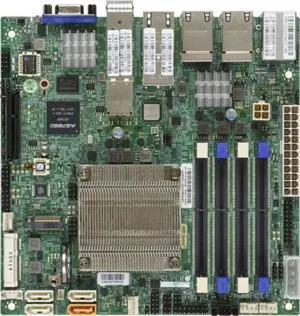
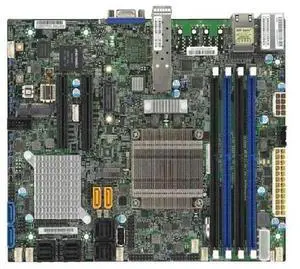
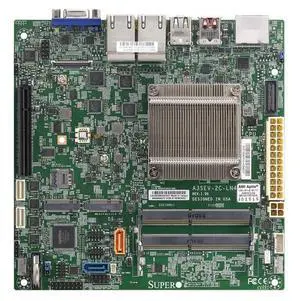
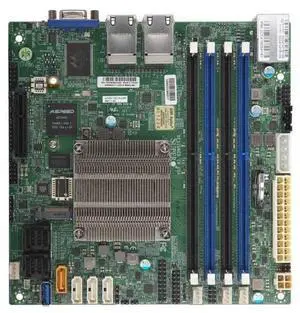
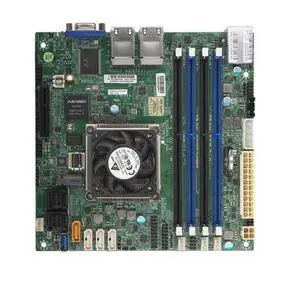
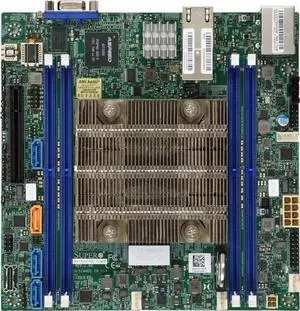
A2SDi-8C-HLN4F Mini-ITX Motherboard
- Model #: tmgalaxy-A2SDi-8C-HLN4F
- NZ$5,069.20 –
- Free Shipping

Quick View
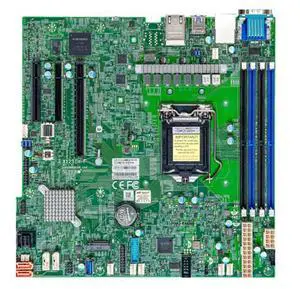
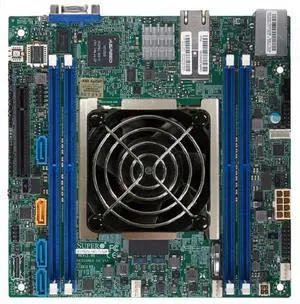
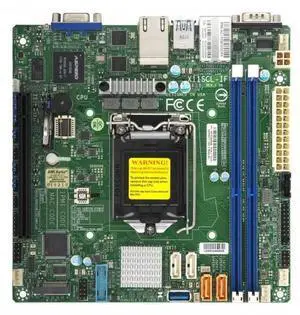
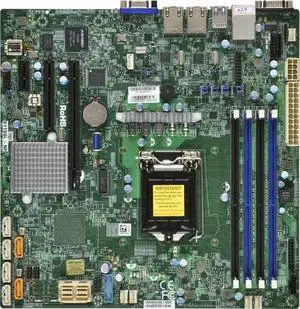
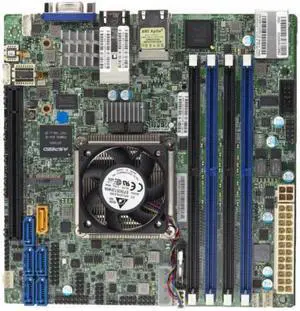
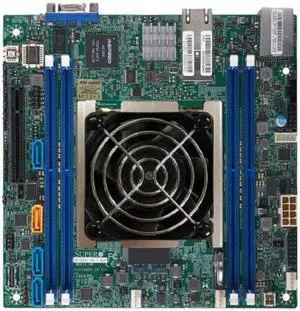
X11SSM-F Motherboard *FULL MANUFACTURER WARRANTY*
- Model #: tmgalaxy-X11SSM-F
- NZ$2,151.65 –
- Free Shipping

Quick View
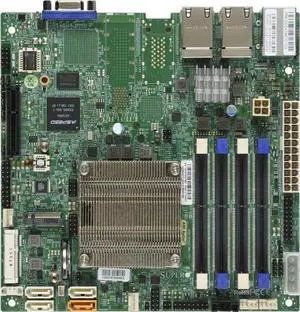
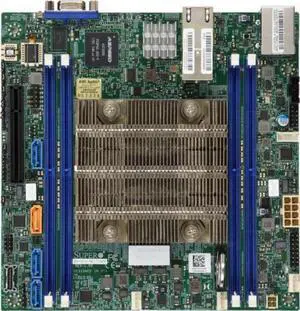
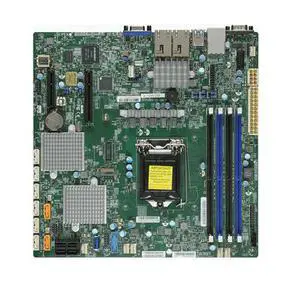
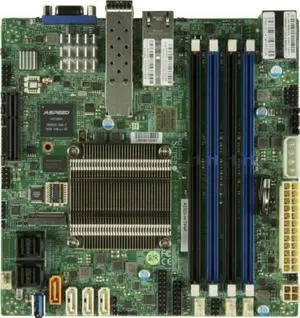
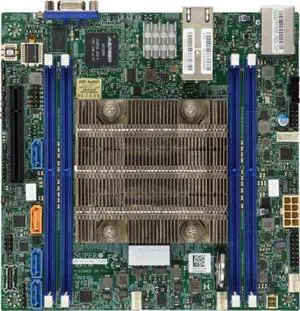
A2SDI-16C+-HLN4F Mini-ITX Motherboard
- Model #: tmgalaxy-A2SDI-16C+-HLN4F
- NZ$6,759.70 –
- Free Shipping

Quick View
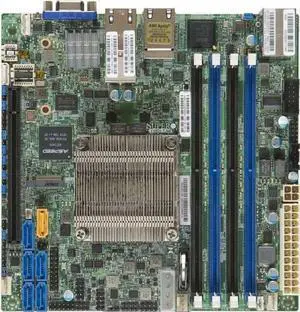
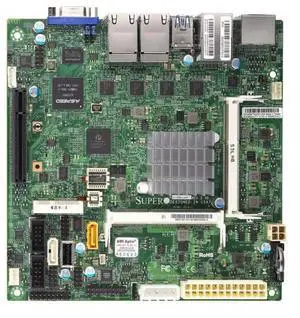
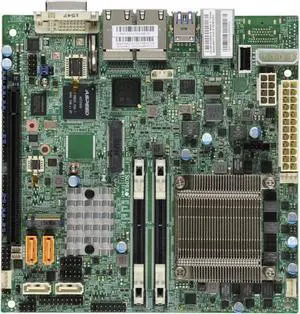
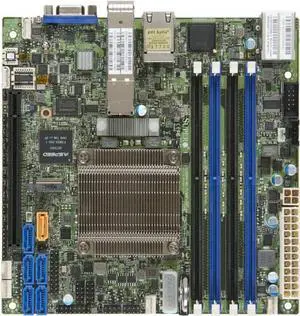
A2SDi-H-TP4F Mini-ITX Motherboard
- Model #: tmgalaxy-A2SDi-H-TP4F
- NZ$8,360.50 –
- Free Shipping

Quick View
X10SDV-12C+-TLN4F Motherboard
- Model #: tmgalaxy-X10SDV-12C+-TLN4F
- NZ$11,327.50 –
- Free Shipping

Quick View
X10SDV-12C-TLN4F+ Motherboard
- Model #: tmgalaxy-X10SDV-12C-TLN4F+
- NZ$8,449.05 –
- Free Shipping

Quick View
X11SDV-16C-TLN2F Motherboard
- Model #: tmgalaxy-X11SDV-16C-TLN2F
- NZ$18,224.05 –
- Free Shipping

Quick View
X11SDV-16C+-TLN2F Motherboard
- Model #: tmgalaxy-X11SDV-16C+-TLN2F
- NZ$18,294.20 –
- Free Shipping

Quick View
X11SDV-12C-TLN2F Motherboard
- Model #: tmgalaxy-X11SDV-12C-TLN2F
- NZ$11,097.50 –
- Free Shipping

Quick View
RSC-D2R-68G4 2U RHS DCO RCS w/ 1 PCI-E 4x16 and 1 PCI-E 4x8 slots,HF
- Model #: tmgalaxy-RSC-D2R-68G4
- NZ$842.95 –
- Free Shipping

Quick View
RSC-D2R-888G4 2U RHS DCO Riser Card w/ 3 PCI-E 4.0 x8 slots,HF,RoHS
- Model #: tmgalaxy-RSC-D2R-888G4
- NZ$842.95 –
- Free Shipping

Quick View
RSC-P2R-88G5 2U RHS TwinPro Riser card with two PCI-E 5.0 X8 slots,HF
- Model #: tmgalaxy-RSC-P2R-88G5
- NZ$842.95 –
- Free Shipping

Quick View
RSC-D2R-666G4 2U RHS DCO Riser card with three PCI-E 4.0 x16slotsHFR
- Model #: tmgalaxy-RSC-D2R-666G4
- NZ$842.95 –
- Free Shipping

Quick View
RSC-W2-8888G4 2U LHS WIO Riser card with four PCI-E 4.0 x8 slots
- Model #: tmgalaxy-RSC-W2-8888G4
- NZ$842.95 –
- Free Shipping

Quick View
RSC-D2-666G5 2U LHS DCO Riser card with three PCI-E 5.0 X16 slots,HF
- Model #: tmgalaxy-RSC-D2-666G5
- NZ$899.30 –
- Free Shipping

Quick View
RSC-D2R-666G5 2U RHS DCO Riser card with three PCI-E 5.0 X16 slots
- Model #: tmgalaxy-RSC-D2R-666G5
- NZ$842.95 –
- Free Shipping

Quick View
RSC-W2-688G4 2U LHS WIO Riser card with one PCI-E 4.0 x16andtwoPCI-E4
- Model #: tmgalaxy-RSC-W2-688G4
- NZ$893.55 –
- Free Shipping

Quick View
FIP-3102, VoIP Phone with HD Audio, Dual-Port Gigabit Ethernet, PoE, PoE
2 Line Keys
2 SIP Accounts
- Model #: fs_conferencing_139597
- NZ$484.15 –
- Free Shipping

Quick View
AOC-2UR668G4 2U Ultra Riser with 2x PCI-E 4.0 x16 and 1x PCI-E 3.0 x
- Model #: tmgalaxy-AOC-2UR668G4
- NZ$1,006.25 –
- Free Shipping

Quick View
PDB-PT226S-8824 PDB for 2U support 48bays with redundancy powers plug
- Model #: tmgalaxy-PDB-PT226S-8824
- NZ$1,406.45 –
- Free Shipping
- Network Interface Cards
Network Interface Cards and Adapters
A network interface card (NIC) provides a physical connection to a network. It allows your computer to "talk" to the network and the network to communicate with your computer. Each computer that is attached to a network requires a network interface card or chip. They help computers communicate with servers and other computers on the network.
Usually, these fit into expansion slots of CPUs, unless they're pre-installed or integrated into the motherboard. Some are external and attach to computers through serial or parallel ports. NICs for laptops are usually external. An interface card takes data from a PC, converts it into data "frames" that are broadcast onto the network, and sends it to another interface card. That card receives the frames, converts them into data, and sends it to that PC.
What to Look for in Network Interface Cards
When you are looking to build a LAN or upgrade or replace it, the NIC should be one of the first things you consider. You need to think about compatibility with operating systems, ease of installation, and price, especially for large company installations where you'll need many cards. NIC cards are usually Ethernet adapters. Others support other protocols such as ATM.
One other consideration before purchasing network interface cards is the speed that they support. For example, you may want an interface card that supports 10 Mbps traditional, or fast Ethernet, and on up to 10/20Gbps! You should also know the type of ports you are connecting them to and the standards your systems support. PCI, PCI-x and PCI-e or USB are all common iterfaces, and whether or not they'll work on your system depends on what sort of Network Interface Card your system supports.