• NZ$129.95
  • GST-Inclusive Price
  • Free 30-day Returns
  • NZ$107.81 Shipping
Ships from United States.
Sold by Newegg

Shipped by Newegg

Best Sellers

Top Rated
4 (3,724 total ratings)
  • $73.60
  • + NZ$149.67 Shipping
Shop it at NeweggBusiness.
More Resources

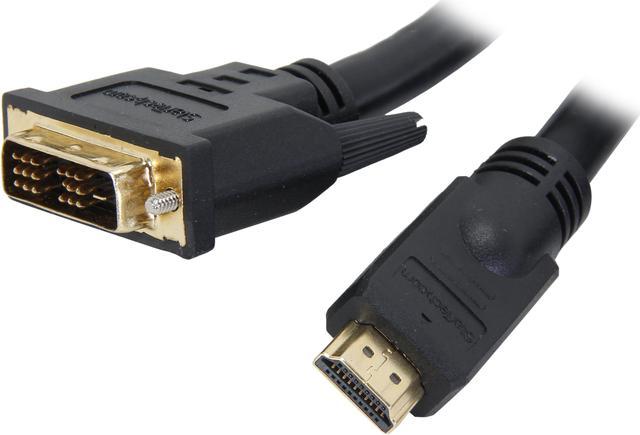
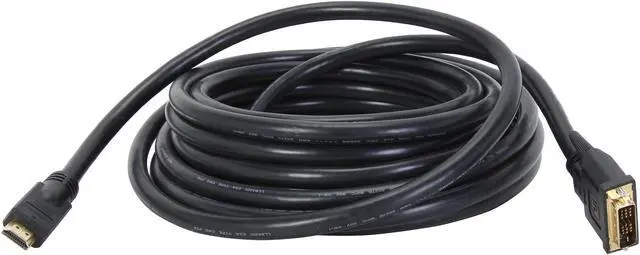
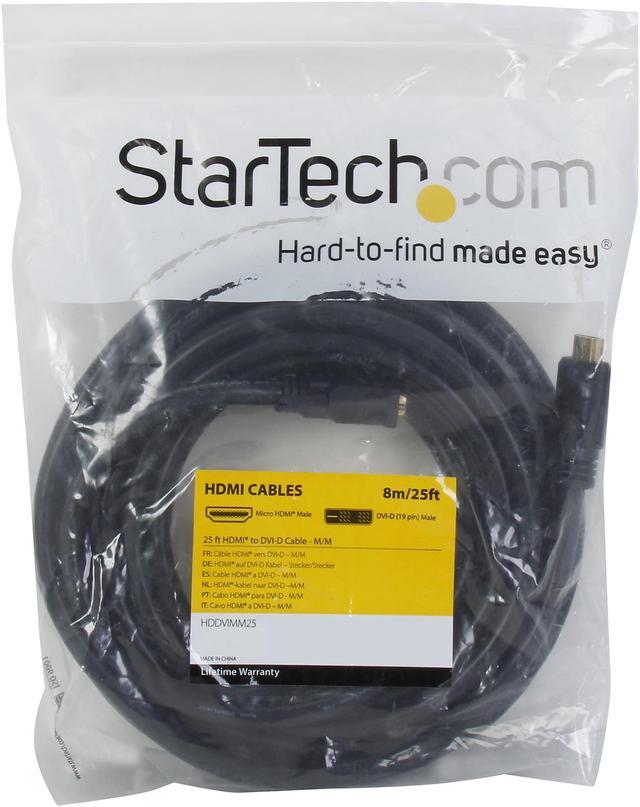
StarTech.com HDDVIMM25 25 ft. Black Connector A: 1 - HDMI (19 pin) Male Connector B: 1 - DVI-D (19 pin) Male HDMI to DVI-D Cable Male to Male

  • 6 Feet
  • 10 Feet
  • 15 Feet
  • 20 Feet
  • 25 Feet
  • 30 Feet
  • 50 Feet
  • 2 Connector Number
  • Black
  • Male to Male
+
+
Overview
Specs
Reviews (10)
Connect an HDMI-enabled output device to a DVI-D display, or a DVI-D output devi

Warranty & Returns

Warranty, Returns, And Additional Information

Return Policies*

  • Return for refund within: 30 days
  • Returns are subject to restocking fees and return shipping fees. Please click here to learn more about restocking fees and return shipping fees.
  • This item is covered by Newegg.com's International Order Return Policy.
  • Read full return policy for details.
  • *Subject to applicable law
  • Warranty Notice:

    This product does not include manufacturer warranty when purchased or used outside of its designated sales region. By purchasing internationally, you acknowledge that warranty support from the manufacturer will not be available.
LOADING...
LOADING...

The StarTech.com HDDVIMM25 is a 25 ft. HDMI-to-DVI-D male-to-male cable for connecting an HDMI device to a DVI-D display, suited to desktop or home setups that need extra reach between compatible devices.

Recommended For

  • PC users with an HDMI video output who need to connect across a room to a DVI-D monitor or projector, such as a fixed desk, classroom, or presentation setup.
  • Installers setting up digital signage or fixed multimedia displays that need a 25-foot, direct HDMI-to-DVI-D video connection.
  • Home-theater users connecting an HDMI video source to a DVI-D-equipped television or projector when the display and source support the intended video mode.
  • People reusing a DVI-D monitor with a newer computer that has HDMI video out, provided they only need video and have a separate plan for audio.

Real-World Use Scenarios

  • Connect an HDMI laptop or desktop to an older monitor with a DVI-D input to use it as a second screen; the cable carries the picture, while audio must use a separate connection.
  • Run video from a DVI-D-equipped computer to an HDMI monitor or TV when the computer and display are on opposite sides of a room; check that both devices support the intended display mode.
  • Connect an HDMI-output computer to a DVI-D projector for presentations; the projector can show the computer’s video, but presentation audio needs a separate audio cable or sound system.
  • Use a DVI-equipped source with an HDMI display in a digital-signage setup when the equipment is positioned apart; the cable provides the video link, but audio and device compatibility should be handled separately.

Spec Summary

AttributeValue
Best ForConnecting an HDMI-enabled device to a DVI-D display, or vice versa
Connector ConfigurationOne straight HDMI 19-pin male connector to one DVI-D 19-pin male connector, with gold-plated contacts
Cable Length And Color25 ft (7.6 m), black
Cable ConstructionPVC jacket with aluminum-mylar foil and braided shielding; 24 AWG wire and molded connectors with strain relief
Usage And CompatibilityFor indoor use with compatible HDMI and DVI-D devices, including laptops
Package ContentsOne HDMI-to-DVI-D video cable
Model IdentifiersStarTech.com HDDVIMM25