


 All CategoriesAll CategoriesAll Categories



Warranty Notice:
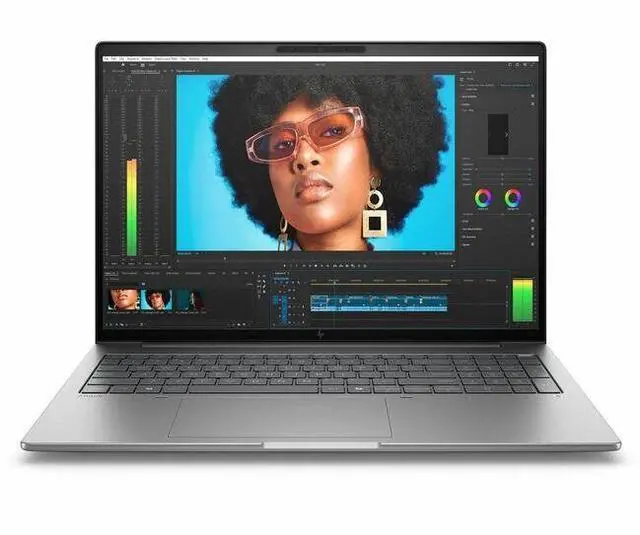
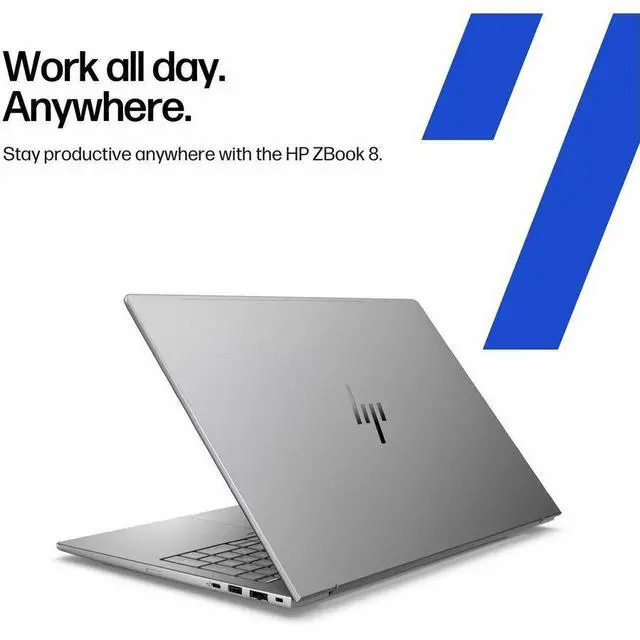
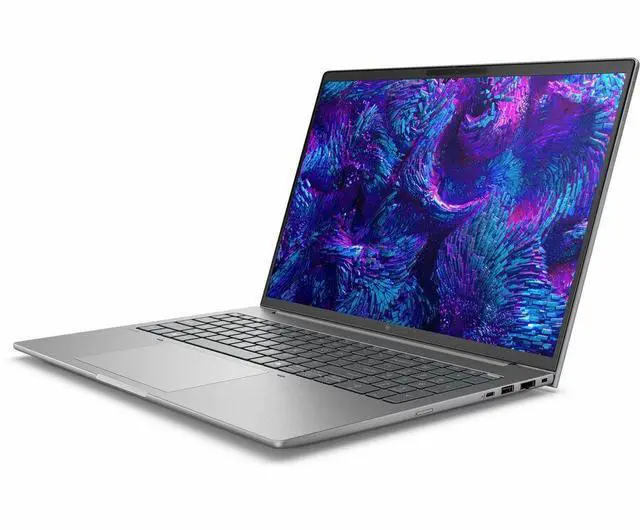
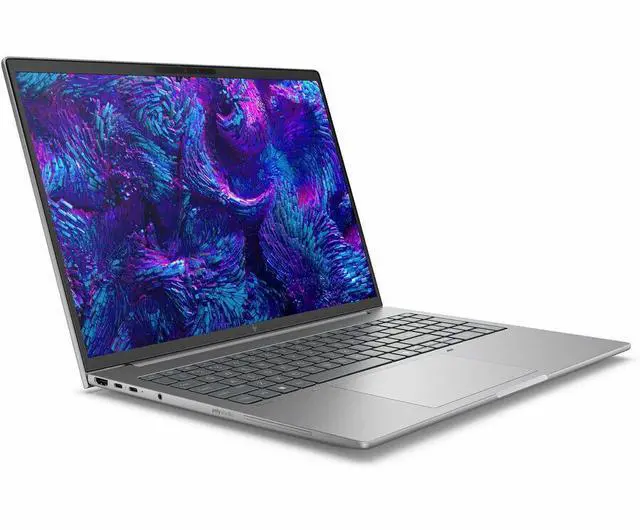
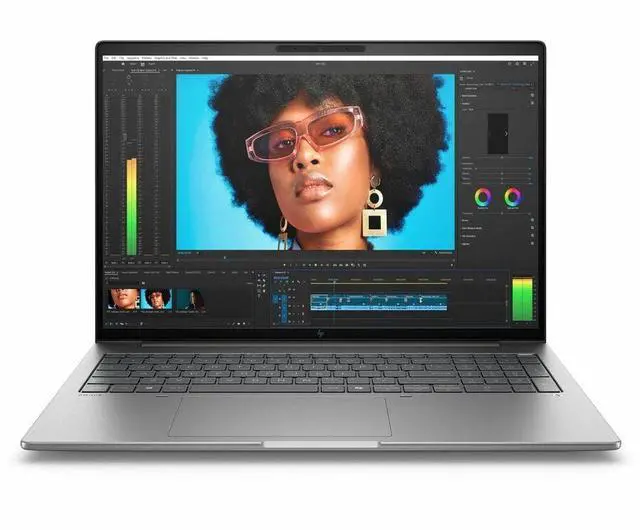
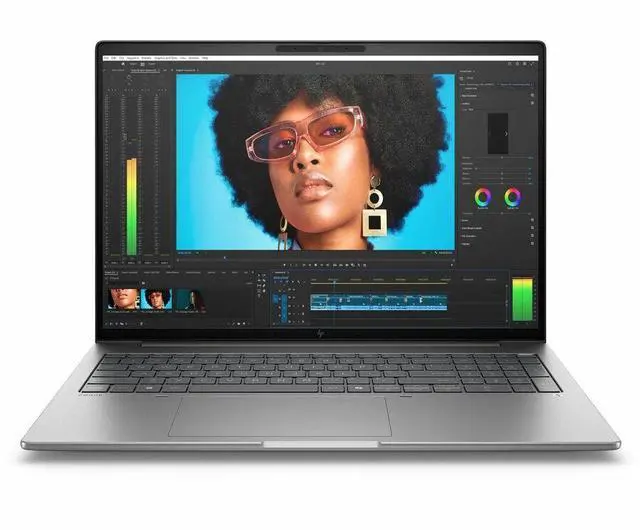
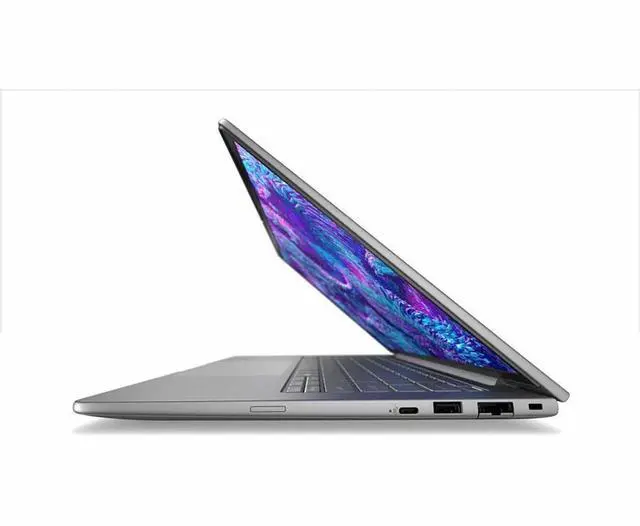
This product does not include manufacturer warranty when purchased or used outside of its designated sales region. By purchasing internationally, you acknowledge that warranty support from the manufacturer will not be available.The HP ZBook 8 G1i is a 16-inch mobile workstation for professionals who need certified workstation-class graphics in a travel-friendly laptop, making it a strong fit for CAD, 3D design, content creation, and office workflows that benefit from Intel Core Ultra 7 performance, RTX 500 Ada graphics, and modern connectivity.
| Attribute | Value |
|---|---|
| Best For | Mobile workstation for business and professional users who need a 16" WUXGA workstation with discrete NVIDIA RTX 500 and Intel Arc 140T graphics for graphics-accelerated tasks and on-the-go productivity |
| Processor And Core Count | Intel Core Ultra 7 255H processor (single-socket configuration) with up to 5.1 GHz turbo frequency |
| GPU And VRAM | Discrete NVIDIA RTX 500 Ada Generation plus Intel Arc 140T graphics, with 4 GB video memory (GDDR6) for GPU-accelerated workflows |
| Display Spec | 16.0" WUXGA (1920 x 1200) IPS non-touch display, 60 Hz refresh, anti‑glare coating, ~300 nits max brightness, sRGB color gamut ~62% |
| Memory Configuration | 16 GB DDR5 installed (2 memory slots) expandable up to 64 GB |
| Storage And Expansion | 512 GB M.2 NVMe solid-state drive (M.2 form factor/interface) |
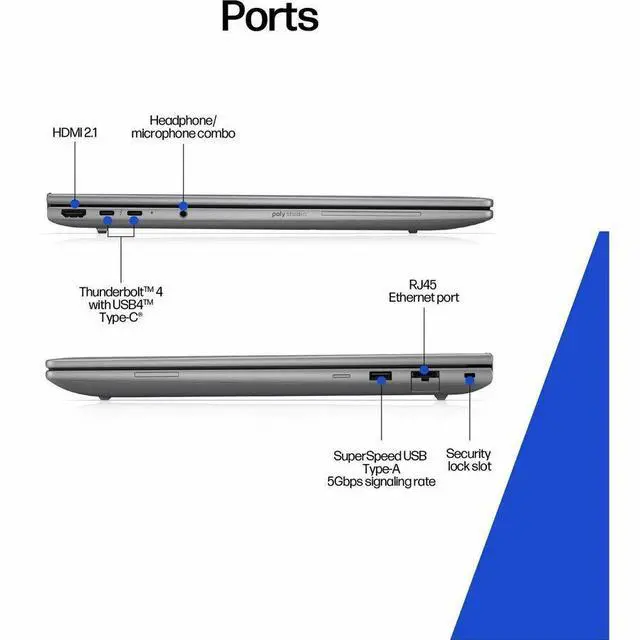
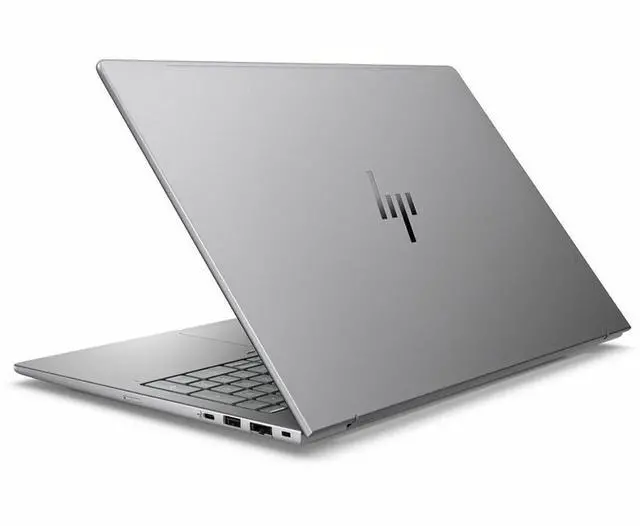
| High Speed I O | 2 total USB ports including a USB-C (1x USB-C with 20 Gbps, USB Power Delivery and DisplayPort 1.4), 2 Thunderbolt 4 ports, 1 HDMI output, and RJ-45 Ethernet |
| Wired And Wireless Networking | Wi‑Fi 7 (802.11be) wireless LAN, Bluetooth support, and Gigabit Ethernet wired LAN |
| Battery And Power | 8‑cell lithium polymer battery (installed), fast charge to 50% in ~30 minutes; battery weight ~10.58 oz and listed energy content 4000 mAh |
| Webcam And Privacy | Front-facing 5 MP webcam (webcam capable) and built-in fingerprint recognition for biometric authentication |
| Keyboard And Control | Full-size keyboard with touch pad (non-touch display) |
| Audio Setup | Stereo audio |
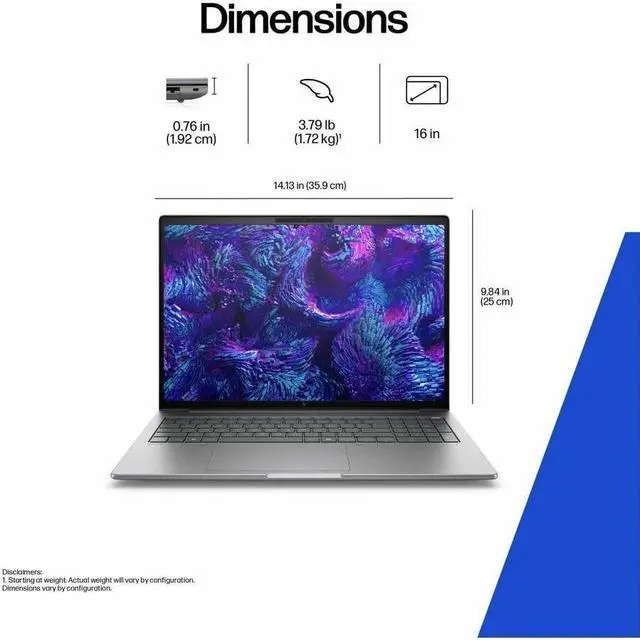
| Portability | Meteor Silver chassis, dimensions approx. 14.1" (W) x 9.8" (D) x 0.76" (H), weight ~3.88 lb for the unit |
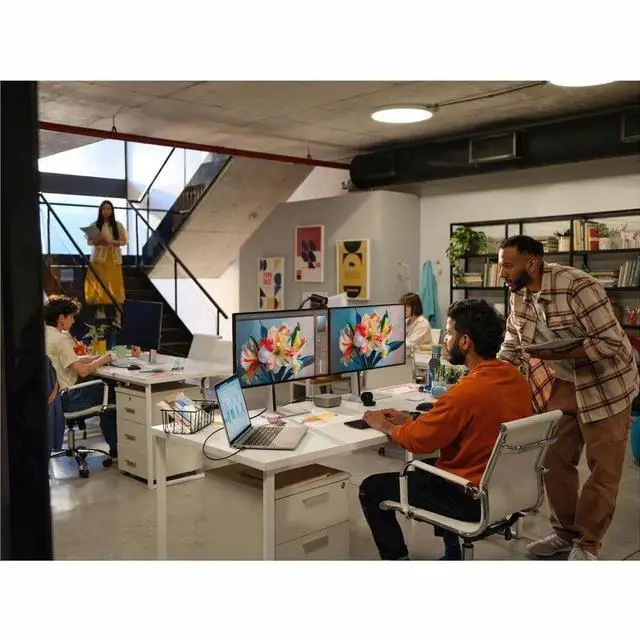
| External Display And Docking Fit | Supports external displays via HDMI and DisplayPort 1.4 over USB-C / Thunderbolt 4 (2x TB4), suitable for multi-monitor docking via TB4/USB-C docks |
| Model Identifiers | HP ZBook 8 G1i mobile workstation, part/model number D06HLAT#ABA (Hewlett Packard) |
Q: Should I choose the HP ZBook 8 G1i 16 or a 16-inch workstation with RTX 1000 Ada?
A: Choose the HP ZBook 8 G1i 16 when you want a lighter, more travel-friendly mobile workstation for CAD, Adobe, office, and certified professional-app workflows without stepping up to a higher GPU tier. Choose a workstation with RTX 1000 Ada when your work is more GPU-heavy, because official specs and benchmark databases consistently place RTX 1000 Ada above RTX 500 Ada-class options and it usually comes with 6 GB VRAM instead of 4 GB. The ZBook 8 G1i fits buyers who value portability and workstation features first, while RTX 1000 Ada models make more sense for larger assemblies, more demanding 3D viewports, or longer GPU-bound sessions.
Q: Is the HP ZBook 8 G1i 16 worth it over an integrated-graphics business laptop?
A: Yes, if you need a true mobile workstation rather than a general premium laptop. The HP ZBook 8 G1i 16 adds a professional NVIDIA RTX 500 Ada GPU, workstation positioning, Ethernet, and broader pro-app fit than integrated-graphics business systems. An integrated-only laptop is the better choice if your workload is mostly browser, spreadsheets, video calls, and light creative work, but the ZBook 8 G1i is the safer pick for CAD, 3D acceleration, and software stacks that benefit from discrete professional graphics.
Q: Should I buy this HP ZBook 8 G1i 16 or move up to a higher-tier mobile workstation?
A: Buy this ZBook 8 G1i 16 if you want a balanced workstation that stays relatively portable and covers mainstream professional workloads. Move up to a higher-tier workstation if your job is centered on rendering, simulation, large 3D scenes, or heavier GPU compute, because those systems offer much stronger graphics options, more thermal headroom, and often more expandable memory and storage. The ZBook 8 G1i is the better fit when mobility matters almost as much as performance; higher-tier models are the better fit when throughput matters more than size and weight.
Q: Is the Core Ultra 7 255H version a better buy than waiting for a Core Ultra 9 configuration?
A: For most buyers, yes. The Core Ultra 7 255H version is the better value if the rest of the configuration already meets your needs, because available comparisons suggest the jump to Core Ultra 9 in this class is usually smaller than a GPU or memory upgrade in real work. A Core Ultra 9 configuration makes more sense if you regularly run long CPU-heavy exports, code builds, or simulation jobs, but for mixed workstation use the Ultra 7 model is typically the more practical choice.
Q: Should I upgrade from an older ZBook Firefly or entry workstation to the ZBook 8 G1i 16?
A: Yes, if your current system is starting to feel limited in CPU speed, graphics capability, or connectivity. The ZBook 8 G1i line moves the entry mobile workstation concept forward with newer Core Ultra processors, Wi-Fi 7, and updated platform features, and review data shows clear CPU gains over older Core Ultra 100-series and prior Firefly-class systems. Keep your older workstation if your work is still light and already smooth, but the ZBook 8 G1i is the more sensible upgrade for users moving into heavier multitasking, CAD, or modern collaboration workloads.
Q: Is this a good travel work device for engineers, creators, or hybrid office users?
A: Yes, if you need a business-class 16-inch workstation that can travel reasonably well. At 3.88 lb with a 0.76-inch chassis, webcam, Wi-Fi 7, RJ-45 Ethernet, HDMI, USB-C, and two Thunderbolt 4 ports, it is well equipped for meetings, office work, and on-site technical work. The trade-off is that it is still a 16-inch workstation, so it is less compact than 14-inch travel laptops and less powerful than heavier high-end mobile workstations.
Q: Is it good for note-taking, meetings, and office work?
A: Yes. For office apps, web work, video meetings, documentation, spreadsheets, and multitasking, this configuration is a solid fit. It includes Windows 11 Pro, a 5 MP webcam, 16GB DDR5 memory, a 512GB SSD, and a 1920 x 1200 IPS display. The main limitation is that it is a non-touch 60 Hz panel, so it is better for traditional keyboard-and-mouse productivity than handwriting or premium media use.
Q: Who is this laptop most suitable for?
A: It is best for users who need a professional Windows workstation for CAD-adjacent work, Adobe apps, coding, large spreadsheets, multitasking, remote meetings, and light-to-moderate GPU-assisted creation. The RTX 500 Ada 4GB discrete GPU is more appropriate for entry workstation workloads than for heavy 3D rendering, large AI models, or high-end video finishing. Buyers who need frequent heavy rendering or more GPU memory should look at stronger workstation alternatives.
Q: What are the main trade-offs versus a stronger mobile workstation like a Dell Precision 7680 or higher-end ZBook?
A: The HP ZBook 8 G1i is easier to justify if you want a newer, more portable, lower-tier workstation for everyday professional use. Compared with a bigger workstation such as the Dell Precision 7680 or a higher-end ZBook Fury, the trade-offs are lower graphics headroom, only 16GB RAM in this configuration, a smaller 512GB SSD, and a basic 1920 x 1200 60 Hz display. The benefit is a lighter, simpler configuration that should suit mainstream business and technical workloads better than top-tier rendering workloads.
Q: Should you buy this model or choose a gaming/creator laptop instead?
A: Choose this ZBook if you want workstation positioning, Windows 11 Pro, business connectivity including Ethernet, and a more professional deployment profile. Choose a gaming or creator laptop if your priority is maximum graphics performance per dollar, higher-refresh displays, or stronger consumer GPU options. In short: this model favors professional workflow balance and business features over entertainment-first specs.
Q: Is the HP ZBook 8 G1i 16 a good fit for mobile professional work?
A: Yes, if you need a business workstation with a 16-inch display, upgrade-oriented workstation features, and professional graphics support. The trade-off is portability: at 3.88 lb with a thicker workstation design, it is better suited to desk-to-meeting travel than to ultralight commuting.
Q: Is 16 GB RAM enough for this workstation?
A: It is enough for office work, web apps, and lighter professional use, but it is a weak starting point for a workstation. If you plan to run CAD, large Adobe projects, code builds, VMs, or heavy multitasking, this configuration is likely to feel limited sooner than the CPU platform will.
Q: Is the RTX 500 Ada 4 GB version worth buying for professional graphics work?
A: It makes sense for entry-level to moderate workstation workloads where certified or professional GPU support matters more than raw graphics power. The main limitation is the 4 GB VRAM ceiling, which makes it less suitable for larger 3D scenes, heavier GPU rendering, or longer-term headroom than higher-tier workstation GPUs.
Q: Is this a good choice if I often work away from a charger?
A: Only with realistic expectations. Community discussion around the ZBook 8 G1i centers on strong plugged-in use and lighter battery-mode performance. For mixed office work, it can be workable on battery, but if your priority is maximum speed away from power, a thinner non-workstation laptop may be a better fit.
Q: What are the main trade-offs of this specific configuration?
A: The strengths are a modern Core Ultra 7 H-series processor, professional-class GPU support, Ethernet, Thunderbolt 4, Wi-Fi 7, and a 16-inch 1920x1200 IPS display in a business workstation chassis. The trade-offs are more basic memory and storage for the category, a 60 Hz non-touch panel, and an entry-level discrete GPU that favors compatibility and stability over high-end graphics performance.


