- Free 30-day Returns
- NZ$175.96 Shipping
NZ$7,903.95
GST-Inclusive Price
Ships from United States.
Sold by Newegg
Shipped by Newegg
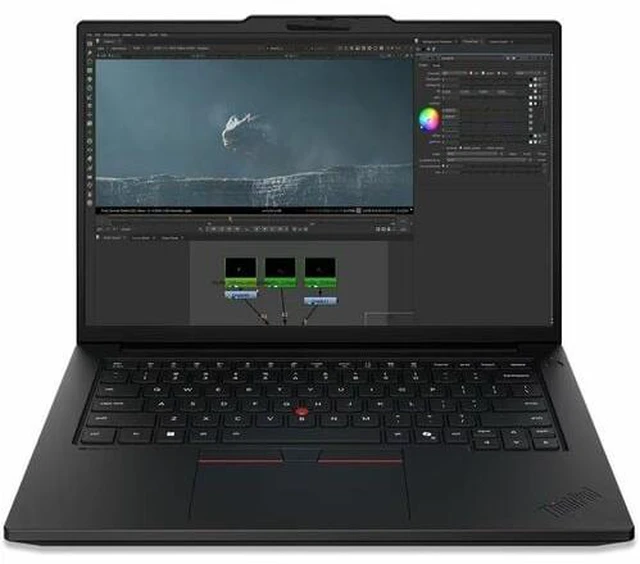
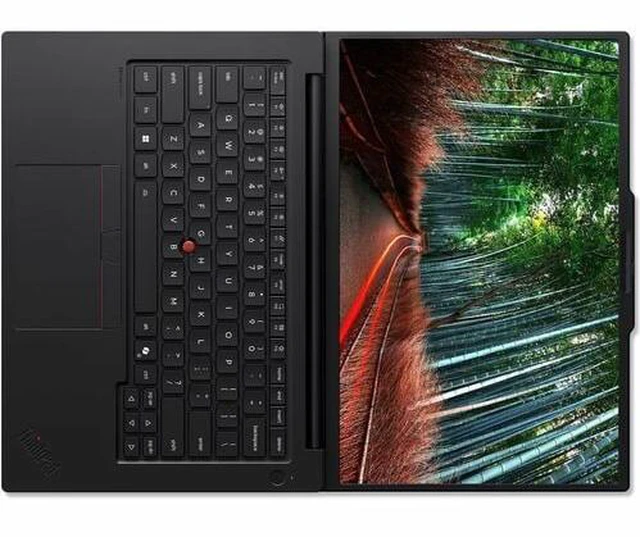
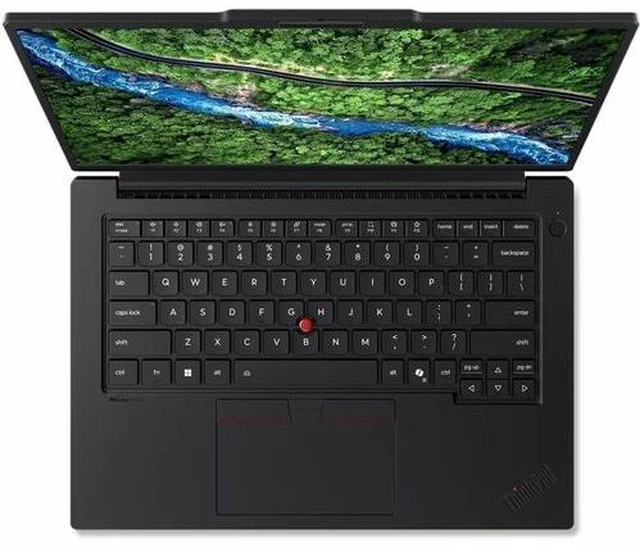
Lenovo ThinkPad P14s Gen 7 21XJ0031US 14.5" Copilot+ PC Notebook - Intel Core Ultra 7 366H - 32 GB - 1 TB SSD - Windows 11 Pro - NVIDIA with 6 GB - Webcam - Wi-Fi 7
- Intel Core Ultra 7 266H
- 32GB DDR5 Memory / 1TB SSD
- NVIDIA RTX PRO 500
- Non-Touch Screen
- 1920 x 1200
- Windows 11 Pro
+
+
Overview
Specs
Reviews
NB WS P14S G7 U7 32G 1T 11P
Warranty & Returns
Warranty, Returns, And Additional Information
Return Policies*
- Return for refund within: 30 days
- Returns are subject to restocking fees and return shipping fees. Please click here to learn more about restocking fees and return shipping fees.
- This item is covered by Newegg.com's International Order Return Policy.
- Read full return policy for details.
- *Subject to applicable law
Warranty Notice:
This product does not include manufacturer warranty when purchased or used outside of its designated sales region. By purchasing internationally, you acknowledge that warranty support from the manufacturer will not be available.
Manufacturer Contact Info
LOADING...
The Lenovo ThinkPad P14s Gen 7 is a 14.5-inch Windows 11 Pro mobile workstation with an Intel Core Ultra 7 processor, 32GB DDR5 memory, 1TB SSD, and NVIDIA RTX PRO 500 graphics, suited to professionals who need workstation-class components in a compact laptop.
Recommended For
- Engineers who need to review or edit CAD and other professional 3D projects at client sites, where a 14.5-inch mobile workstation and RTX PRO graphics are more practical than carrying a larger workstation.
- GIS analysts and technical users running tools such as ArcGIS Pro and Python on the move, especially when their work benefits from a dedicated professional GPU but does not require a larger workstation.
- Professionals who need a portable Windows workstation for software with vendor-certified support, including selected engineering, architecture, and media applications.
Real-World Use Scenarios
- For engineers editing or reviewing CAD models away from their desk, the P14s Gen 7 provides a portable workstation setup; testing of a higher-GPU Gen 7 configuration showed capable performance in professional CAD viewsets, though results will vary by model complexity and software.
- For 3D design work, it can handle modeling and GPU-accelerated previews of moderate scenes on the go; benchmark results for the Gen 7 show the RTX PRO graphics helping in Blender and other visualization tests, while larger or more complex renders may take longer.
- For developers exploring local AI tools, it is positioned for on-device AI development and inference; smaller models and supported AI-assisted tasks are a more realistic fit than assuming it can run every large model locally.
- For consultants or technical staff moving between office, home, and client sites, it can combine everyday business work with occasional workstation tasks in one portable laptop, rather than requiring a separate machine for lighter CAD or visualization work.
- For reviewing footage and making rough edits between shoots, it can support GPU-accelerated media workflows; a review of a higher-GPU Gen 7 configuration tested Blackmagic RAW decoding, but that result does not guarantee the same performance for every codec, effect, or export.
Spec Summary
| Attribute | Value |
|---|---|
| Best For | Mobile professional productivity and GPU-assisted work, with a 14.5-inch display, 32 GB of memory, and NVIDIA RTX PRO graphics |
| Processor And Core Count | Intel Core Ultra 7 266H (Series 3), with turbo frequency up to 4.80 GHz |
| GPU And VRAM | NVIDIA RTX PRO 500 with 6 GB GDDR7 video memory |
| Display Spec | 14.5-inch WUXGA IPS display at 1920 × 1200; non-touch |
| Memory Configuration | 32 GB DDR5 memory |
| Storage And Expansion | 1 TB SSD |
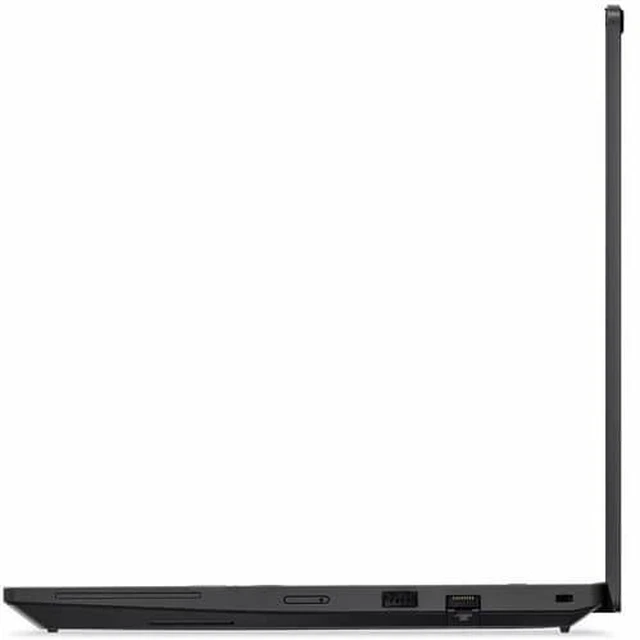
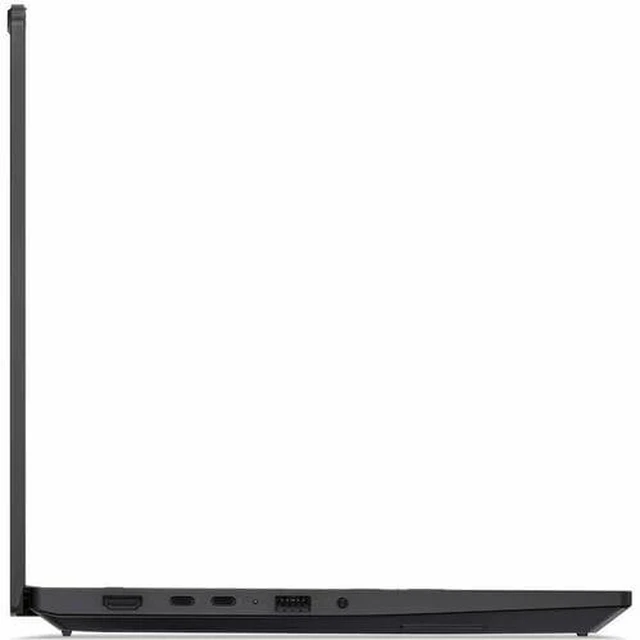
| Wired And Wireless Networking | Wi-Fi 7 (802.11be), Bluetooth, and Gigabit Ethernet |
| Software And AI Features | Windows 11 Pro with Copilot+ PC features |
| Design And Color | Black |
| Model Identifiers | Lenovo ThinkPad P14s Gen 7, part number 21XJ0031US |
Reference Q&A
Q: ThinkPad P14s Gen 7 or Gen 6: which should I choose?
A: Choose the ThinkPad P14s Gen 7 if you want Lenovo’s newer 14.5-inch mobile-workstation generation with an Intel Core Ultra Series 3 platform. Choose the Gen 6 if you prefer that generation’s configuration options. Both generations offer RTX PRO 500 configurations, so the Gen 7’s key distinction is its newer platform and generation.
Q: Should I get the P14s Gen 7 with RTX PRO 500 or step up to RTX PRO 1000?
A: Choose this RTX PRO 500 configuration for a compact workstation setup with discrete professional graphics. Consider the P14s Gen 7 RTX PRO 1000 configuration when your professional applications can benefit from a higher-tier GPU. Lenovo lists both GPU options for the Gen 7, making the choice primarily about the graphics workload.
Q: P14s Gen 7 with RTX PRO 500 or integrated graphics: which configuration fits professional work?
A: Choose this RTX PRO 500 configuration when your professional workflow benefits from a discrete GPU. A Gen 7 configuration with integrated Intel graphics is a fit for work centered on general productivity and CPU-based tasks. Both options are part of Lenovo’s P14s Gen 7 lineup.