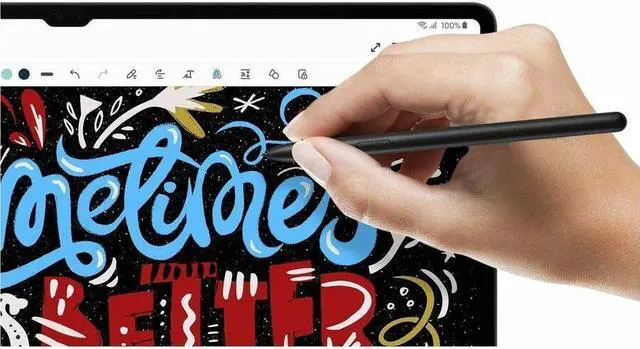
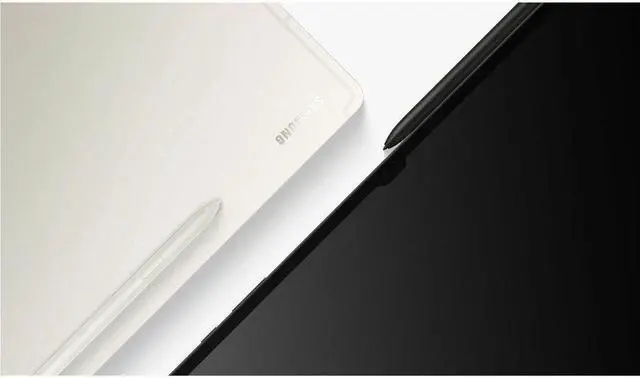
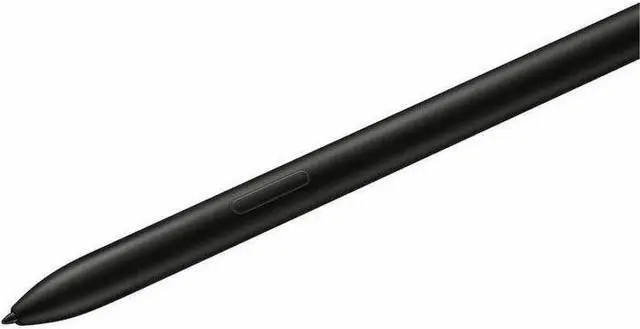
The Samsung Galaxy Tab S9 Series S Pen is a black stylus for Galaxy Tab S9, S9+, and S9 Ultra tablets, suited to owners who want a compatible pen for writing, sketching, or replacing a missing S Pen.
Recommended For
- Galaxy Tab S9, S9+, or S9 Ultra owners replacing a lost or damaged pen who want to take handwritten notes, mark up documents, or navigate the tablet with a stylus.
- Galaxy Tab S9-series users who sketch or illustrate in S Pen-compatible apps and want pressure- and tilt-sensitive input.
- Galaxy Tab S9-series users who want a pen for handwritten planning or task notes in apps such as Samsung Notes or Goodnotes.
- Users who want to use S Pen Air Actions for remote controls or shortcuts on a compatible Galaxy tablet and are willing to keep the pen charged for those features.
Real-World Use Scenarios
- During a lecture or meeting, write notes and quick diagrams in a notes app; the S Pen lets you capture ideas by hand without switching to the on-screen keyboard.
- While studying or reviewing a document, mark up PDFs, slides, or screenshots with handwritten comments and highlights; the annotations stay alongside the material being reviewed.
- When an idea needs a visual, sketch a rough illustration or diagram on the tablet; the S Pen supports drawing directly on the screen without needing a separate graphics tablet.
- When a thought comes up before the tablet is fully in use, jot a quick memo with the S Pen and save it to Samsung Notes instead of opening a separate note-taking workflow.
- For schoolwork or personal projects, use the S Pen to add handwritten labels, arrows, or comments to images and notes; this makes visual explanations easier to place directly beside the relevant content.
Spec Summary
| Attribute | Value |
|---|
| Best For | S Pen use with Samsung Galaxy Tab S9, Tab S9+, and Tab S9 Ultra tablets |
|---|
| Compatibility | Compatible with Samsung Galaxy Tab S9 11-inch, Tab S9+ 12.4-inch, and Tab S9 Ultra 14.6-inch; minimum required operating system is Android 12L |
|---|
| Physical Specifications | Black plastic enclosure; approximately 5.79 × 0.32 × 0.30 inches and 1.44 ounces |
|---|
| Battery Information | Batteries are not required or included; battery type is listed as nonstandard |
|---|
| Package Contents | One item |
|---|
| Model Identifiers | Samsung model EJ-PX710BBEGUJ |
|---|
| Package Dimensions And Weight | Package measures 1.7 × 5 × 20.1 cm and weighs 0.04 kg |
|---|



 All Categories