• NZ$161.00
  • GST-Inclusive Price
  • Free 30-day Returns
  • NZ$109.69 Shipping
Ships from United States.
Sold by Newegg

Shipped by Newegg

Best Sellers

Top Rated
4 (3,724 total ratings)
  • $169.05
  • + NZ$123.28 Shipping
Shop it at NeweggBusiness.

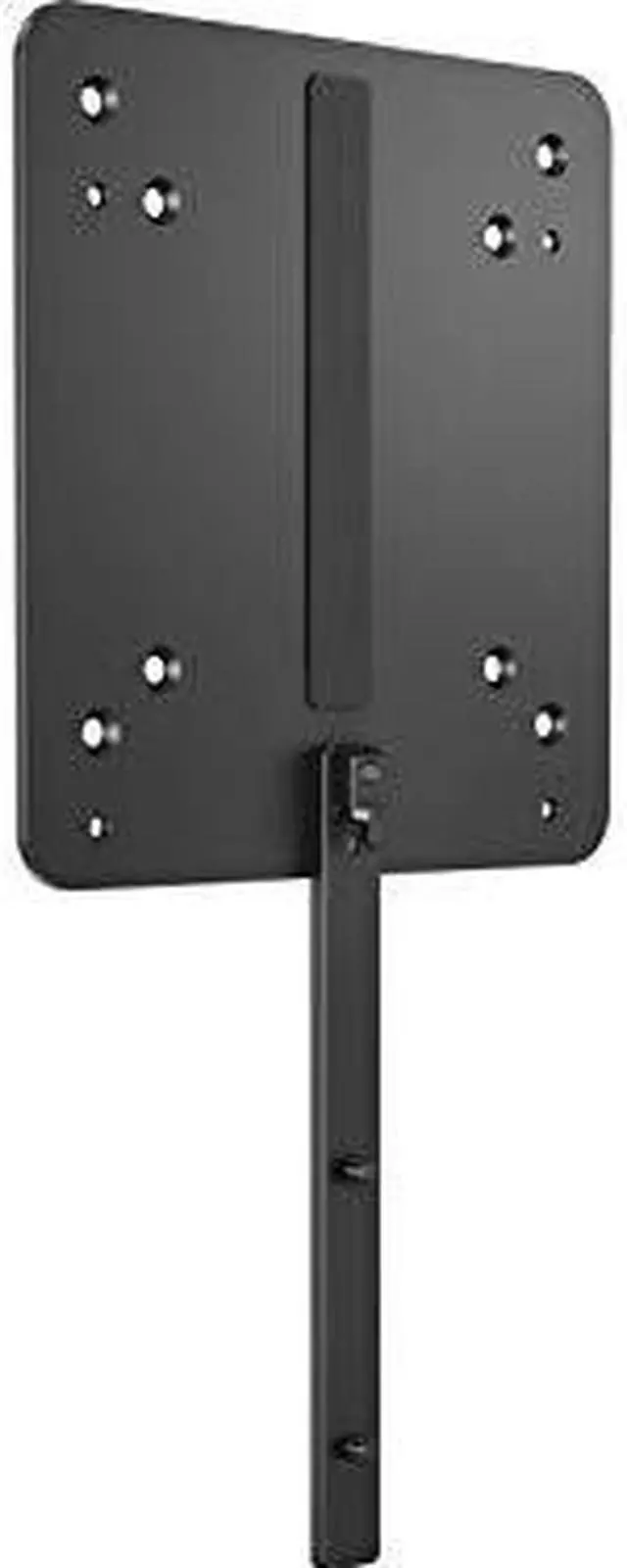
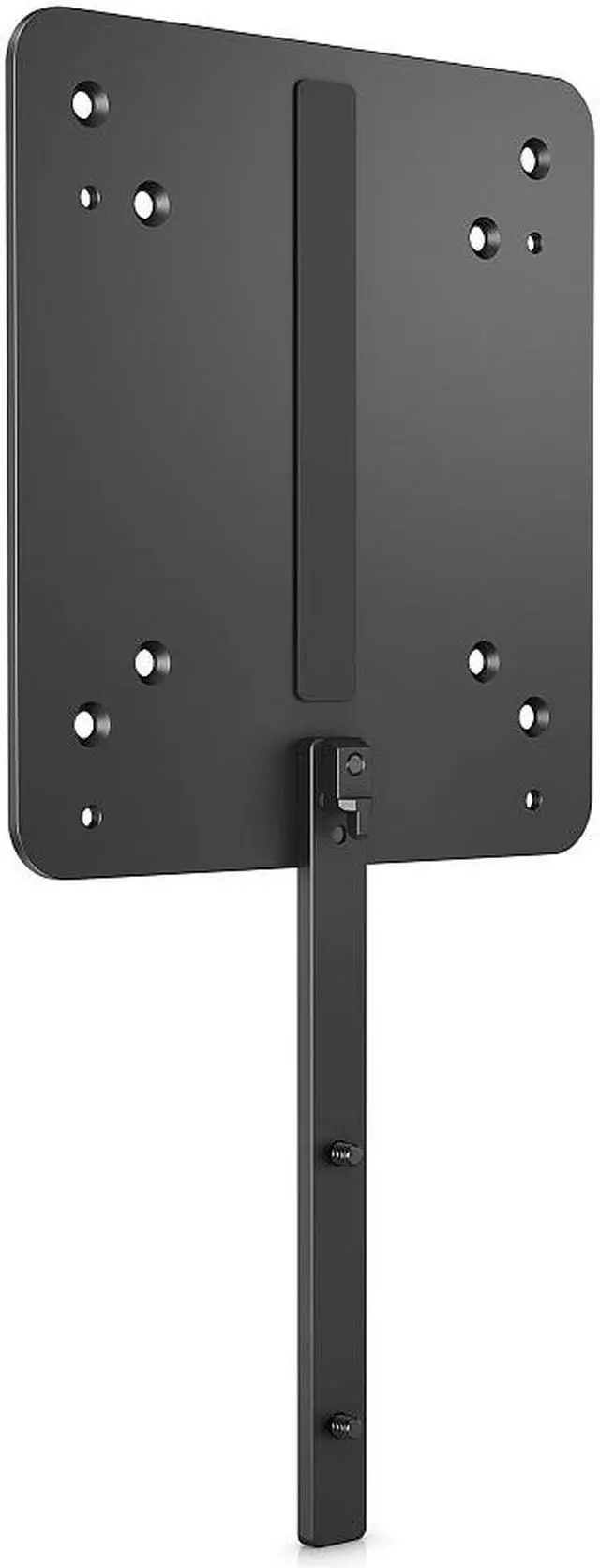
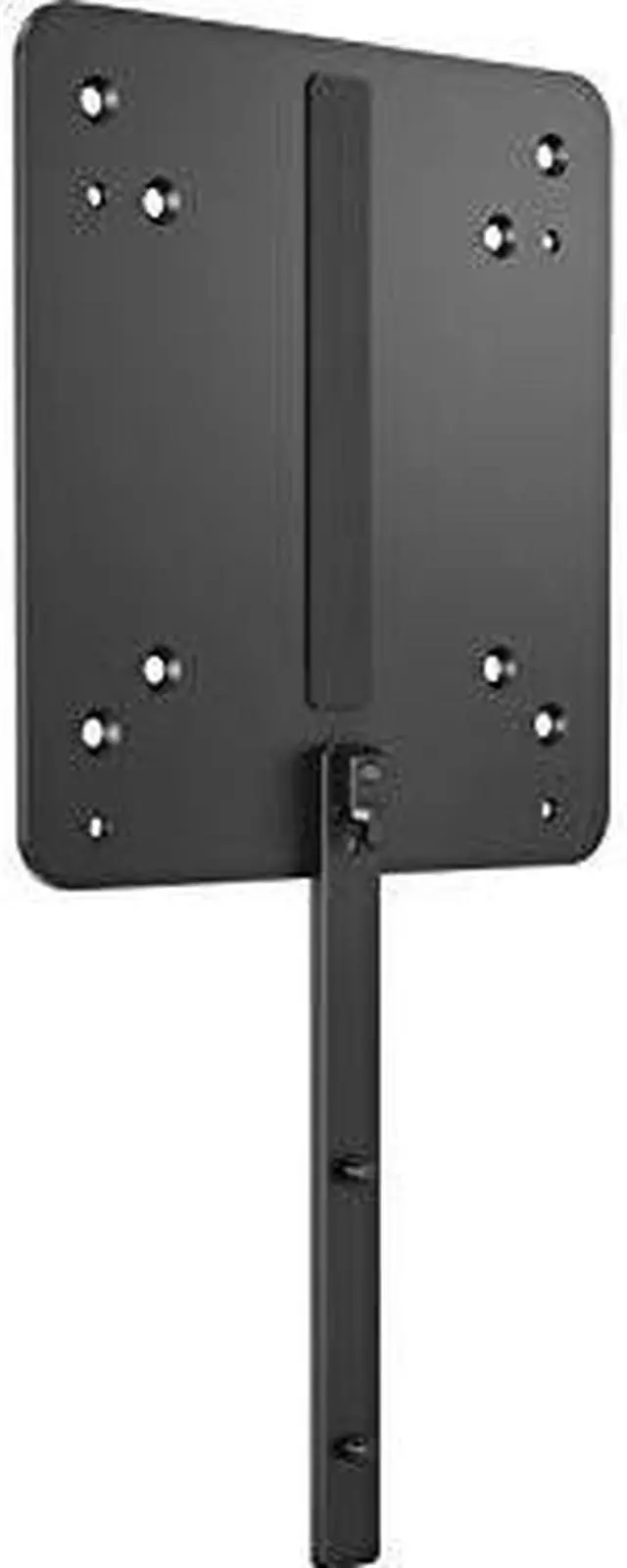
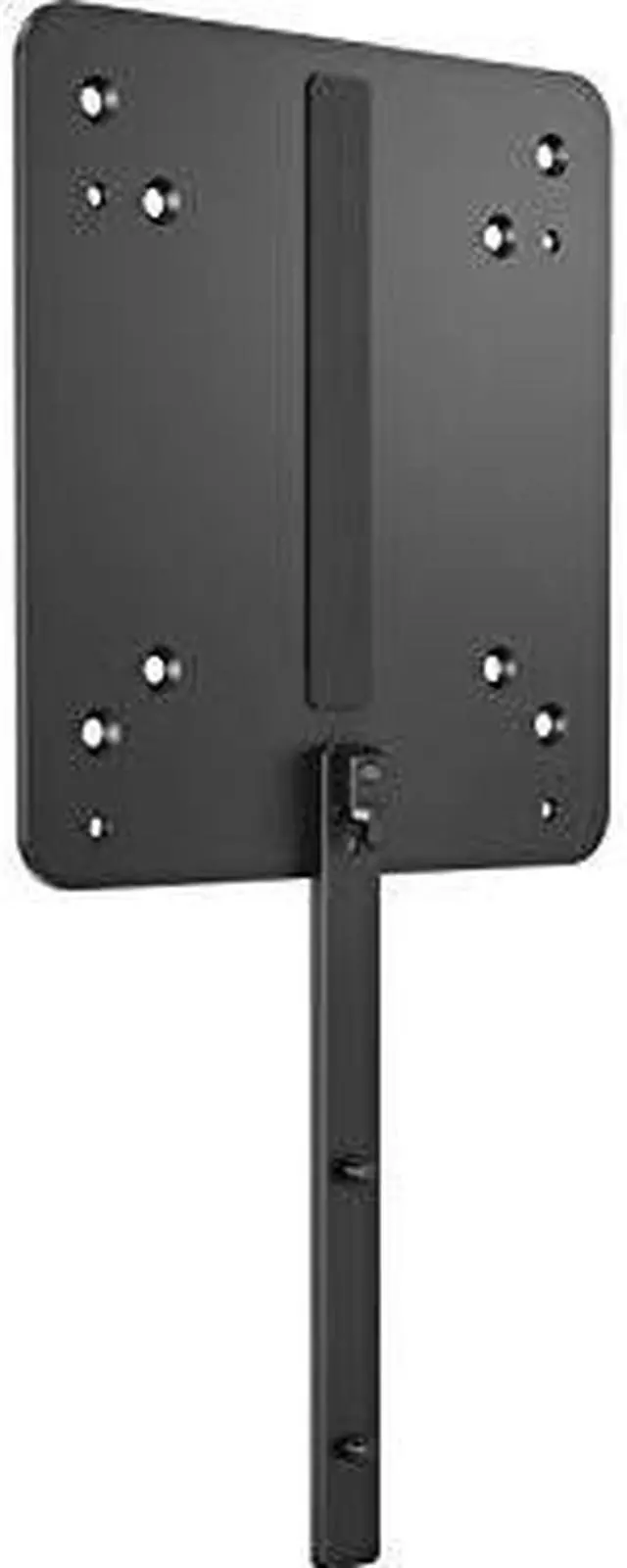
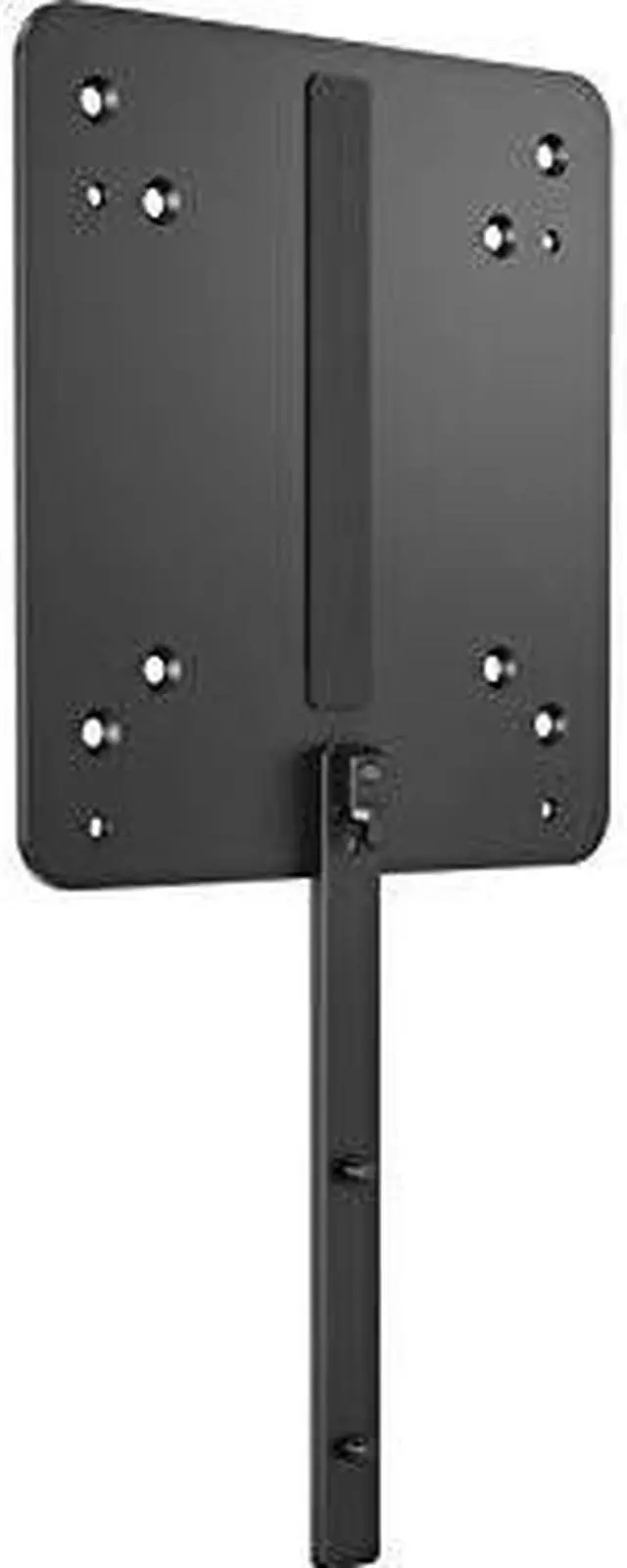
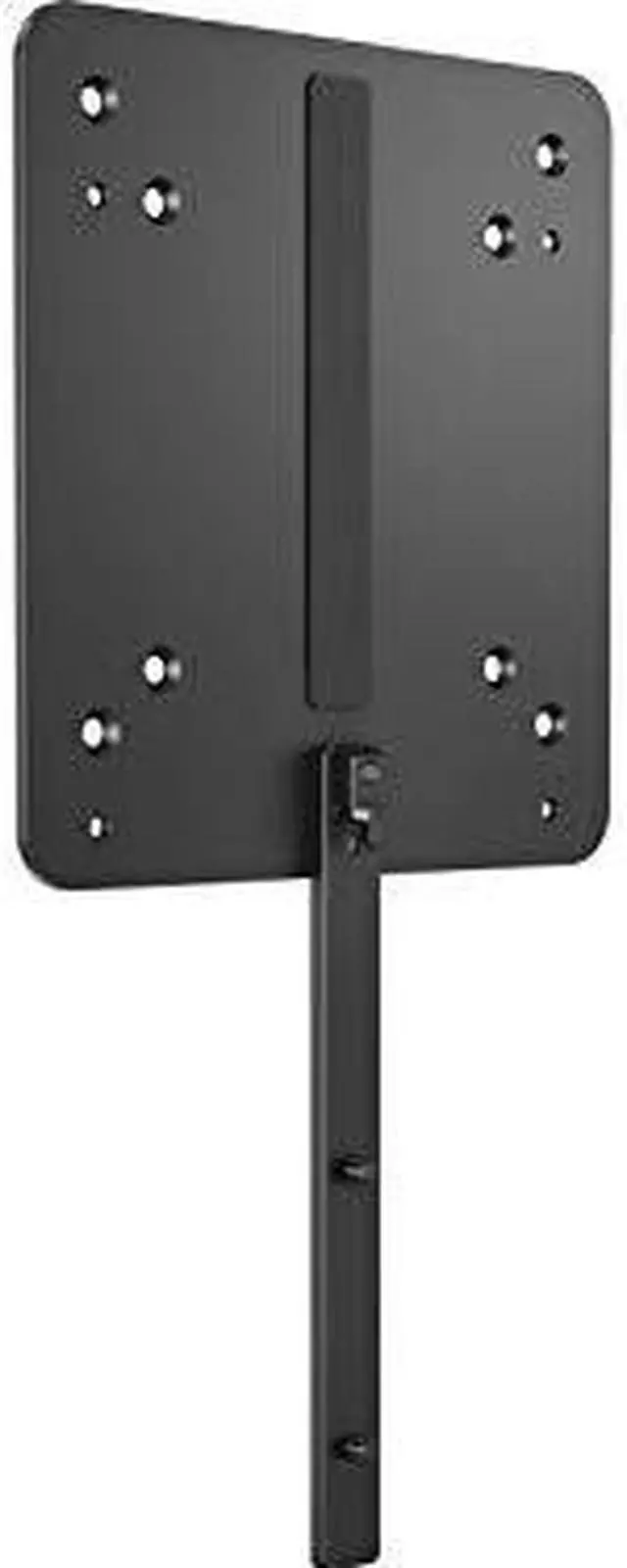
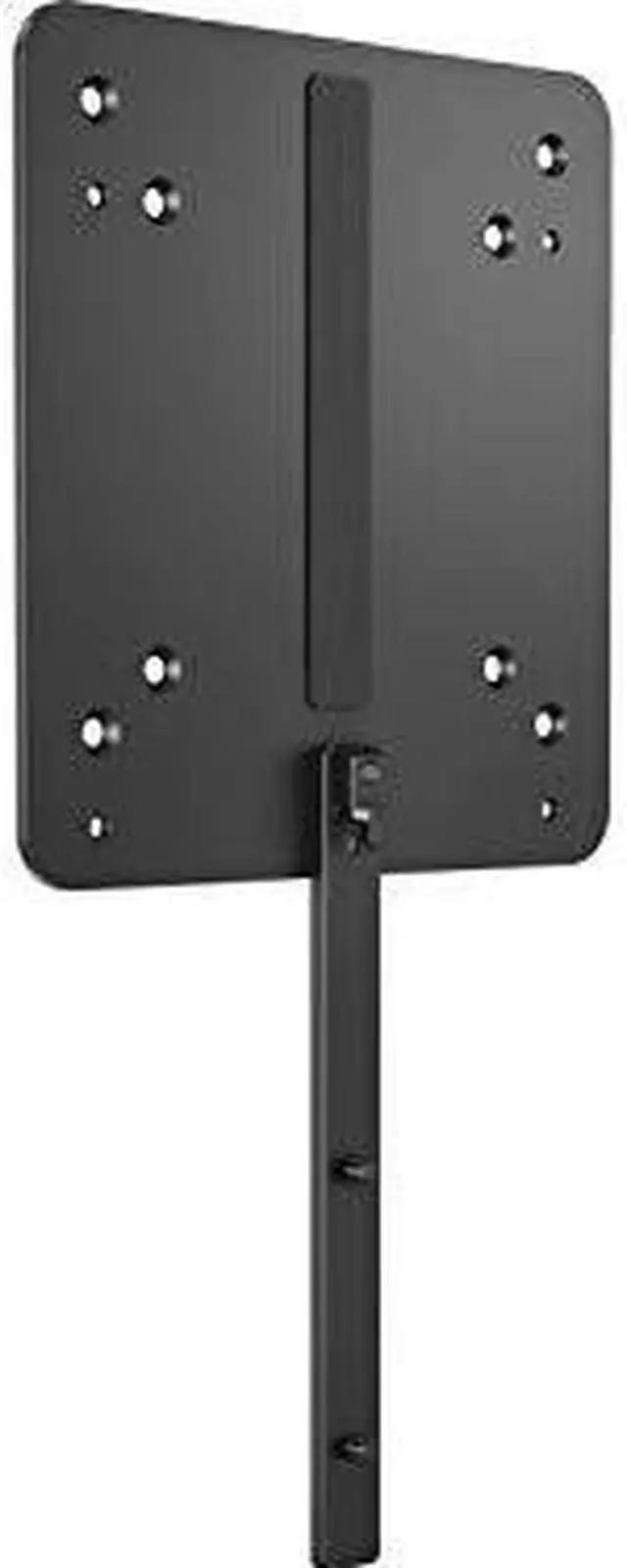
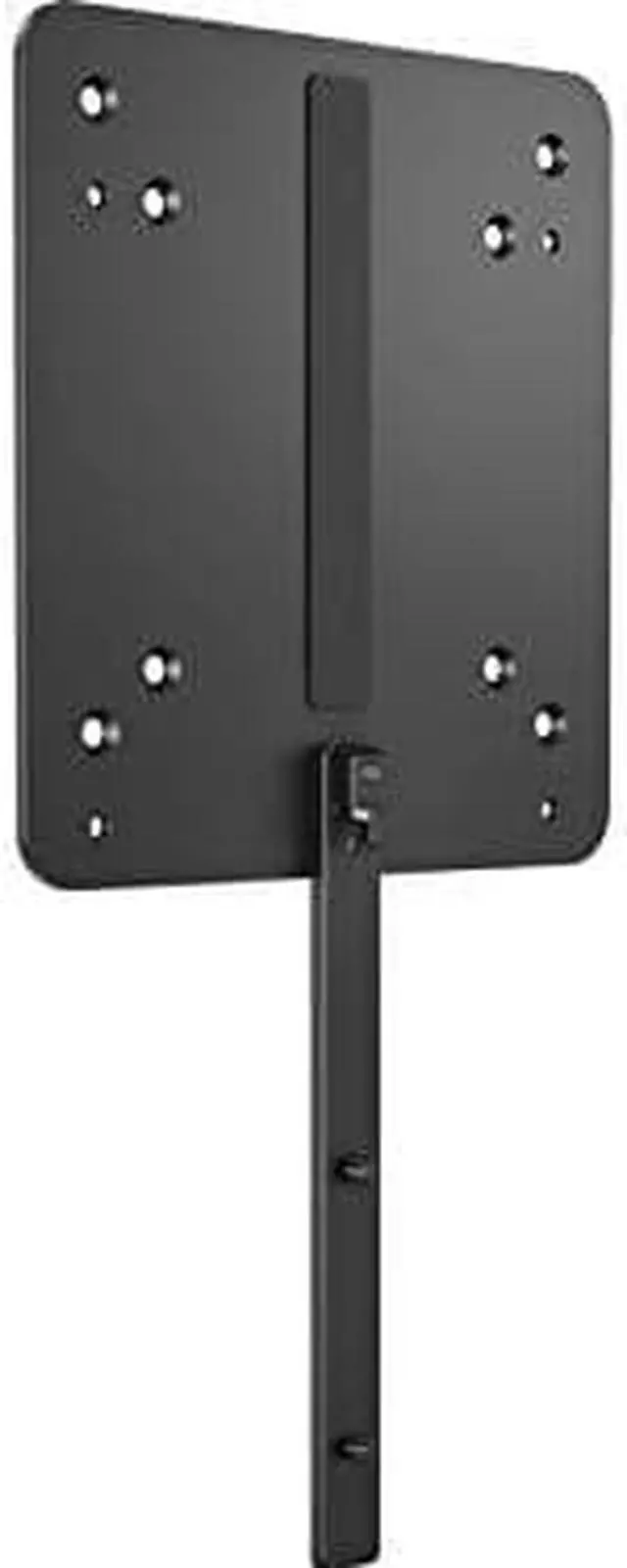
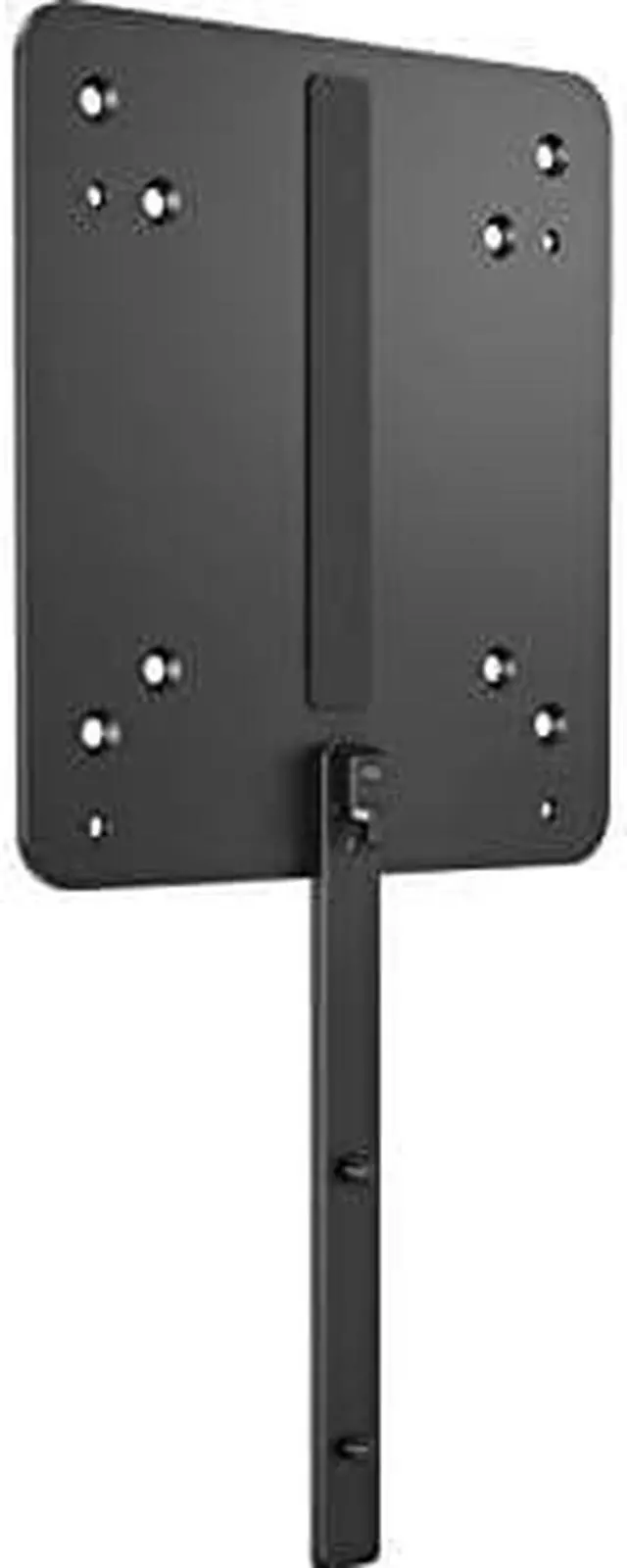
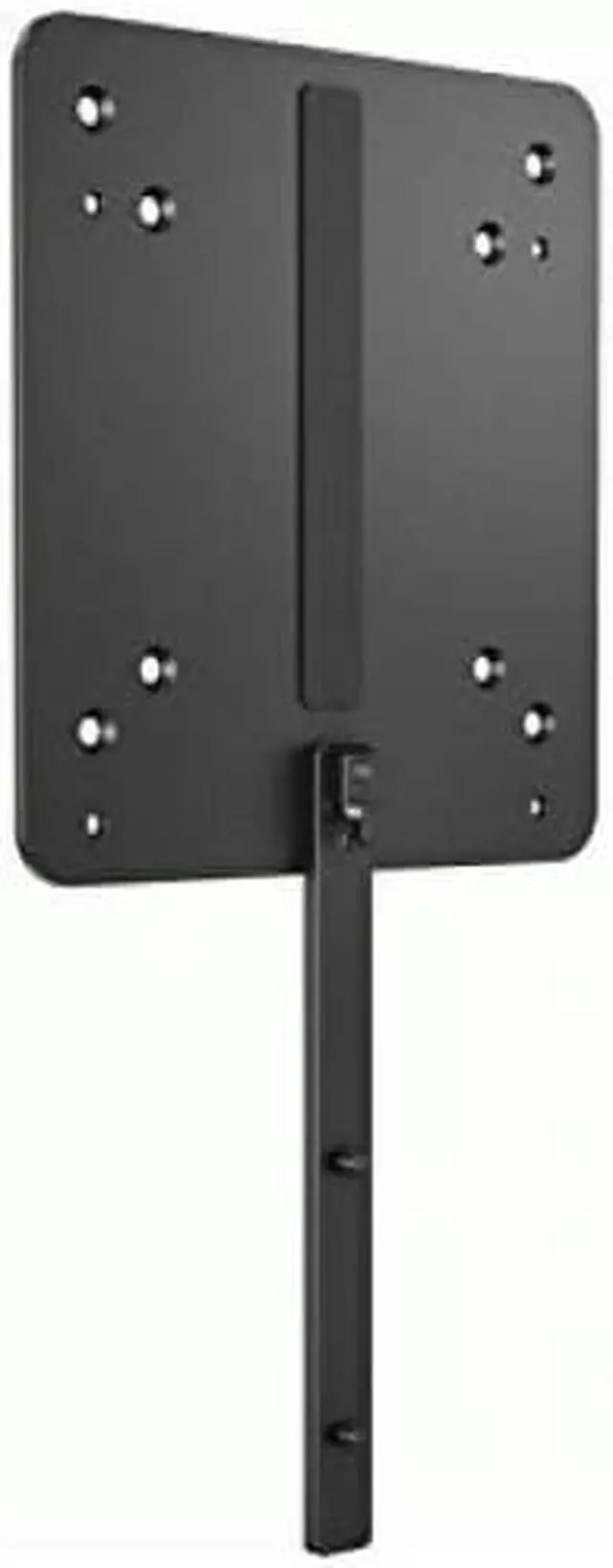
HP B550 Mounting Bracket for Monitor Display Desktop Computer Chromebox Thin Client 16U00AA

  • Manufacturer: HP
  • Manufacturer Part Number: 16U00AA
  • UPC: 195122062996
+
+
Overview
Specs
Reviews
  • Customize an altogether better solution with the HP PC Mounting Bracket for Monitors, which lets you attach your HP Desktop Mini, HP Chromebox, or select HP Thin Client directly behind select HP Z Displays and EliteDisplays.

Warranty & Returns

Warranty, Returns, And Additional Information

Return Policies*

  • Return for refund within: 30 days
  • Returns are subject to restocking fees and return shipping fees. Please click here to learn more about restocking fees and return shipping fees.
  • This item is covered by Newegg.com's International Order Return Policy.
  • Read full return policy for details.
  • *Subject to applicable law
  • Warranty Notice:

    This product does not include manufacturer warranty when purchased or used outside of its designated sales region. By purchasing internationally, you acknowledge that warranty support from the manufacturer will not be available.

Manufacturer Contact Info

LOADING...
LOADING...

The HP B550 Mounting Bracket (16U00AA) attaches an HP Desktop Mini, Chromebox, or select Thin Client behind compatible HP displays, making it suitable for users who want a more integrated monitor-and-PC setup.

Recommended For

  • People building a tidy fixed workstation who want to mount a compatible HP Desktop Mini, Chromebox, or Thin Client behind a supported HP display instead of leaving the computer on the desk.
  • Offices standardizing desks around compatible HP displays and small HP computers, where keeping the computer attached to each monitor can help maintain a consistent setup.
  • Workstation users with a listed compatible HP monitor who want to pair it with an HP Mini workstation or other supported HP PC in a compact desk setup.
  • Users setting up a fixed Chromebox or Thin Client workstation who have verified that both their device and display meet HP’s compatibility requirements.

Real-World Use Scenarios

  • At a desk with a compatible HP display and Desktop Mini, mount the PC behind or beneath the monitor to free up desk space and keep the computer off the work surface.
  • For a compatible HP Chromebox setup, attach the device to the display instead of placing it beside the screen, creating a more compact workstation.
  • In an office using a compatible HP thin client, mount the computer with the display to reduce the number of separate devices sitting on the desk.
  • When the monitor is adjusted for different users, keep using its height, tilt, swivel, and pivot adjustments after mounting a compatible PC; HP says the bracket does not interfere with those display features.
  • For a compact workstation built around a compatible HP Mini workstation and select HP displays, mount the computer behind the screen to consolidate the setup without using a separate desk stand for the PC.

Spec Summary

AttributeValue
Best ForA/V and display-PC mounting setups; includes mounting hardware plus DisplayPort and USB cables
Mounting TypeA/V stand and PC mounting bracket
Dimensions And Weight10.08 × 5.12 × 0.47 in (L × W × H); weighs 0.7 lb
Included ComponentsHP Z Display PC mounting bracket, 700 mm DisplayPort cable, 700 mm USB-A-to-B cable, assorted screws and thumb screws, and quick installation guide
Model IdentifiersHP B550 PC Mounting Bracket; model B550