


 All CategoriesAll CategoriesAll Categories



BRAND:
Thermal Grizzly
MODEL: TG-MP8-1202005-2R
THERMAL CONDUCTIVITY: W/mK 8.0
OPERATING TEMPERATURE: -100°C / +250°C
COLOR: Light brown
Warranty Notice:
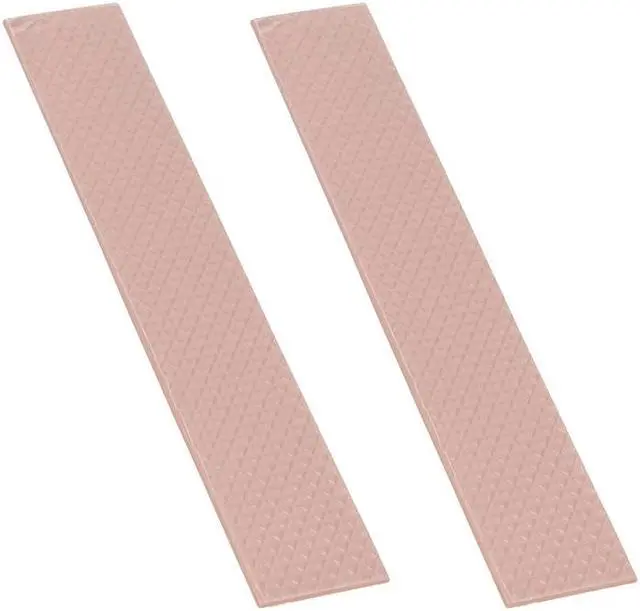
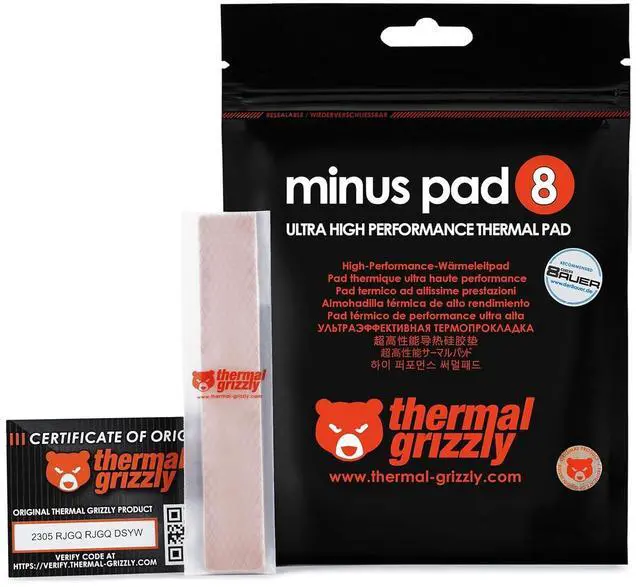
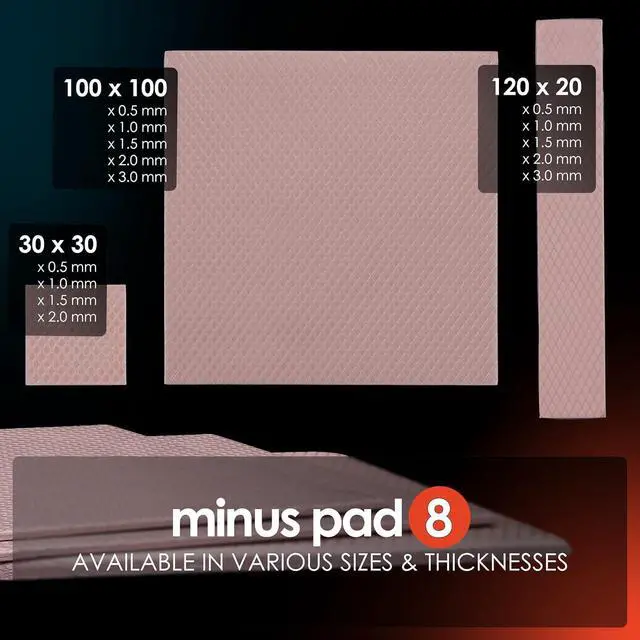
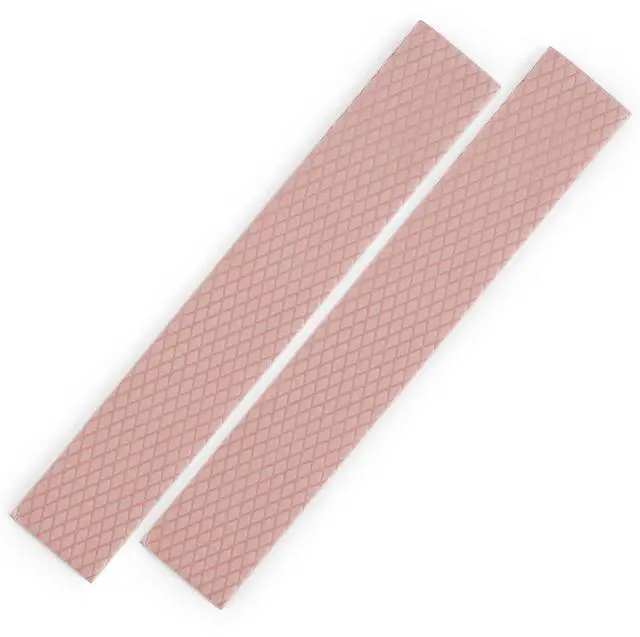
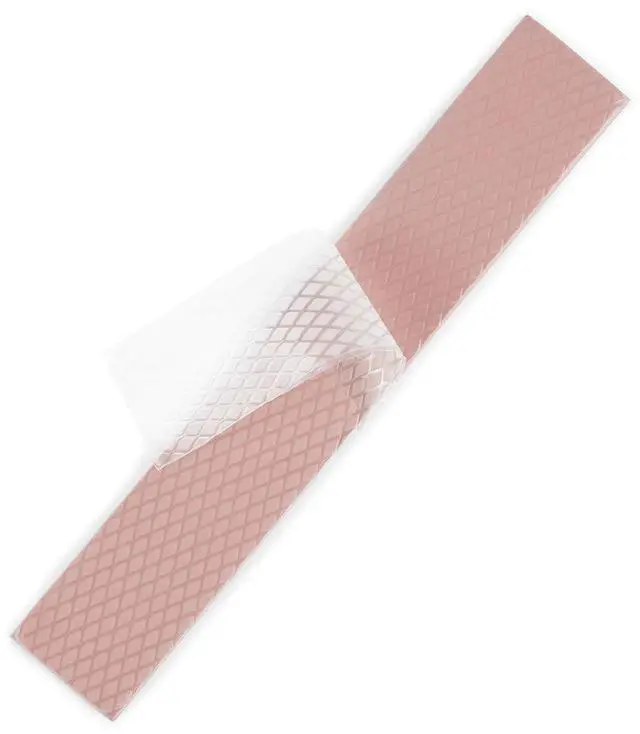
This product does not include manufacturer warranty when purchased or used outside of its designated sales region. By purchasing internationally, you acknowledge that warranty support from the manufacturer will not be available.Thermal Grizzly Minus Pad 8 is a two-pack of 120 × 20 × 0.5 mm thermal pads for PC builders who need a thin thermal interface layer and whose component cooler is designed for that pad thickness.
| Attribute | Value |
|---|---|
| Best For | Thermal interface use with aluminum or copper heatsinks; includes two silicone pads sized for placement on a compatible surface |
| Dimensions And Material | Each thermal pad measures 120 × 20 × 0.5 mm and is made of silicone |
| Pack Configuration | Two thermal pads in the set |
| Brand And Style | Thermal Grizzly Minus Pad 8 |
| Model Identifier | TG-MP8-120-20-05-2R-2-2 |
| Weight | Item weight: 1 g; package weight: 9 g |
Q: Should I choose the 0.5 mm Minus Pad 8 or the 1 mm version?
A: Choose this 0.5 mm version when the device’s specified gap calls for a 0.5 mm pad; choose the 1 mm version when the specified gap calls for 1 mm. Thickness should match the component-to-cooler gap and mounting requirements, rather than being selected as a performance upgrade.
Q: Should I get Minus Pad 8 or Minus Pad Extreme?
A: Choose Minus Pad 8 when you want a highly compressible, adaptable pad for filling component-to-cooler gaps. Choose Minus Pad Extreme when your priority is Thermal Grizzly’s highest thermal-performance positioning among its pads.
Q: Is Minus Pad 8 or Minus Pad Basic the better fit?
A: Choose Minus Pad 8 for its high compressibility and adaptable surface. Choose Minus Pad Basic if you prioritize a more price-focused option for applications with lower thermal-performance requirements.
Q: How do I know whether a 0.5 mm thermal pad is the right thickness?
A: Use this pad only where the device or cooler calls for a 0.5 mm pad. A pad that is too thin may not make contact, while one that is too thick may interfere with cooler mounting. Check the device’s service information or the original pad thickness before buying.
Q: Who is this thermal pad suitable for?
A: It may suit someone replacing a thermal pad in a device that requires a 0.5 mm interface and can use a 120 × 20 mm strip. Confirm the required thickness and placement for the specific component; the listed dimensions alone do not establish compatibility with a particular device.
Q: How many pads are included, and what size are they?
A: The listed package contains two thermal pads, each measuring 120 × 20 mm and 0.5 mm thick.
Q: Can I cut the pad to fit a smaller area?
A: The product is listed as a 120 × 20 mm strip, but the provided product details do not explicitly confirm cutting instructions. Similar thermal-pad retail Q&A pages describe trimming pads to fit; check the product instructions and measure the required area before cutting.
Q: Will this 0.5 mm pad fit my GPU or console?
A: Only if 0.5 mm is the required thickness for the specific component. Reddit discussions stress that pad thickness varies by device and component, and a pad that is too thick can interfere with cooler contact. Check the device’s documented specification or the original pad before buying.
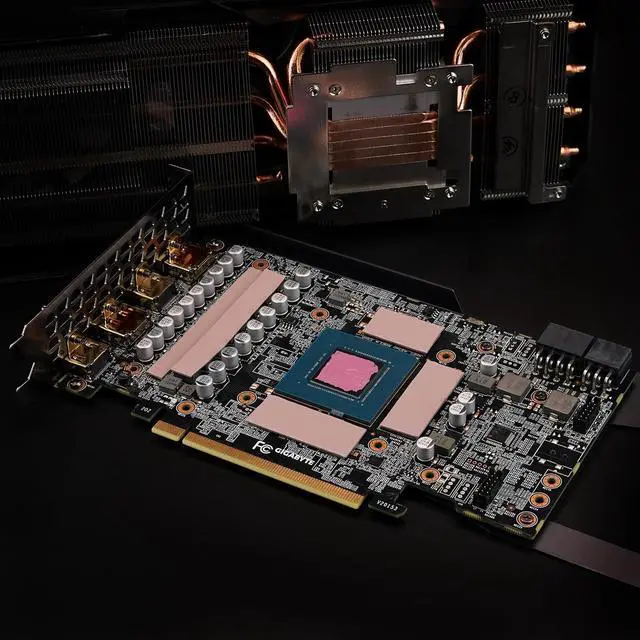
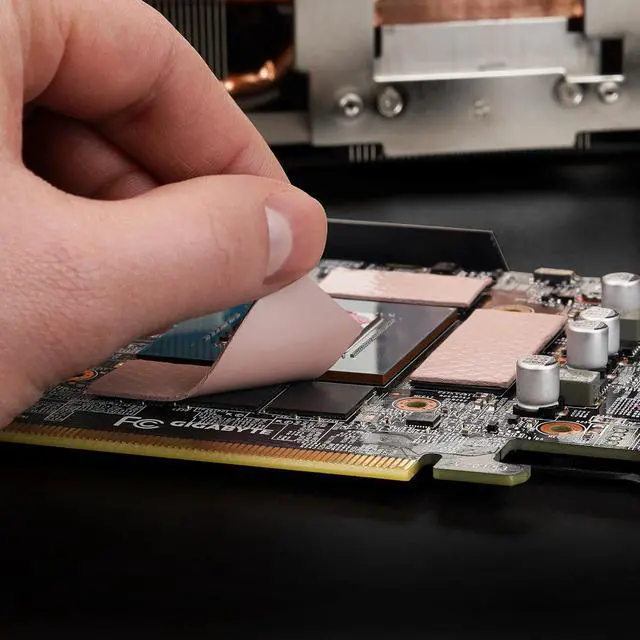
Q: Is Minus Pad 8 suitable for replacing GPU VRAM pads?
A: It has been used for GPU memory, but results depend on the card and fit. One user reported that Minus Pad 8 was less compressible than the original pads and switched to thermal putty; another discussion notes that the correct thickness and good contact are important. Verify the required thickness and check contact after installation.
Q: Does Minus Pad 8 outperform cheaper thermal pads?
A: One Reddit user’s small Raspberry Pi test found Minus Pad 8 performed slightly better than a tested no-name pad, but worse than the tested Gelid GP Extreme. The author noted limitations in the setup, so this result is not enough to predict performance in a particular GPU or other device.

