NZ$155.25
GST-Inclusive Price
Ships from Hong Kong.
Most customers receive within 10-17 days.
Meet Your Seller
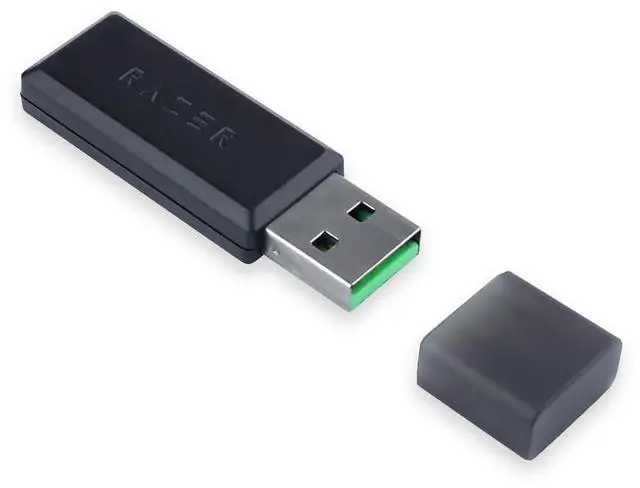
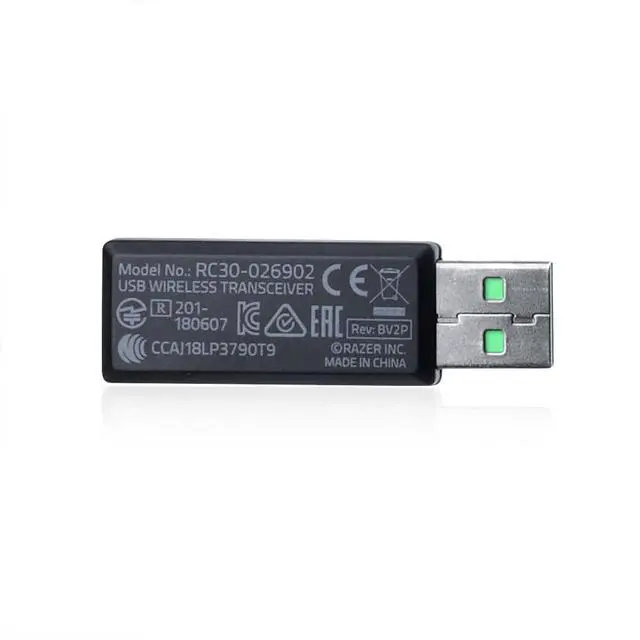
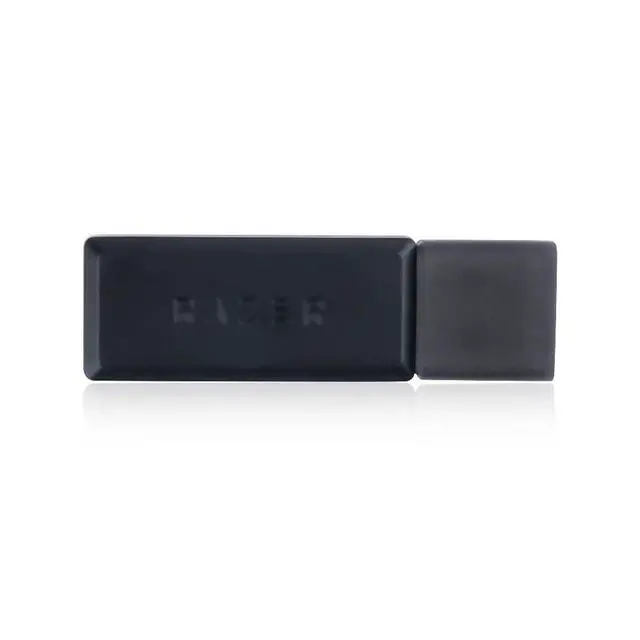
HUYUN Professions USB Wireless Transceiver Receiver Adapter Replacement for Razer Blackshark V2 Pro Headset
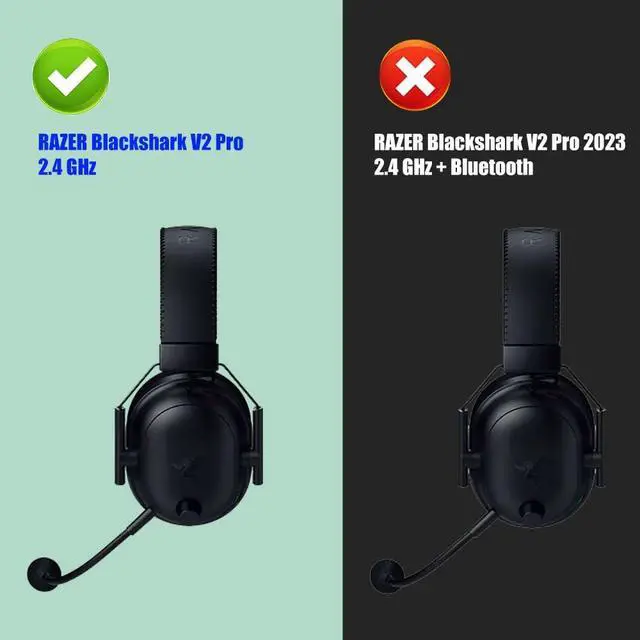
- 1, Compatible Model: For Razer Blackshark V2 Pro Headset RZ04-03220, (Note: Does Not fit Blackshark V2 Hyperspeed and other Wireless Head Mounted Gaming Earphones.)
- 2, Type: Wireless Headset Receiver
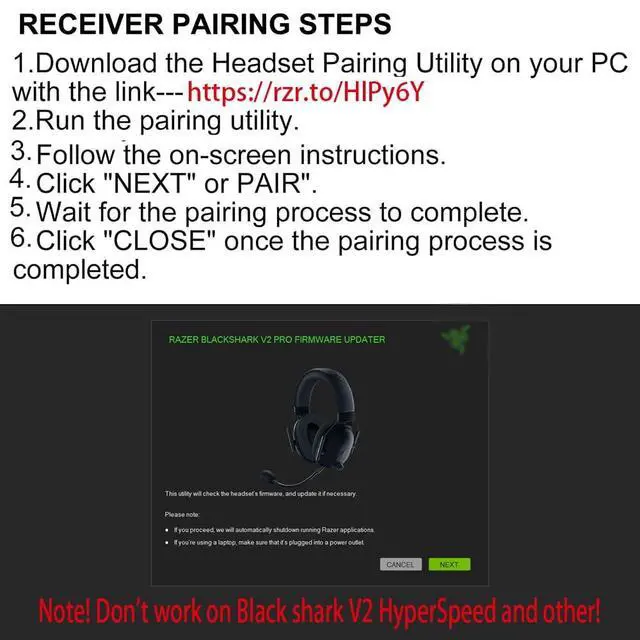
- 3, Pairing method: 1. Download Headset Pairing Utility: Run the pairing utility, Select your device. Ensure you have the correct dongle for the headset that youre trying to pair it with, Follow the on-screen instructions to pair your headset.
- 4, Download the latest firmware updater, Run the updater, You may be prompted to confirm changes on your device by the User Account Control, Click "Yes" to confirm these changes, Click "NEXT" to proceed. The installer will close all running applications if you have not done so.
- 5, Non plug and play, pairing is required for the first use. Please refer to the six picture for specific methods. If you have any further questions, you can contact the us for consultation

+
+
Overview
Specs
Reviews
Descriptions: *
Pairing method: 1.
Download Headset Pairing Utility: Run the pairing utility, Select your device. Ensure you have the correct dongle for the headset that youre trying to pair it with, Follow the on-screen instructions to pair your headset. 2. Download the latest firmware updater, Run the updater, You may be prompted to confirm changes on your device by the User Account Control, Click "Yes" to confirm these changes, Click "NEXT" to proceed. The installer will close all running applications if you have not done so.
* You will receive: 1* USB Wireless Transceiver Receiver AdapterNon plug and play, pairing is required for the first use. Please refer to the sixpicture for specific methods. If you have any further questions, you can contact the us for consultation
Pairing method: 1.
Download Headset Pairing Utility: Run the pairing utility, Select your device. Ensure you have the correct dongle for the headset that youre trying to pair it with, Follow the on-screen instructions to pair your headset. 2. Download the latest firmware updater, Run the updater, You may be prompted to confirm changes on your device by the User Account Control, Click "Yes" to confirm these changes, Click "NEXT" to proceed. The installer will close all running applications if you have not done so.
* You will receive: 1* USB Wireless Transceiver Receiver AdapterNon plug and play, pairing is required for the first use. Please refer to the sixpicture for specific methods. If you have any further questions, you can contact the us for consultation
Warranty & Returns
Warranty, Returns, And Additional Information
Return Policies*
- Return for refund within: 30 days
- Return for replacement within: non-replaceable
- This item is covered by SuZhouLiYuanLiXinBaiHuo Return Policy
- *Subject to applicable law
Warranty Notice:
This product does not include manufacturer warranty when purchased or used outside of its designated sales region. By purchasing internationally, you acknowledge that warranty support from the manufacturer will not be available.
Manufacturer Contact Info
- For a directory of all our manufacturers, please click below.
- Manufacturers Directory
LOADING...