• NZ$148.35
  • GST-Inclusive Price
Ships from Hong Kong.
Most customers receive within 10-17 days.
Sold by Ankelay shop

Shipped by Ankelay shop

Shop it at NeweggBusiness.

Meet Your Seller

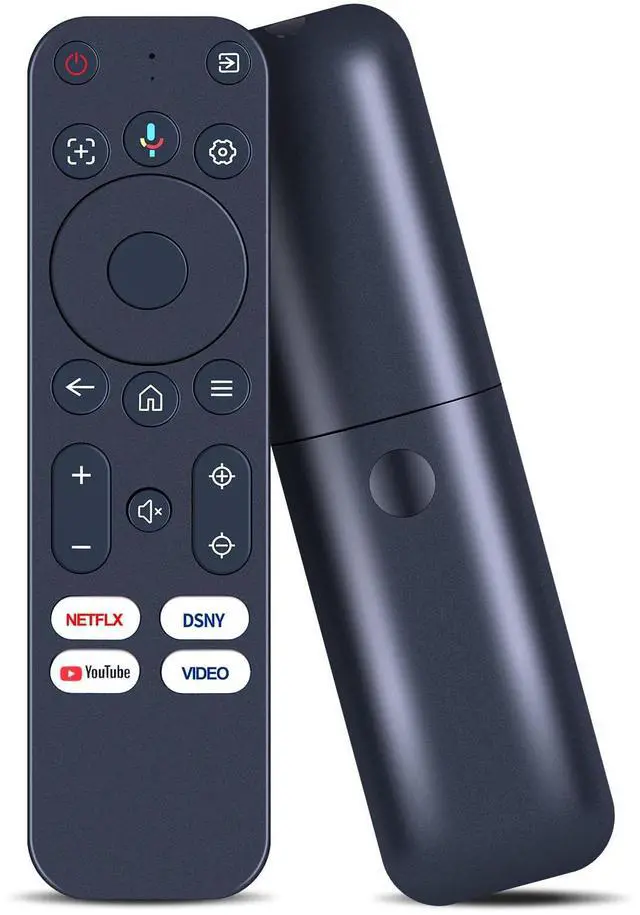
Replacement Remote Control with Voice Compatible with Yaber K3, K3 pro, K2s, T2, T2 Plus Projector, for TOPTRO Smart Mini Movie Projector

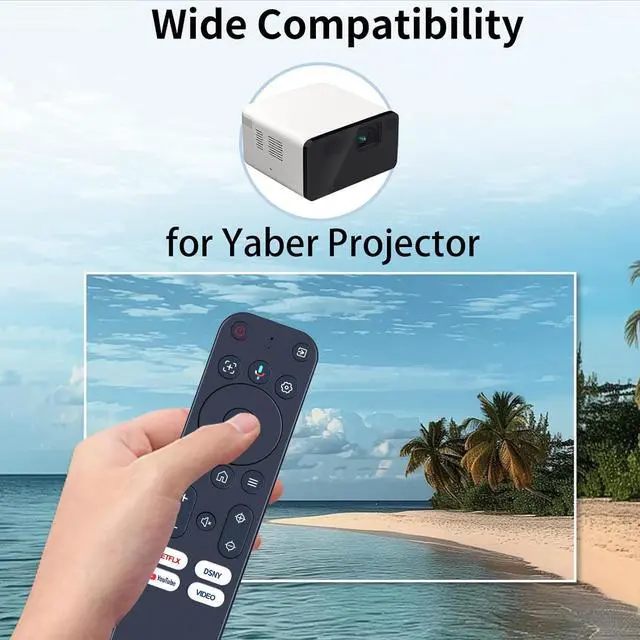
  • Compatibility - Only Compatible with Yaber K3, K3 pro, K2s, T2, T2 Plus Projector.
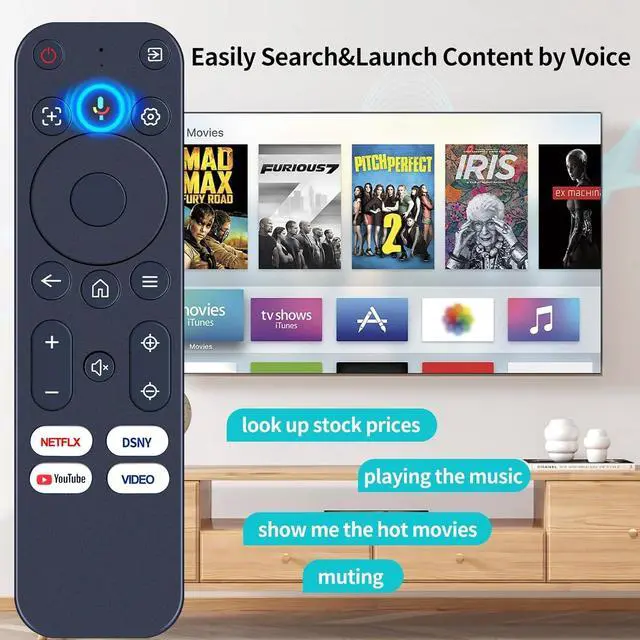
  • Included shortcut hot keys - access multiple apps,YouTube, Netflix, Disney+ Prime video; and once the remote is paired, just press and hold the voice button to speak and jump to your favorite content in seconds.
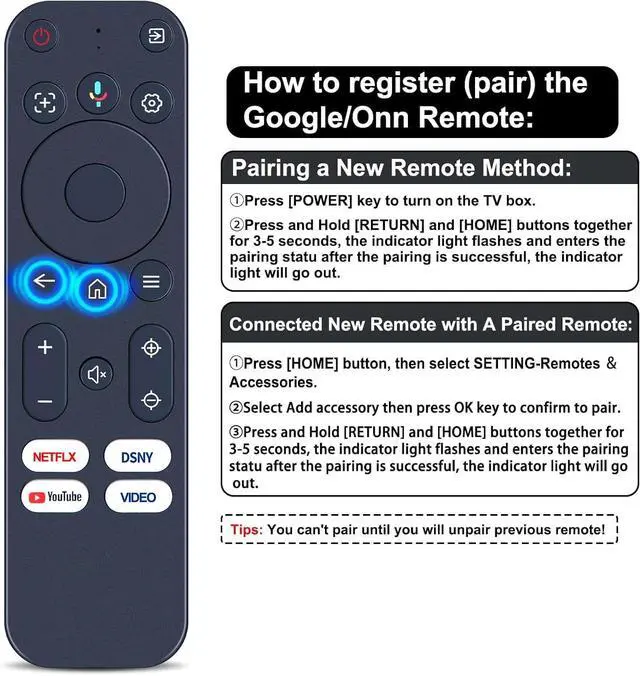
  • How to register (pair) the Google/Onn Remote - Pairing a New Remote Method: Press [POWER] key to turn on the TV box. Press and Hold [RETURN] and [HOME] buttons together for 3-5 seconds, the indicator light flashes and enters the pairing statu after the pairing is successful, the indicator light will go out.
  • Connected New Remote with A Paired Remote - Press [HOME] button, then select SETTING-Remotes Accessories. Select Add accessory then press OK key to confirm to pair. Press and Hold [RETURN] and [HOME] buttons together for 3-5 seconds, the indicator light flashes and enters the pairing statu after the pairing is successful, the indicator light will go out. (Tips: You can't pair until
+
+
Overview
Specs
Reviews
Compatibility - Only Compatible with Yaber K3, K3 pro, K2s, T2, T2 Plus Projector. ^^ Included shortcut hot keys - access multiple apps, YouTube, Netflix, Disney+ Prime video; and once the remote is paired, just press and hold the voice button to speak and jump to your favorite content in seconds. ^^ How to register (pair) the Google/Onn Remote - Pairing a New
Remote Method: Press [POWER] key to turn on the TV box. Press and Hold [RETURN] and [HOME] buttons together for 3-5 seconds, the indicator light flashes and enters the pairing statu after the pairing is successful, the indicator light will go out. ^^ Connected New Remote with A Paired Remote - Press [HOME] button, then select SETTING-Remotes Accessories. Select Add accessory then press OK key to confirm to pair. Press and Hold [RETURN] and [HOME] buttons together for 3-5 seconds, the indicator light flashes and enters the pairing statu after the pairing is successful, the indicator light will go out.
(Tips: You can't pair until you will unpair previous remote! ) ^^
Package Content: 1 * Remote Control Instruction ( 2 x AAA Battery Not Included )

Warranty & Returns

Warranty, Returns, And Additional Information

Return Policies*

  • Return for refund within: 30 days
  • Return for replacement within: non-replaceable
  • This item is covered by Ankelay shop Return Policy
  • *Subject to applicable law
  • Warranty Notice:

    This product does not include manufacturer warranty when purchased or used outside of its designated sales region. By purchasing internationally, you acknowledge that warranty support from the manufacturer will not be available.

Manufacturer Contact Info

LOADING...