


 All CategoriesAll CategoriesAll Categories
Shipped by Newegg

Make informed decisions with expert advice. Learn More



Warranty Notice:
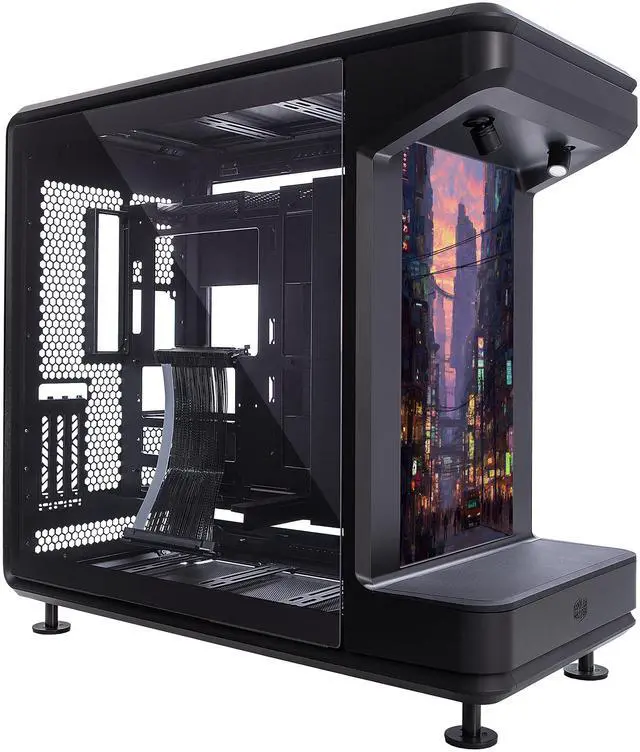
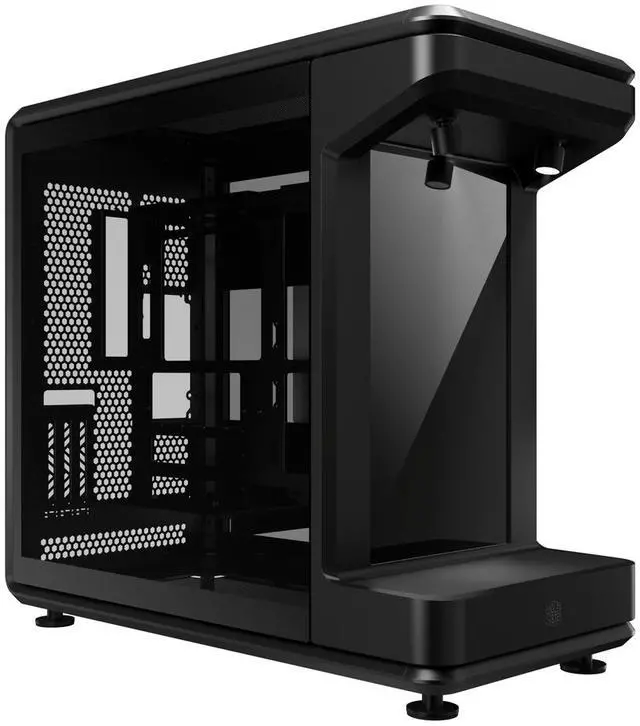
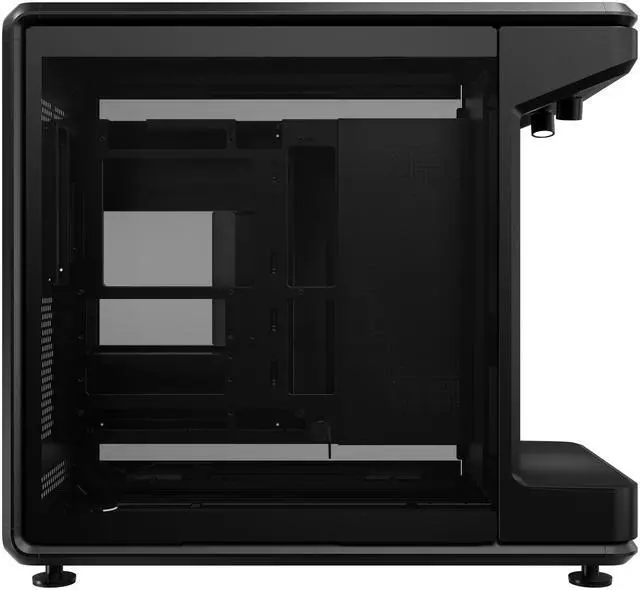
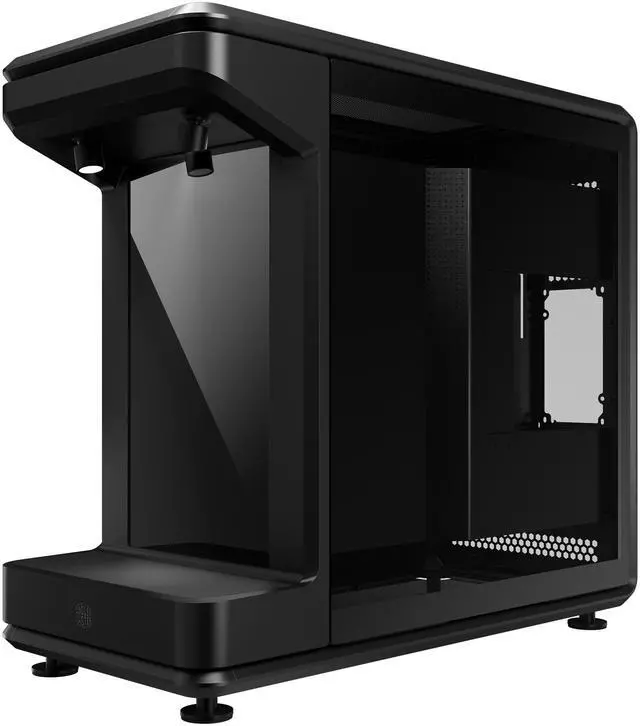
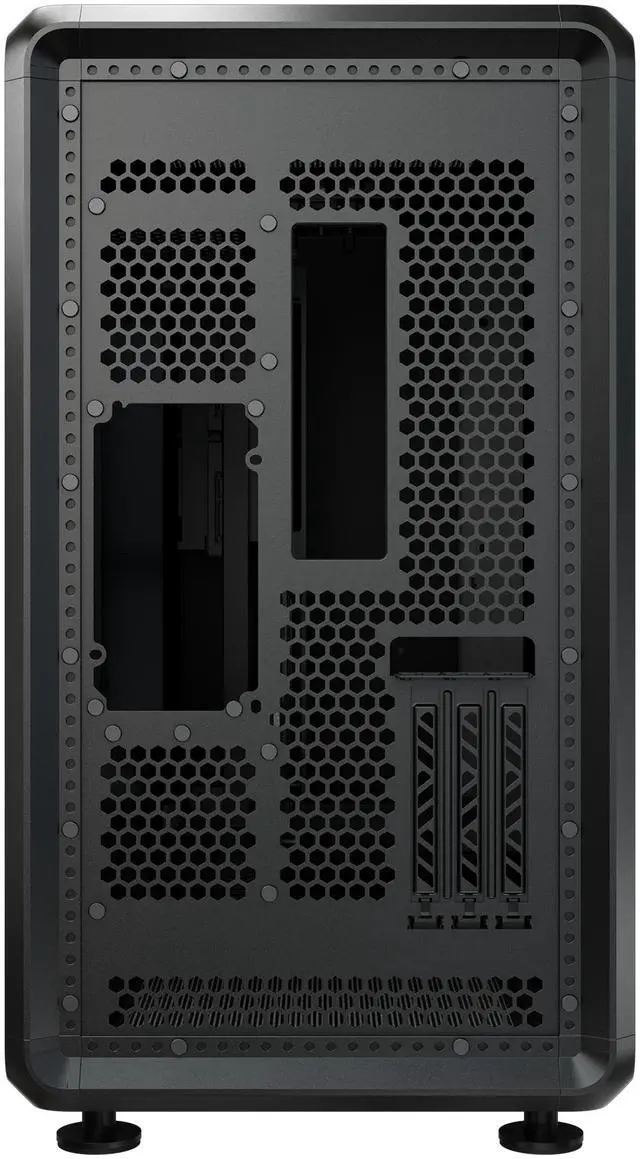
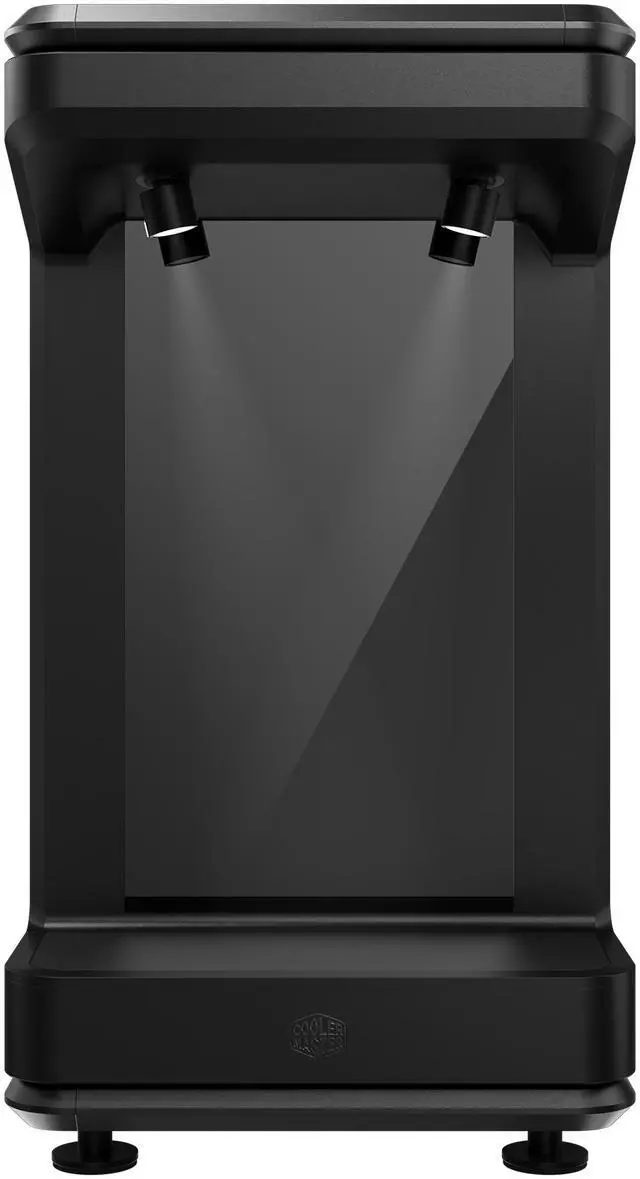
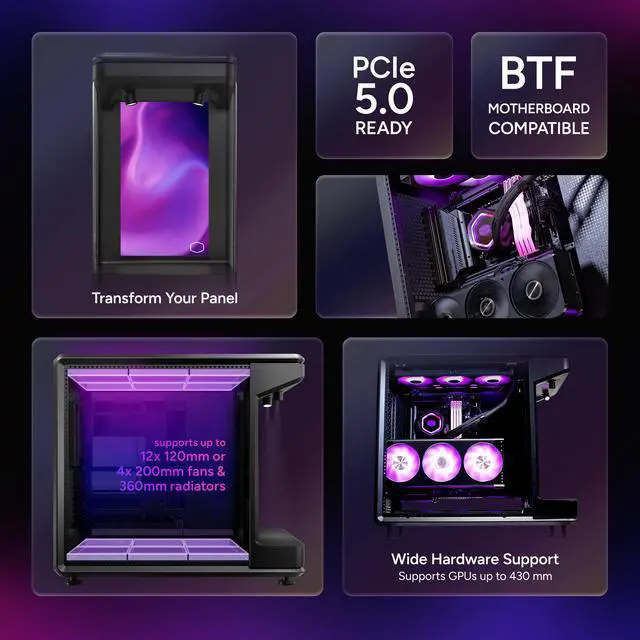
This product does not include manufacturer warranty when purchased or used outside of its designated sales region. By purchasing internationally, you acknowledge that warranty support from the manufacturer will not be available.The Cooler Master MasterFrame 360 Stage LCD is an ATX mid-tower PC case built for showcase gaming or creator PCs, with a front-facing LCD display, open-frame styling, support for GPUs up to 430mm, dual 360mm radiator support, and a bundled PCIe 5.0 vertical GPU mount for builders who want performance hardware presented as part of the design.
| Attribute | Value |
|---|---|
| Best For | High-airflow custom air or liquid-cooled Mini-ITX / Micro-ATX / ATX builds that need support for long GPUs (up to 430 mm) and 360 mm radiators, and builders who want a front LCD plus modern USB-C connectivity |
| Chassis And Materials | SGCC steel exterior with metal and tempered glass enclosure, tempered glass left and right panels, black finish; case type listed as Full Tower |
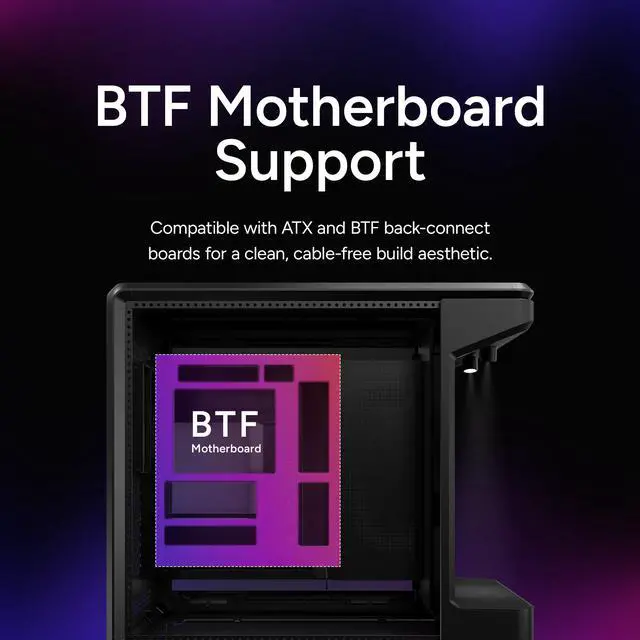
| Motherboard And Expansion | Supports Mini-ITX, Micro-ATX, ATX and BTF (back-connect) motherboards; PCI expansion slots: 3.5 |
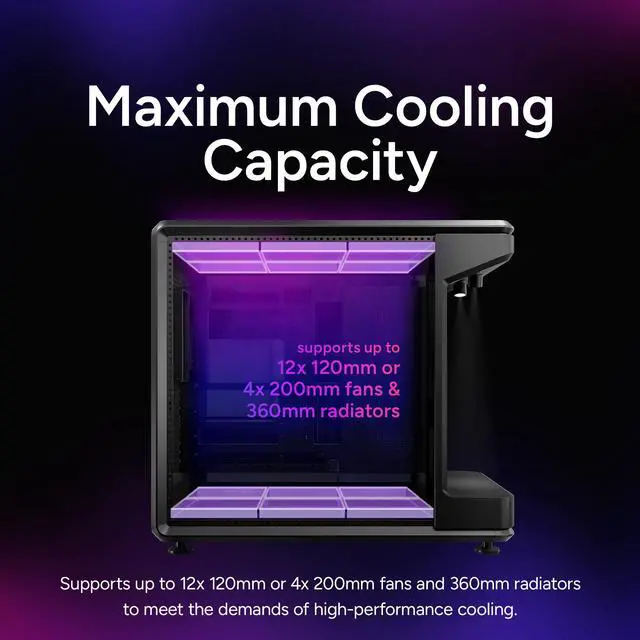
| Cooling And Radiator Support | Air and water cooling support with up to twelve 120 mm fans (top and bottom) or alternate 140/180/200 mm fan layouts, radiator support up to 360 mm (maximum radiator thickness clearance 75 mm) and CPU cooler height up to 145 mm |
| Drive Bays And Storage | 1 × 3.5-inch drive bay and 2 × 2.5-inch drive bays |
| GPU And Power Supply Compatibility | Supports GPUs up to 430 mm and PSUs up to 210 mm; bottom-mounted PSU |
| Front I/O And Connectivity | Front I/O includes USB4 Gen 2x2 Type-C (20 Gbps), two USB 3.2 Gen 1 Type-A ports, and a 3.5 mm headset jack for modern high-speed connections |
| Dimensions And Weight | 549 × 291 × 581 mm (depth × width × height); weight 13.72 kg |
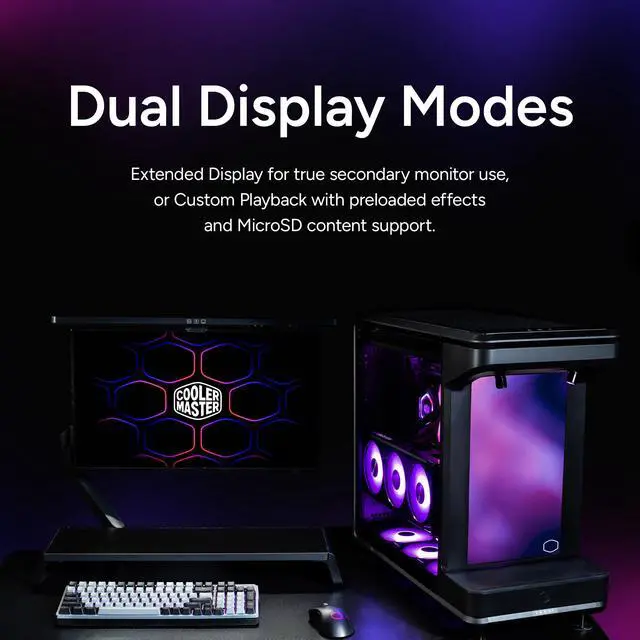
| Case Features And Extras | Front-facing LCD with Extended Display and Custom Playback modes, PCIe 5.0 compatibility called out, tempered glass panels and mesh-only dust filters |
| Model Identifiers | Cooler Master — MASTERFRAME Series; model MF360-KHNN-S02 (listed as MasterFrame 360 Stage LCD); manufacturer Cooler Master; style Stage LCD |
Q: Should I buy the Cooler Master MasterFrame 360 Stage LCD or the HYTE Y70 Touch for a showcase build?
A: Choose the MasterFrame 360 Stage LCD if you want a more open, mod-friendly showcase case with a true front display stage, included PCIe 5.0 vertical GPU riser, support for up to twelve 120 mm fans, and room for 430 mm GPUs. Choose the HYTE Y70 Touch if you prefer a more enclosed dual-chamber layout with stronger cable concealment, broader tower-air-cooler clearance, and a side-panel touchscreen concept. In short: the Cooler Master case fits display-first builds that also want heavy cooling flexibility, while the Y70 Touch fits cleaner panoramic builds with a more traditional enclosed structure.
Q: Is the MasterFrame 360 Stage LCD worth it over the MasterFrame 360 Panorama?
A: Buy the MasterFrame 360 Stage LCD if the integrated front LCD is part of your build concept and you want the case itself to act as a visual display surface. Buy the MasterFrame 360 Panorama if you want the same MasterFrame family styling and showcase emphasis without paying for or managing the LCD feature. The practical trade-off is simple: the Stage LCD adds built-in display functionality, while the Panorama is the more straightforward choice for users focused mainly on hardware presentation.
Q: Is the MasterFrame 360 Stage LCD better than a standard airflow case for cooling-focused builds?
A: The MasterFrame 360 Stage LCD is the better choice if you want a showcase case that still supports very large fan and radiator layouts, especially for custom builds that use vertical GPUs and multiple cooling zones. A standard airflow tower is the better choice if your priority is simpler setup, fewer fitment variables, and easier optimization with large tower air coolers. The main trade-off is that the Cooler Master case offers more visual presentation and customization, while a conventional airflow case usually favors a more direct path to straightforward thermal tuning.
Q: Should I choose the MasterFrame 360 Stage LCD or the Lian Li O11 Dynamic EVO for custom water cooling?
A: Choose the MasterFrame 360 Stage LCD if you want an open visual style, an included vertical GPU riser, and a case built around presentation as much as cooling capacity. Choose the O11 Dynamic EVO if you want a more established custom-loop platform with widely documented layouts, broad community guidance, and proven support for triple-360 mm radiator-style builds. The Cooler Master case is better for distinctive display builds; the O11 Dynamic EVO is the safer choice when planning a complex loop and relying on mature community fitment knowledge.
Q: Is the MasterFrame 360 Stage LCD a good choice for portability or frequent LAN-style moves?
A: The MasterFrame 360 Stage LCD is better suited to a permanent showcase setup than to frequent transport. Its large dimensions, tempered-glass panels, open presentation layout, and LCD-focused front stage make the strongest case for a desk display build. If you move your system often, a more compact and enclosed mid-tower will usually be the more practical choice. If your priority is visual impact and stationary use, the MasterFrame 360 Stage LCD makes more sense.
Q: Is this case a good choice for a showcase gaming or creator build?
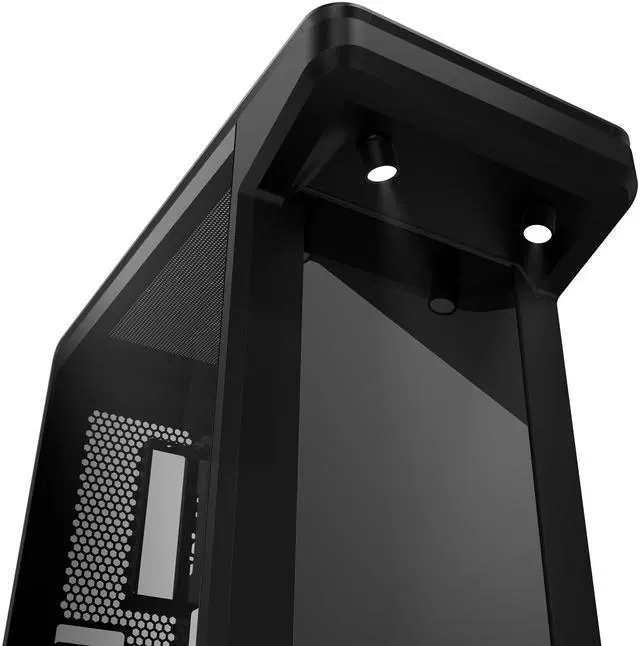
A: Yes, if your priority is presentation and visibility. The MasterFrame 360 Stage LCD is better suited to display-focused builds than a conventional closed airflow case because it uses an open-frame layout, a front LCD display, included vertical GPU mounting, and spotlight lighting. It makes the most sense for users who want their GPU, cooling hardware, and themed components to stay visible on the desk.
Q: Does it include vertical GPU support, or do you need to buy extra parts?
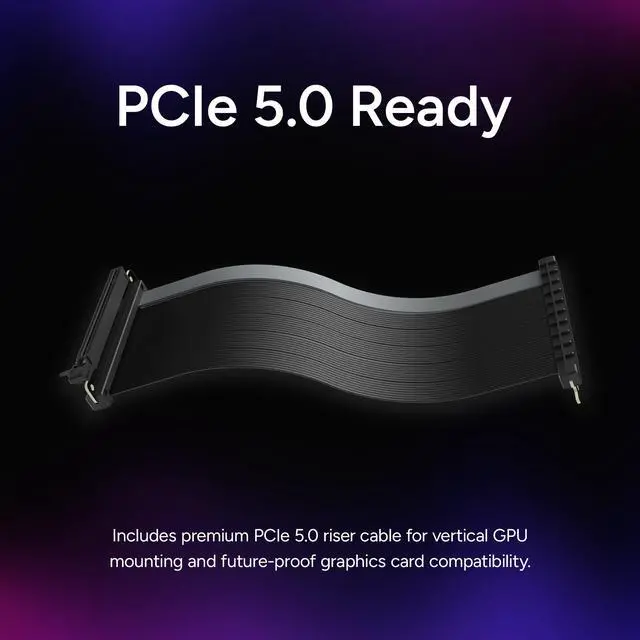
A: It includes vertical GPU support out of the box. The case ships with a PCIe 5.0 riser cable for vertical GPU mounting, which is a practical advantage over many mainstream cases where buyers often ask whether a vertical bracket or riser must be purchased separately.
Q: Will it fit a large GPU and a 360mm radiator at the same time?
A: Usually yes for high-end parts, based on the stated clearances. The MasterFrame 360 Stage LCD supports GPUs up to 430 mm and radiators up to 360 mm, so it is better prepared for large modern graphics cards and full-size liquid cooling than many compact or mainstream mid-towers. As with any case, exact fit still depends on the thickness and layout of your specific GPU, radiator, fans, and tubing.
Q: What are the main trade-offs versus a traditional tempered-glass airflow case?
A: The trade-off is customization and visibility versus practicality. This Cooler Master case offers more visual impact, easier component display, and built-in vertical GPU presentation, but a traditional closed case may be a better fit if you want a more conventional enclosure, more drive-focused utility, or fewer exposure-related compromises. This model is best for desk display builds, not for buyers who just want the simplest standard tower.
Q: Who is this case suitable for, and who should skip it?
A: It is suitable for enthusiasts building a display-first ATX system with a large GPU, custom lighting, and strong liquid-cooling support. It is less suitable for buyers who want a compact case, a very tall tower air cooler, or a plain budget-oriented build. The 145 mm CPU cooler height limit especially makes it less flexible for oversized air coolers than some conventional mid-towers.
Q: Who is the Cooler Master MasterFrame 360 Stage LCD best suited for?
A: It is best suited for showcase-focused desktop builds where the case is part of the display. The front stage, integrated LCD, vertical GPU mount, and open-frame layout make it a better fit for themed builds, collectibles, and visual presentation than for buyers who just want a compact or conventional ATX case.
Q: Is the MasterFrame 360 Stage LCD a practical choice for a normal gaming PC build?
A: It can work for a normal gaming PC, but practicality is not its main strength. It is a large 549 x 291 x 581 mm case built around presentation, with support for full-size ATX boards, 430 mm GPUs, and strong cooling layouts. Buyers who value clean aesthetics, compact size, or a simpler enclosure may find it less practical than a standard mid-tower.
Q: Is the built-in LCD easy to set up and use?
A: Not always. Reddit discussion shows repeated setup friction around pairing, firmware, driver access, and software recognition. The LCD is a distinctive feature, but buyers should expect more setup effort than with a basic case, especially if they want custom content playback or screen control working correctly from day one.
Q: Is it a good case for custom water cooling or very high-airflow builds?
A: It has strong raw cooling capacity on paper, including support for up to 12 x 120 mm fans and radiators up to 360 mm, but the layout is not the simplest for custom loops. Community discussion suggests that the front stage design creates planning constraints, so it is better for builders who want flexibility and are willing to work around the case layout rather than those seeking the easiest custom-loop case.
Q: Is the MasterFrame 360 Stage LCD worth buying over a standard case?
A: It is worth buying if the LCD stage concept is the main reason you want it. Its value comes from presentation features such as the front display area, integrated LCD, included PCIe 5.0 vertical GPU riser, and broad hardware support. If those features are not important to you, a standard case will usually be the simpler and more cost-effective choice.


