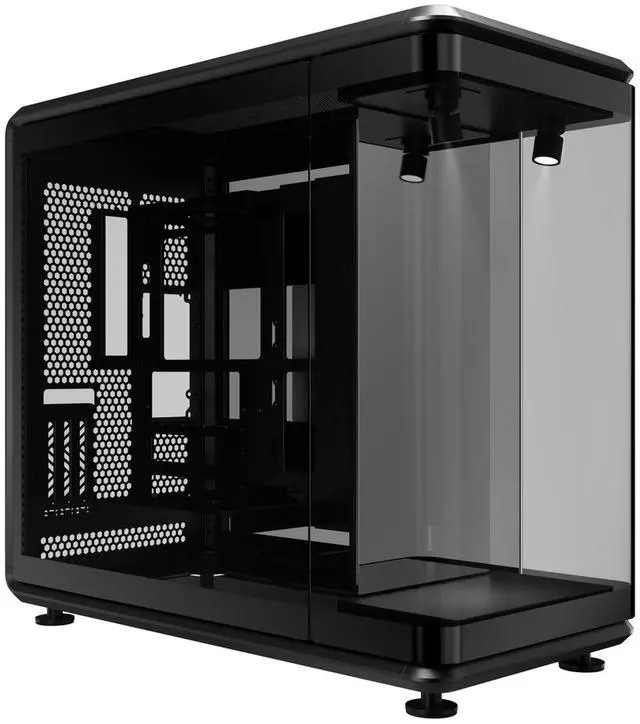
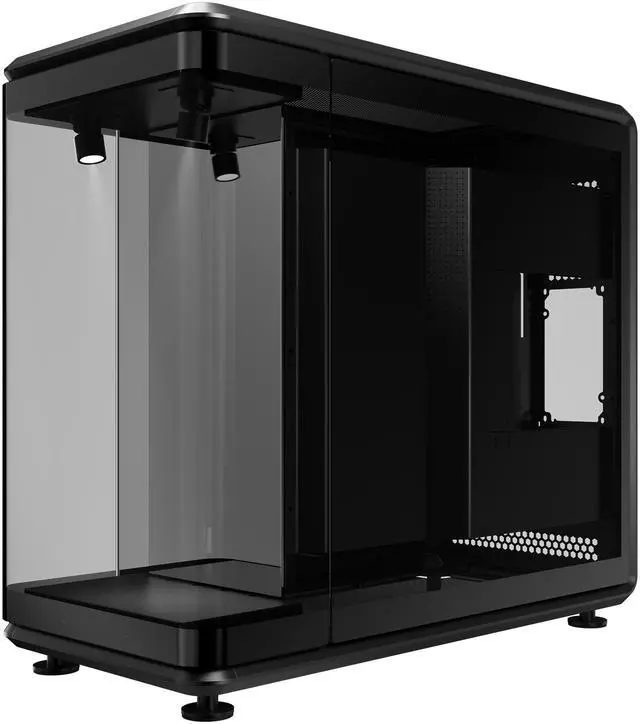
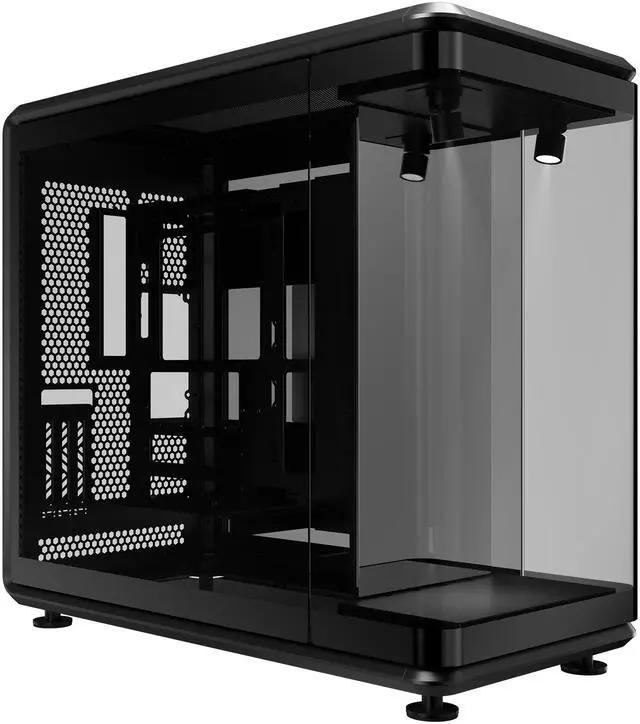
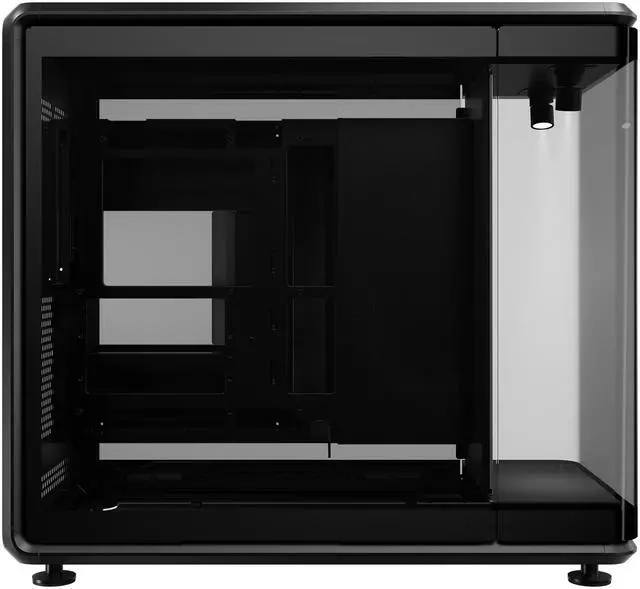
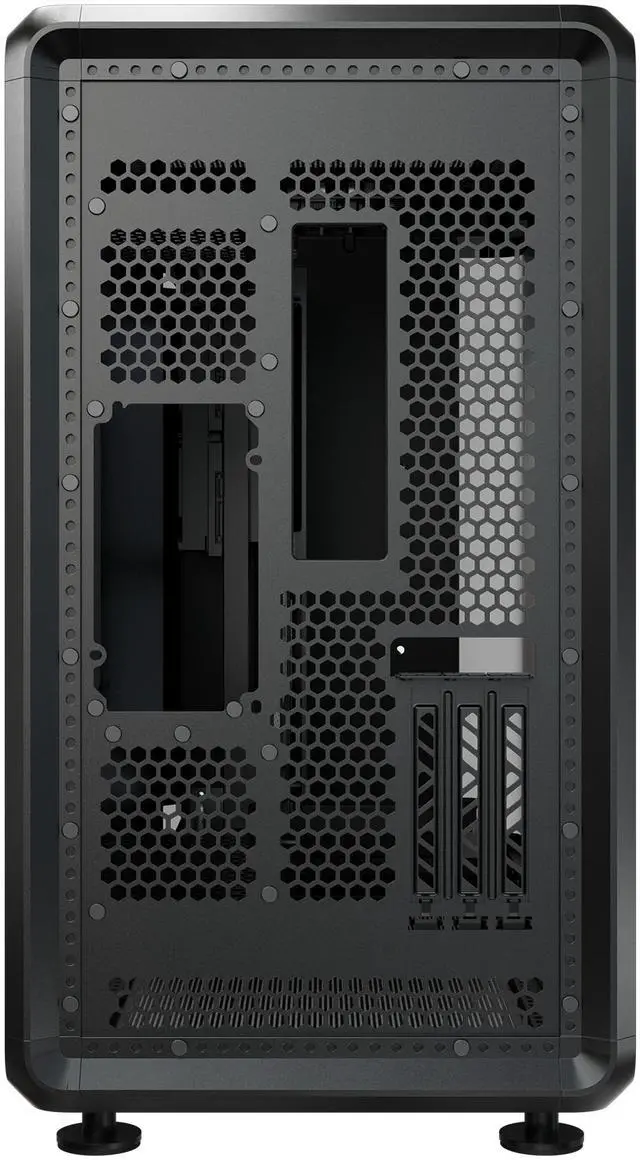
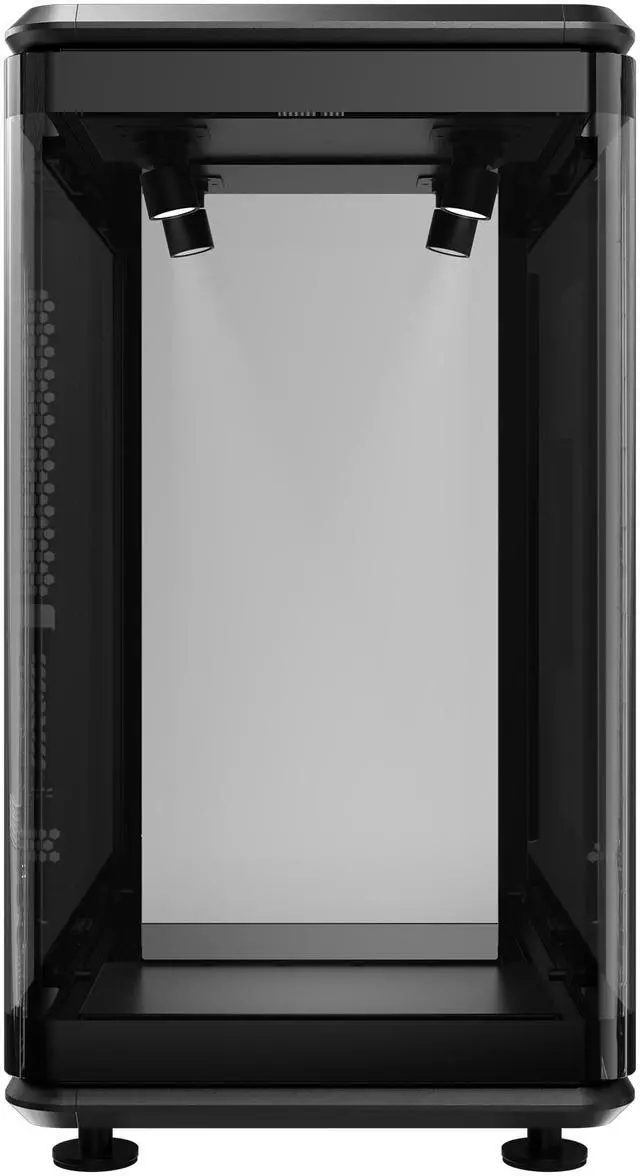
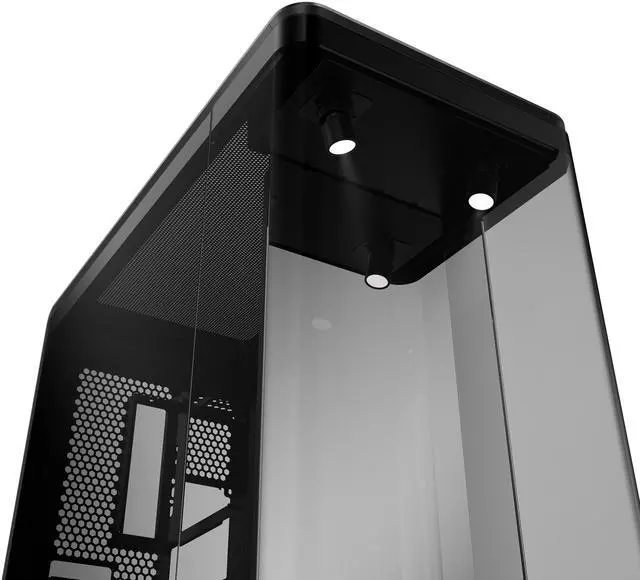
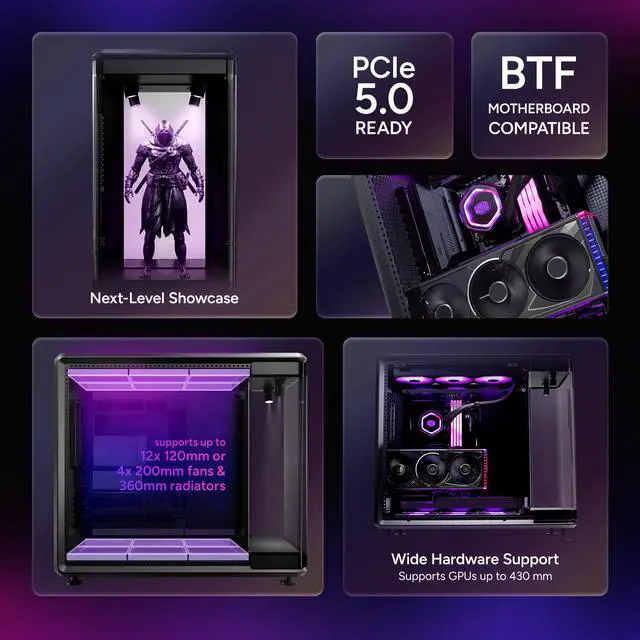
The Cooler Master MasterFrame 360 Panorama is an ATX mid-tower PC case built for showcase-style custom builds, ideal for enthusiasts who want panoramic tempered glass, vertical GPU presentation, and extensive cooling support with up to 12 fans and 360mm radiators.
Recommended For
- PC builders creating a display-first desk setup who want the case to function as part of the room aesthetic, with panoramic glass and a front stage for figures, props, or themed decor.
- Custom-loop and water-cooling hobbyists who want open visual access for tubing runs, reservoir or pump presentation, and flexible top/bottom radiator placement rather than a conventional closed-box layout.
- Builders using large modern components, especially long flagship GPUs and back-connect motherboards, who also want the included vertical GPU presentation instead of a standard horizontal mount.
- Experienced builders who do not mind planning cable routing and component layout in advance to keep a glass-heavy showcase build looking clean from multiple angles.
Real-World Use Scenarios
- A builder making a themed showpiece PC for a desk or studio setup can use the front display stage and panoramic glass to highlight a figure, pump/reservoir, or other display item; the likely outcome is a system that looks intentionally curated from multiple angles without needing custom case modding.
- Someone planning a custom water-cooling build can use this case to route a visible loop around the system and mount large radiators; the likely outcome is a build where the cooling hardware becomes part of the presentation rather than something hidden behind panels.
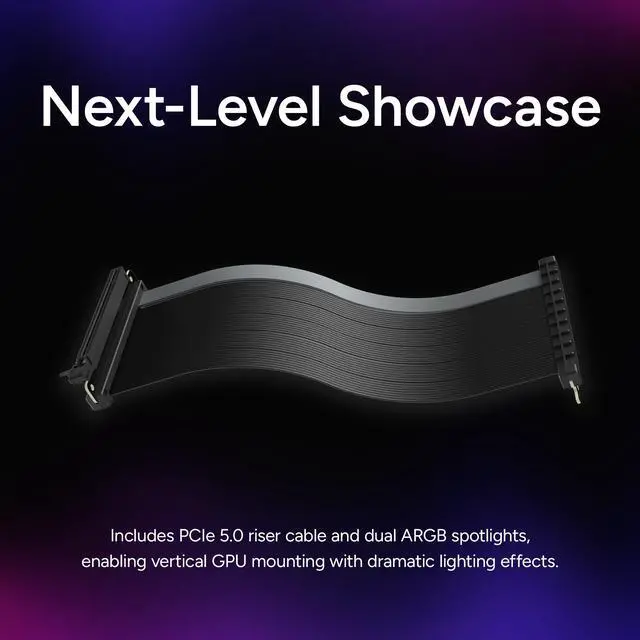
- A gamer upgrading to a long, premium graphics card can use the included vertical mount to turn the GPU into the visual focal point; the likely outcome is easier component display and a cleaner front-facing view than a standard horizontal layout.
- A user building a high-visibility gaming or creator PC with many RGB fans can use the open, glass-heavy layout to make lighting and component choices easy to see; the likely outcome is stronger visual impact, but it also rewards careful cable management because messy wiring stays visible.
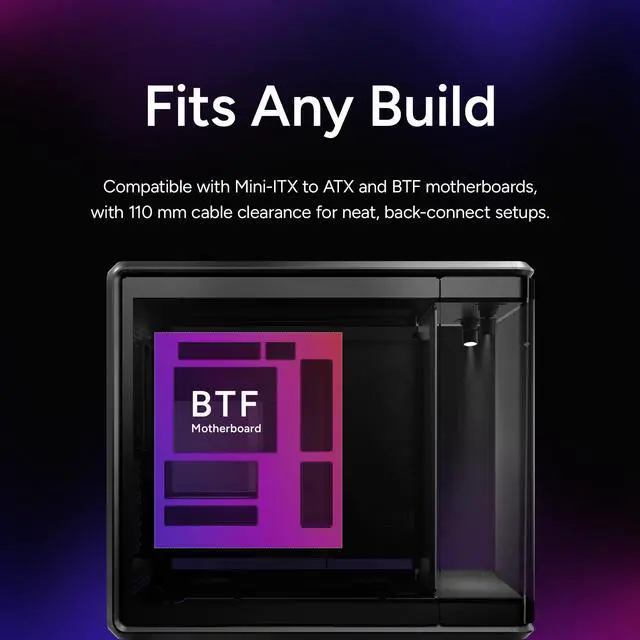
- An enthusiast who wants broad compatibility for a modern ATX or BTF build can use this case for large parts and front-access connectivity; the likely outcome is fewer fit issues with current high-end components, though the case is better suited to display-focused builds than compact or storage-heavy setups.
Spec Summary
| Attribute | Value |
|---|
| Best For | Open-loop liquid-cooling showcase builds and high-end component displays that need long GPUs (up to 430 mm), 360 mm radiator support, vertical PCIe 5.0 GPU mounting, and multi-fan high-airflow configurations |
|---|
| Case And Exterior | Black SGCC exterior with metal frame and panoramic tempered-glass panels (left/right: TG/TG); external data lists Full Tower case type and mesh-only dust filters |
|---|
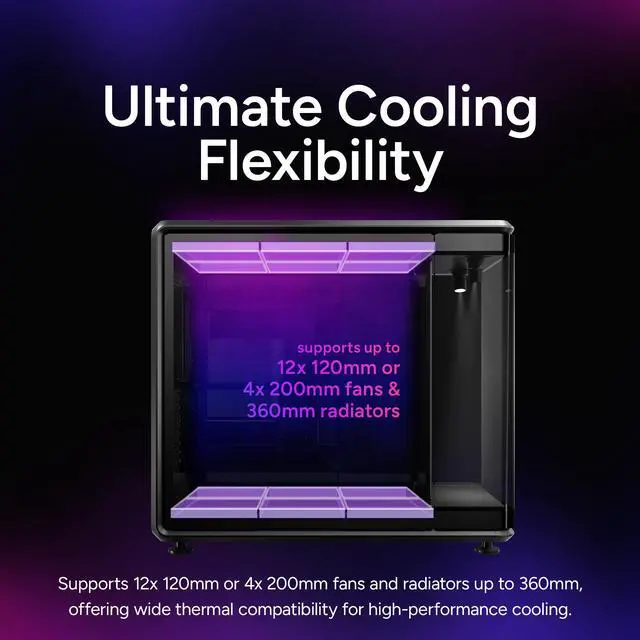
| Cooling And Radiator Support | Supports air and water cooling; top and bottom mounts accept up to 6×120 mm each (12×120 mm total) and alternative 140/180/200 mm fan positions; radiator support up to 360 mm (maximum thickness clearance listed as 75 mm) |
|---|
| Compatibility And Clearance | Compatible with Mini-ITX, Micro-ATX, ATX and BTF (back-connect) layouts; supports GPUs up to 430 mm, CPU coolers up to 145 mm tall, PSUs up to 210 mm; internal storage: 1×3.5" bay and 2×2.5" bays |
|---|
| Front I/O And Expansion | Front I/O includes 1× USB4 Gen 2×2 Type-C (20 Gbps), 2× USB 3.2 Gen 1 Type-A, and 1× 3.5 mm headset jack; includes PCIe 5.0 riser cable for vertical GPU mounting and lists PCI expansion slots as 'PCI Expansion Slots: 3.5' |
|---|
| Dimensions And Weight | Chassis dimensions 549 × 291 × 581 mm; product weight 13.72 kg |
|---|
| Features And Accessories | 360° showcase / DIY liquid-cooling chassis with panoramic tempered glass, PCIe 5.0 compatibility and PCIe 5.0 riser cable included; front USB-C support noted in accessory list |
|---|
| Model Identifiers | Cooler Master MASTERFRAME Series — Model MF360-KINN-S00 (Model Name: MasterFrame 360 Panorama; Style Name: Panorama); Manufacturer: Cooler Master |
|---|
Reference Q&A
Q: Should I buy the Cooler Master MasterFrame 360 Panorama or the Lian Li O11 Vision for a showcase build?
A: Choose the MasterFrame 360 Panorama if you want a display-first case with a built-in front stage, included PCIe 5.0 vertical GPU riser, support for up to 12x120mm fans, and room for very long GPUs up to 430 mm. Choose the Lian Li O11 Vision if you want a more conventional panoramic showcase layout with broader community familiarity and a design reviewers describe as easy to disassemble for building. The main trade-off is that the Cooler Master is more specialized around vertical GPU presentation and front-stage aesthetics, while the O11 Vision fits buyers who want a cleaner traditional glass-showcase format.
Q: Is the MasterFrame 360 Panorama a better fit than the HYTE Y70 for a display-focused gaming PC?
A: Pick the MasterFrame 360 Panorama if your priority is a more curated showcase presentation with a front display stage, vertical GPU mounting included, and stronger support for custom visual builds or open-loop styling. Pick the HYTE Y70 if you want a mainstream panoramic case style that has been widely reviewed as part of the looks-oriented tempered-glass segment. The practical difference is that Cooler Master's case is more purpose-built for staged presentation, while the Y70 is the safer choice if you want a popular fish-tank layout without the same emphasis on figurine or front-platform display use.
Q: Should I get the MasterFrame 360 Panorama or the MasterFrame 360 Stage LCD?
A: Choose the MasterFrame 360 Panorama if you want the same chassis platform but prefer panoramic glass and a physical display area instead of paying for the integrated screen version. Choose the MasterFrame 360 Stage LCD if the front LCD is part of the build concept and you plan to use the case itself as a visual display element. Cooler Master lists them on the same 549 x 291 x 581 mm platform, so this decision is mainly about front presentation style rather than core compatibility.
Q: Should I get the MasterFrame 360 Panorama or the cheaper Stage Mirror version?
A: Choose the MasterFrame 360 Panorama if you want the three-sided panoramic tempered-glass view to be the main reason for the build. Choose the Stage Mirror version if you like the same MasterFrame 360 chassis concept but want a variant centered more on the mirrored stage presentation. Since Cooler Master lists the same overall dimensions and shared series platform across these versions, the buying decision is mostly about whether you want panoramic visibility around the hardware or a stage-led front visual effect.
Q: Is the MasterFrame 360 Panorama better for custom liquid cooling than a standard airflow mid-tower?
A: Yes, if the goal is a display-oriented liquid-cooled build. Cooler Master positions the MasterFrame 360 Panorama around a 360-degree open-frame cooling presentation, and it supports up to 360 mm radiators at the top or bottom plus high fan capacity. Reviews also show it works well as a premium showcase chassis, but they note it ships without fans and uses a fixed vertical GPU layout. A standard airflow mid-tower is the more practical choice if you want a simpler build path or plan to rely more on traditional air-cooling layouts.
Q: Is this case a good fit for a custom liquid-cooling show build?
A: Yes. This case is better suited to a showcase liquid-cooling build than to a compact, budget-focused build. It supports up to 360mm radiators on the top and bottom, up to twelve 120mm fans, and uses panoramic tempered glass plus a vertical GPU layout to emphasize component visibility. The trade-off is size and weight: it is a large 13.72kg mid-tower, so it makes more sense for a stationary display build than for a simple mainstream air-cooled system.
Q: Will it fit a large modern GPU and a vertical GPU setup without extra parts?
A: Usually yes. The case supports GPUs up to 430mm and includes a PCIe 5.0 riser cable for vertical mounting, so it is more accommodating than many panoramic mid-towers that either have shorter GPU clearance or require a separate riser kit. Buyers should still confirm total GPU thickness and cooling clearance, because vertical mounting can reduce space around the graphics card compared with a conventional horizontal install.
Q: Is this case better for airflow or for appearance?
A: It is primarily optimized for appearance and display flexibility, but it still has strong cooling potential if you populate it properly. The panoramic glass, front display stage, and vertical GPU presentation favor a showcase build, while support for up to twelve 120mm fans and dual 360mm radiator positions gives it serious thermal headroom. The trade-off is that glass-heavy cases usually depend more on planned fan placement than mesh-front airflow cases do.
Q: Who is this case most suitable for?
A: It is most suitable for enthusiasts building a visually prominent gaming or custom-loop PC, especially users who want panoramic glass, vertical GPU presentation, and room for large components. It is less suitable for buyers who want a compact footprint, multiple hard-drive bays, or a simple value-oriented case, since storage capacity is modest and the chassis is physically large.
Q: Is it a better choice than a typical panoramic mid-tower like a HYTE Y40 or similar glass-focused case?
A: It is a better choice if your priority is maximum cooling flexibility and included next-gen vertical GPU hardware. Compared with many comparable panoramic cases, this model offers unusually high fan capacity, dual 360mm radiator support, 430mm GPU clearance, and an included PCIe 5.0 riser. A typical alternative may be easier to place on a desk or less expensive, so the better choice depends on whether you value showcase scale and custom-cooling headroom more than footprint and simplicity.
Q: Who is the Cooler Master MasterFrame 360 Panorama best for?
A: It is best for builders who want a showcase-style PC with strong visibility, vertical GPU presentation, and room for custom water cooling. It makes more sense for display-focused or loop-focused builds than for compact, storage-heavy, or purely value-driven systems.
Q: Is the MasterFrame 360 Panorama a good choice for custom water cooling?
A: Yes, it is a strong fit for custom liquid cooling because it is designed around open visibility and large cooling support. The trade-off is that cooling performance may depend heavily on fan layout and fan speed, so it is better for enthusiasts willing to tune airflow than for buyers who want a simple, quiet build.
Q: Can the MasterFrame 360 Panorama work well with air cooling?
A: It can work with air cooling, but it is not primarily optimized for that use. CPU air cooler clearance is limited to 145 mm, and community discussion consistently frames it as a case that favors AIO or custom loop builds over traditional tower-cooler setups.
Q: What are the main trade-offs of buying the MasterFrame 360 Panorama?
A: The main trade-offs are size, practicality, and storage flexibility. It is a large case built around presentation, vertical GPU display, and cooling hardware, but it offers limited drive capacity and may be less appealing if you want a smaller, simpler, or more utilitarian case.
Q: Is the MasterFrame 360 Panorama suitable for large modern GPUs and showcase builds?
A: Yes. It is well suited to large modern GPUs because it supports cards up to 430 mm and includes a PCIe 5.0 vertical GPU mount. That makes it a practical option for builders who want a display-first layout without giving up compatibility with high-end graphics cards.



 All Categories