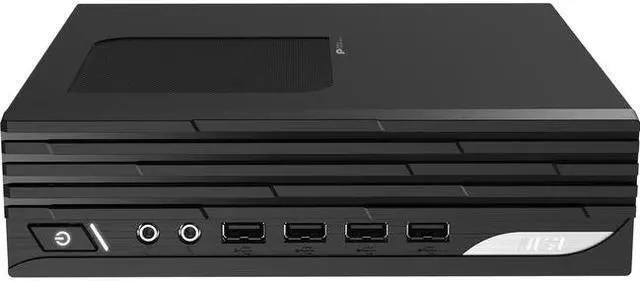
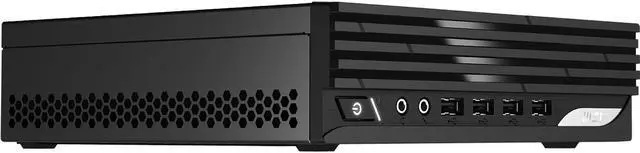
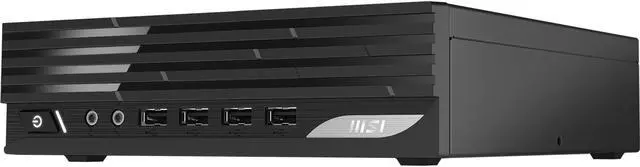
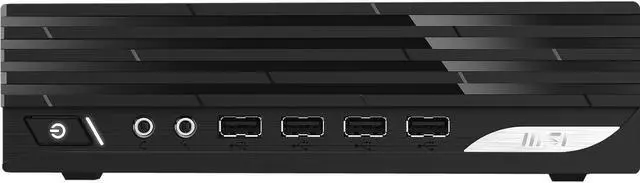
• NZ$3,039.45
  • GST-Inclusive Price
  • Free 30-day Returns
  • NZ$157.00 Shipping
Ships from United States.
Sold by Newegg

Shipped by Newegg
Shop it at NeweggBusiness.

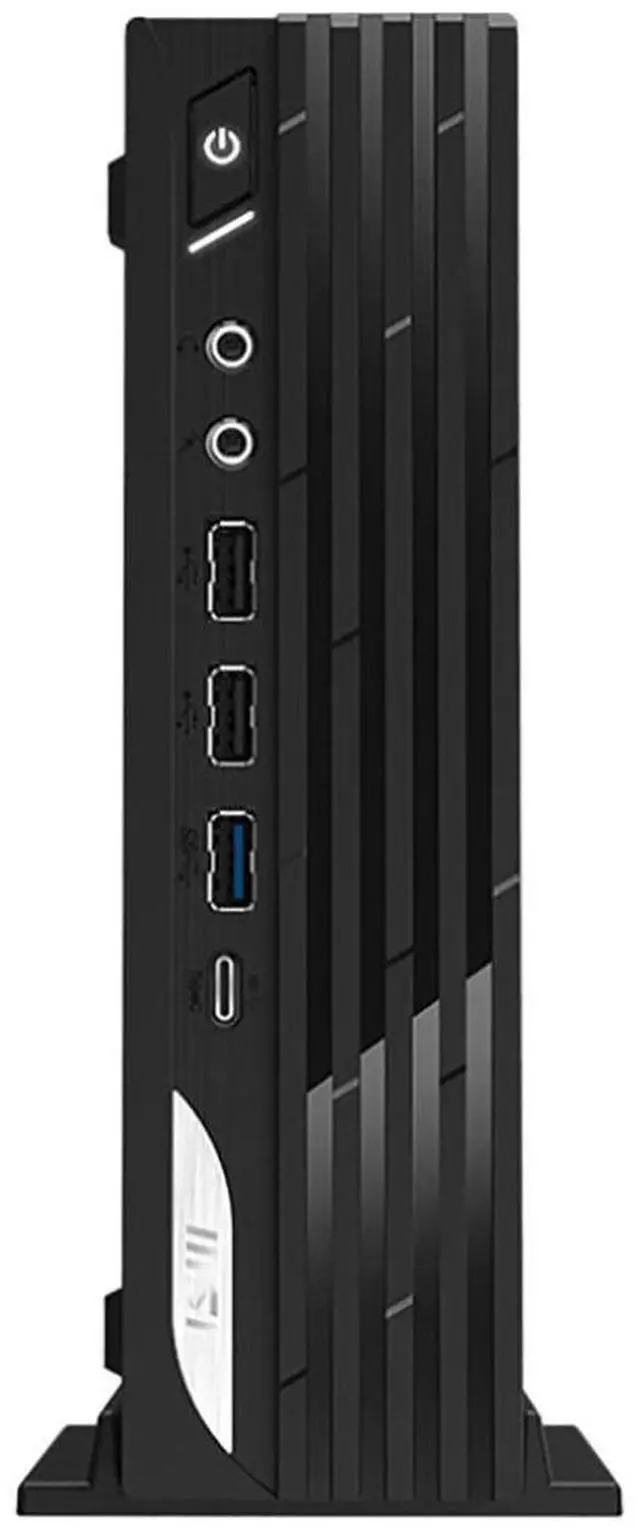
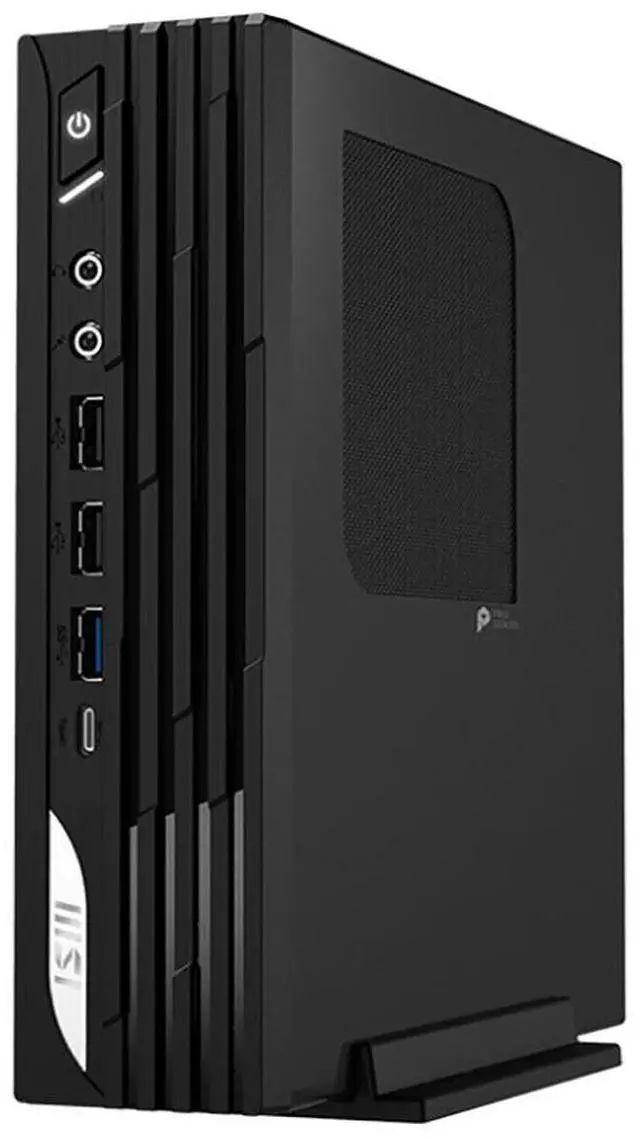
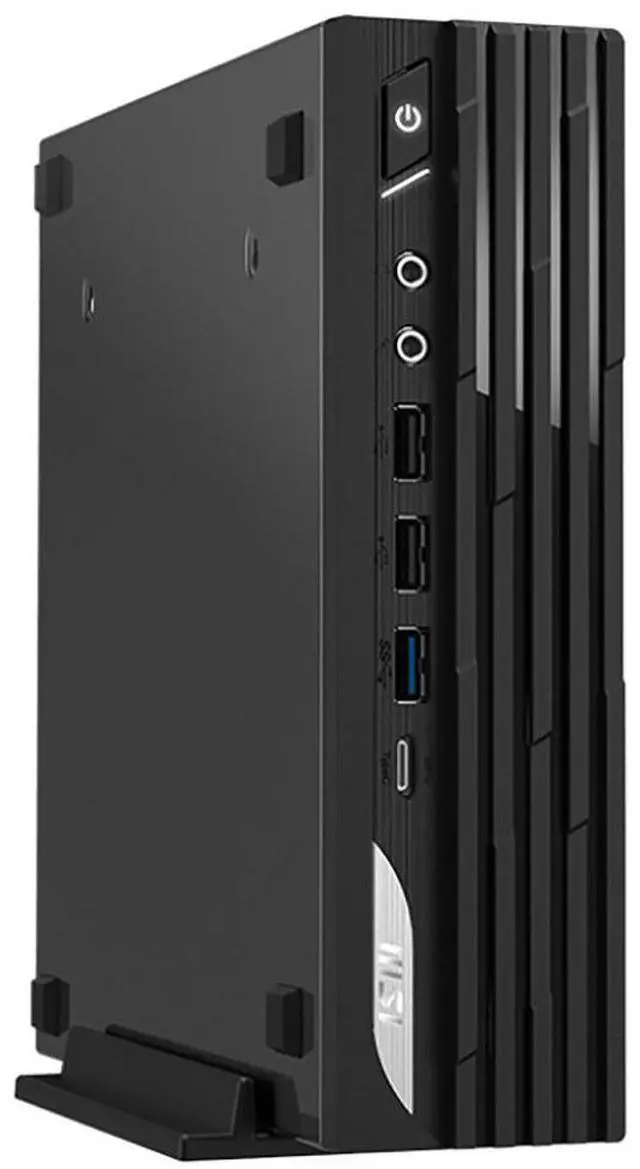
MSI Desktop Computer PRO DP21 14MQ-006US Intel Core i5-14500 16GB DDR5 1TB PCIe SSD Intel UHD Graphics 770 Windows 11 Pro 64-bit

  • Intel Core i5-14500
  • 16GB DDR5
  • 1TB PCIe SSD
  • Windows 11 Pro 64-bit
  • No Screen
  • Intel UHD Graphics 770
  • Components brands may vary
+
+
Overview
Specs
Reviews
Resilient and Pioneering Spirit of Your BusinessYour business should be empowered to stop at nothing while navigating your journey with MSI Business & Productivity Series products.
KIOSK & digital signage: VESA Mountable & Various I/O Ports Government & Finance: Security & Remote Manageability Education & Science: Space Saving & Manageability Small and
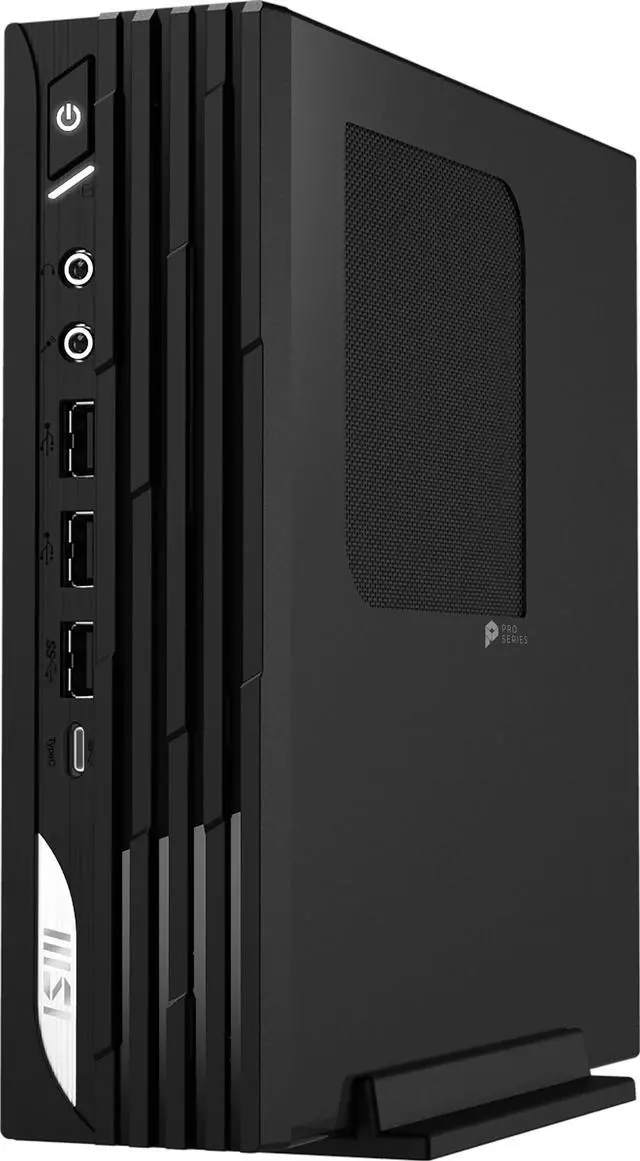
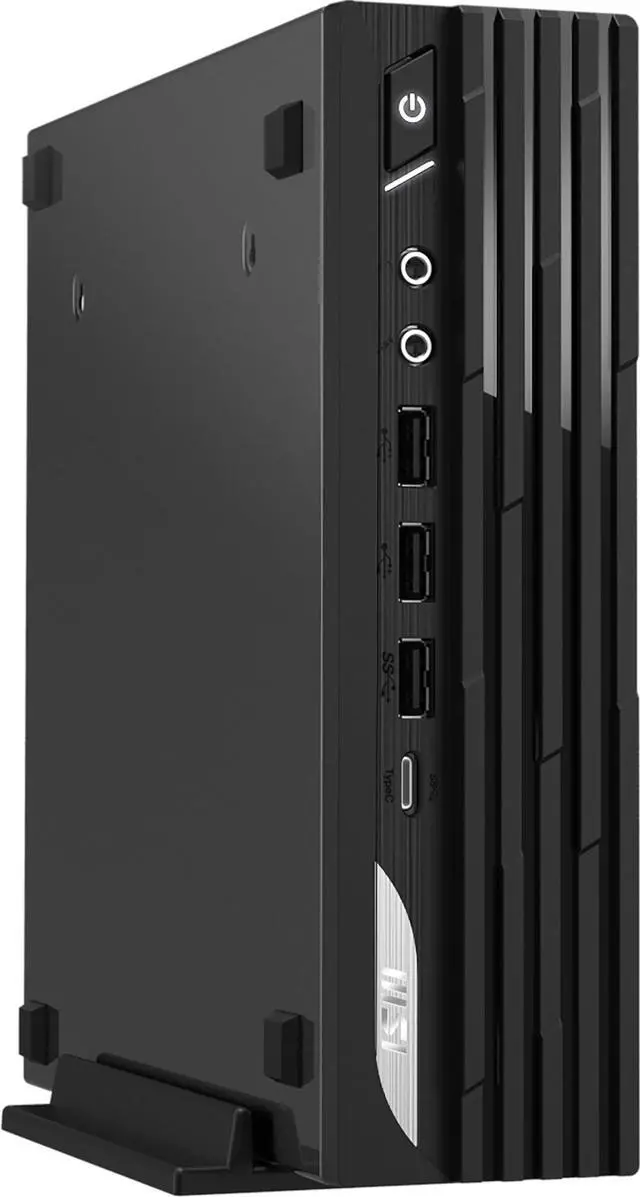
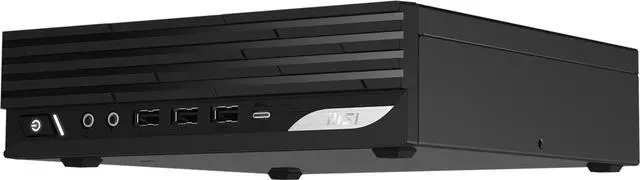
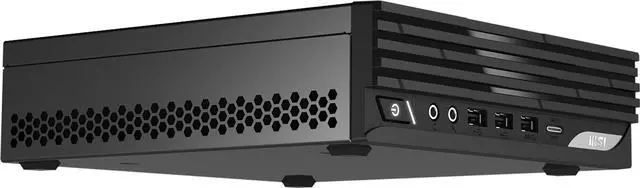
Medium Business: Security & ReliabilityMaximize Space with the Versatile PRO DP21 SeriesThe PRO DP21 Series is ideal for compact spaces, featuring a 2.3 -liter chassis. It can be mounted behind a monitor or on a wall, freeing up desk space and creating a tidier workspace. Reliable Choice for BusinessEnsuring top quality is not just a catchphrase for us; it is our utmost priority to deliver a hassle-free and high-quality product. Security - INTEL VPRO Platformthe Intel vPro provides 97% detection against all of the known and unknown threats without assistance from software security solutions.
Note: According to the Enterprise Advanced Security TestManageability BoostedIT Admin team will be able to remotely power up and access devices on Intel vPro Enterprise to diagnose, repair, patch, or update devices without disrupting employees' work or requiring them to come into the office. Long-Term Reliability, Stability And CompatibilityMSI products with Intel Stable IT Platform Program (Intel SIPP) offer high-quality components for business users through rigorous validation processes. Performance - Improved Effectiveness From Improved Hardware StabilityIT efficiency improve from fewer support tickets and faster time to resolution, that employees also became more efficient and saved time from fewer hardware issues. dTPM 2.0 dTPM 2.0 technology provides hardware-based security functions. Sensitive data and passwords can be stored with encryption for advanced protection. Kensington LockThe Kensington lock design is a reliable and efficient method of deterring theft. By physically tethering the PRO DP21 to a secure object, Kensington lock is particularly useful in safeguarding the device and the valuable data in it. 24/7 Qualified Reliability TestOur relentless commitment to quality is reflected in our extensive reliability testing, which generates over 246, 000 hours of MTBF (Mean Time Between Failures).

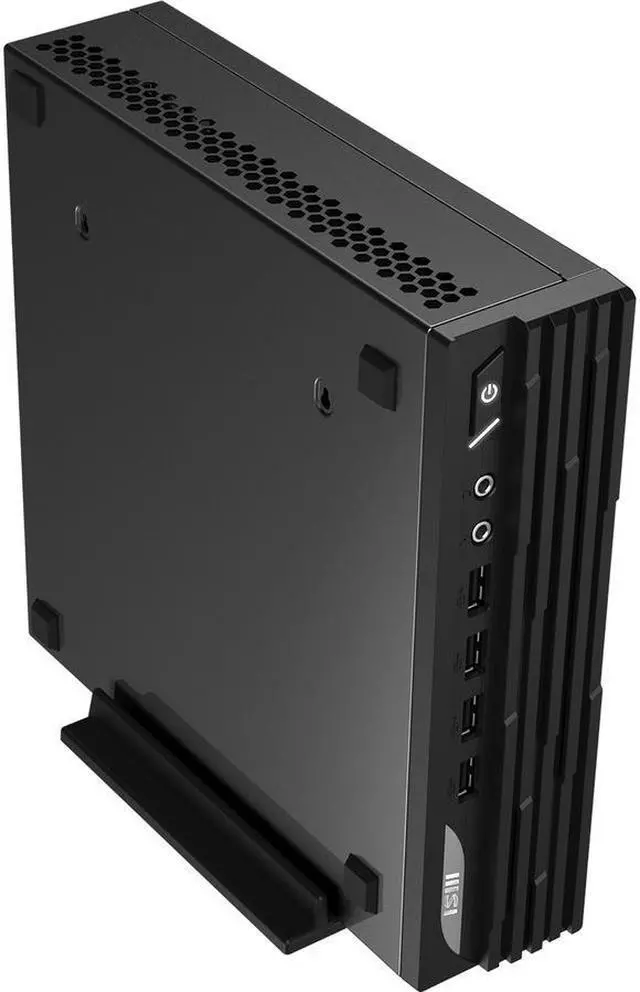
We assure 24/7 reliability and availability, delivering an effortless user experience. Quality is not just a buzzword for us, it's our top priority to deliver a hassle-free and high-quality product. Performance AssuranceMIL-STD-1916 testing guarantees MSI products meet high-performance standards, providing reliable and professional experiences with desktop PCs at their bestOptimized for Versatility & ConvenienceStreamlining operations to achieve maximum productivity with minimal wasted effort or expense. Easy to Upgrade DesignUsers can easily upgrade two DDR5 SO-DIMM, one M. 2 SSDs, or two 2.5" HDD/SSD by disassembling the cover. This makes PRO DP21 an even more flexible desktop and also reduces the time wasted on upgrading. MSI Power LinkThe PRO DP21 14MQ Series can be powered on using the power button on the MSI-selected monitor to bring the most convenient user experience. VESA Mountable DesignWith its VESA Mountable design, the PRO DP21 Series can be easily installed in any location, providing users with greater flexibility and efficient space management in both home and office settings. Dual Display SupportDual displays enable multitasking, simplifying the management of multiple applications and documents simultaneously to increase efficiency and productivity.

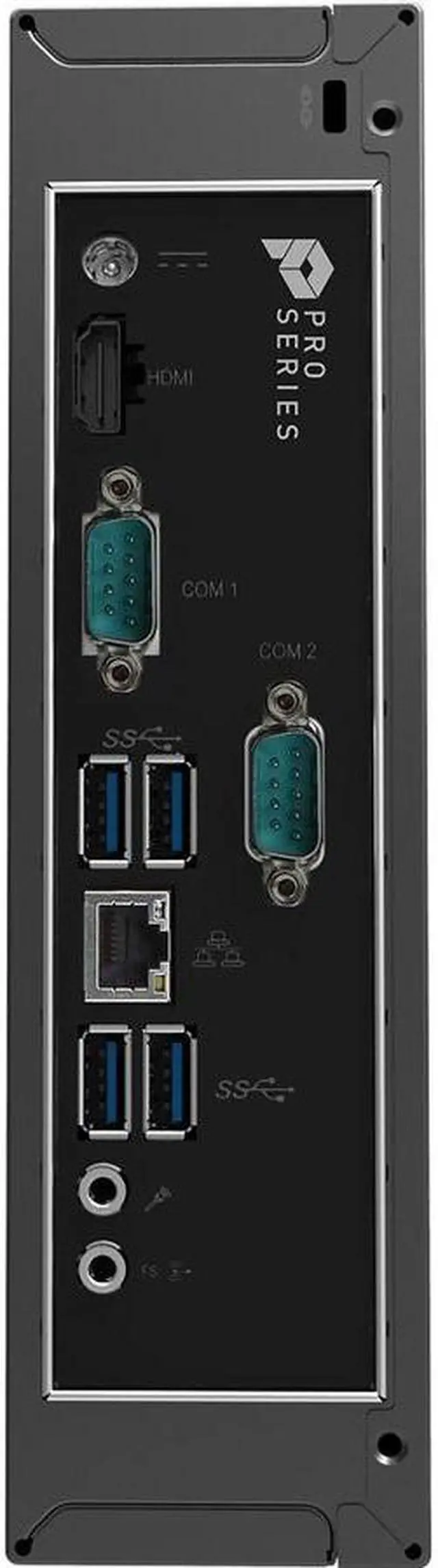
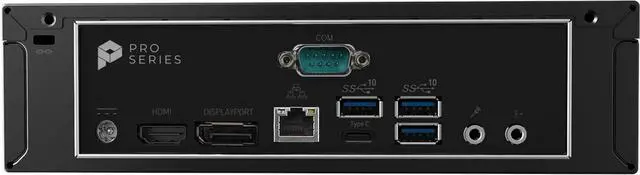
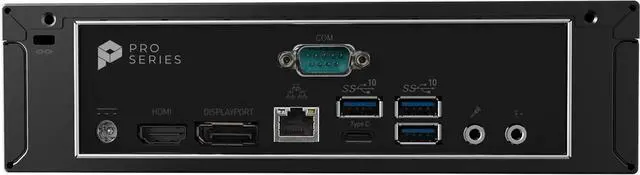
USB 10Gbps Type-C & AEnjoy the high-speed performance of USB 10Gbps Type-C and Type-A ports while backing up important educational or business data on two different types of storage, following the 3-2-1 backup rule. COM PortWith a COM port and USB ports it will let you fully connect to the POS devices such as barcode scanners, receipt printers and many more

Warranty & Returns

Warranty, Returns, And Additional Information

Return Policies*

  • Return for refund within: 30 days
  • Returns are subject to restocking fees and return shipping fees. Please click here to learn more about restocking fees and return shipping fees.
  • This item is covered by Newegg.com's International Order Return Policy.
  • Read full return policy for details.
  • *Subject to applicable law
  • Warranty Notice:

    This product does not include manufacturer warranty when purchased or used outside of its designated sales region. By purchasing internationally, you acknowledge that warranty support from the manufacturer will not be available.
LOADING...
LOADING...

The MSI PRO DP21 14MQ-006US is a compact business desktop with a 14-core Intel Core i5-14500, 16GB DDR5 memory, a 1TB NVMe SSD, and Windows 11 Pro, suited to office work, business applications, and everyday multitasking.

Recommended For

  • Office and hybrid workers who keep a fixed desk setup and need a compact Windows PC for everyday multitasking, such as documents, spreadsheets, browser tabs, and video calls.
  • Small offices or home-office users who want a space-saving desktop that can sit on a desk or be mounted behind a compatible monitor, while connecting to wired or Wi-Fi networks.
  • Desk-based users who want to run two displays for work, such as keeping email or reference material open beside a primary work screen.
  • Users who need a compact business-oriented PC with Windows 11 Pro and a mix of USB-A, USB-C, Ethernet, HDMI, and DisplayPort connections for everyday office peripherals.

Real-World Use Scenarios

  • At an office desk, users can work across email, browser tabs, documents, and spreadsheets; the i5-based system is suited to routine productivity without taking up much desk space.
  • In a compact or shared office, the PC can be mounted behind a compatible monitor to free up desk space while serving as a Windows 11 Pro workstation.
  • For work that benefits from two screens—such as keeping a spreadsheet open beside email or a dashboard—the HDMI and DisplayPort outputs allow connection to two displays.
  • At a reception or retail counter, it can run everyday business software and connect to compatible legacy equipment through its serial COM port; the exact peripheral support depends on the software and device.
  • For a home office or study setup, it can handle typical web-based work, documents, and online classes while keeping the computer itself unobtrusive; a monitor and any webcam needed for video calls must be supplied separately.

Spec Summary

AttributeValue
Best ForCompact business and mainstream work setups, with listed use cases also covering education and multimedia
Processor And PerformanceIntel Core i5-14500, 14 cores, 2.60 GHz base frequency, up to 5.00 GHz, with 24 MB L3 cache
GraphicsIntegrated Intel UHD Graphics 770 with shared graphics memory
Memory Configuration16 GB DDR5-5200 (8 GB × 2); 2 memory slots, both occupied, supporting up to 64 GB
Storage And Expansion1 TB M.2 NVMe SSD; listed expansion options include 1 × M.2 2280 (PCIe/SATA) and 2 × 2.5-inch bays
Display OutputsNo monitor included; HDMI 2.0b and DisplayPort 1.4 outputs support up to two displays at a maximum resolution of 3840 × 2160
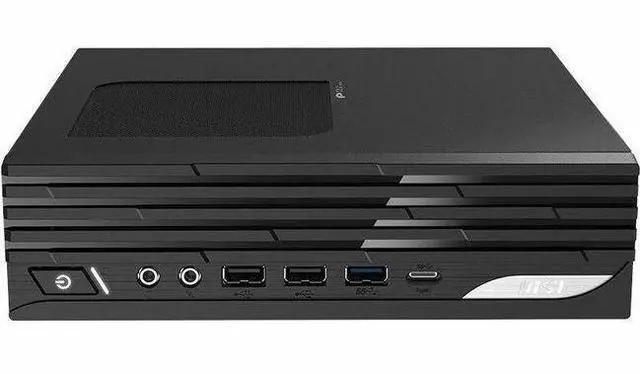
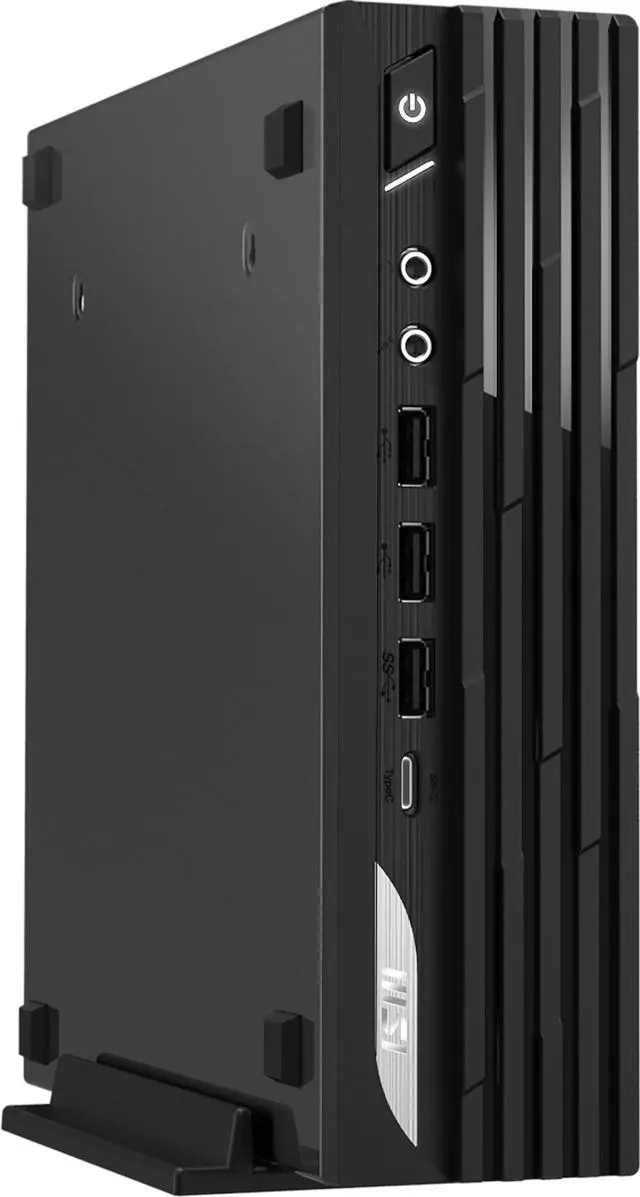
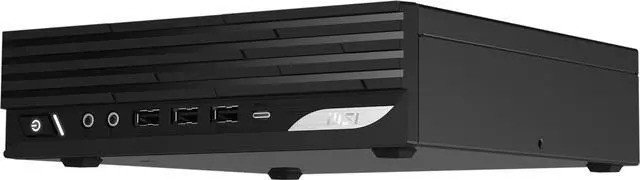
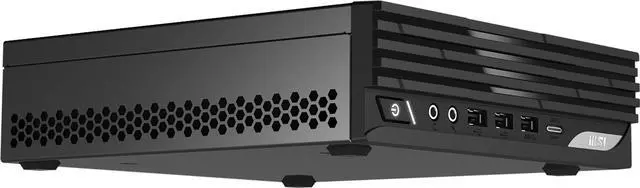
Ports And ConnectivityFront: 4 × USB 2.0 and 1 audio port. Rear: 1 × USB 3.2 Gen 2 Type-A, 2 × USB 3.2 Gen 1 Type-A, 1 × USB 3.2 Gen 2 Type-C, and 1 audio port; also includes 1 COM port
Wired And Wireless NetworkingGigabit Ethernet, Wi-Fi 6E, and Bluetooth 5.3
AudioRealtek ALC897 chipset with HD audio
Operating System And PowerWindows 11 Pro 64-bit; 120 W power supply
Chassis And MountingBlack mini PC chassis measuring 8.03 × 8.19 × 2.16 inches (H × W × D), weighing 2.80 lb; VESA mount pattern is 100 × 100 mm
Keyboard And MouseIncludes a wired black keyboard and wired black mouse; keyboard layout is QWERTY
Model IdentifiersMSI PRO DP21 14MQ-006US; model number PDP2114MQ006

Reference Q&A

Q: MSI PRO DP21 14MQ with i5-14500 vs DP21 13M with i5-13400: which should I choose?

A: Choose the PRO DP21 14MQ when you want the newer i5-14500 configuration, with 14 cores and 20 threads, plus DDR5 memory. The DP21 13M i5-13400 version has 10 cores and 16 threads and uses DDR4 memory. Both are compact MSI business desktops; the 14MQ’s listed configuration includes 16GB memory, a 1TB NVMe SSD, and Windows 11 Pro.

Q: MSI PRO DP21 14MQ i5-14500 vs i7-14700: which configuration fits heavier workloads?

A: Choose the DP21 14MQ configuration with the i7-14700 when your priority is a higher core count: MSI lists 20 cores and 28 threads for that processor, compared with 14 cores and 20 threads for the i5-14500 in this model. Choose the i5-14500 version for a 14th-generation DP21 with 16GB DDR5, a 1TB SSD, and Windows 11 Pro in the listed Newegg configuration.

Q: MSI PRO DP21 14MQ vs MSI Cubi 5 12M: which is better for a smaller setup?

A: Choose the Cubi 5 12M when minimizing desktop footprint is the main priority: MSI lists it at 0.66 liters and 1.21 pounds. Choose the PRO DP21 14MQ when you want the listed i5-14500 desktop configuration, with 14 cores and 20 threads, 16GB DDR5, and a 1TB SSD. The Cubi 5 12M is offered with lower-power 12th-generation U-series processors, including the i5-1235U and i7-1255U.

Q: MSI PRO DP21 14MQ i5-14500 vs DP21 14MQ i5-14400: what’s the difference?

A: Choose the i5-14500 configuration when you want 14 cores and 20 threads; MSI lists the i5-14400 configuration with 10 cores and 16 threads. The Newegg i5-14500 model also comes with 16GB DDR5, a 1TB NVMe SSD, and Windows 11 Pro, making its included configuration easy to identify for a business desktop setup.

Q: Does this desktop come with a monitor?

A: No. The MSI PRO DP21 14MQ-006US is sold without a monitor. It has HDMI and DisplayPort video outputs, so you’ll need a compatible display and may need a cable or adapter.

Q: Can I connect this desktop to Wi-Fi?

A: Yes. It includes Wi-Fi 6E, as well as Bluetooth 5.3. It also has a Gigabit Ethernet port for a wired network connection.

Q: What video connections does it have for a monitor?

A: It has one HDMI 2.0b output and one DisplayPort 1.4 output. Check which input your monitor uses; a compatible cable or adapter may be needed.

Q: Is the PRO DP21 a good fit for a compact office setup?

A: It is a compact desktop intended for business and mainstream use. This configuration has a Core i5-14500, 16GB of RAM, a 1TB SSD, and Windows 11 Pro. It has no built-in screen, so you will need a separate monitor.

Q: Is the PRO DP21 suitable for gaming or graphics-heavy work?

A: It has integrated Intel UHD Graphics 770 and no dedicated graphics card. It may suit basic display and office tasks, but users needing strong graphics performance should consider a desktop with a dedicated GPU.

Q: Can the PRO DP21 be upgraded later?

A: Some expansion is available: the listed configuration supports up to 64GB of memory and has two 2.5-inch storage bays. Both memory slots are occupied, so a RAM upgrade would require replacing the installed modules rather than adding another pair.