


 All CategoriesAll CategoriesAll Categories
Shipped by Newegg
 Top Rated

Make informed decisions with expert advice. Learn More



Warranty Notice:
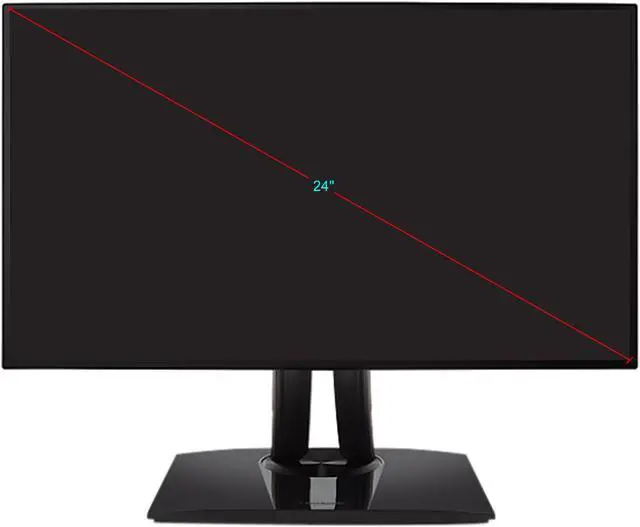
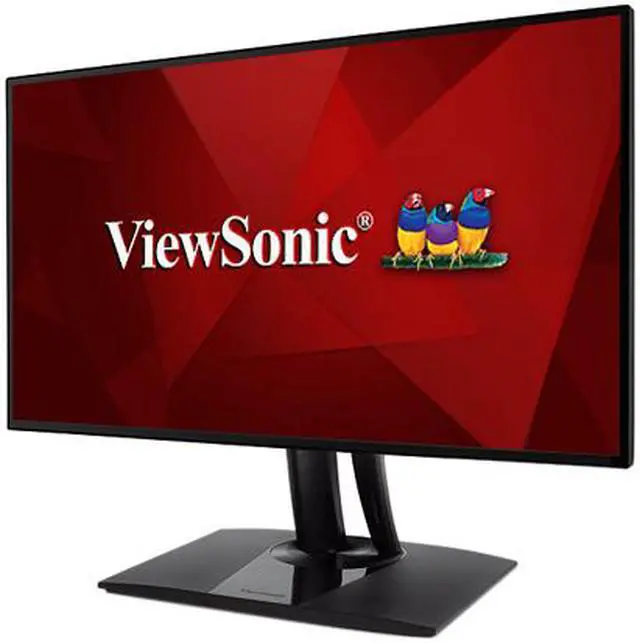
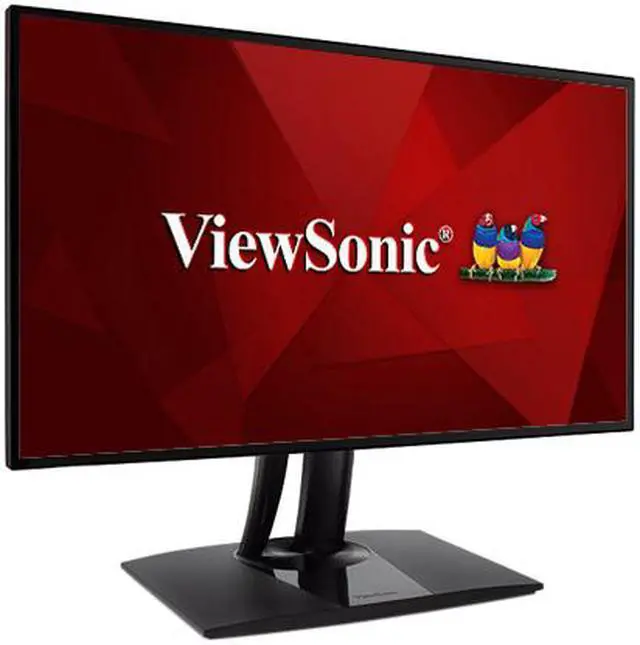
This product does not include manufacturer warranty when purchased or used outside of its designated sales region. By purchasing internationally, you acknowledge that warranty support from the manufacturer will not be available.The ViewSonic VP2468a is a 24-inch Full HD IPS monitor with 100% sRGB and Rec. 709 coverage, Delta E<2 color accuracy, and ergonomic adjustments, making it suitable for office work, photo editing, and other color-conscious tasks at 60Hz.
| Attribute | Value |
|---|---|
| Best For | Desktop business use and photo and video editing |
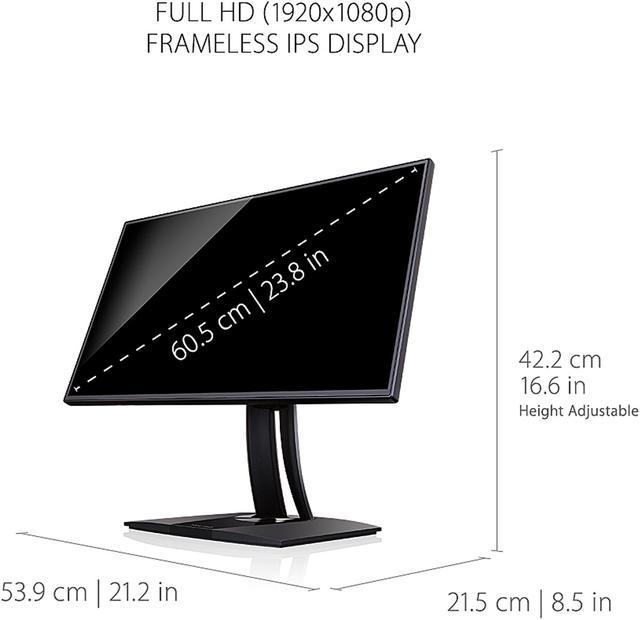
| Panel And Resolution | 24-inch flat IPS LCD panel with 1920 × 1080 Full HD resolution, 16:9 aspect ratio, 0.276 mm pixel pitch, 178° horizontal and vertical viewing angles, 250 cd/m² brightness, 1,000:1 contrast ratio, 16.7 million display colors, and 100% sRGB gamut |
| Refresh Rate And Response | 60 Hz refresh rate, 5 ms response time, 15–90 kHz horizontal refresh range, and 24–75 Hz vertical refresh range |
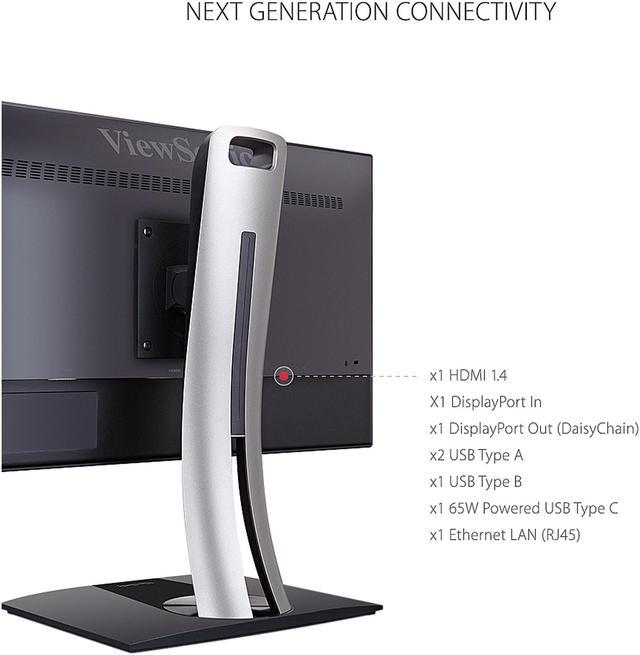
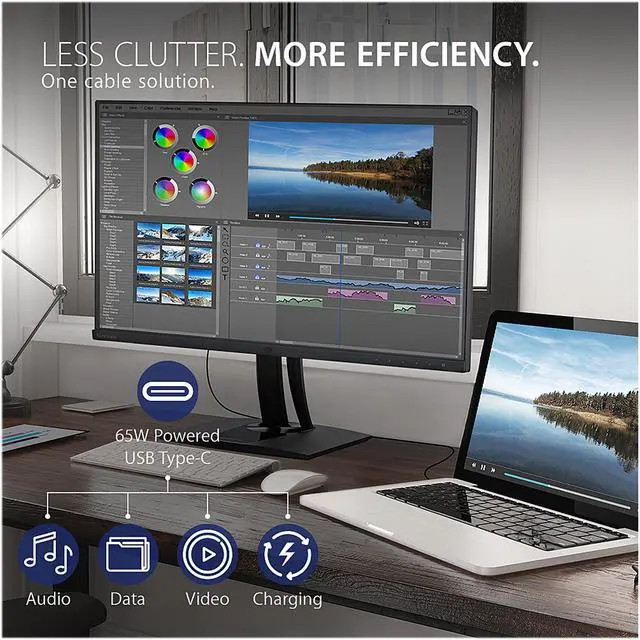
| Ports And Connectivity | HDMI, DisplayPort input and output, one USB 3.1 Type-C port, two USB 2.0 Type-A ports, one USB 2.0 Type-B port, and RJ45 Ethernet |
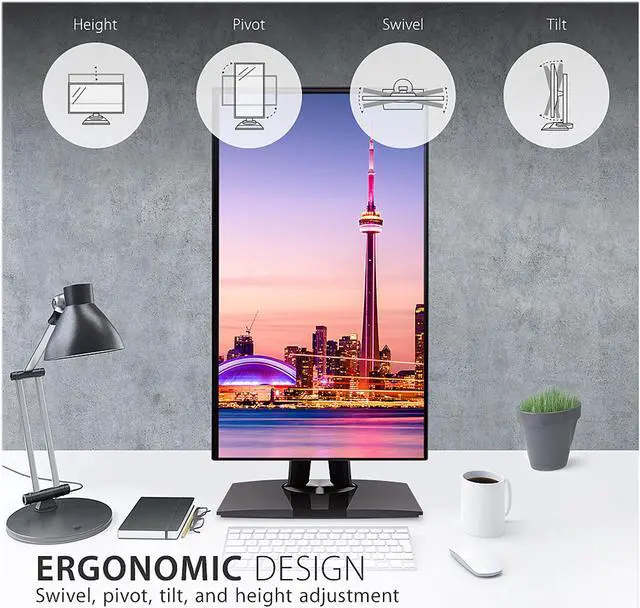
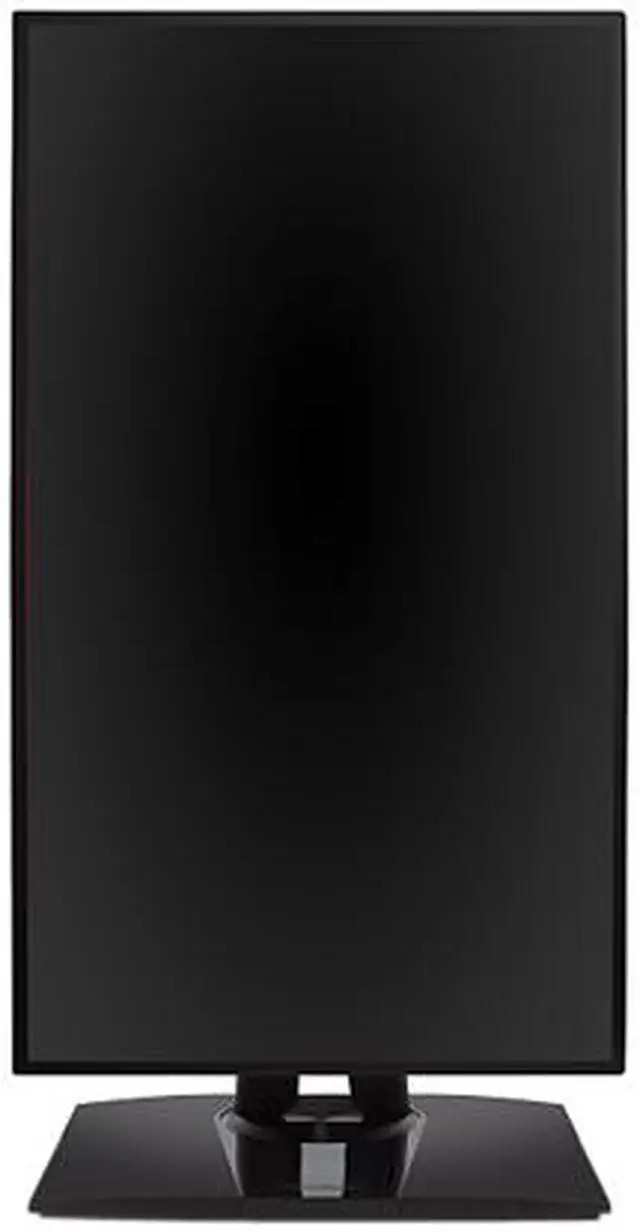
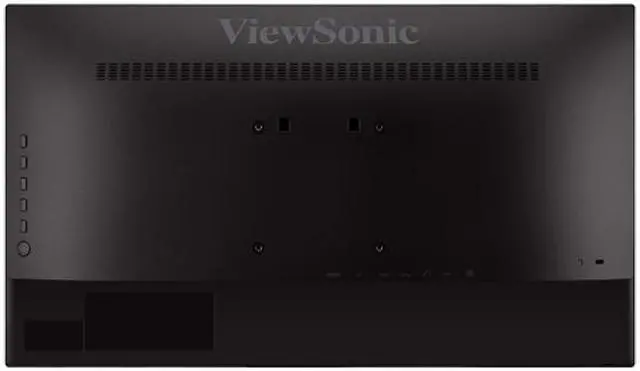
| Stand And Mounting | Height adjustment up to 130 mm, 60° swivel, tilt from 6° forward to 21° back, and 100 × 100 mm VESA mounting compatibility |
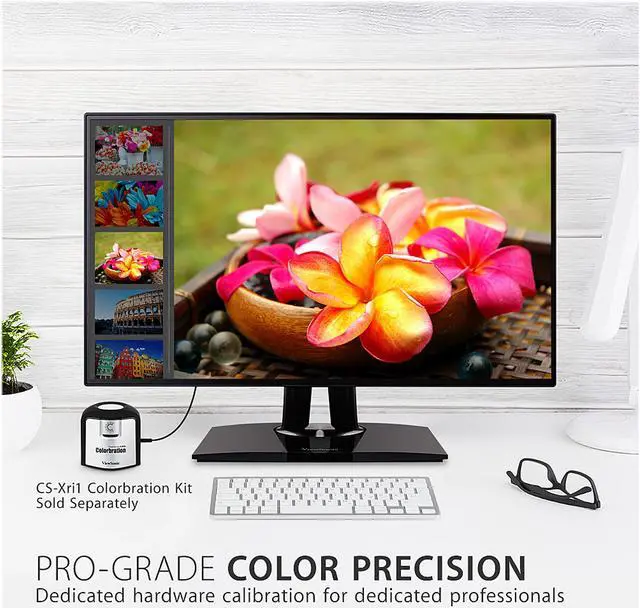
| Display Comfort And Color | Matte anti-glare screen with flicker-free and blue-light-filter features; hardware-calibration support |
| Design And Dimensions | Black cabinet; 21.20 × 16.60 × 8.50 inches with stand and 21.20 × 12.20 × 1.90 inches without stand; weighs 12.5 lb with stand and 7.0 lb without stand |
| Power And Compliance | 100–240 VAC, 50/60 Hz power supply; consumption of 17 W in conserve mode, 19 W optimized, 22 W typical, 25 W maximum, and 0.3 W standby; ENERGY STAR compliant |
| Controls And Built-In Features | Physical buttons and on-screen display controls; no built-in speakers or webcam |
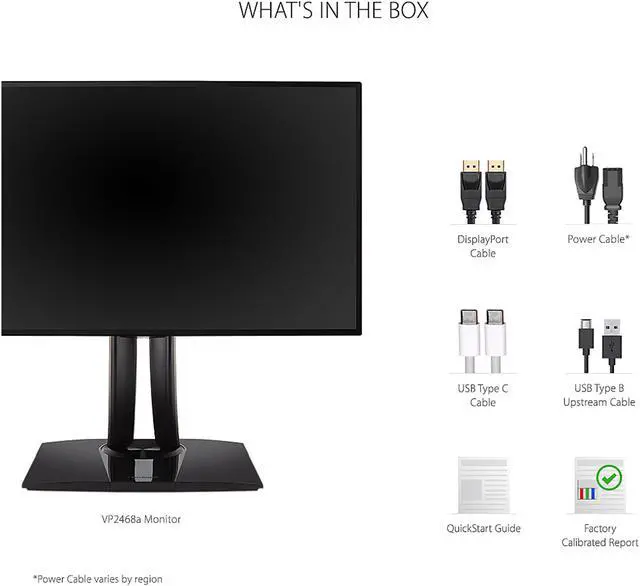
| Included Accessories | Power cable, DisplayPort-to-DisplayPort cable, USB Type-C cable, USB Type-B uplink cable, and quick start guide |
| Model Identifiers | ViewSonic VP2468a |
Q: ViewSonic VP2468a vs VP2768a: which should I choose for photo editing?
A: Choose the VP2468a for a 24-inch Full HD workspace with color-focused features, 65W USB-C charging, and RJ45 Ethernet. Choose the VP2768a if you want a larger 27-inch QHD screen and 90W USB-C charging while keeping color-focused features and RJ45 connectivity.
Q: Should I get the VP2468a or the older ViewSonic VP2468?
A: Both are 24-inch Full HD ColorPro monitors. Choose the VP2468a for a USB-C laptop connection with up to 65W charging, built-in RJ45 Ethernet, and USB-C connectivity. The VP2468 is an option if its four USB-A ports and Mini DisplayPort connections better match your existing setup.
Q: VP2468a vs VP2756-2K: which gives me a larger, sharper workspace?
A: Choose the VP2756-2K for its 27-inch QHD resolution of 2560 × 1440, which provides a larger workspace with more pixels than the VP2468a’s 24-inch Full HD display. Choose the VP2468a for a 24-inch setup with 65W USB-C charging, RJ45 Ethernet, and DisplayPort daisy-chain connectivity.
Q: Can I connect my laptop with one USB-C cable and charge it?
A: Yes, if the laptop’s USB-C port supports video output and charging. The VP2468a can carry video and data and provide up to 65W of laptop charging over USB-C; its RJ45 port can also provide wired Ethernet through the monitor connection.
Q: Does this monitor have built-in speakers or a webcam for meetings?
A: No. The VP2468a has no built-in speakers or webcam, so plan to use your computer’s audio and camera or connect external devices for video meetings.
Q: Is this a good monitor for everyday office work and video calls?
A: It suits everyday office work, with a 24-inch Full HD IPS screen, a height-adjustable stand, and USB-C connectivity. It does not include a webcam or speakers, so video calls require separate camera and audio equipment.
Q: Is it suitable for photo or graphic-design work?
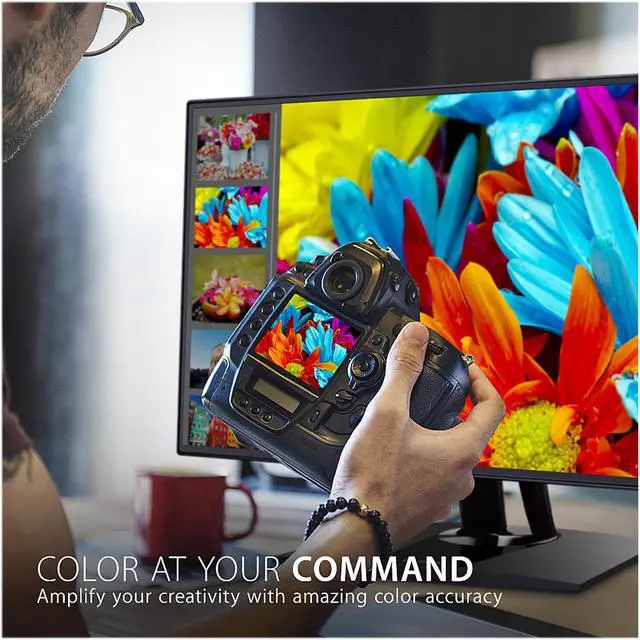
A: It may suit color-focused work where Full HD resolution is sufficient: the listing specifies 100% sRGB and Rec. 709 coverage, Delta E below 2, and hardware calibration support. The calibration kit is sold separately, and the monitor is limited to 1920 × 1080 at 60Hz.
Q: Is the VP2468a suitable for video editing or color-critical work?
A: It offers IPS color coverage and hardware calibration support, but the calibration kit is sold separately. For color-critical video work, plan to calibrate it and use an appropriate external video-monitoring setup; its 1080p, 60Hz specs are better suited to general or entry-level editing than workflows needing higher resolution or refresh rates.
Q: Does the VP2468a include the equipment needed for hardware calibration?
A: No. The monitor supports hardware calibration, but the calibration kit is sold separately, so include that extra purchase if you need to calibrate it with a colorimeter.
Q: Can I daisy-chain a second monitor through the VP2468a?
A: The VP2468a has DisplayPort input and output, so it can be part of a daisy chain. Whether the second screen extends the desktop depends on the computer’s DisplayPort-over-USB-C and MST support; check host compatibility, since the Reddit discussion notes that behavior can differ by operating system.


