


 All CategoriesAll CategoriesAll Categories
Shipped by Newegg
 Top Rated






Warranty Notice:
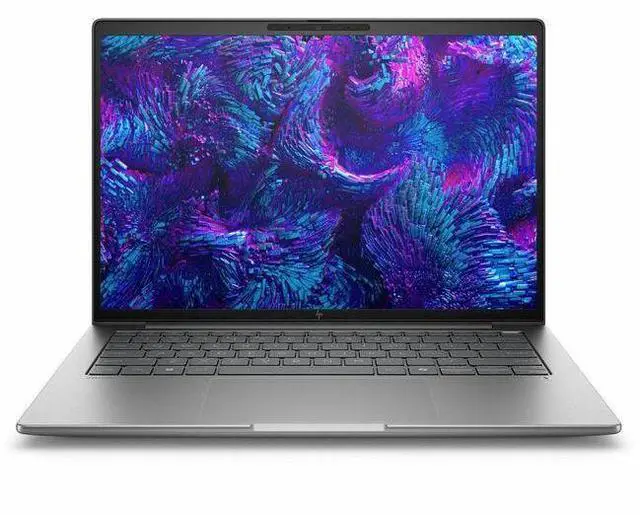
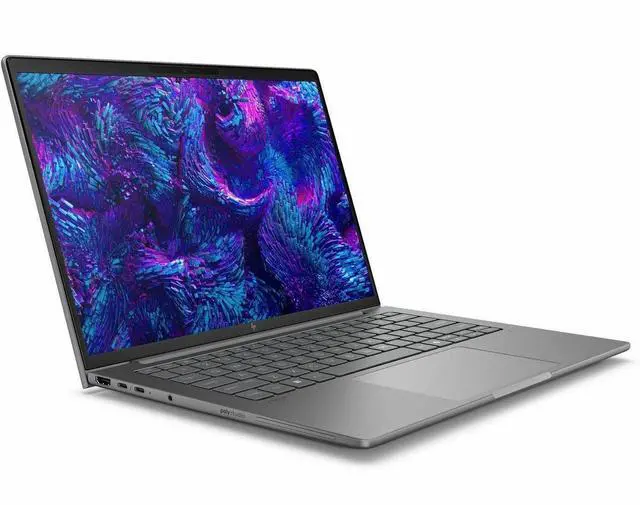
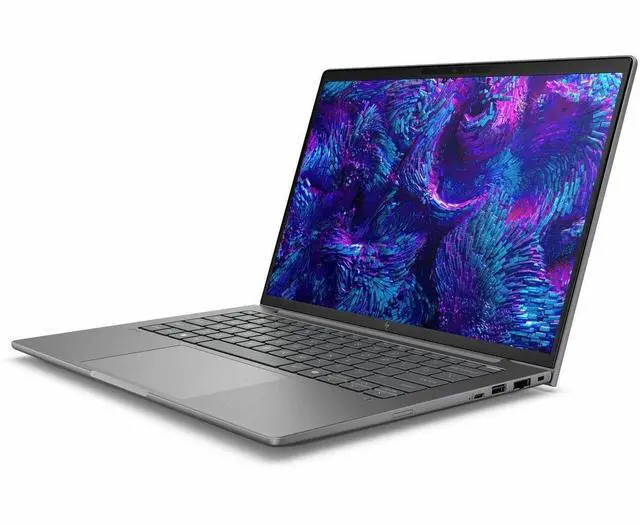
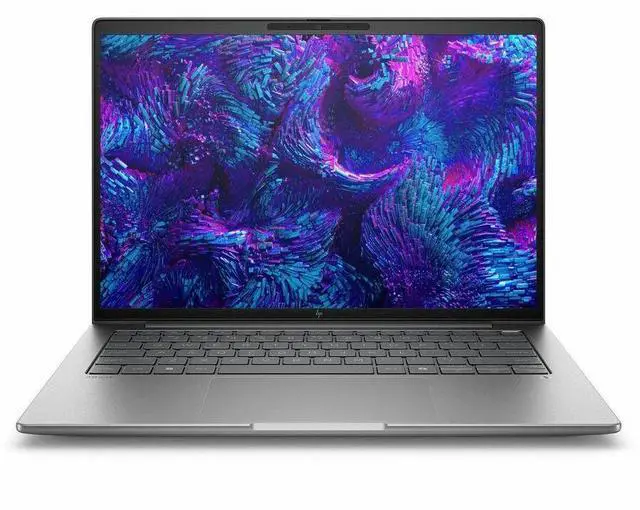
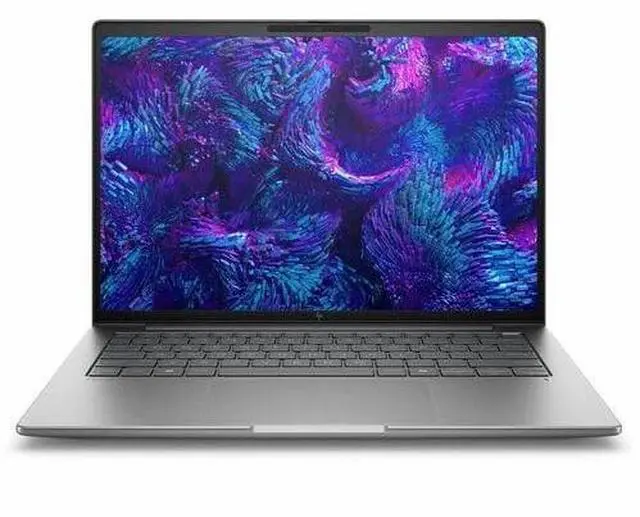
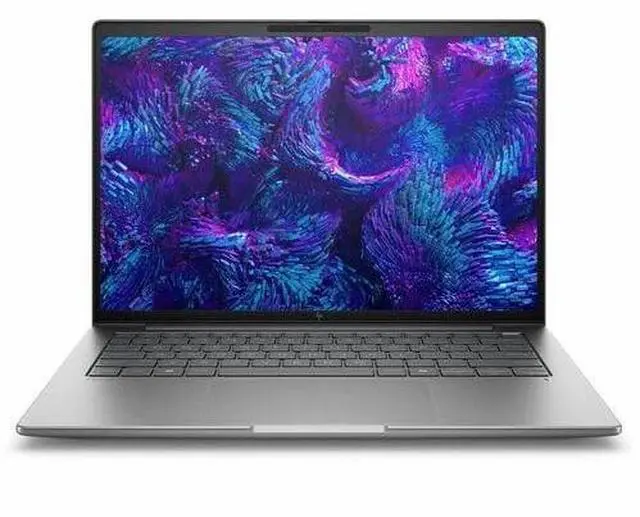
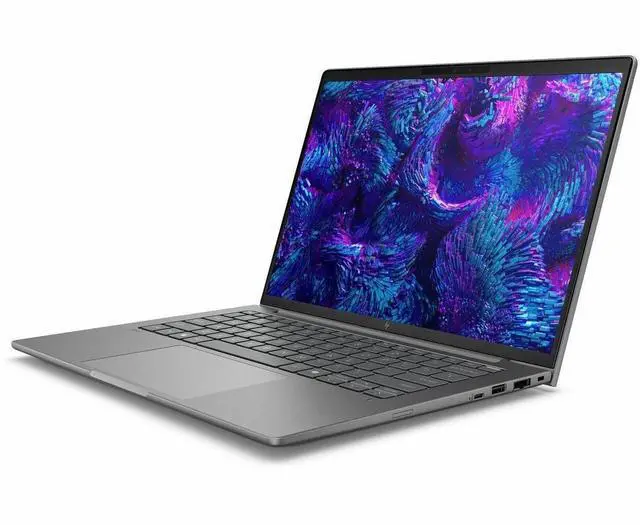
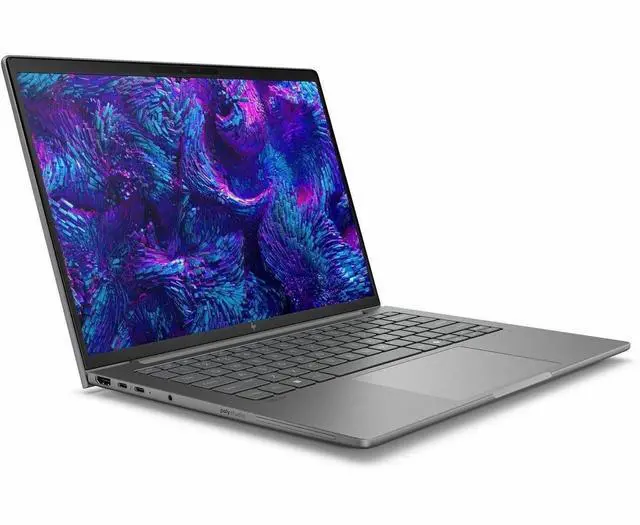
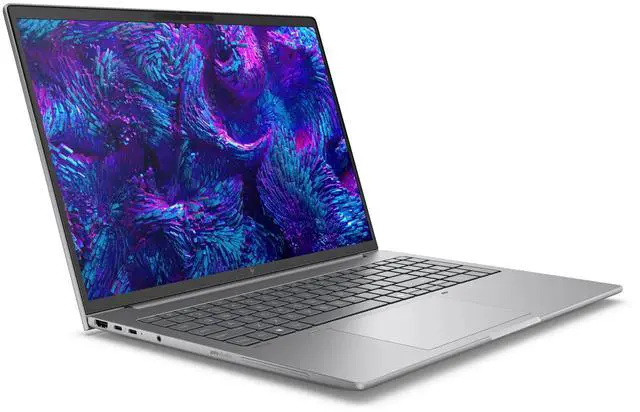
This product does not include manufacturer warranty when purchased or used outside of its designated sales region. By purchasing internationally, you acknowledge that warranty support from the manufacturer will not be available.The HP ZBook 8 G1i is a 16-inch mobile workstation with an Intel Core Ultra 7 255H, 16GB RAM, and 512GB SSD, suited for professionals and students who need a large WUXGA display, Windows 11 Pro, and workstation-class flexibility for productivity, design, and everyday content creation.
| Attribute | Value |
|---|---|
| Best For | Mobile workstation for professional on‑the‑go work and content workflows, configured with an Intel Core Ultra 7 255H processor and Windows 11 Pro |
| Processor And Core Count | Intel Core Ultra 7 255H (13th Gen) single-processor configuration, up to 5.1 GHz with 24 MB L3 cache |
| GPU And VRAM | Integrated graphics |
| Display Spec | 16.0-inch In-Plane Switching (IPS) display, native 1920 x 1200 (WUXGA) resolution at 60 Hz, up to 300 nits max brightness, sRGB ~62% color gamut |
| Memory Configuration | 16 GB DDR5 RAM installed; 2 total memory slots; maximum supported 16 GB |
| Storage And Expansion | 512 GB SSD storage |
| High Speed I O | Includes 2 USB ports, 2 Thunderbolt ports and 1 HDMI port; supports USB Type-C and Ethernet connections |
| Battery And Power | Built-in lithium polymer rechargeable battery (listed with 3 cells); one battery and power adapter included |
| Wired And Wireless Networking | Wi‑Fi (802.11be) and Bluetooth wireless connectivity; Ethernet supported |
| Webcam And Privacy | Built-in webcam with infrared camera |
| Keyboard And Control | Full-size QWERTY (English) keyboard with standard keys and touchpad; includes fingerprint reader |
| Portability | Approximately 7.65 pounds; package footprint about 20 x 3 x 12 inches |
| External Display And Docking Fit | Supports external displays and docking via HDMI and Thunderbolt ports; compatible with common external displays and accessories using HDMI, USB Type-C, Bluetooth, or Wi‑Fi |
| Special Features | Includes AI-related features (AI Boost NPU), fingerprint reader, infrared camera, and Wolf Pro Security Edition |
| Model Identifiers | HP ZBook 8 G1i — model BX7U4UT#ABA; manufacturer Hewlett Packard; color Meteor Silver |
Q: Should I choose the HP ZBook 8 G1i 16 or the HP ZBook Firefly 16 G11?
A: Choose the HP ZBook 8 G1i 16 if you want a clearer step up into mobile-workstation use, especially for CAD, Adobe, and other pro apps that benefit from workstation-class graphics and ISV-certified configurations. HP positions the Firefly 16 G11 as the lighter, portability-focused option for light creative work and multitasking, while the ZBook 8 line is positioned for heavier professional app use with optional NVIDIA RTX 500 Ada graphics and higher workstation headroom. In short: Firefly 16 G11 fits mobility-first office and light creator use; ZBook 8 G1i 16 fits users who need more graphics capability and a more workstation-focused configuration.
Q: Is the HP ZBook 8 G1i 16 worth it over a lower-spec integrated-graphics configuration?
A: Yes, if your workload includes 3D design, GPU-accelerated creation, or certified professional software. A lower-tier ZBook 8 configuration with only Intel Arc integrated graphics is a sensible fit for office work, coding, reporting, and lighter content tasks. This Newegg-listed configuration is the better choice when you want the flexibility of Intel Core Ultra 7 255H performance plus access to workstation-class NVIDIA RTX 500 Ada graphics for heavier pro workflows. The trade-off is that lower-tier configurations can be more cost-efficient for users who do not need discrete GPU acceleration.
Q: Should I upgrade from the HP ZBook Power 16 G11 to the HP ZBook 8 G1i 16?
A: Usually only if you want HP's newer ZBook 8 platform priorities: newer Core Ultra architecture, updated branding and positioning, and a more modern entry workstation option. The ZBook Power 16 G11 remains the more performance-leaning choice in HP's lineup for buyers who want stronger all-around workstation value, while the ZBook 8 line is the newer mainstream workstation tier replacing the older Firefly-style space and covering lighter to midrange pro use. For most current ZBook Power 16 G11 owners, this is more of a side-grade or platform refresh than a clear performance-driven upgrade unless your exact new configuration improves the CPU, GPU, display, or memory meaningfully.
Q: Should I buy this HP ZBook 8 G1i 16 or move up to a higher-tier ZBook like the ZBook X or Fury?
A: Buy the ZBook 8 G1i 16 if you need a practical mobile workstation for mainstream professional workloads and want to avoid paying for workstation capacity you may not use. Move up to the ZBook X or Fury when your work regularly depends on faster discrete graphics, more sustained thermal headroom, or higher-end display and configuration options. HP positions the higher tiers for heavier workstation demands, while the ZBook 8 is the more balanced entry point. The main trade-off is simple: the ZBook 8 G1i 16 is the easier fit for general professional use, while higher tiers make more sense for specialized rendering, simulation, and heavier 3D workloads.
Q: Is the HP ZBook 8 G1i 16 a better choice than a thin business laptop for portability-first use?
A: Not usually. If portability, battery-focused office work, and lower carry weight matter more than workstation graphics, a business laptop or lighter workstation is often the better fit. The HP ZBook 8 G1i 16 makes more sense when you still want a reasonably mobile system but need workstation features such as pro GPU options, expandable memory, and support for professional software workflows. In short: choose a lighter business notebook for travel-heavy productivity; choose the ZBook 8 G1i 16 when your daily work needs professional graphics and workstation-oriented hardware.
Q: Is this a good fit for office work, meetings, and everyday business tasks?
A: Yes. This configuration is well suited to office work, web apps, spreadsheets, email, video meetings, and general multitasking. The Core Ultra 7 processor, 16GB RAM, 512GB SSD, 1920x1200 display, webcam, and Windows 11 Pro match the feature set commonly recommended in retail business-laptop Q&A for productivity and collaboration. It is a stronger choice for professional workloads than a basic consumer laptop, but it is more machine than most users need for simple browsing or note-taking alone.
Q: Is it worth buying as a travel work device?
A: It can work well for travel if your priority is workstation-class performance on the go, but it is not the lightest or simplest travel laptop choice. A 16-inch mobile workstation is better for users who travel with demanding software, larger spreadsheets, or external-display workflows. If your travel use is mostly email, documents, meetings, and web work, a lighter business laptop usually offers a better portability trade-off.
Q: Who is this laptop most suitable for?
A: This model is most suitable for business users, engineers, creators, and analysts who want a professional Windows laptop with workstation positioning, a 16-inch display, business OS, fast wireless, and graphics support beyond entry-level office machines. It makes more sense for users running heavier multitasking, technical apps, or some GPU-accelerated workflows than for buyers who only need a basic school or home laptop.
Q: What are the main trade-offs versus a lighter business laptop?
A: The main trade-off is performance headroom versus portability. This ZBook-class system gives you a larger 16-inch workspace, workstation positioning, and stronger graphics options than many thin business laptops. In return, buyers should expect a bigger chassis and a less travel-friendly footprint than lighter 14-inch or mainstream business models. If you value screen space and pro-app capability, this trade-off is reasonable; if you value minimal weight and all-day carry comfort, a lighter business laptop is the better fit.
Q: Is 16GB RAM and 512GB SSD enough for this type of workstation laptop?
A: It is enough for office work, meetings, research, multitasking, and many professional applications, so the base configuration is usable for a broad business audience. The limitation is headroom: buyers doing large creative projects, virtual machines, CAD, or heavier AI and GPU-assisted workflows may outgrow 16GB memory or 512GB storage faster than typical office users. For standard business use, the base specs are reasonable; for demanding workstation use, buyers should compare higher-memory or higher-storage options.
Q: Who is the HP ZBook 8 G1i 16 best suited for?
A: It is best suited for users who want a business-class 16-inch workstation for office work, coding, large spreadsheets, and light-to-moderate professional GPU use. Based on the listed configuration, the main fit is productivity and workstation workflows that benefit from a Core Ultra H-series CPU, a 16:10 1920x1200 display, and professional features like Windows 11 Pro and Wi‑Fi 7. It is a weaker fit for buyers who need high-end 3D, rendering, or GPU-heavy AI workloads, because this configuration has only 16GB RAM and entry-level professional graphics.
Q: Is the HP ZBook 8 G1i 16 worth buying if I do not need heavy graphics performance?
A: Yes, if you want a professional 16-inch laptop for work and do not need strong GPU performance. Reddit discussion around the ZBook 8 line repeatedly frames it as the thinner, more affordable option where Intel Arc or the lower-end RTX 500-class graphics are acceptable for lighter tasks. The main trade-off is that this model is not the best value for demanding CAD, rendering, or AI workloads, where more RAM and a stronger GPU would matter more.
Q: Is 16GB RAM enough for this workstation configuration?
A: For general office work, web apps, note-taking, and light development, 16GB is usually enough. For workstation use, it is the biggest limitation in this specific configuration. Reddit discussion about the ZBook 8 G1i repeatedly treats 16GB as a low starting point for a mobile workstation, especially for users running heavier multitasking, local development environments, CAD, or larger datasets.
Q: Is the HP ZBook 8 G1i 16 a good travel-friendly workstation replacement?
A: It can work well if you want a more portable workstation than a larger desktop-replacement model, but it still involves trade-offs. Reddit discussion around the ZBook family positions the ZBook 8 line as thinner and easier to carry than bulkier ZBook models, while also being less capable for sustained heavy workloads. In practice, it makes more sense for buyers who prioritize portability and business use over maximum thermal headroom or top-end graphics.
Q: What are the main trade-offs of the HP ZBook 8 G1i 16?
A: The main trade-offs are memory, graphics headroom, and possible noise under higher power settings. This configuration gives you a professional 16-inch chassis, a 16:10 WUXGA IPS display, and modern connectivity, but only 16GB RAM and lower-end workstation graphics limit its appeal for heavier professional workloads. Reddit discussion also suggests that some ZBook 8 G1i users notice behavior changes such as noise differences across power modes, which matters if you are sensitive to acoustics.


